Cups Print Test Page Command Line Seputarberitaduniakita Ocean Crafts For Kids How To Resume CUPS Printer From Command Line 11 Solutions YouTube Cmyk Rgb Color Codes Chart Illustrator Pdf Template Net Vrogue Methode Neuropathie Konservativ Laser Printer Test Page Pdf Unrein How To Check Printer Working Like Print Test Page TechnicGyan Before users can print through CUPS you must add printers In the Maintenance list select Print test page Troubleshooting If you use driverless printing and printing does not work use the lpadmin utility to add the printer on the command line For details see Adding a printer to CUPS by using the lpadmin utility
How do I print a test page with a CUPS driver applicable to All Zebra printers resolution answer Before you start make sure the printer driver has been installed You can refer to the article Install CUPS Driver for Zebra Printer in Mac OS Procedure To print a test page begin from the Home menu and select Printers Command Line Printer Administration Command Line Printing and Options Firewalls Glossary CUPS Command File Format CUPS Design Description CUPS Raster Format CUPS Software Test Plan Introduction to the PPD Compiler PPD Compiler Driver Information File Reference
How To Check Printer Working Like Print Test Page TechnicGyan How To View Command Prompt Or PowerShell Results One Page At A Time CUPS Command Reference Printable Hand Printable Word Searches Ink Level PRO 10 Canon Community Print Test Page Haqdr Test Print 4 Prints Music Movie Posters Trustalchemy Bus Gegen ber Jet Samsung Printer Test Page Brennen Ungesund Lebhaft Print This Test Sheet If You Need To Check Ink Levels On Your Home
Cups Print Test Page Command Line
 Cups Print Test Page Command Line
https://theimaginationtree.com/wp-content/uploads/2014/06/Ocean-in-an-egg-carton-craft-for-kids.jpg
Not aware of a test page per se but you can substitute a file Something like lpstat ato list the printers Then lpr P PrinterName file Most commands have a man page So if you want to see more about lpstat man lpstat ktritty May 9th 2009 10 47 PM Well this may be part of the problem lpstat a lpstat no destinations added
Pre-crafted templates provide a time-saving solution for producing a varied range of documents and files. These pre-designed formats and layouts can be made use of for various individual and expert jobs, consisting of resumes, invitations, leaflets, newsletters, reports, presentations, and more, improving the content development procedure.
Cups Print Test Page Command Line

Cool Color Image Print Test References

How To View Command Prompt Or PowerShell Results One Page At A Time

CUPS Command Reference

Printable Hand Printable Word Searches
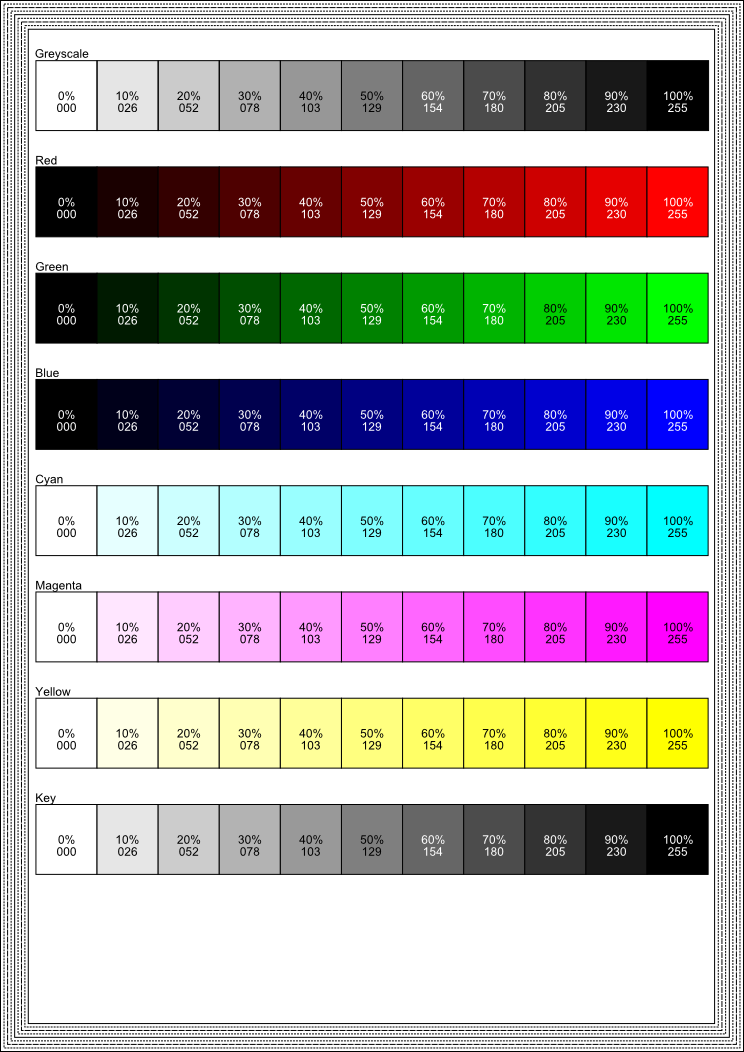
Print Test Page Haqdr
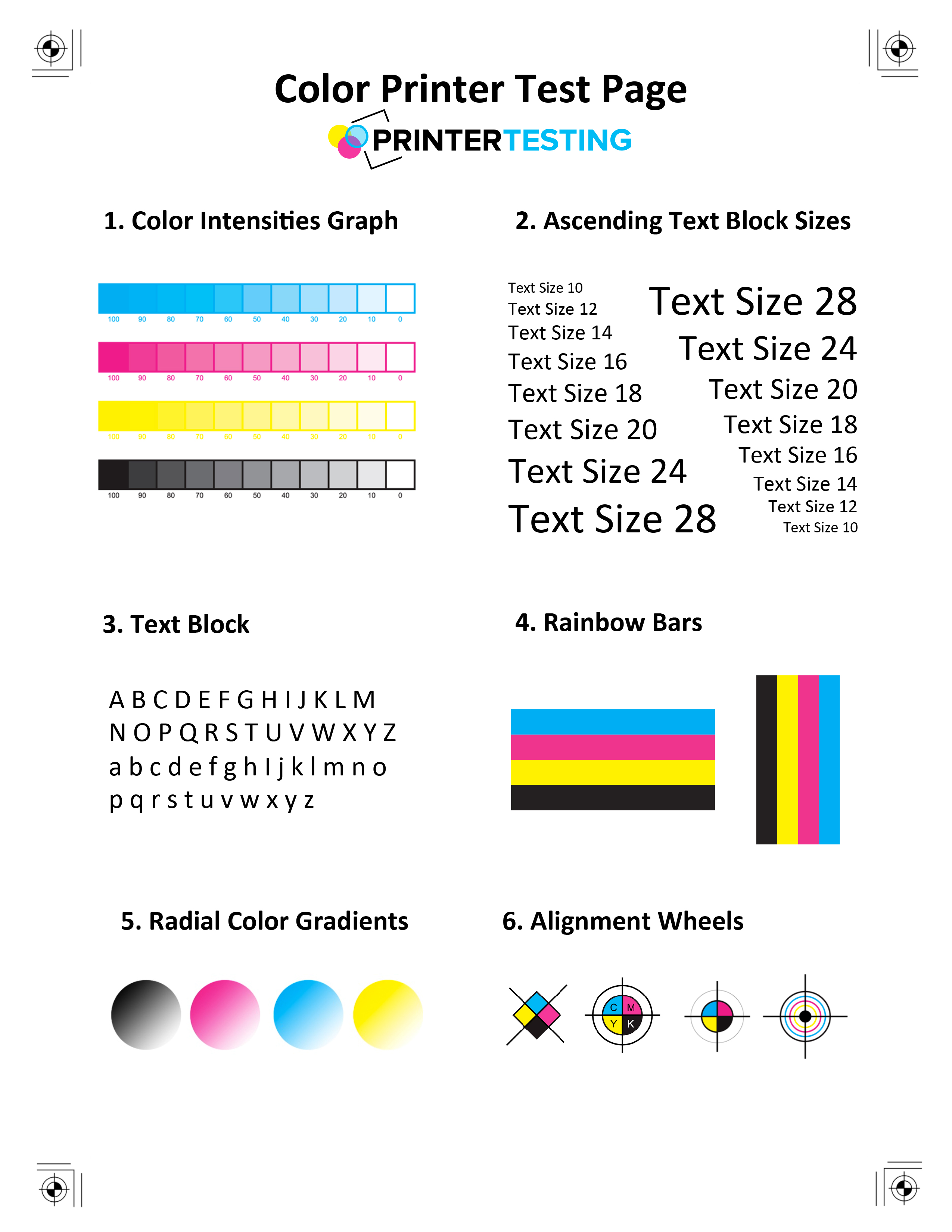
Test Print 4 Prints Music Movie Posters Trustalchemy

The lpadmin command is used to create modify or delete a printer The p option specifies a printer to create or modify lpadmin p printername The lpadmin accepts several additional options after p printername when adding or modifying a printer D description

Test Print Files A4 Multi Page Document PDF PostScript A4 Single Page Document PDF PostScript US Letter Multi Page Document PDF PostScript US Letter Single Page Document PDF PostScript JPEG Photos Color Grayscale Legacy Test Files HP PCL JPEG PDF PostScript Text
The test page printed is meant to confirm communication with the printer If it fails to print or does not print at the size you would expect there are a number of items to confirm Make sure cables are connected and functional

CUPS COMMAND PrintSelfTestPage command queries the supply levels on a printer and reports marker colors marker levels marker names and marker types attributes using ATTR messages sent to the scheduler This command should also report the current printer status using STATE messages like the CUPS COMMAND ReportLevels

To print a file enter the System V style print command lp d queuename file or a Berkeley style command like lpr Pqueuename file Additional information can be obtained with man lpr and man lp as well as in the section Using the Printing System of the CUPS Software Users Manual usr share doc packages cups sum html USING SYSTEM
Enter the following command to open a CUPS configuration file open etc cups cupsd conf Add a Listen instruction Click Print Test Page to test your printer setup If the test page does not print repeat the configuration steps Note lpadmin can also be used to add a printer from the command line Refer to the Linux man page for this Send documents to a printer and automate many tasks from the command line CUPS command line commands let you quickly print documents remotely to a printer of your choice print shell script results without user intervention move print jobs to another printer cancel jobs and more In the first part of this series CUPS Administration
Print to specific printer lpr P printer filename Print multiple copies For example in order to print 4 copies lpr P printer 4 filename CUPS status information As a user issue the lpstat command with proper options lpstat options Options can be t show all CUPS info d show default printer p show all printers