Ctrl C Not Working In Visual Studio Code Terminal Ctrl C Not Working In Word Ctrl C Not Working Ctrl C Not Working How To Open Visual Studio Code From Your Terminal Visual Studio For Mac Integrated Terminal Visual Studio For Mac How Do I Fix CTRL C Not Working Multitechverse Openpyxl Visual Studio Code openpyxl Not Working In Visual Chord keybindings are made up of two keybindings for example Ctrl K followed by Ctrl C to change the line to a comment Chords always skip the shell by default but can be disabled with terminal integrated allowChords macOS clear screen
Steps to Reproduce In version 1 3 1 I noticed that ctrl c does not work and prevents exiting the current command In my case I configured terminal to open PowerShell Example PS mkdir cmdlet mkdir at command pipeline position 1 Supply values for the following parameters Path 0 22 Yes No VS Code Version 1 63 2 OS Version macOS Monterey 12 1 Steps to Reproduce Open up Visual Studio Code Open an integrated terminal Type Ctrl A You expect this to bring the terminal cursor to the beginning of the line However this happens instead Here s another command that doesn t work Open up Visual Studio Code
Openpyxl Visual Studio Code openpyxl Not Working In Visual Ctrl C Ctrl V Not Working Best Ways To Quickly Fix Them Ctrl C Ctrl V Not Working In Microsoft Word MS Office Solved YouTube Solve Ctrl A Ctrl V Ctrl C Not Working Problem Fix Keyboard Not Visual Studio Code Terminal K sm Bulan k Technopat Sosyal How To Run A C Program In Visual Studio Code Coding Ninjas Visual Studio Code Keyboard Shortcuts Salesforce Blog Solved Where Is How To Refactor Code In Visual Studio Code Ctrl C Ctrl X Ctrl U Disable Wordpress Hannaxre
Ctrl C Not Working In Visual Studio Code Terminal
 Ctrl C Not Working In Visual Studio Code Terminal
https://i.ytimg.com/vi/YT3kCFFWLr4/maxresdefault.jpg
It works properly I have follow the key binding troubleshooting guide When I record my key ctrl dot It shows ctrl oem period Looks like the OS is sending the correct keys to VSCode I couldn t find a way to reset VSCode key bindings and do not know what is actually causing this What should I do next
Templates are pre-designed documents or files that can be utilized for various functions. They can conserve effort and time by supplying a ready-made format and design for developing various sort of content. Templates can be utilized for individual or expert tasks, such as resumes, invites, flyers, newsletters, reports, presentations, and more.
Ctrl C Not Working In Visual Studio Code Terminal
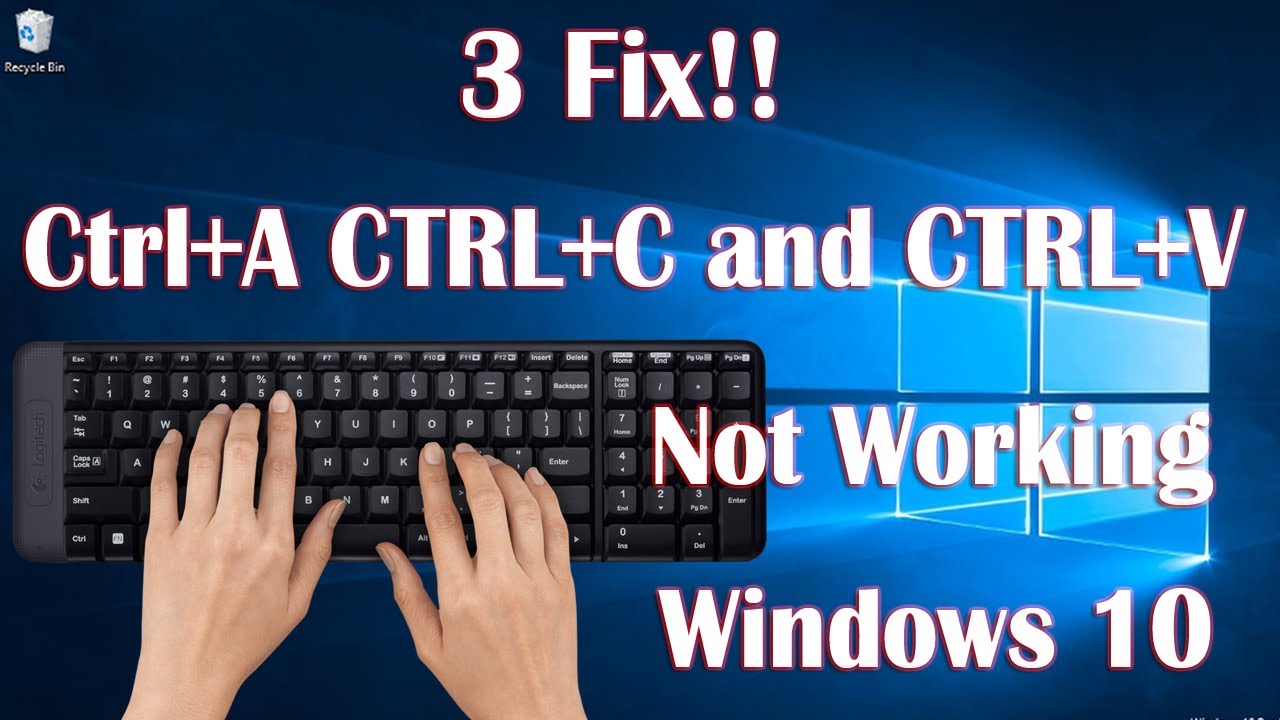
Ctrl A CTRL C And CTRL V Not Working In Windows 10 3 Fix For Laptop
Ctrl C Ctrl V Not Working Best Ways To Quickly Fix Them
Ctrl C Ctrl V Not Working In Microsoft Word MS Office Solved YouTube
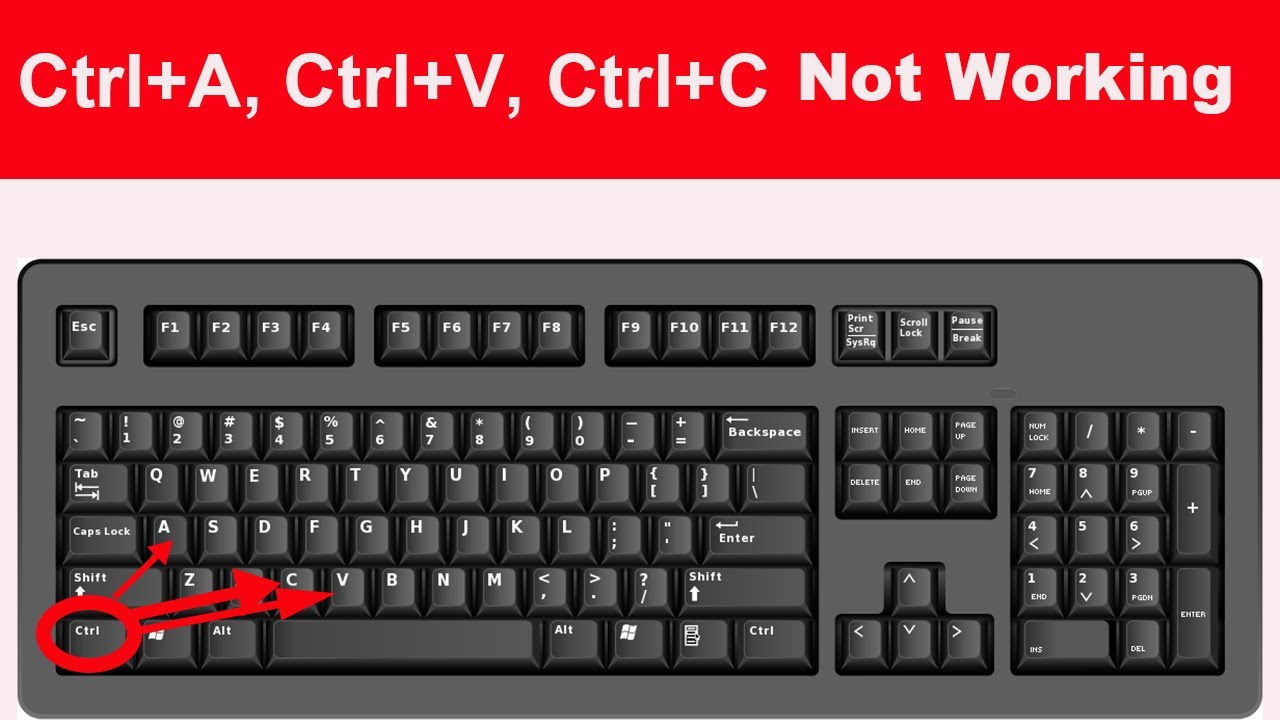
Solve Ctrl A Ctrl V Ctrl C Not Working Problem Fix Keyboard Not
How To Run A C Program In Visual Studio Code Coding Ninjas

Visual Studio Code Keyboard Shortcuts Salesforce Blog Solved Where Is

ProductVersion 11 7 5 BuildVersion 20G1225 Steps to Reproduce Open the integrated terminal Execute cat Type Ctrl C The cat command doesn t exit Only C is printed Notice that Ctrl C does work on the latest v1 77 0

Open a terminal application in the integrated terminal Press Ctrl C with the focus inside the terminal while the application is running The terminal does not get a signal to stop the process instead I can see that it is triggers Mac s copy command which is normally cmd c
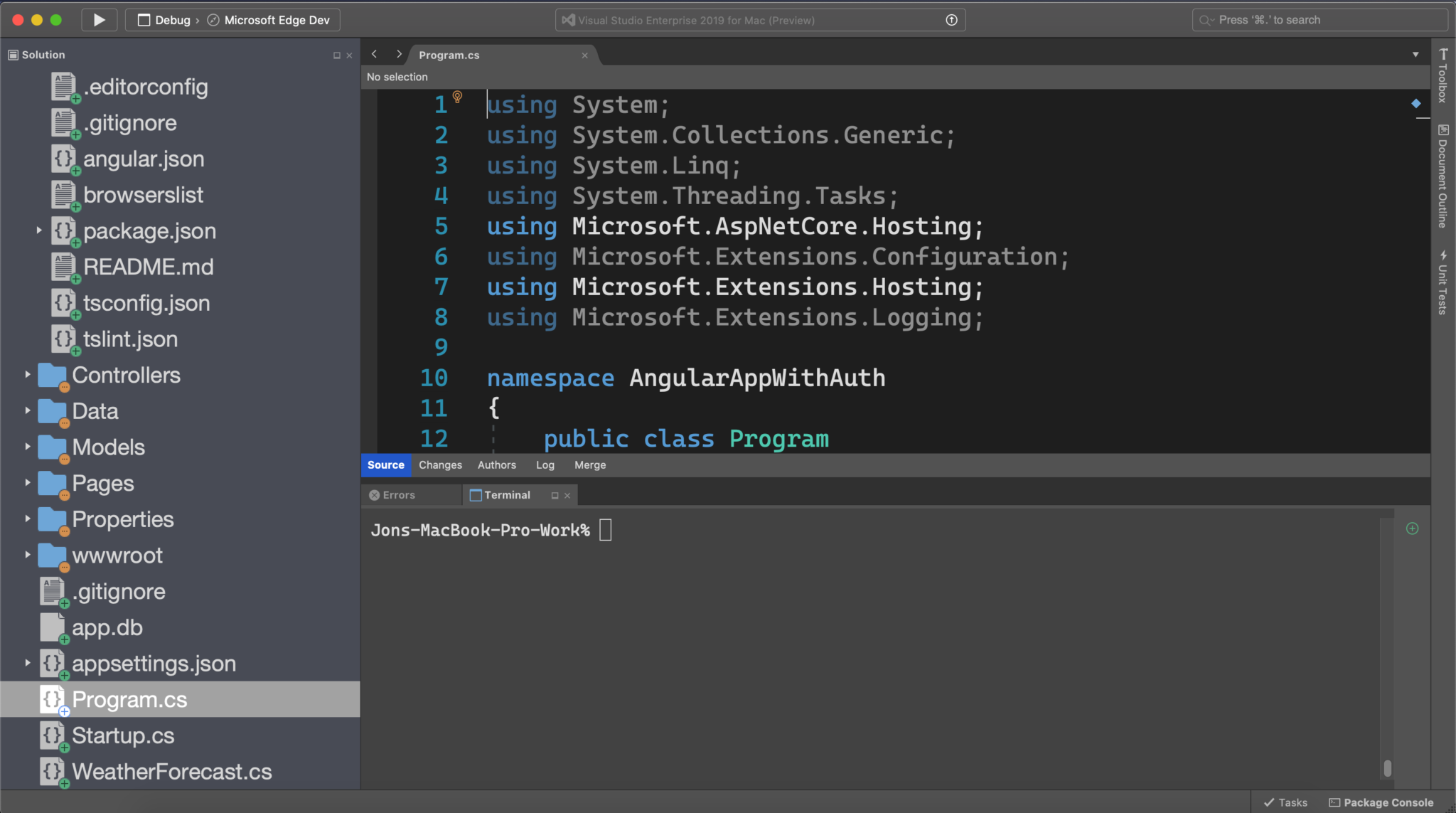
You can use Ctrl C for both if you add a condition for text being selected in terminal This way Ctrl C copies only if text is selected and sends SIGINT if no text is selected Add the following to keybindings json Ctrl Shift P Open Keyboard Shortcuts JSON

You can open settings json via the Edit in settings json link in the Settings editor or with the Preferences Open User Settings JSON command from the Command Palette P Windows Linux Ctrl Shift P Test your shell directly Try running your designated integrated terminal shell outside VS Code from an external terminal or command prompt

How can I configure Cmd to map to Ctrl C like macOS built in terminal The macOS default terminal uses Cmd to perform the same as Ctrl C To get this behavior in VS Code add this custom keybinding key cmd command workbench action terminal sendSequence when terminalFocus args text
IIRC it s up to the shell you re running inside the terminal and often that s expected behaviour e g Ctrl C normally stops a task I think there was a way to override that but can t find it as of now it was involving the terminal integratedmandsToSkipShell setting For example to bind Ctrl Shift T to open a terminal with the zsh profile key ctrl shift t command workbench action terminal newWithProfile args profileName zsh location editor
1 Share JialeDu 1 yr ago Did you install any new extensions This can cause conflicts to occur Check your extension list and disable some extensions Also pay attention to whether the cursor is in the terminal check the extension and the version of vscode to ensure that it is the latest