Crontab Bin Sh Conda Command Not Found Conda Install Jupyter Moxabeer Anaconda Cloud Dockerfile opt conda etc profile d conda sh Solved Conda Is Not Recognized As An Internal Or 9to5Answer How To Extract Multiple Compressed Formats With A Single COMMAND And the cron job is being configured with the user user 1 data autoremove sh dev null 2 cron err I have tried adding both a SHELL bin bash and a PATH to both the crontab and the script and confirmed that cron is running and attempted to run it without declaring a user The script works when running it either as root or
7 This is my Dockerfile FROM ubuntu 16 04 RUN apt get update y apt get install y git python python pip After the docker image is created I login and try to setup a cron job for testing To my surprise cron and crontab are not present ls app bin boot dev etc home lib lib64 media mnt opt proc root run sbin srv sys tmp usr var You likely need to tell cron that the shell to use is the bash shell as it defaults to sh You can do that for all crontab entries by putting this line in your crontab SHELL bin bash Note that this will cause all scripts in the crontab to be run under bash which may not be what you want If you want to change the crontab line itself to just
How To Extract Multiple Compressed Formats With A Single COMMAND Bourne Again Shell Vim Command Not Found Programmer Hat Conda Python Version Developmenttop Setting Up Conda In Git Bash Tips And Resources Codecademy Forums How To Use The Crontab Command In Unix Linux conda usr bin env PATH SegmentFault Bash Why Is Conda Not Initiating Shell Stack Overflow Solving Conda Command Not Found Error Across Multiple Operating Systems CommandNotFoundError Your Shell Has Not Been Properly Configured To
Crontab Bin Sh Conda Command Not Found
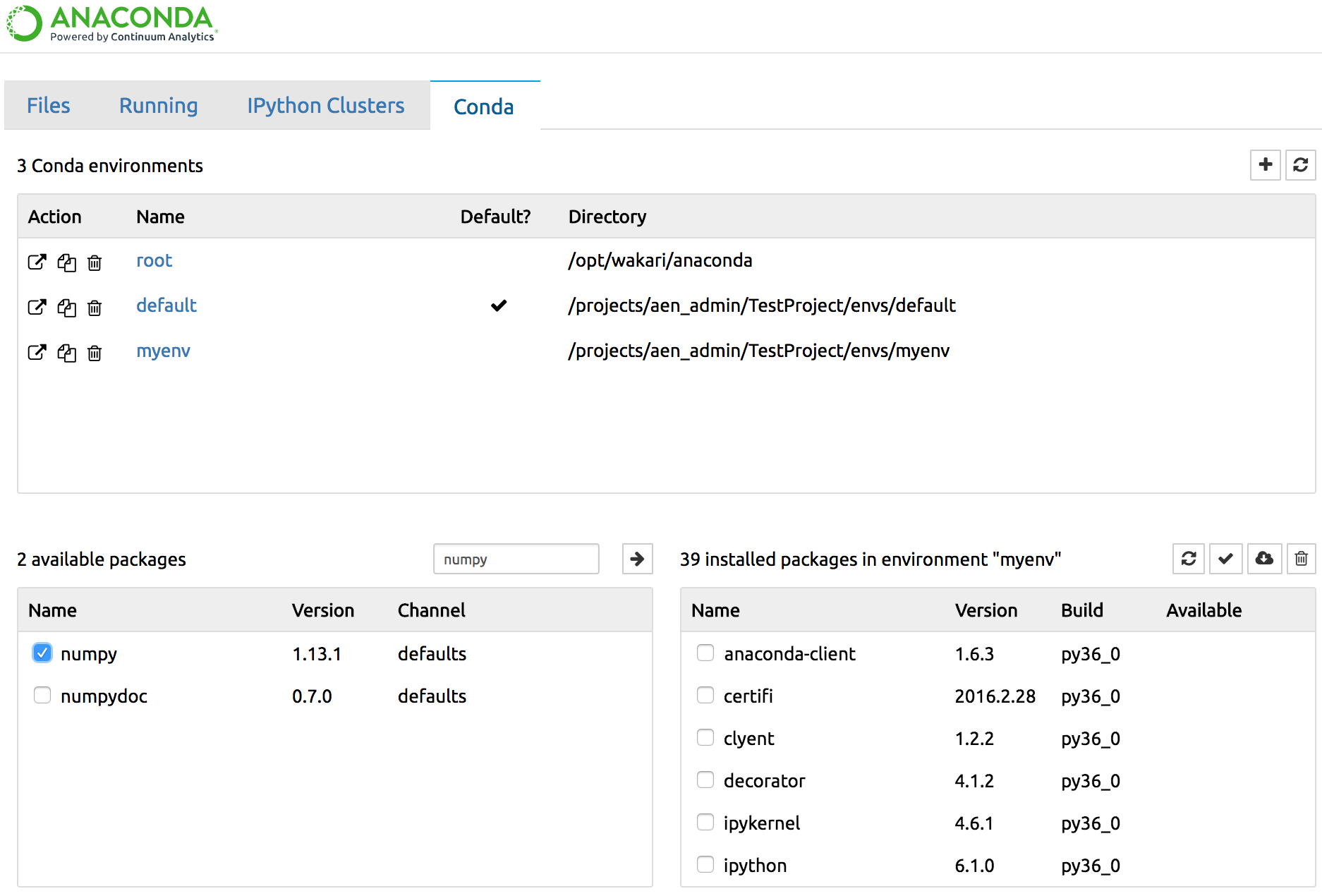 Crontab Bin Sh Conda Command Not Found
https://moxabeer.weebly.com/uploads/1/2/5/4/125494286/705616780.png
It looks like crontab is an alias of anacrontab that doesn t exist You can run the real command by preceding it with a backslash crontab e Share Improve this answer Follow answered Oct 19 2012 at 10 52 quanta 51 6k 19 161 217
Pre-crafted templates provide a time-saving option for producing a diverse range of files and files. These pre-designed formats and layouts can be used for different personal and professional projects, including resumes, invitations, flyers, newsletters, reports, discussions, and more, simplifying the material production procedure.
Crontab Bin Sh Conda Command Not Found

How To Fix ip Command Not Found In Linux Programmer Hat

Bourne Again Shell Vim Command Not Found Programmer Hat

Conda Python Version Developmenttop

Setting Up Conda In Git Bash Tips And Resources Codecademy Forums

Linux conda usr bin env PATH SegmentFault

Bash Why Is Conda Not Initiating Shell Stack Overflow

If the output is usr bin db2 your cron command would look like usr bin db2 connect to myDB2 Crontab running bash script logs command not found 0 cron job script not executing terminus command Hot Network Questions How do I manage this difficult stakeholder
2 In crontab e add lines to run cronjobs on bash and to source bashrc conda Run crontab e and insert the following before the cronjob SHELL bin bash BASH ENV bashrc conda 3 In crontab e include at beginning of the cronjob conda activate my env as in example
2 I am using the CentOS release 6 3 Final My problem is that even I have logged in as a root to my centos server through ssh crontab command is not available to me I got the following when ever I am trying to access the crontab root cl t102 433cl bin crontab e bash crontab command not found Next time to justify myself I tried

Step 4 Add crontab to PATH If the crontab command is still not available you need to add the directory containing the crontab executable to the system s PATH environment variable
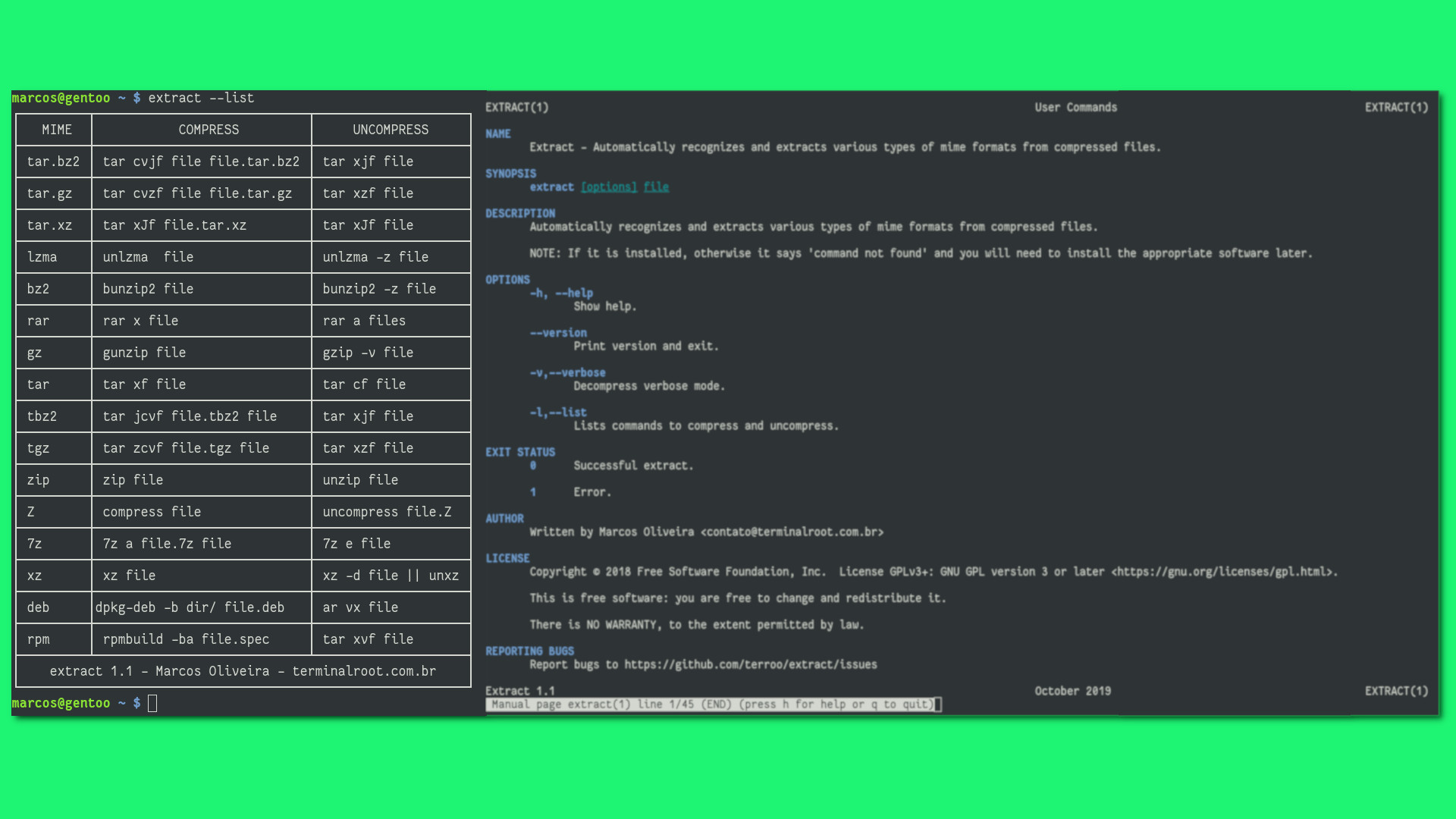
3 Answers Typically the cron files have nothing related to cron tab If the periodical job is critical to a program e2scrub in your case its package should depend on cron So if you want e2scrub to run periodically it d be better to explicitly add cron to the docker image Anyway you can ensure it by finding which package etc cron d
Teams Q A for work Connect and share knowledge within a single location that is structured and easy to search Learn more about Teams A common gotcha is the PATH environment variable being different Maybe your cron script uses the command somecommand found in opt someApp bin which you ve added to PATH in etc environment cron does not read that file so running somecommand from your script will fail
CommandNotFoundError Your shell has not been properly configured to use conda activate To initialize your shell run conda init SHELL NAME so I ran conda init bash and restarted the kernel to initialise bash But when I tried conda activate again it returns bin bash conda command not found It seems like all of my environment