Crestron Flex Setup Crestron Flex Install And Set Up YouTube Unboxing The Crestron Mercury X Open UC And Initial Setup Overview Crestron Flex Pods Setup Made Simple YouTube Crestron Flex Microsoft Teams Room With Microsoft Teams Live Events Conference Rooms AV And Poster Services LibGuides At The CDU Health See how easy it is to deploy wireless scalable Crestron Flex Pods and move them around to deliver high quality audio in different types of meetings and room
Nov 30 2023 Knowledge Welcome to the Crestron Flex For Microsoft Teams Rooms MTR Systems Insider article designed to provide a central location for information on products and peripherals linked with the Crestron Flex Microsoft Teams Rooms Systems Use the links and information below to help you quickly find the information you need Crestron Flex Current Firmware Versions Crestron Flex Upgrading A Flex Standard Kit To Support Dual Display Crestron Flex Connecting Without a UC PR Crestron Flex Crestron Remote Client Crestron Flex Soundbar Insider Crestron Flex UC ENGINE Locking Up After Reboot Crestron Flex UC SB P50 Firmware Update
Conference Rooms AV And Poster Services LibGuides At The CDU Health Crestron Flex Dell Mini PC Port Identification Crestron Control System With Dual Display Audio And Lighting Control AV System With Video Conference And Crestron Control CRESTRON AM 3200 AirMedia Series 3 Receiver 200 User Guide CRESTRON AM 3200 AirMedia Series 3 Receiver 200 User Guide CRESTRON UC MX70 T Ketos Crestron Flex Dell Mini PC Port Identification Crestron Electronics UC M50 T UPGRD Crestron Flex Medium Room Upgrade
Crestron Flex Setup
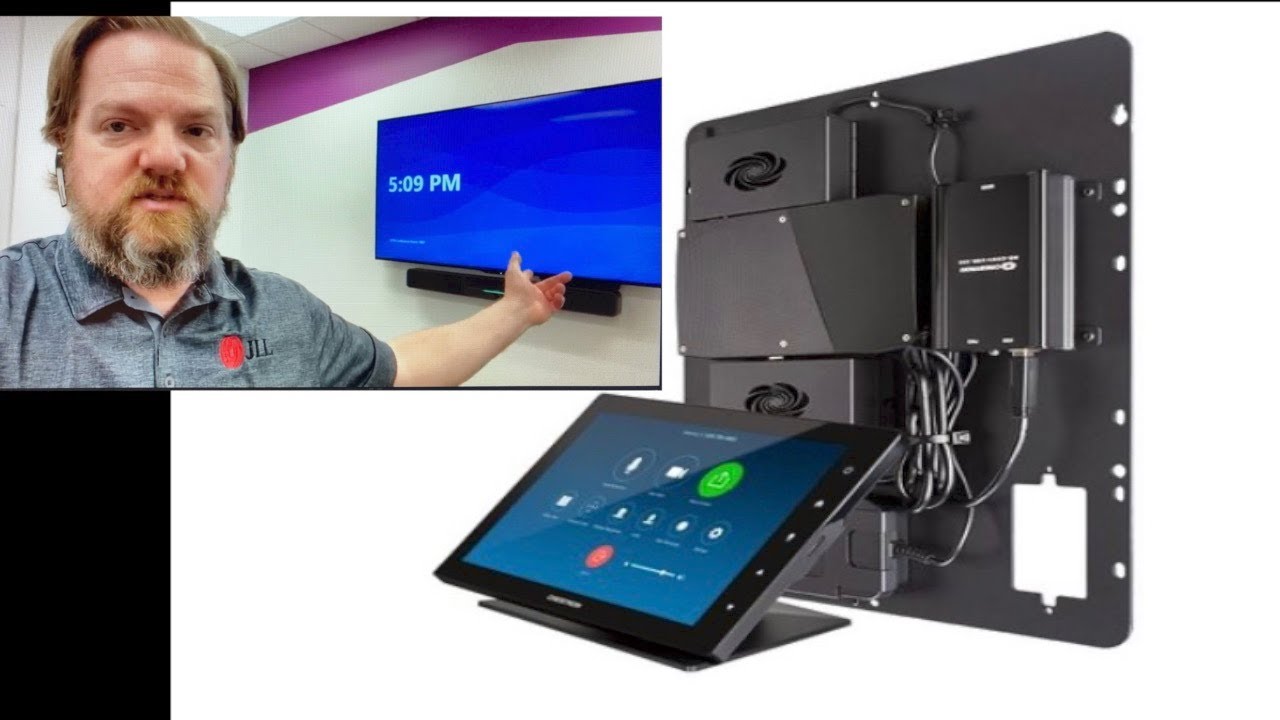 Crestron Flex Setup
https://i.ytimg.com/vi/LnpYmp1U2Do/maxresdefault.jpg
When purchasing a Crestron Flex solution for use with Zoom Rooms the Zoom Rooms desktop client is preinstalled on the UC ENGINE For guidelines on how to configure accounts for Zoom Rooms visit Setup Configuration on the Zoom Rooms Help Center Confirm Connection Points Two 2 Gigabit LAN Ports Ensure the installation space has two
Templates are pre-designed files or files that can be utilized for different purposes. They can conserve effort and time by supplying a ready-made format and design for developing various sort of material. Templates can be used for personal or expert jobs, such as resumes, invites, leaflets, newsletters, reports, presentations, and more.
Crestron Flex Setup

Crestron Amp x300 Manual Clearance Discounted Americanprime br

Crestron Flex Dell Mini PC Port Identification

Crestron Control System With Dual Display Audio And Lighting Control

AV System With Video Conference And Crestron Control

CRESTRON AM 3200 AirMedia Series 3 Receiver 200 User Guide

CRESTRON UC MX70 T Ketos

To install any Crestron Flex solutions listed below follow the respective link to the Quick Start guide for instructions Space Crestron Flex Solutions Quick Start Guide Private Space Desktop Huddle Space Small Meeting Room UC MM30 TA UC MM30 TA I Quick Start UC MM30 TA and UC MM30 TA I

With Crestron Flex you can walk into any space confident you ll have high performance audio video easy access to video conferencing wireless conferencing and smart room control Desktops to training rooms home offices to global headquarters Crestron Flex connects everyone reliably expertly securely and seamlessly Personal Office

Here is a post on setting up the Crestron Flex System for Microsoft Teams There are a few setup requirements to pair either the Mercury tabletop speakerphone or the TWS 1060 touch panel to the UC Engine For official documentation you can find this all here on the Crestron site Crestron Flex Mercury Setup

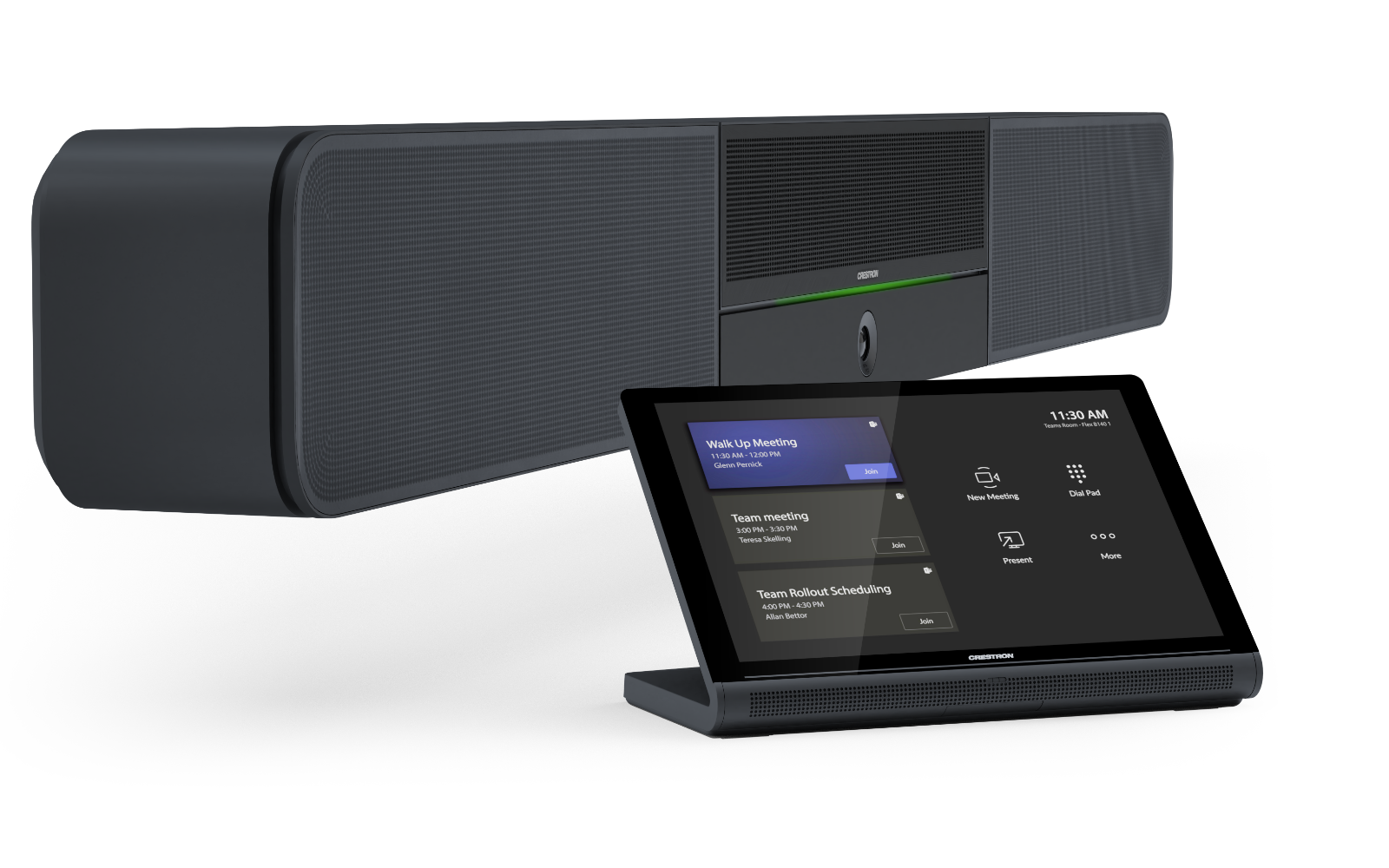
1 UC SB1 CAM FLEX 6511283 1 PowerCord 1 USB Cable MountingHardware TabletopTouchScreenDevice 1 TS 1070 B S T V 6511748 Accessories 1 PWE 4803RU PoE Injector 6502429 Quick Start UC B160 T Crestron Flex Wall Mount UC Video Conference System for Microsoft Teams Rooms
2024 Crestron Electronics Inc All brand names product names and trademarks are the property of their respective owners Certain trademarks registered trademarks and trade names may be used to refer to either the entities claiming the marks and names or their products
Wait for the Crestron Remote to connect back automatically It should re connect in about 30 seconds Select the Administrator account and type the default password crestron or put the secure password for the account AirMedia Configuration Follow the instructions below to configure the AirMedia receiver for Crestron Flex mode AirMedia Series 3 Receivers In the AirMedia web configuration navigate to Settings Select Audio Video Select Outputs Configure the following options Flex Mode Enable HDCP Mode Never
Amazon Affiliate Link https amzn to 3p6Hqf4This is a video of my actual install Its not a FLEX unit on my test bench like other videos You will see exact