Creating Task Schedule In Excel How To Create A Work Schedule In Excel YouTube LDsportsedrawmax app 6 Task Scheduler Excel Template Excel Templates Project Schedule Template Excel Task List Templates Task Planning PowerPoint Presentation Slides PPT Template Web Dec 19 2023 nbsp 0183 32 What are the steps to make a work schedule in Excel Here are the five steps to make a work schedule in Excel Step 1 Open a blank Excel spreadsheet
Web Creating schedules in Excel is essential for keeping track of tasks deadlines and appointments in a structured and organized manner In this tutorial we will cover the step Web May 20 2023 nbsp 0183 32 Creating and managing a schedule through Excel is a great way to keep track of your tasks deadlines and stay organized With Excel you can customize your
Task Planning PowerPoint Presentation Slides PPT Template Calendar Maker Calendar Creator For Word And Excel Calendar Week On Excel Month Calendar Printable 10 How To Create Daily Work Schedule In Excel SampleTemplatess Daily Activity Log Template Excel Free Download Excel Templates Download The Project Task List Template From Vertex42 Project How To Make A Production Schedule In Excel Excel Templates Microsoft Excel Daily Planner Template Best Of Daily Schedule Template Excel Project Schedule Template Task List Templates
Creating Task Schedule In Excel
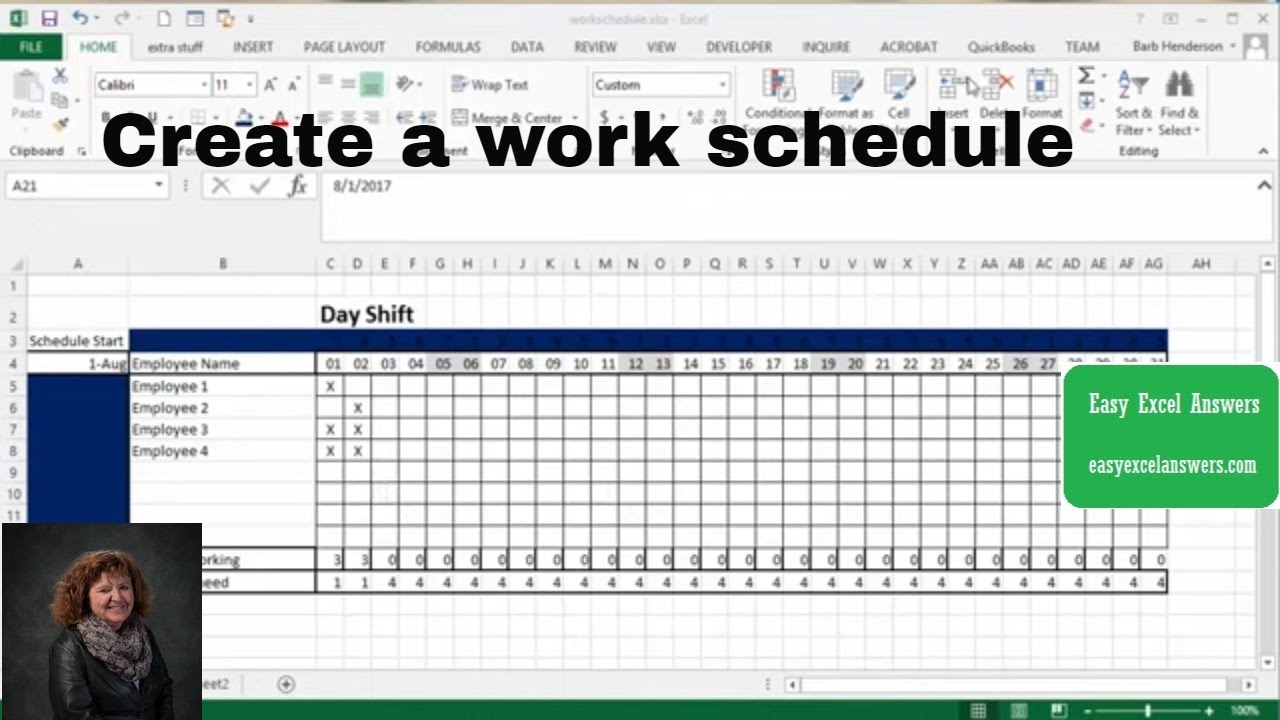 Creating Task Schedule In Excel
https://i.ytimg.com/vi/hBh_mtCVfp4/maxresdefault.jpg
Web Aug 14 2023 nbsp 0183 32 How to Create a Schedule in Excel two methods templates Method1 Creating a Weekly Schedule in Excel Without Templates Method2 Creating a Weekly
Templates are pre-designed files or files that can be used for numerous purposes. They can save effort and time by providing a ready-made format and layout for developing various kinds of content. Templates can be utilized for individual or professional tasks, such as resumes, invites, leaflets, newsletters, reports, discussions, and more.
Creating Task Schedule In Excel
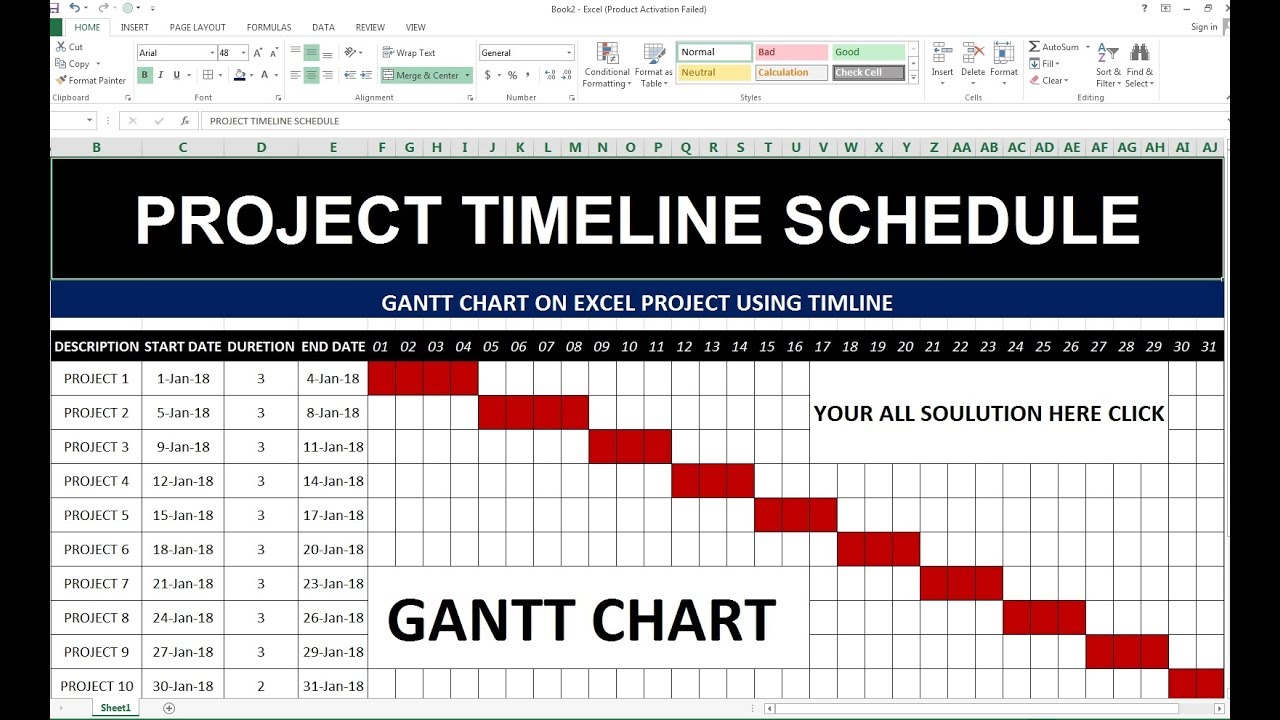
96 How To Make Project Timeline Schedule In Excel Hindi YouTube
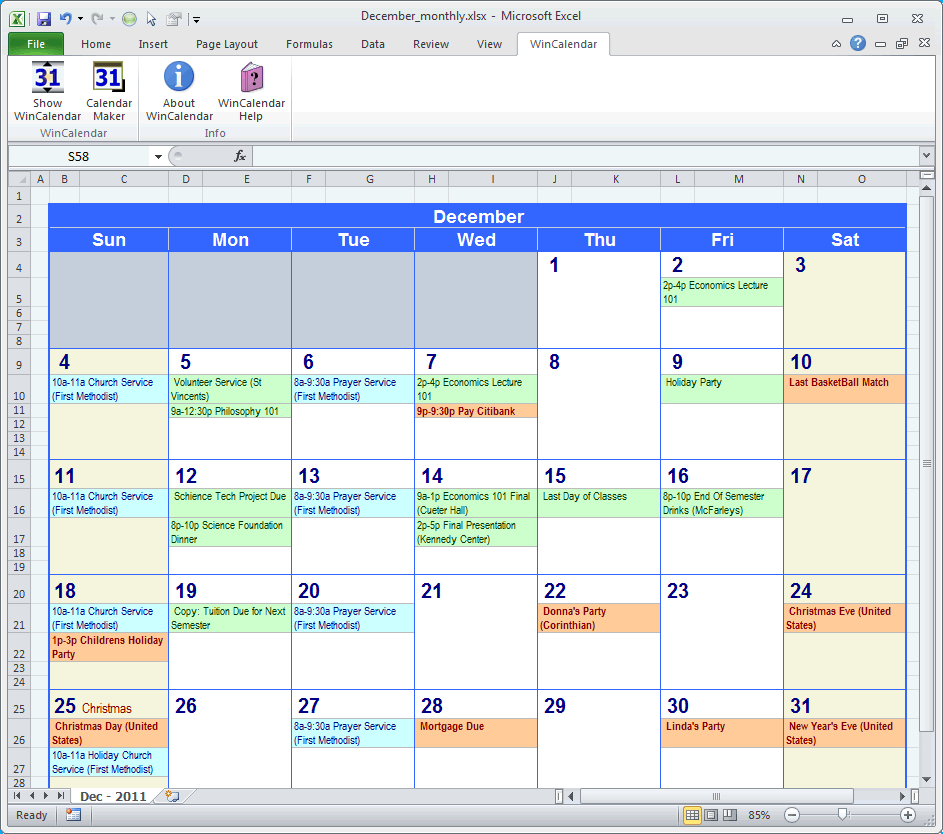
Calendar Maker Calendar Creator For Word And Excel
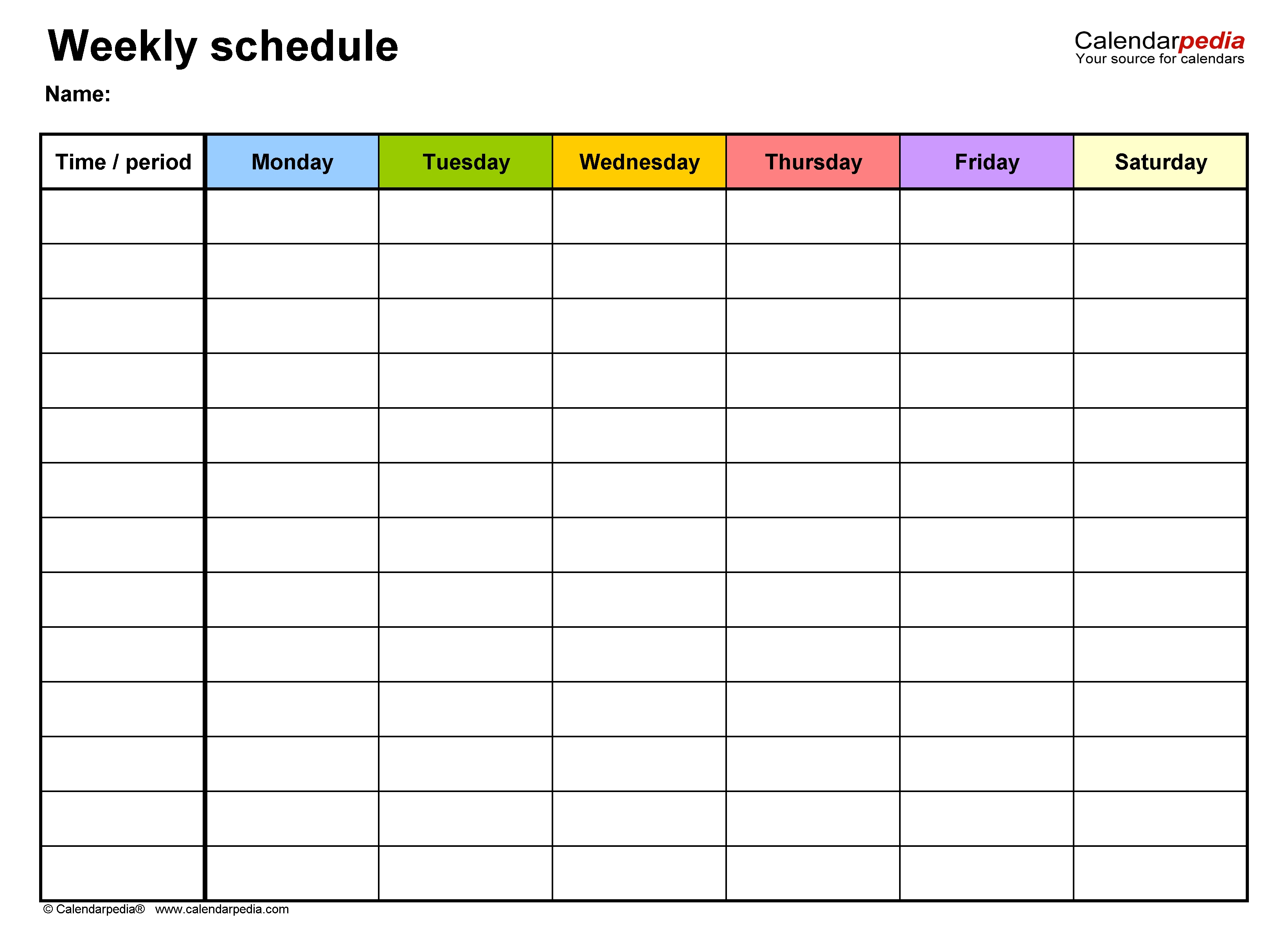
Calendar Week On Excel Month Calendar Printable

10 How To Create Daily Work Schedule In Excel SampleTemplatess

Download The Project Task List Template From Vertex42 Project
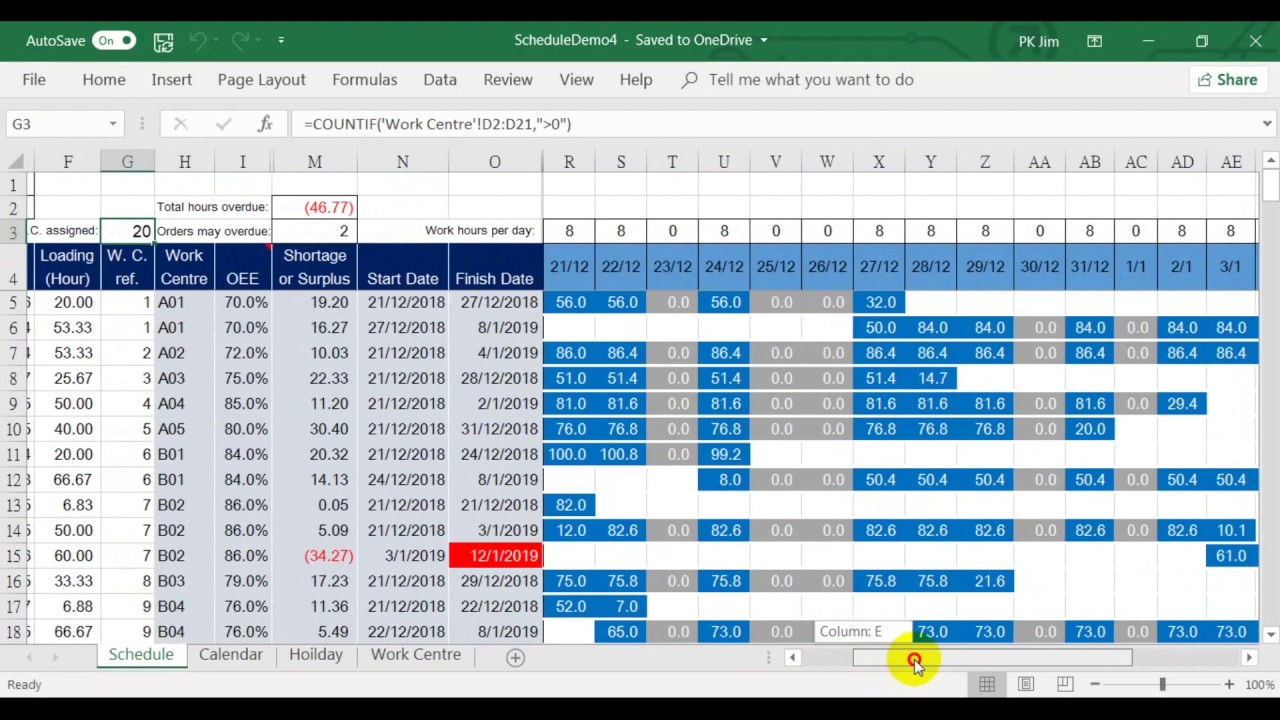
How To Make A Production Schedule In Excel Excel Templates
Web Use Excel to set schedules by the month day and even down to the hour Leave fields for you to add in details of what task you want to complete during the time Save your
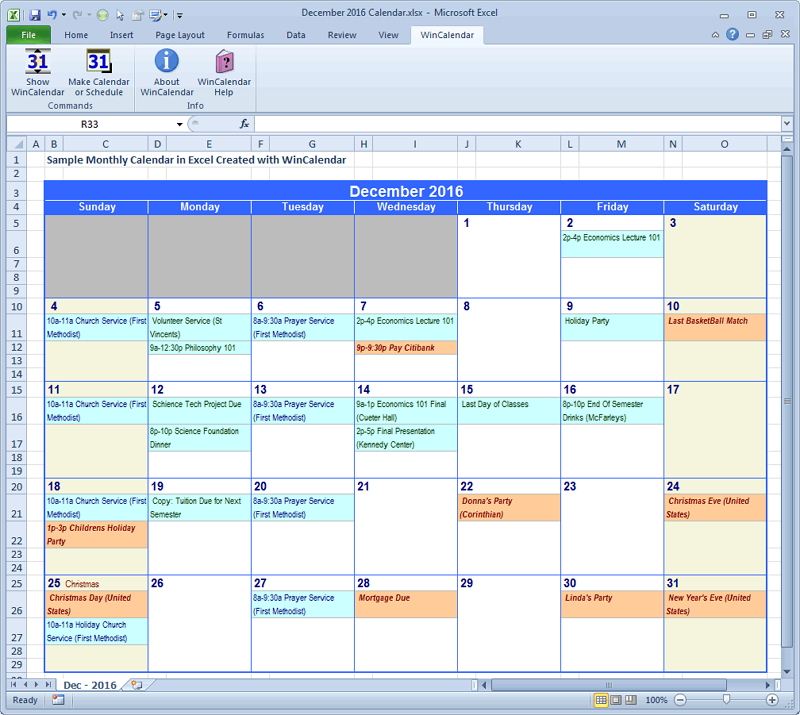
Web Jan 5 2024 nbsp 0183 32 Open Excel and select a new blank workbook from the list of templates You can make a schedule on a daily or weekly basis Fill in the headings like Date Time and

Web May 16 2022 nbsp 0183 32 This blog will show you how to easily and quickly make a schedule in Excel so you can regain a bit of order in the chaos of day to day work tasks 1 Open the Excel app and click More templates at the
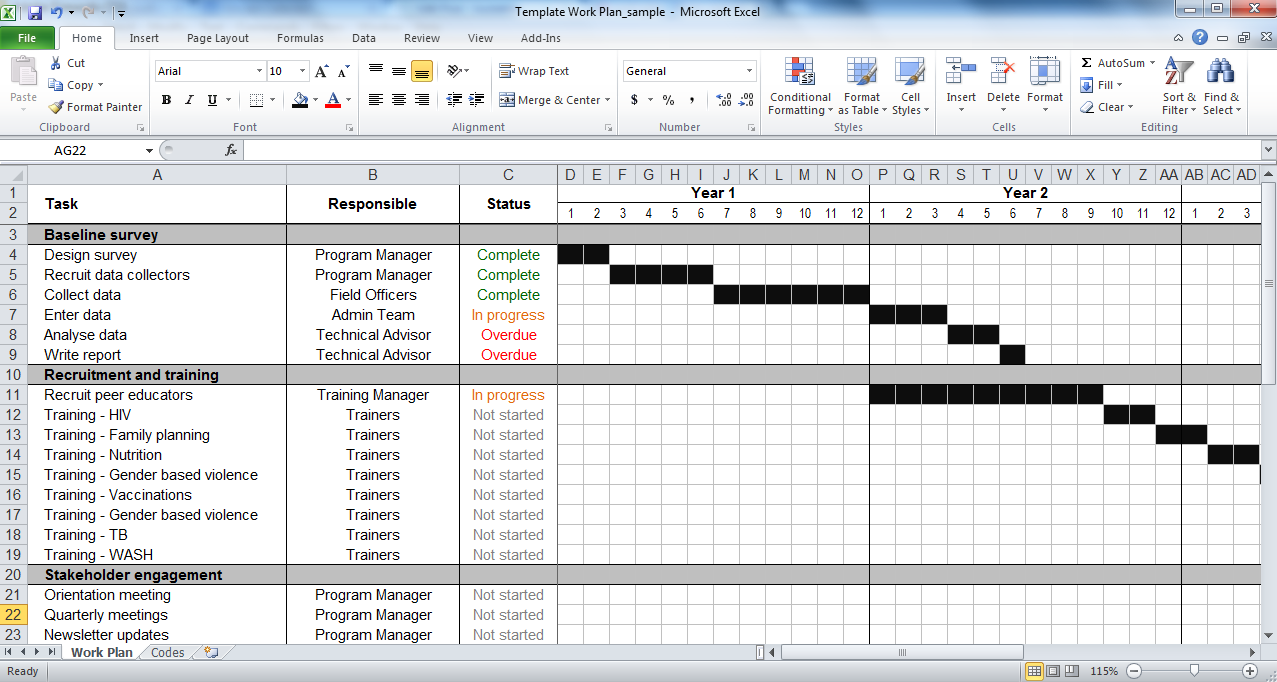
Web Setting up a schedule in Excel involves creating a new worksheet defining the time period and organizing the schedule with dates and time slots Inputting schedule details can be

Web Jun 20 2023 nbsp 0183 32 To create a work schedule in Excel follow these 10 steps 1 Open Excel and start a new blank spreadsheet 2 Highlight cells A1 to E2 and select Merge and Center Enter your preferred schedule name in
Web Jan 10 2024 nbsp 0183 32 Excel is the best tool for creating different kinds of schedules because of its adjustable grid format 2 Ready to use Schedule Planner Template If you do not want Web 2 days ago nbsp 0183 32 Step 4 Add drop down list In order to expedite the shift assignment process you can include a drop down list in every grid cell This lowers the possibility of mistakes
Web Creating a daily schedule in Excel can streamline your tasks and activities in one convenient place In this tutorial we will guide you through the process of setting up a