Creating Android App In Visual Studio 2019 Top 5 Best Android App Development Languages For 2022 Getting Started With MAUI Blazor App In Visual Studio Syncfusion Create Or Generate PDF File In WinUI Syncfusion Task based Consumer Mobile App Azure Solution Ideas Microsoft Learn Getting Started With MAUI Blazor App In Visual Studio Syncfusion You can build apps for Android iOS and Windows devices by using Visual Studio As you design your app use tools in Visual Studio to easily add connected
Choose File New Project or press the Create new project button Search for Xamarin or choose Mobile from the Project type menu Select the Mobile You can create and still develop Android apps using Visual Studio Code without having to use Android Studio 1 I assume you have Visual Studio Code
Getting Started With MAUI Blazor App In Visual Studio Syncfusion C WCF Client Server App In Visual Studio 2019 YouTube The Best App Development Tools In Flutter C Mobile Development In Visual Studio 2019 Getting Started YouTube Tutorial Create A C ASP NET Core Web App In Visual Studio Visual Studio Windows Simple Android App Creator Airplora TikTok App Video Creating Android App Template Short Video IOS App Template Flutter 2 Flutter Plant App Ui Overhive Vrogue Visual Studio Ios App Development Tutorial Hanbetta
Creating Android App In Visual Studio 2019
 Creating Android App In Visual Studio 2019
https://www.designveloper.com/wp-content/uploads/2021/12/Android-app-development-language-1.png
On Visual Studio 2019 for Mac you can select to install Android and iOS If you are doing iOS development you will also need to install Xcode on your macOS machine After this you are all set and
Pre-crafted templates offer a time-saving service for producing a varied variety of documents and files. These pre-designed formats and layouts can be utilized for numerous individual and expert jobs, including resumes, invites, leaflets, newsletters, reports, discussions, and more, streamlining the material creation process.
Creating Android App In Visual Studio 2019
Build And Deploy An Unpackaged App That Uses The Preview And Experimental Versions Of The
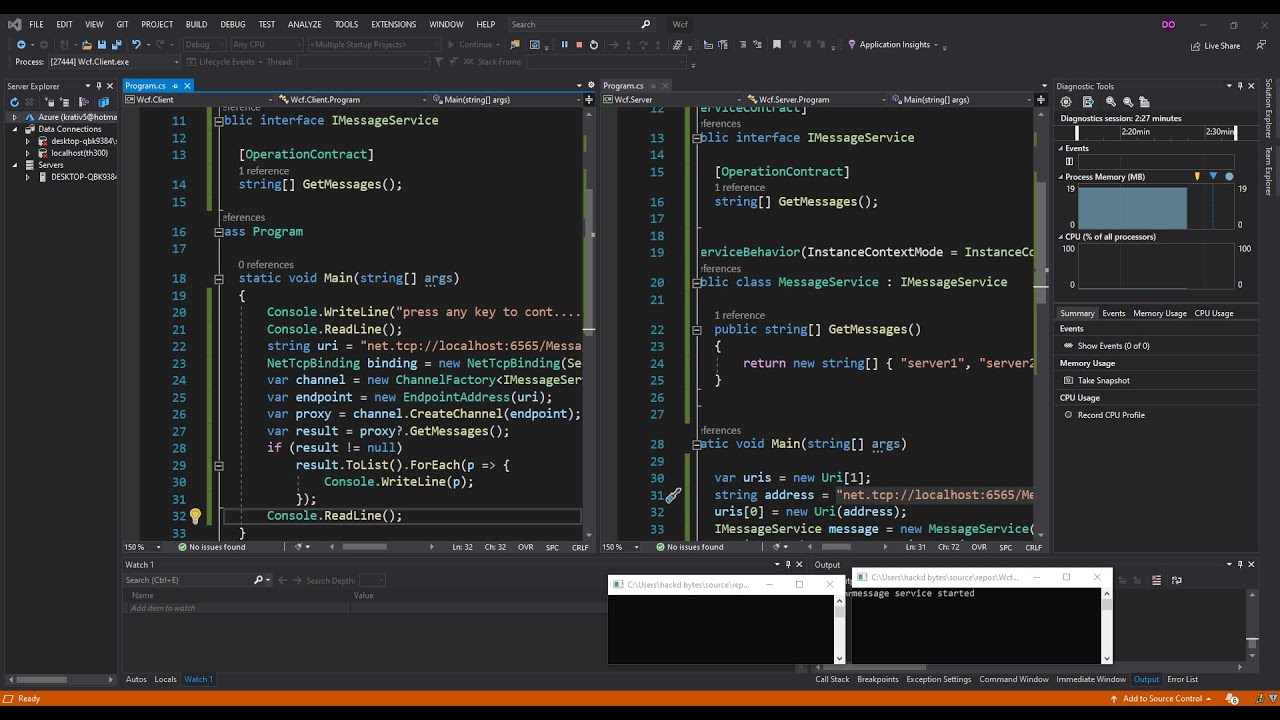
C WCF Client Server App In Visual Studio 2019 YouTube
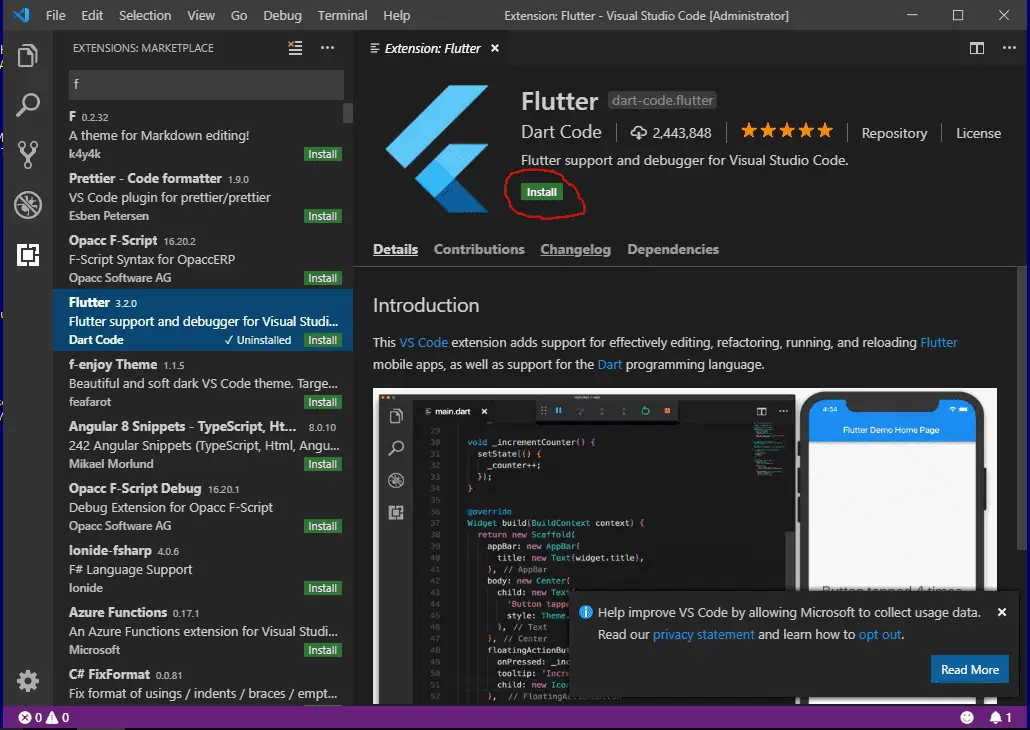
The Best App Development Tools In Flutter

C Mobile Development In Visual Studio 2019 Getting Started YouTube

Simple Android App Creator Airplora

TikTok App Video Creating Android App Template Short Video IOS App Template Flutter 2
Step 1 Sign up with App Center at appcenter ms App Center Login Step 2 Create a new app Select Add new button Add new app Enter your new app name Select

In this video I ll show you the steps to build your first Android application in Visual Studio 2019 with C NET and Xamarin We will see how to build a basic app

In this video I ll show you the steps to build your first Android application in Visual Studio 2019 with C NET and Xamarin We will see how to build a basic app

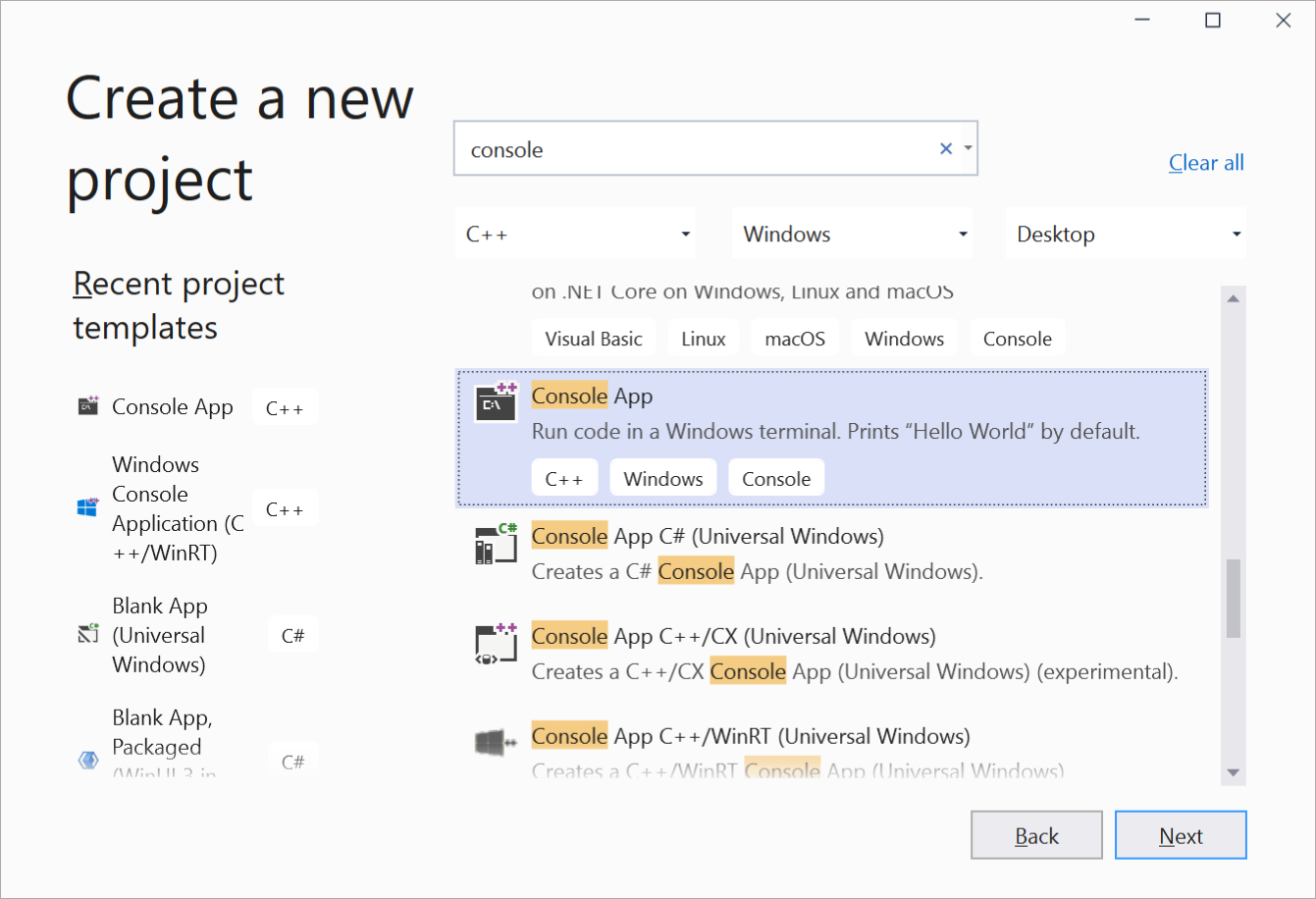
Reopen Visual Studio by pressing the windows button s and searching for Visual Studio and run it Select the option called Create a new project under Get started It will ask
Deploy your cross platform apps to different Android device configurations all from Visual Studio It works with your Xamarin Cordova or cross platform C projects The Visual Studio Emulator for Android
Start codelab Start the Android Basics course Take the full course to learn the basics of creating apps with Jetpack Compose Android s modern toolkit for developing user Android Device Set up for Visual Studio 2019 DevelopmentAfter testing on an Android emulator you will want to see and test your apps running on an Android
Visual Studio Community 2019 is a fully featured extensible free integrated development environment for creating modern applications for Android iOS Windows Linux as well