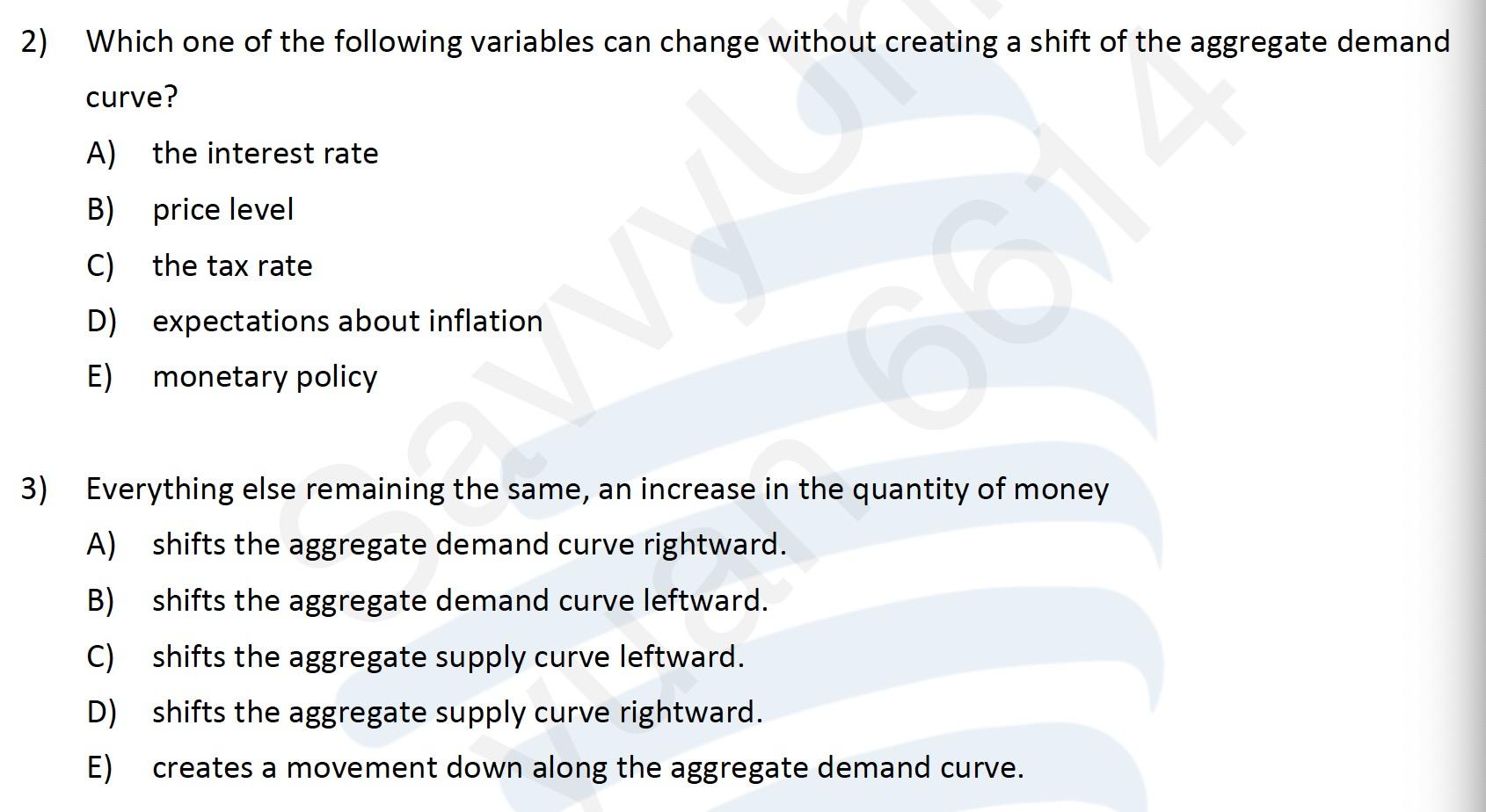
Creating A Shift Calendar In Excel Solved 2 Which One Of The Following Variables Can Change Chegg 2022 Firefighter Shift Calendar Example Calendar Printable Free Weekly On Call Calendar Template Printable Calendar Template 2022 A B C And D Shift Schedules Robust Schedule Template For Google Sheets Monday Blog Automatically create shift schedule in Excel Enter work days and off days for each of your staff VBA code included Use the offset function Use the se
First you enter your schedule info in an Excel workbook and then you import the workbook to Shifts Shifts includes an Excel sample workbook that you can use to enter your schedule info You can either create a new file based on the sample workbook or you can add your schedule info directly in it If you use the sample workbook make sure you This guide explains step by step how to make an employee shift schedule in Microsoft Excel To make things even easier for you we ve included a free Excel schedule template that you can download and use right away to create work schedules for your team
Robust Schedule Template For Google Sheets Monday Blog Automatically Create Shift Schedule In Excel With Regard To Free Shift Calendar Templates In 40 Free Employee Schedule Templates Excel Word TemplateLab Microsoft Excel Employee Shift Schedule Template Lafd Shift Calendar 2022 Customize And Print Employee Shift Schedule Template MS Excel Excel Templates Employee Scheduling Excel Template SampleTemplatess SampleTemplatess Shift Schedule Template Shift Scheduling 10 Hour A Week Jobs From Home
Creating A Shift Calendar In Excel
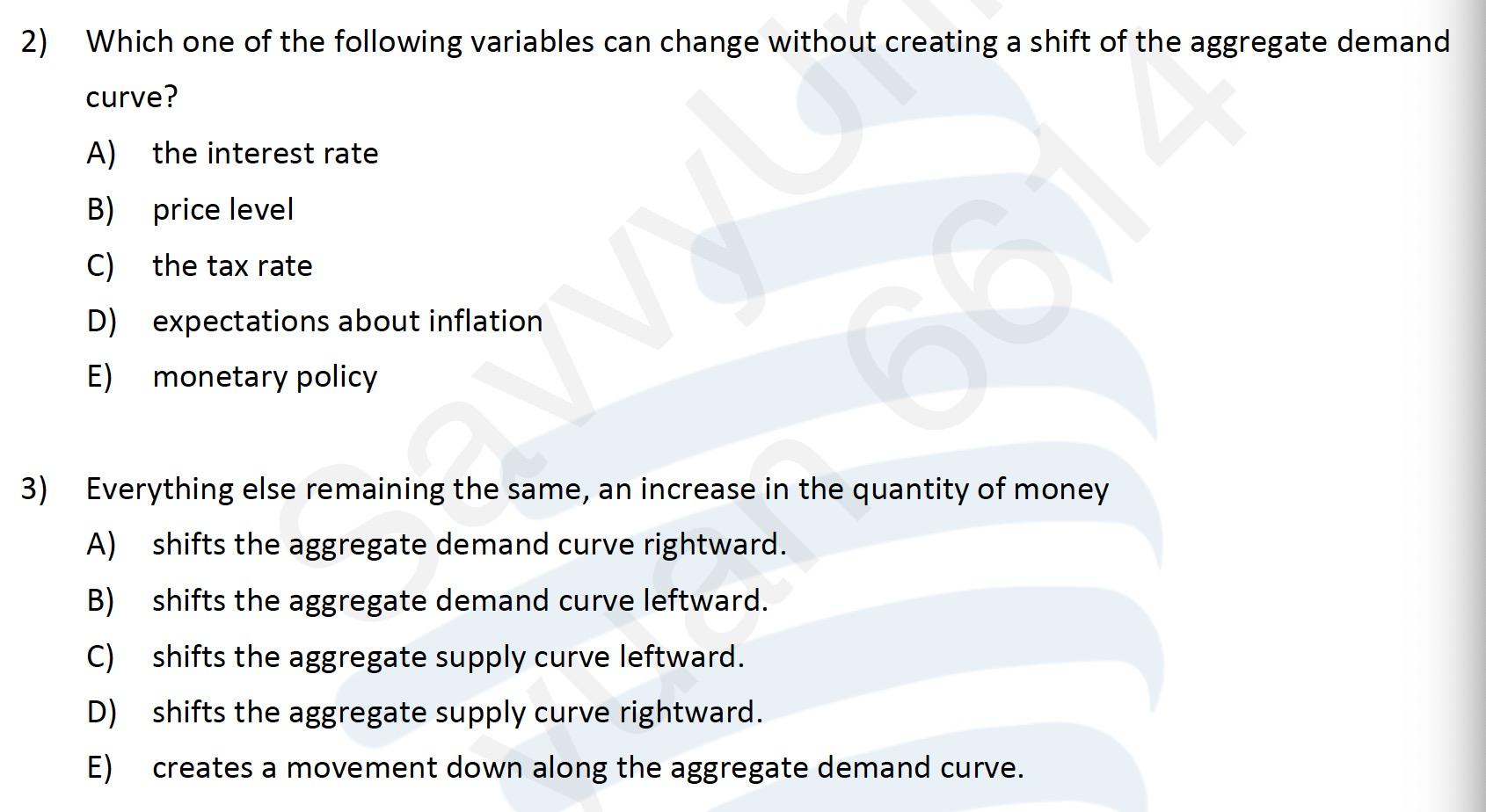
https://media.cheggcdn.com/media/6a0/6a0a0702-37b0-4225-a151-8d8eba4a2968/phpXHKAgg
Below are some of the things you can do with this shift schedule template Organize work assignments for an entire week Shade and merge cells to identify shifts or use task codes to plan a rotating schedule for each work day Add any number of rows depending on the number of employees Add columns to create a 24 hour schedule
Templates are pre-designed documents or files that can be used for numerous functions. They can save effort and time by offering a ready-made format and design for producing different sort of content. Templates can be used for individual or professional tasks, such as resumes, invites, leaflets, newsletters, reports, presentations, and more.
Creating A Shift Calendar In Excel
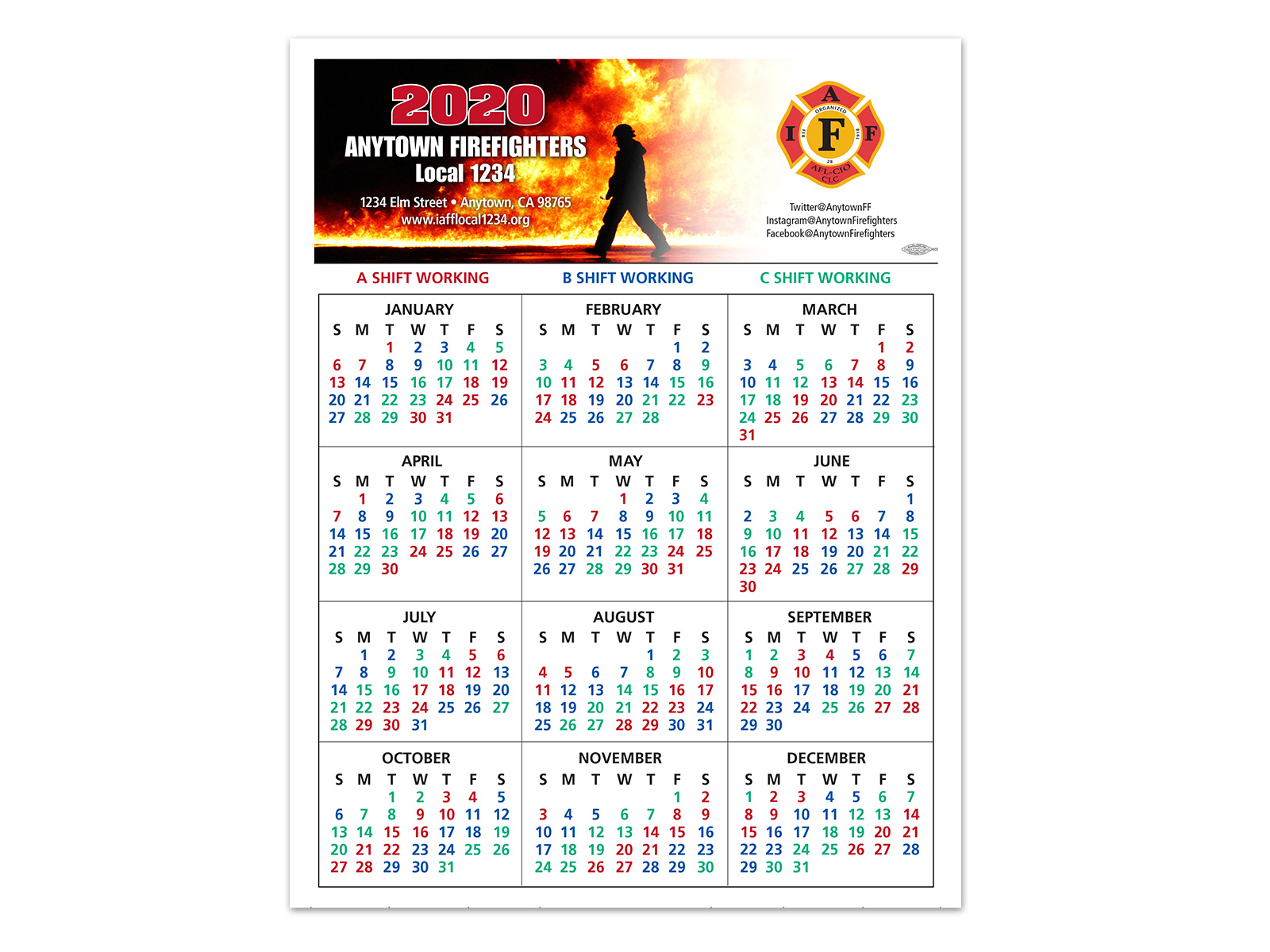
Shift Calendar 2021 Calendar Printables Free Blank

Automatically Create Shift Schedule In Excel With Regard To Free Shift Calendar Templates In
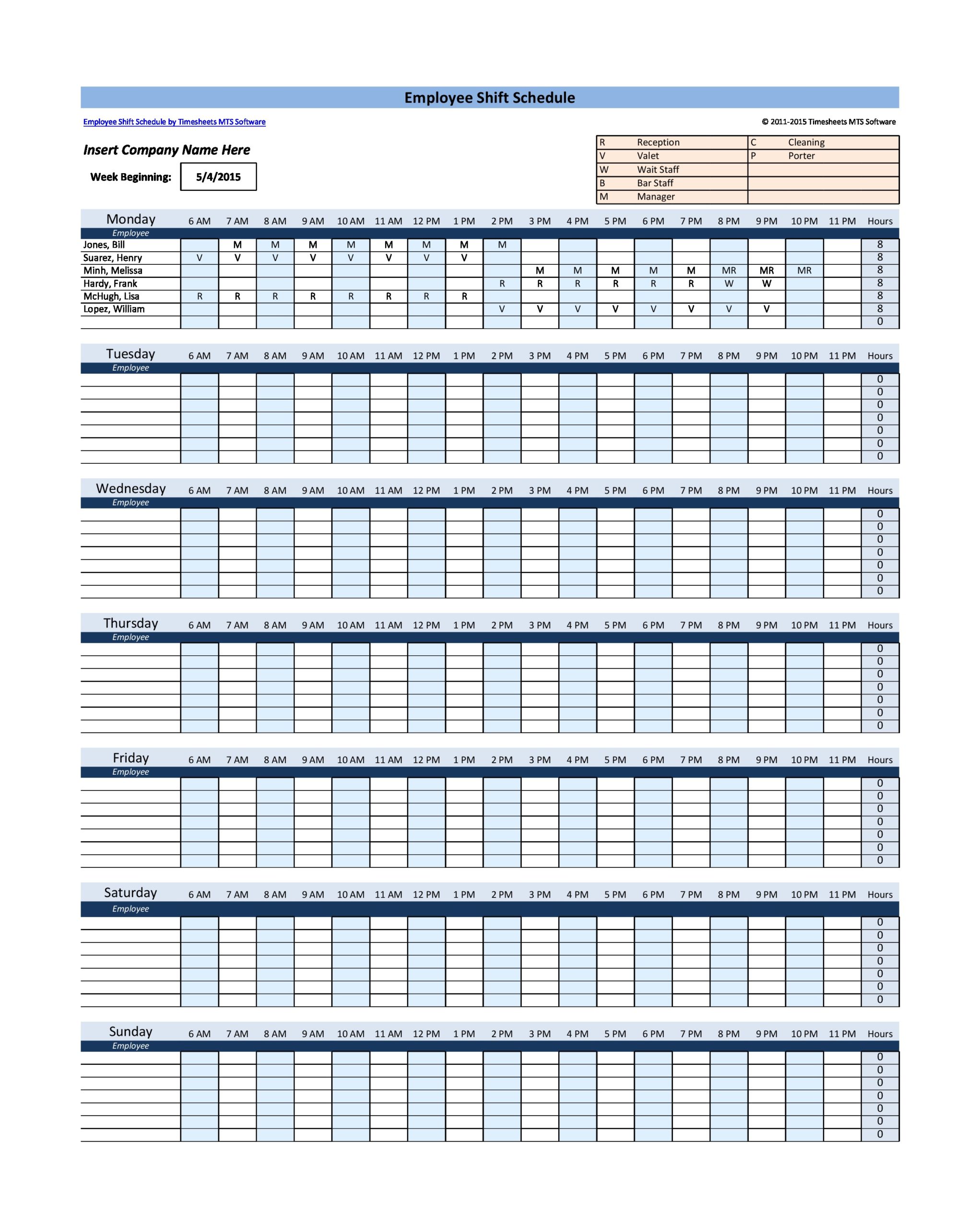
40 Free Employee Schedule Templates Excel Word TemplateLab
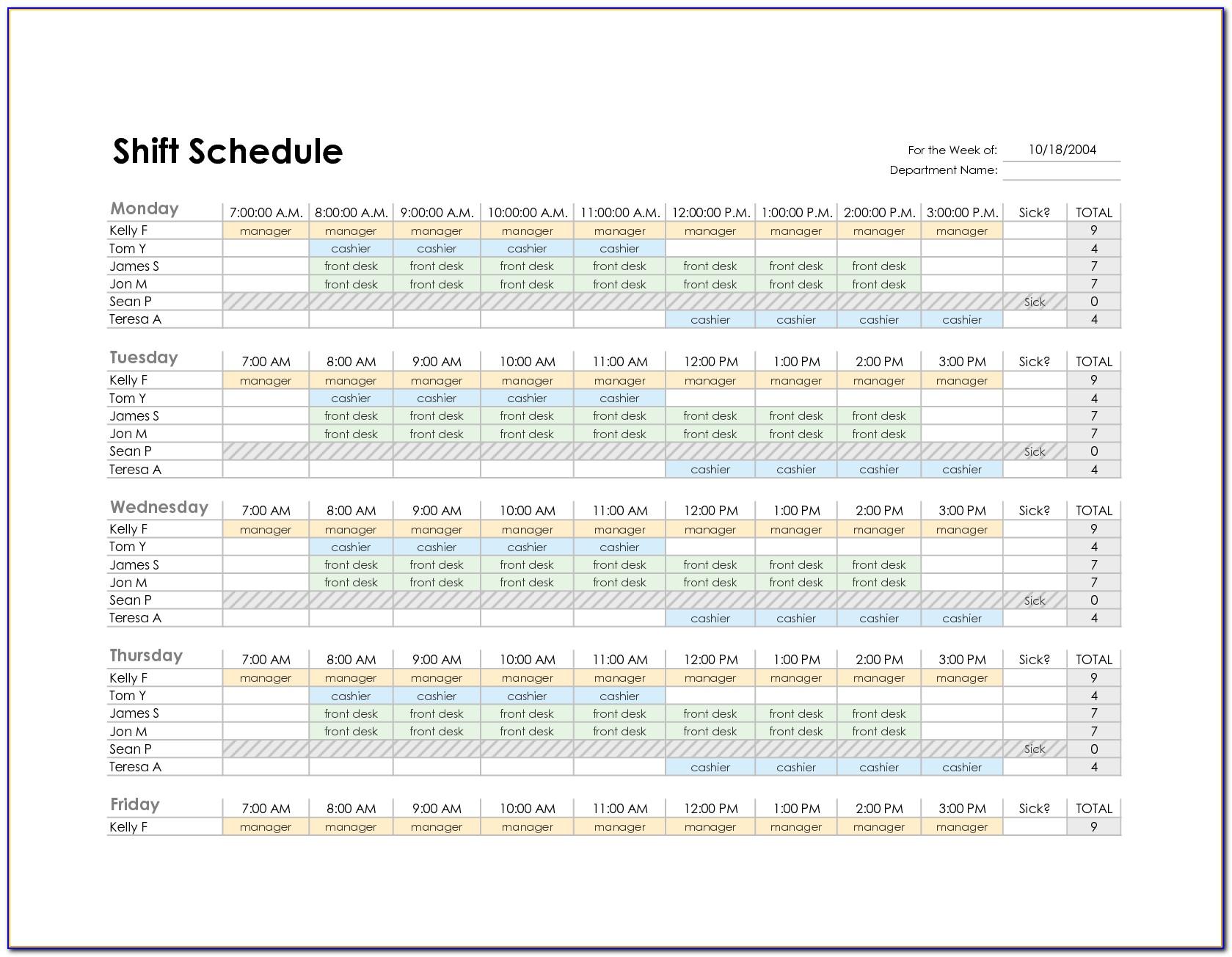
Microsoft Excel Employee Shift Schedule Template
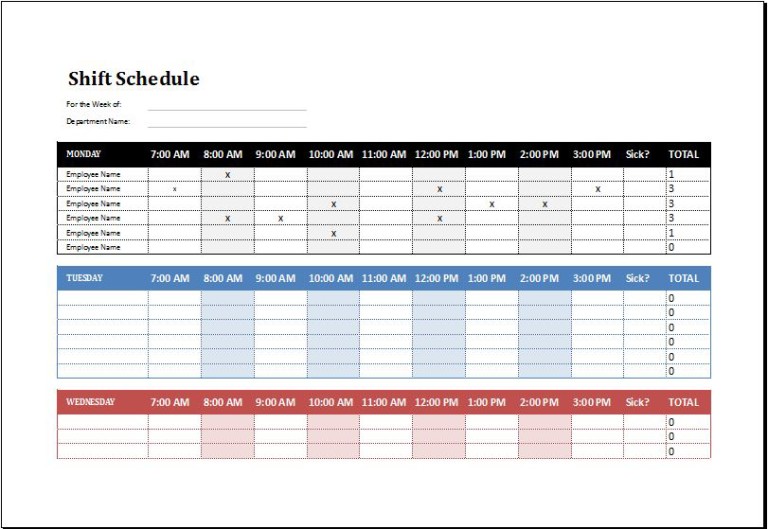
Employee Shift Schedule Template MS Excel Excel Templates
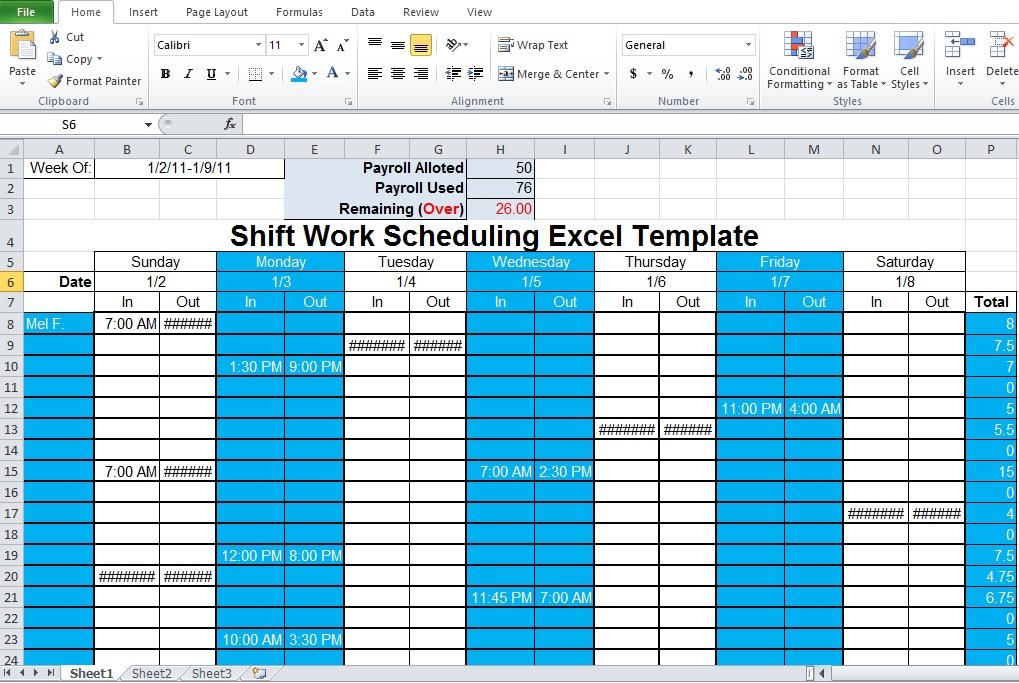
Employee Scheduling Excel Template SampleTemplatess SampleTemplatess
Creating a shift schedule in Excel involves inputting employee information and shift details to ensure a well organized and efficient work schedule Here s how you can do it A Inputting employee names and positions into the template Step 1 Open a new Excel worksheet and create headers for employee names and positions Step 2

Step1 set the Conditional Formatting for this new shift Select the cell click Conditional Formatting choose Format only cells that contain Cell Value equal to 4 choose the color OK copy the Applies to from the existing rule paste it to our new rule OK Step2 change the formula a Copy the formula in the first date cell as the screenshot

Introduction Creating shift schedules is an essential task for any organization with a workforce that operates on a round the clock basis With the help of Excel managers can easily create manage and adjust shift schedules to ensure optimal staffing productivity and employee satisfaction

Download the Employee Shift Rotation Schedule Template in Excel OpenOffice Calc and Google Sheets to prepare rotational shift schedules for your employees This template consists of 3 templates for shift schedules daily weekly and monthly
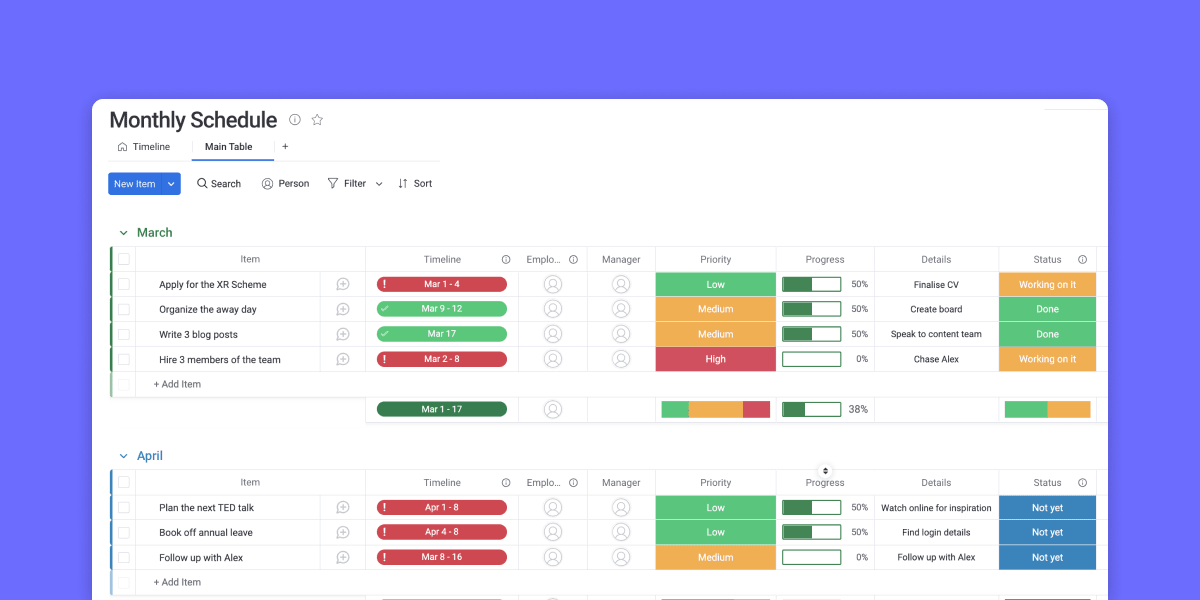
To create a new schedule Select Create a new schedule to build one from scratch Select View to choose an existing schedule Select Create on the team you want You must be a team owner to create one Select Add group to organize your
5 steps to create a rotating shift schedule in Excel A work shift schedule will look different depending on many factors the number of employees included there are individual schedules or the period of time they cover among other things However the simplest and most common way is to do a monthly table for the whole organisation Design your custom Excel shift calendar with flexible page orientation landscape or portrait and multilingual options
How I create a truly dynamic calendar in Excel or Sheets Sheets4Work 26K views 5 years ago How To Create Shift Work Calendar on Microsoft ExcelSubscribe to How to Media to get more solutions to