Create Team Site Using Power Automate Microsoft Power Automate Desktop Free Fadnova How To Update Multiple Lookup SharePoint Column With Power Automate How To Cancel All Running Instances Of Power Automate Flow Using Create Sharepoint List Items In A Folder Using Power Automate About Power Automate Page 2 Web Mar 5 2023 nbsp 0183 32 Here I ll explain how I achieved my goal I started by creating a list with the necessary columns the user will only need to fill in the quot Name quot field which is the name of the Team Site I then moved to Power Automate and started work on my flow
Web Jun 2 2021 nbsp 0183 32 Create a Power Automate Flow To Create a Team Create a New Flow gt Add an Action gt Search for Create a team Set Team name to your Form responses Set Team visibility to either public or private Now the creation of a new Team is completely automated No more pinging administration and having to manually create the team Web Create modern team or communication SharePoint site in Power Automate In this article we will demonstrate how to configure a Power Automate Microsoft Flow that will automatically create a new site in SharePoint on an item creation This approach works in SharePoint Online Office 365
Power Automate Page 2 How To Lookup Data In A Sharepoint List Power Automate Flow Create How To Move A File In Sharepoint Using Power Automate BEST GAMES Enable Users To Add To An Issue Tracker Using Power Automate Bloom Format Excel Data As A Table In Power Automate Using Win Automation Using Power Automate TopOneCRM BLOG Sharepoint Tip De Mijn Site Inrichten Sharepoint Tips My XXX Hot Girl Sharepoint Online Power Automate Create Folder Within Shareable Link Of Dynamics crm Power
Create Team Site Using Power Automate
 Create Team Site Using Power Automate
https://www.ibermatica365.com/wp-content/uploads/2020/10/powerautomate.jpg
Web Nov 3 2023 nbsp 0183 32 Open Microsoft Teams Select Teams from the top of the panel on the left Select Join or create a team from the bottom of the Teams panel on the left Select Create team from the Join or create a team screen Select the Manage a Project template
Pre-crafted templates use a time-saving option for developing a diverse range of files and files. These pre-designed formats and designs can be utilized for different individual and professional tasks, including resumes, invites, flyers, newsletters, reports, discussions, and more, improving the content production process.
Create Team Site Using Power Automate

Using Power Automate To Synchronise A SQL Back End To Dataverse Front
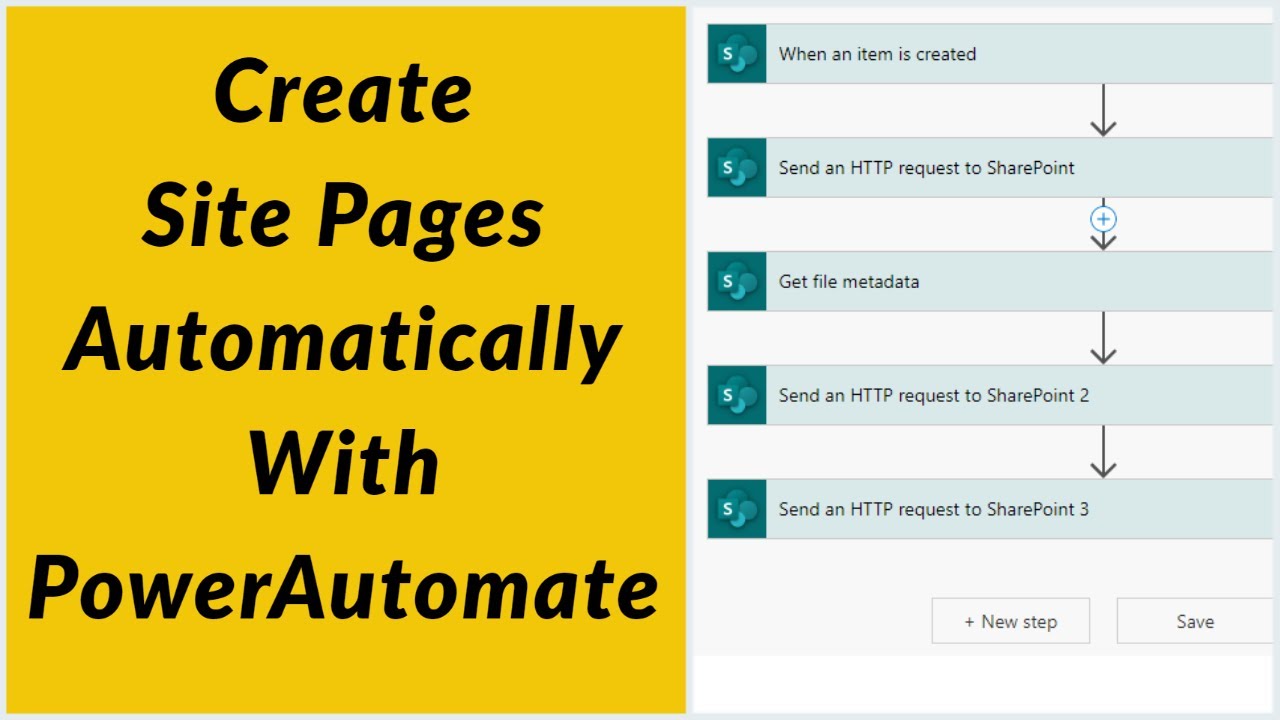
How To Lookup Data In A Sharepoint List Power Automate Flow Create
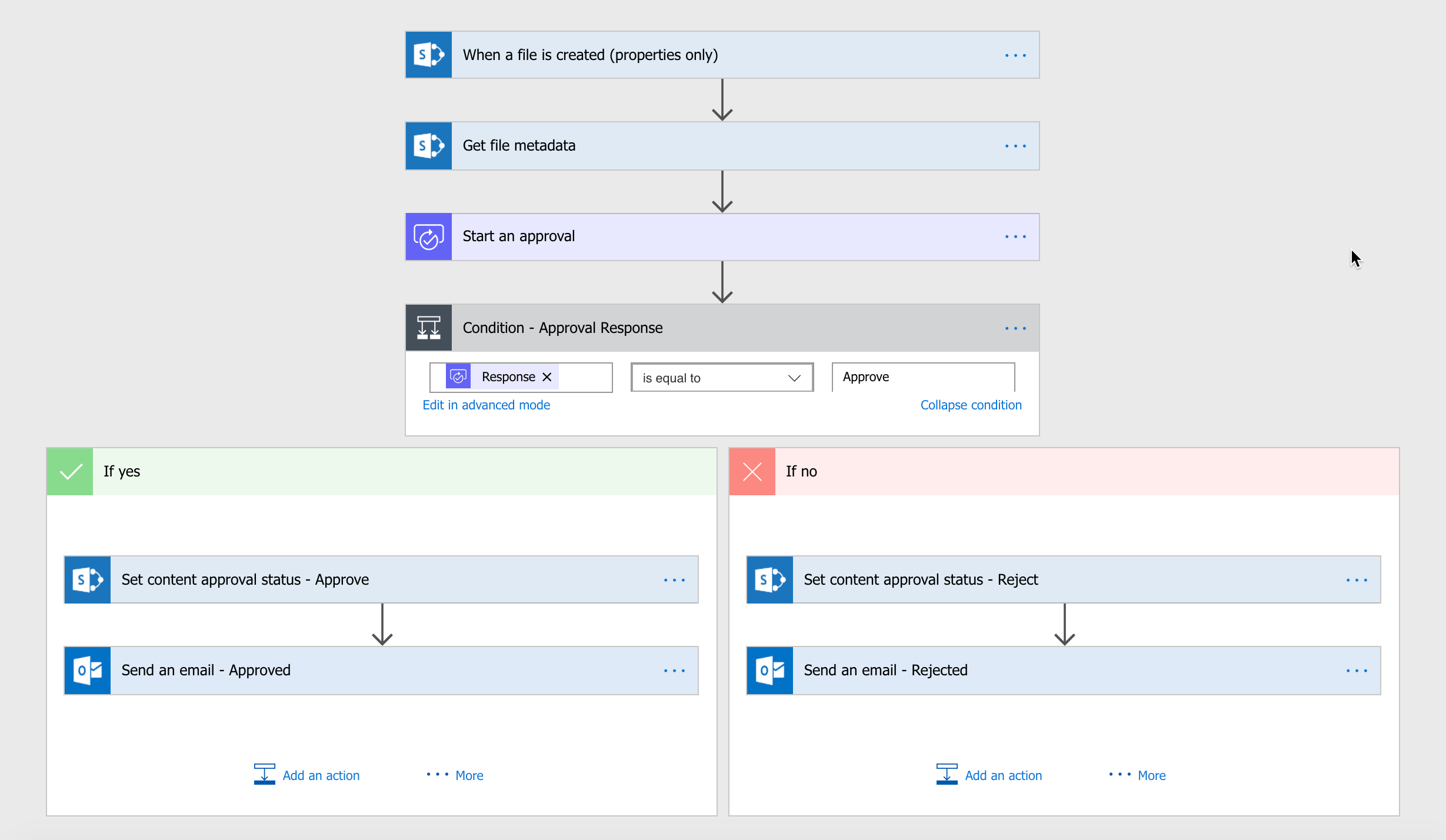
How To Move A File In Sharepoint Using Power Automate BEST GAMES

Enable Users To Add To An Issue Tracker Using Power Automate Bloom
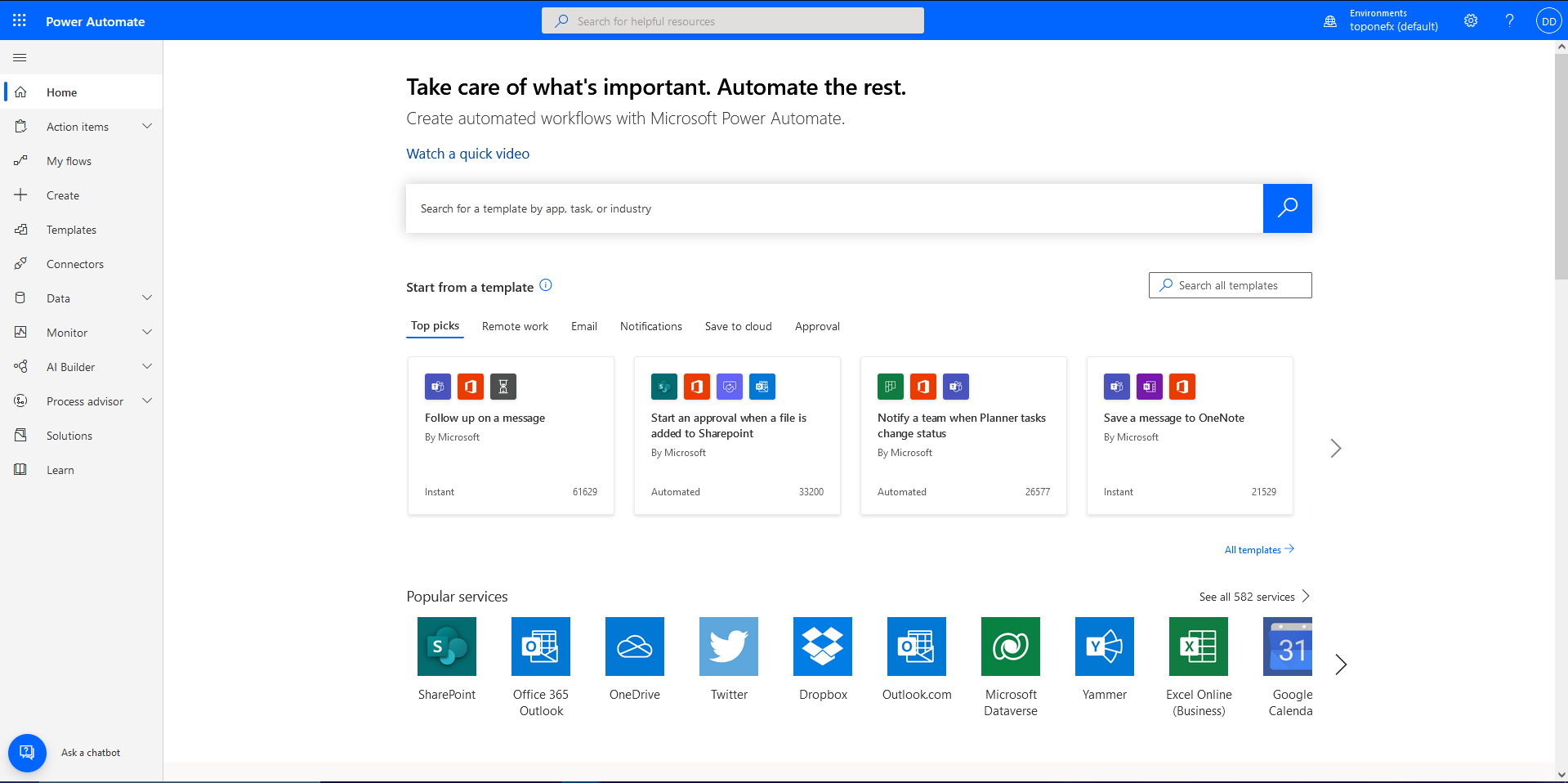
Using Power Automate TopOneCRM BLOG
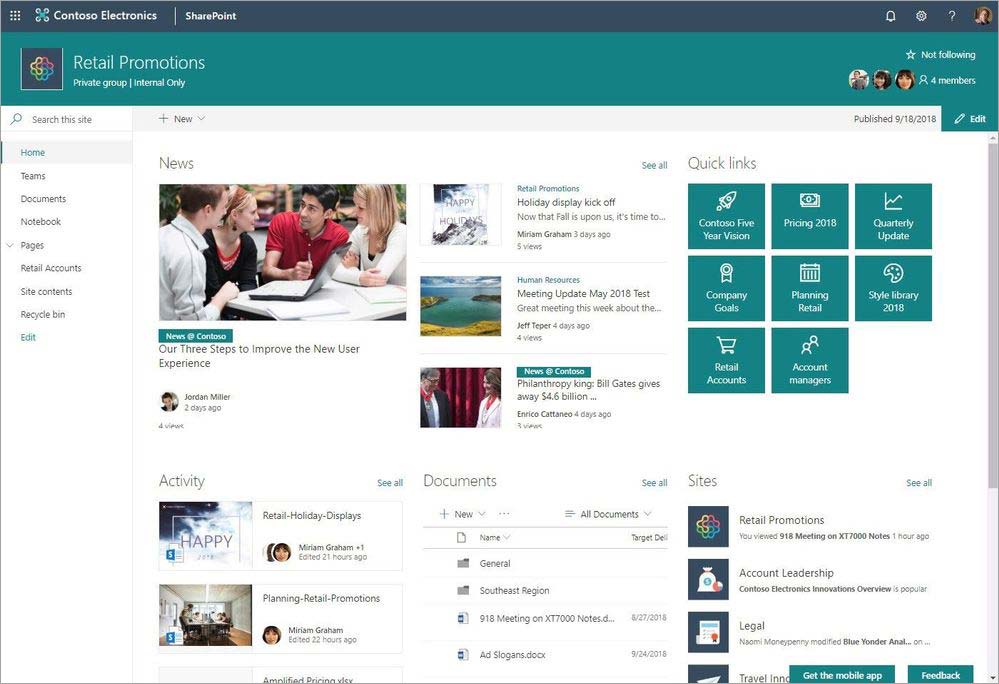
Sharepoint Tip De Mijn Site Inrichten Sharepoint Tips My XXX Hot Girl

Web Dec 11 2021 nbsp 0183 32 This blog describes how to create Teams using Power Automate plus add governance steps to the workflow to include Apply a tailored Teams naming convention Add an approval step Stop duplicate Team names Add multiple owners Add sensitivity label to allow or block guests and external sharing

Web Aug 24 2023 nbsp 0183 32 Modern Team Site Creation Automation With Power Automate Shantha Kumar T Aug 24 2023 38 2k 0 To add a modern team site to SharePoint there are lot of approaches are there and most of them require at least some code required But in this article we will be using SharePoint List and Microsoft Power Automate to automate the

Web Aug 10 2021 nbsp 0183 32 This video will walk through the process of how to build a power automate flow that can send HTTP requests to SharePoint to create new teams site There are many other ways to
Web Nov 6 2018 nbsp 0183 32 Creating the team Creating a SharePoint Site Template to trigger our Power Automate flow Afterword The Power Automate flow Let s create the Power Automate flow first We ll start by adding a When HTTP request is received trigger and inserting the schema below into it

Web Apr 18 2019 nbsp 0183 32 How to create Modern SharePoint Team or Communication site using PnP provisioning template in Microsoft Flow or Azure Logic Apps This article will show how to automatically create a Modern SharePoint Team site and apply a PnP template to it You can use this approach to automate the creation of new SharePoint sites from custom
Web Sep 30 2020 nbsp 0183 32 Create a Flow to add members to Teams site based on data in a table 09 30 2020 04 42 AM I want to create a Flow to add members to a Teams site based on data in a table i e the member s email address and the Team ID amongst other data will be in a table as not every member is added to the same Teams site Web Apr 19 2022 nbsp 0183 32 Automate Team Creation in Microsoft Teams Blog Microsoft 365 Post Microsoft Teams has become an essential communication and collaboration tool for many organizations However a
Web Jun 19 2021 nbsp 0183 32 You will need to use one of the following values according to the type of site you want to create Communication Site SITEPAGEPUBLISHING 0 Team Site not connected to a group STS 3 Site Template previously known as site design