Create Partition Table In Databricks How To Upload Data Files To Databricks And Create Tables In Spark Databricks SQL How not To Partition Your Way Out Of Performance Databricks Connect To Azure SQL With Service Principal The Data Swamp Table Clone In Databricks We Can Create A Copy Of An Existing By Databricks Spark Partition Pruning Doesn t Work With Large IN Statement Create a spreadsheet Create view or download a file Use templates Visit the Learning Center Using Google products like Google Docs at work or school Try powerful tips tutorials and
Official Google Business Profile Help Center where you can find tips and tutorials on using Google Business Profile and other answers to frequently asked questions Create a YouTube channel You can watch like videos and subscribe to channels with a Google Account To upload videos comment or make playlists you need a YouTube channel Without
Databricks Spark Partition Pruning Doesn t Work With Large IN Statement How To Implement Databricks Delta Live Tables In Three Easy Steps What Is Delta Tables In Azure Databricks Blank Printable Configure Clusters Databricks On AWS How To Delete Partitions On SSD With 3 Free Ways Partition Optimize And ZORDER Delta Tables In Azure Databricks How To Connect Azure Cloud Storage Data Sources In Databricks In Python What Is Delta Tables In Azure Databricks Blank Printable How To Create Partition Table In SQL Server YouTube
Create Partition Table In Databricks
 Create Partition Table In Databricks
https://i.ibb.co/GvGG9Vp/Databricks-7.png
You can use Google Forms to create online surveys quizzes and forms send them to others to fill out and then analyze their responses in real time To edit forms and analyze responses with
Pre-crafted templates provide a time-saving service for producing a diverse variety of documents and files. These pre-designed formats and designs can be utilized for various individual and expert projects, consisting of resumes, invitations, flyers, newsletters, reports, discussions, and more, streamlining the material production procedure.
Create Partition Table In Databricks
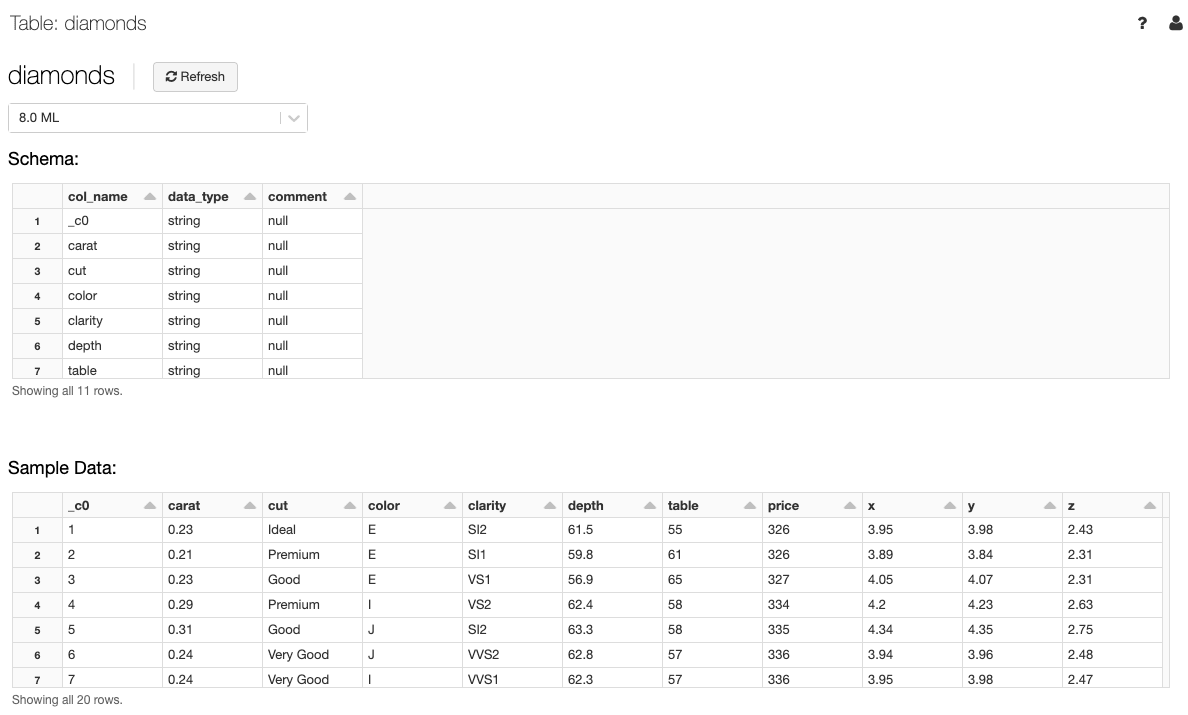
Databricks CREATE TABLE Command 3 Comprehensive Aspects

How To Implement Databricks Delta Live Tables In Three Easy Steps
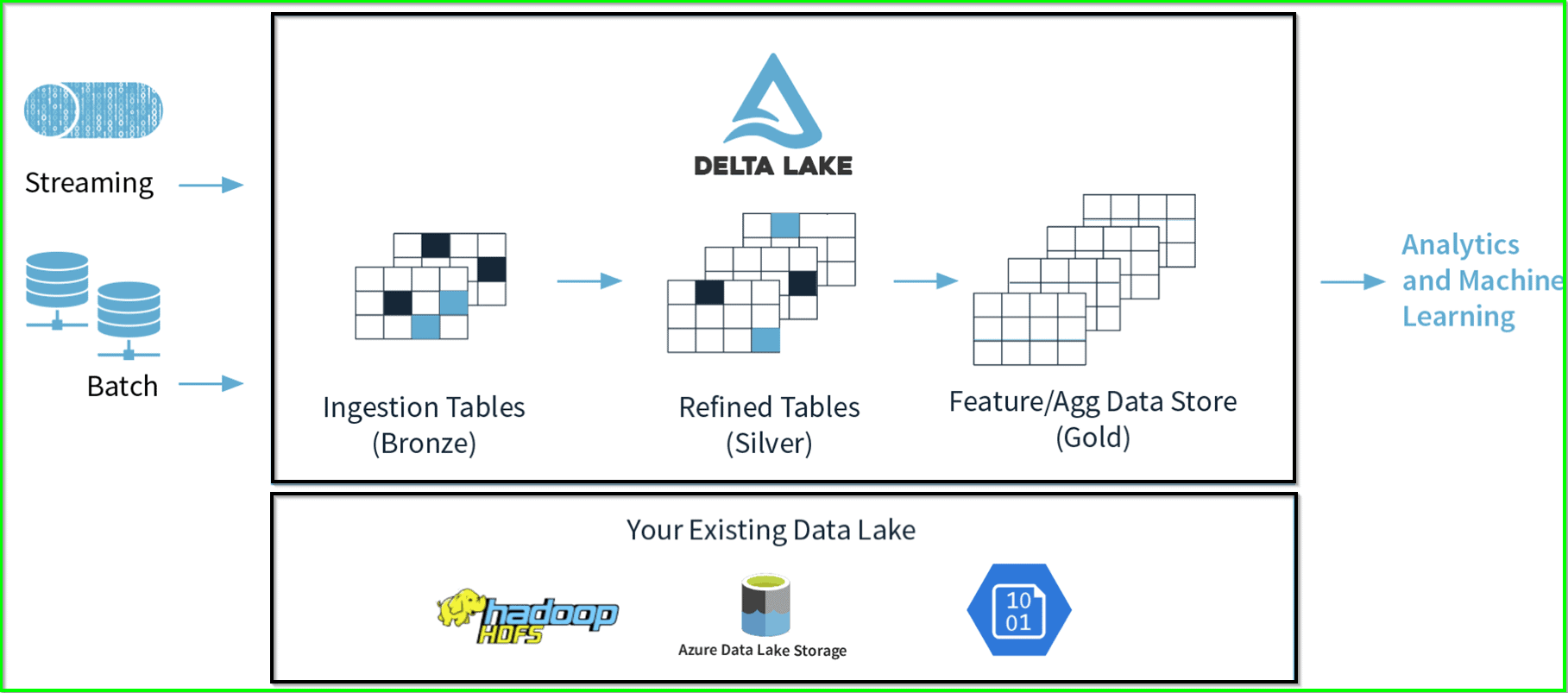
What Is Delta Tables In Azure Databricks Blank Printable
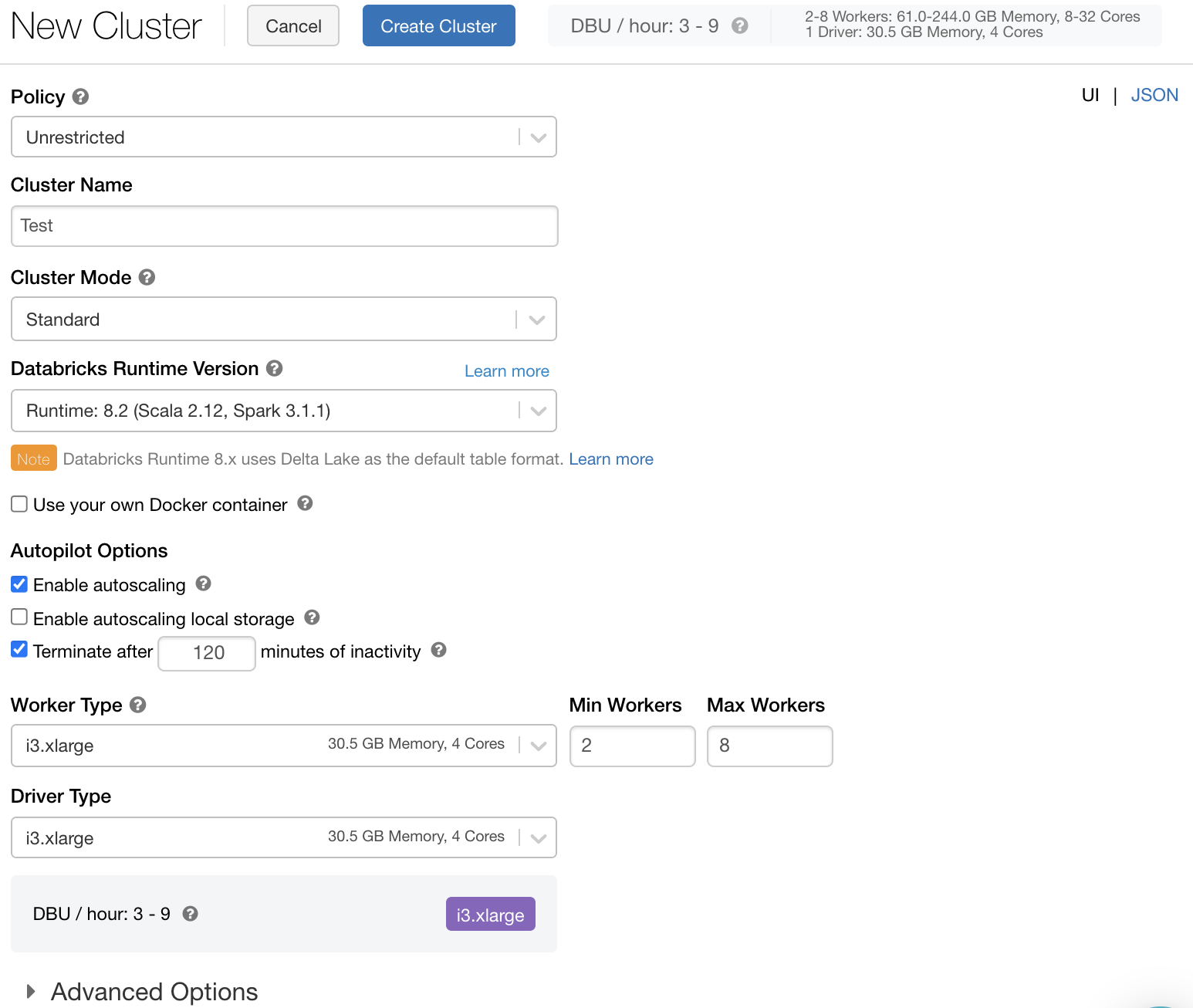
Configure Clusters Databricks On AWS

Partition Optimize And ZORDER Delta Tables In Azure Databricks
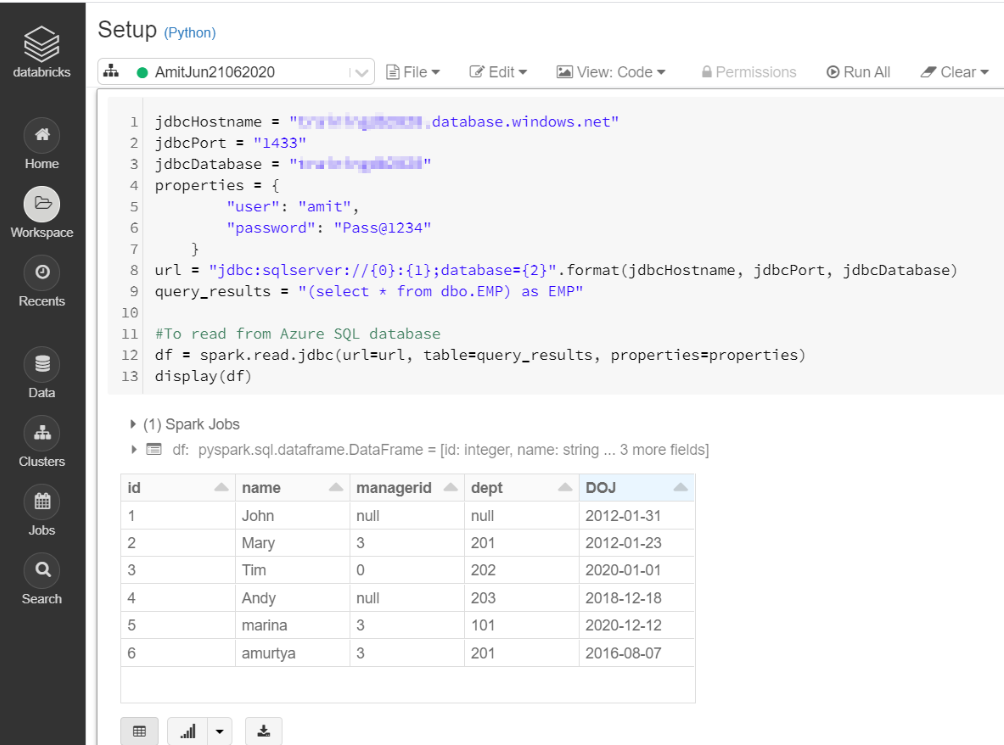
How To Connect Azure Cloud Storage Data Sources In Databricks In Python

Create an account Tip To use Gmail for your business a Google Workspace account might be better for you than a personal Google Account With Google Workspace you get increased

Important When you create a Google Account for your business you can turn business personalization on A business account also makes it easier to set up Google Business Profile
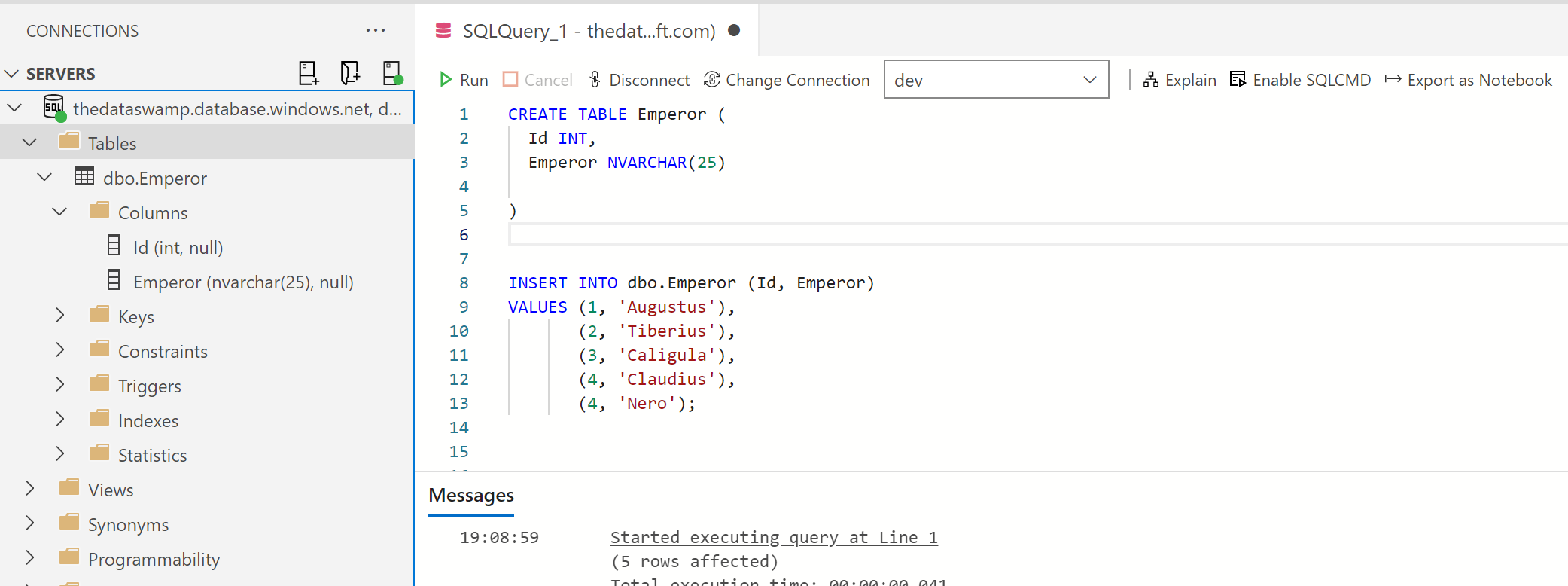
Create a tab Important By default a new document has a tab called Tab 1 You can t delete Tab 1 unless another tab is present On your computer open a document in Google Docs To
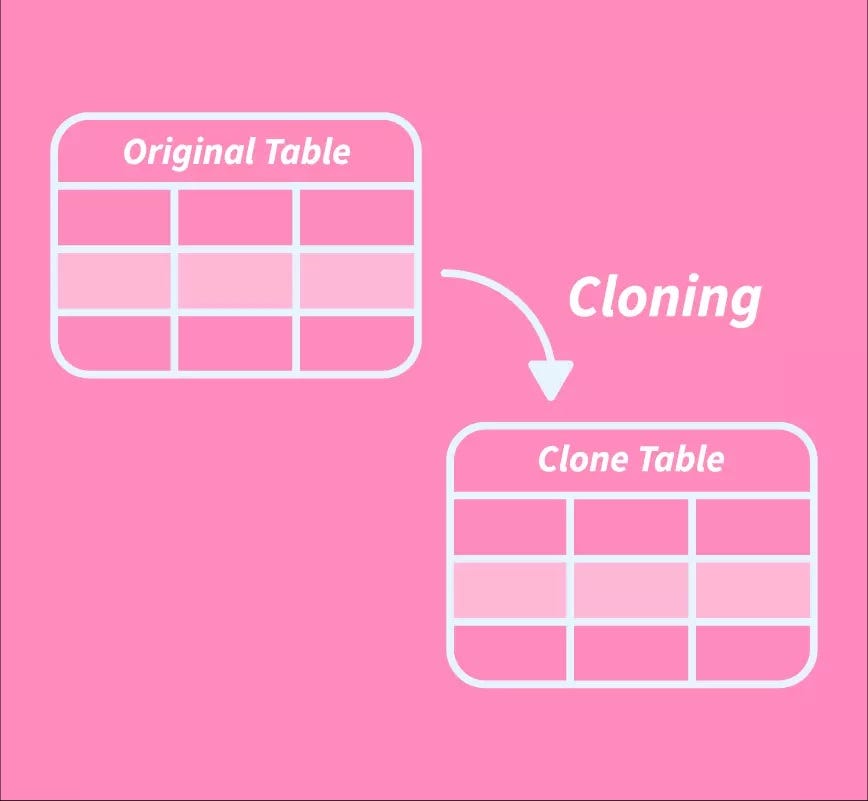
On this page Create a form Add questions Customize your design Control and monitor access Review your form Report abusive content in a form Create a form Go to forms google

Create a map On your computer sign in to My Maps Click Create a new map Go to the top left and click quot Untitled map quot Give your map a name and description Open a map On your
[desc-11] [desc-12]
[desc-13]