Create Fillable Pdf Form Online Fillable Pdf Form With Nitro Pdf Printable Forms Free Online Create Fillable Form Free ProjectOpenLetter Create Fillable Form Turn A Form Into A Fillable Pdf Printable Forms Free Online How To Create A Fillable Form With A Submit Button In Word Youtube Riset Adobe Acrobat is the quick secure and reliable way to fill out PDF files create new forms and manage documents online on the go or in the office You can also add an e signature to a form from any device With Adobe Acrobat senders and recipients can work within the apps they re already using so there s no need to jump from app to app
Create a form fillable PDF Another option for creating a fillable form is to use Adobe Acrobat online services for creating a PDF You can get up and running in just a few clicks by customizing your fields or selecting from existing templates Creating fillable PDFs and fillable online forms is the fastest way to gather information from multiple recipients at once reate fillable PDF documents with PandaDoc Forms Start creating stunning fillable PDFs with ultimate functionality and total ease of use
How To Create A Fillable Form With A Submit Button In Word Youtube Riset Pdf Editor Fillable Forms Printable Forms Free Online How To Create A Fillable PDF Form In PDF Pro YouTube Online Fillable Pdf Forms Printable Forms Free Online Create Fillable Pdf Forms Online 12 Form Resume Examples 6V3ROXJ87b Pdf Fillable Form Editor Printable Forms Free Online Create Fillable Pdf Form For Website Form Resume Examples Riset Creating Fillable Forms Using Adobe Acrobat Dc Form Resume Examples 2022 Checklist Template Fillable Printable Pdf And Forms Handypdf
Create Fillable Pdf Form Online
 Create Fillable Pdf Form Online
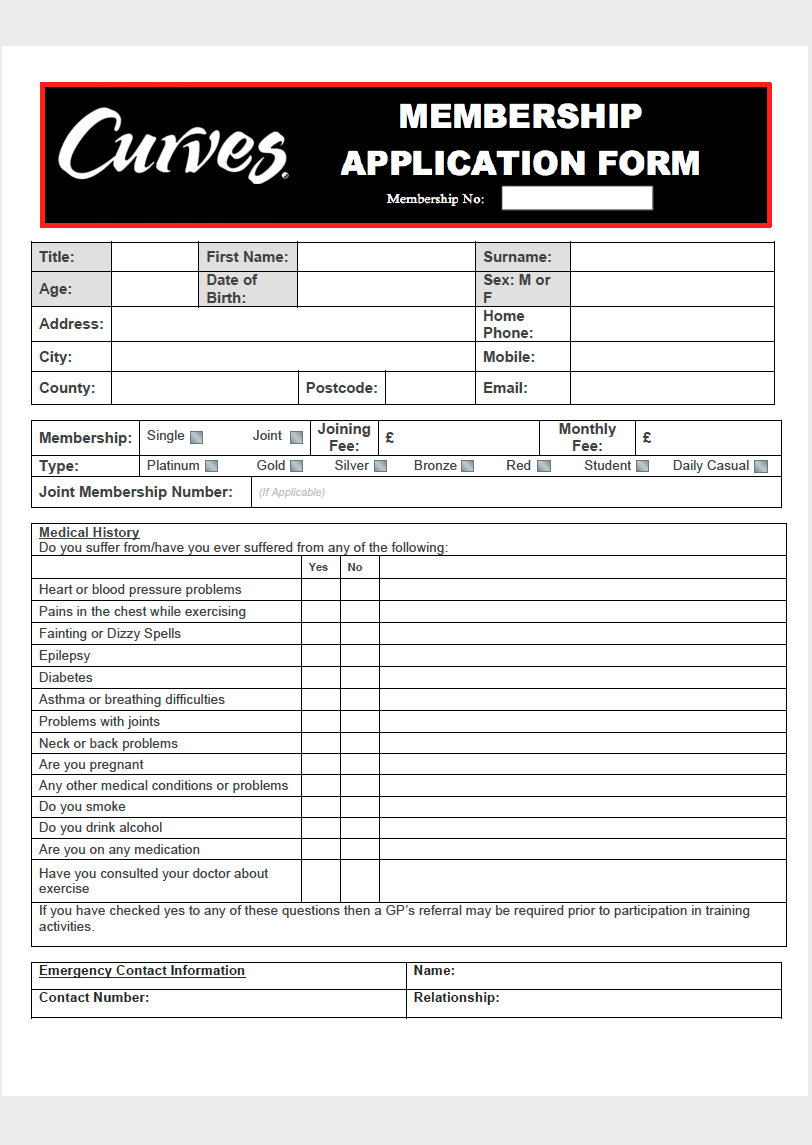
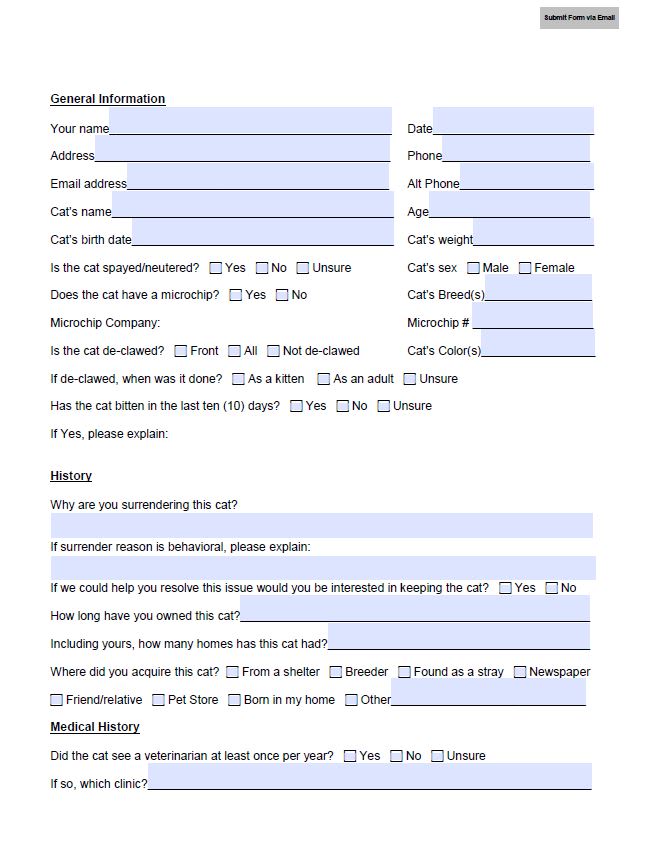
http://agastaya.com/Fillable-Pdf/demo/mason/gym-form.jpg
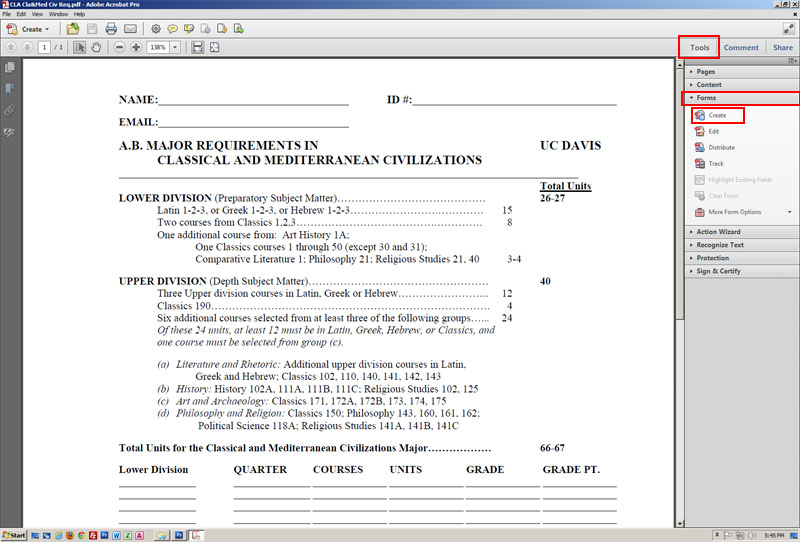
Distribute PDF or web forms After you create a form you choose a method for sending it to recipients Click Distribute in the lower right corner of the right pane A series of messages might appear depending on the conditions Acrobat detects in
Pre-crafted templates offer a time-saving solution for developing a varied range of files and files. These pre-designed formats and designs can be used for various individual and professional tasks, including resumes, invites, flyers, newsletters, reports, presentations, and more, streamlining the material production procedure.
Create Fillable Pdf Form Online
Create Pdf Fillable Form From Excel Form Resume Examples mL52d4okXo
Pdf Editor Fillable Forms Printable Forms Free Online
How To Create A Fillable PDF Form In PDF Pro YouTube

Online Fillable Pdf Forms Printable Forms Free Online
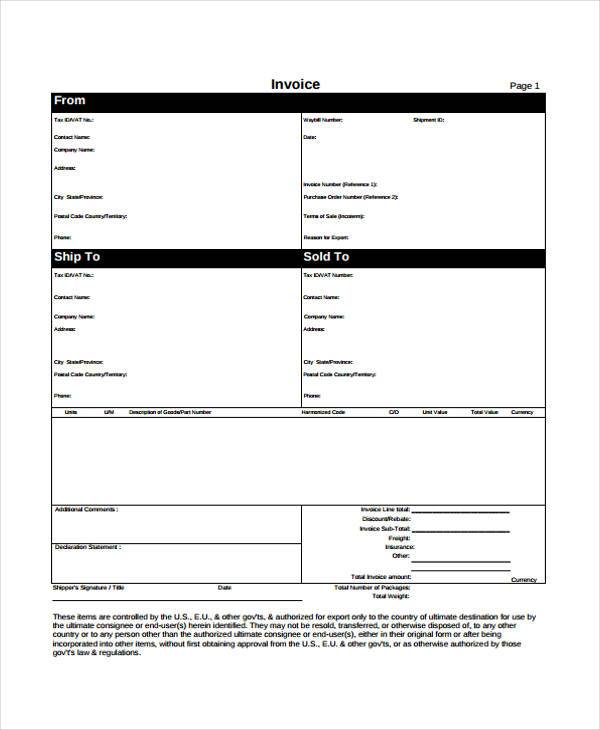
Pdf Fillable Form Editor Printable Forms Free Online
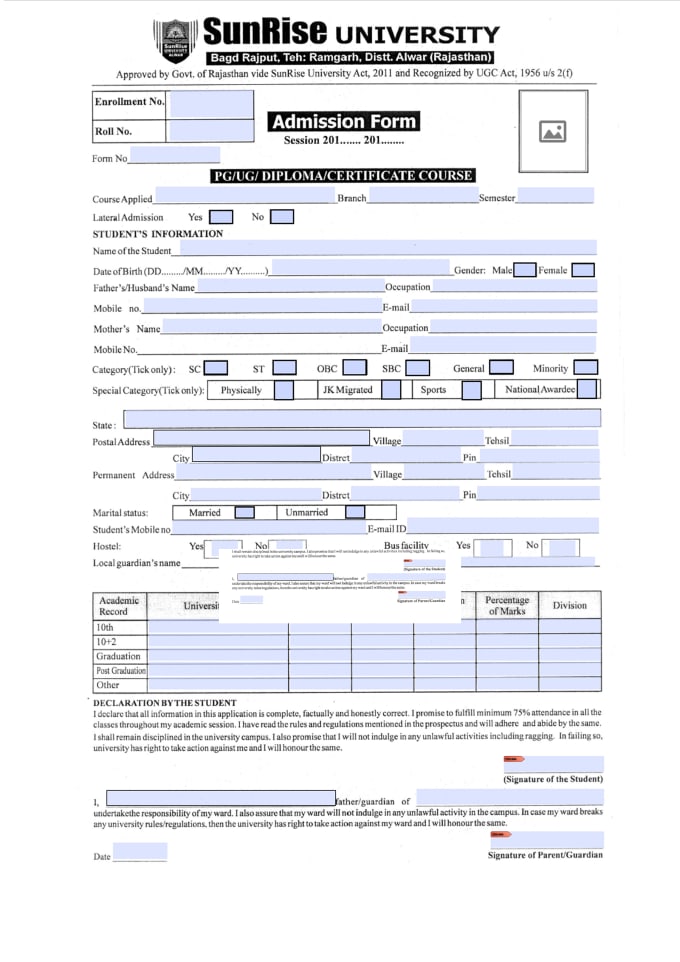
Create Fillable Pdf Form For Website Form Resume Examples Riset
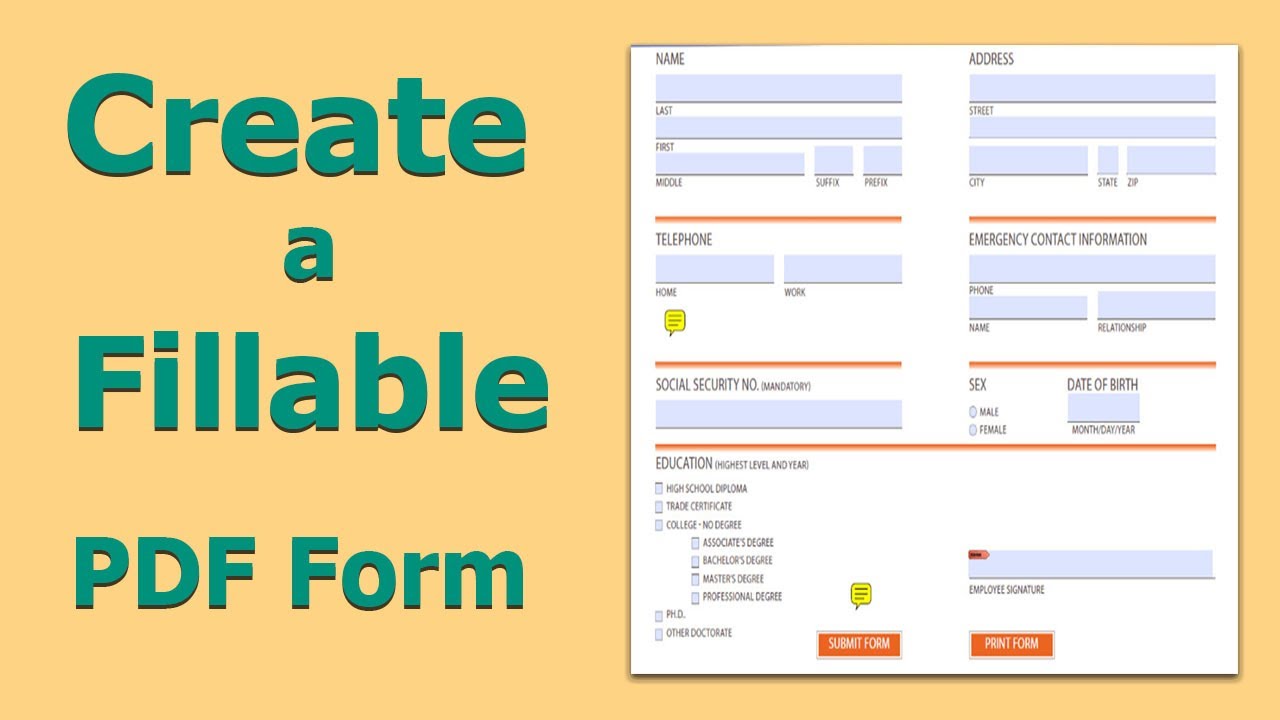
Start with a blank template Add fillable form fields to your PDF form Go over your document s existing content and add fillable form fields where necessary You can choose from the following field types Text Field single text line Textarea multiple text lines Radio select only one from a group Checkbox tick one or more choices

Easy to use online PDF form creator Want an easy way for others to fill in your forms without printing rescanning and sending them back Create your interactive forms for free online Use DocFly s online pdf editor to save time and paper
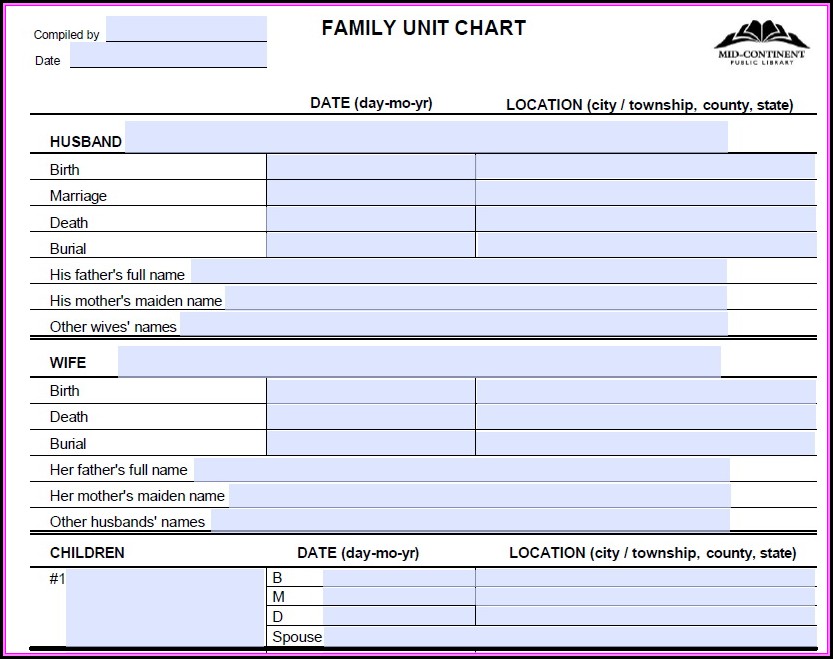
1 Open Acrobat Click on the Tools tab and select Prepare Form 2 Select a file or scan a document Acrobat will automatically analyze your document and add form fields 3 Add new form fields Use the top toolbar and adjust the layout using tools in the right pane 4 Save your fillable PDF
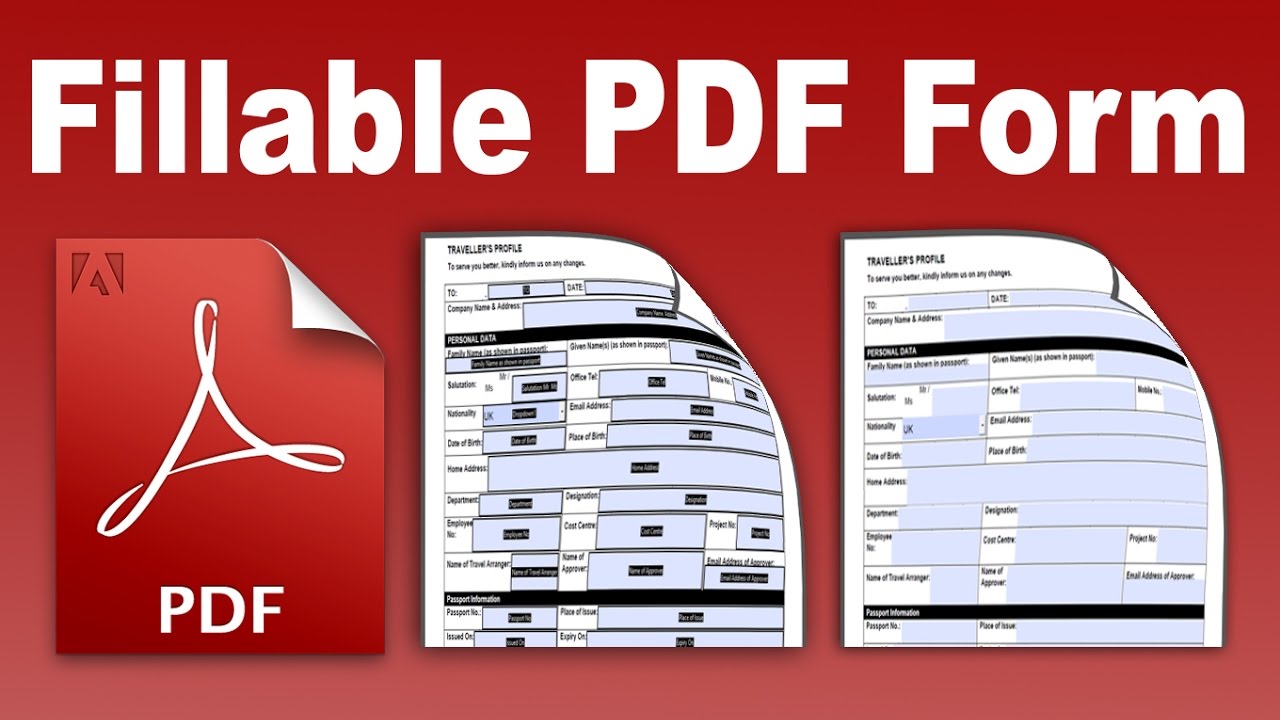
How to create fillable PDF files Open Acrobat Click on the Tools tab and select Prepare Form Select a file or scan a document Acrobat will automatically analyze your document and add form fields Add new form fields Use the top toolbar and adjust the layout using tools in the right pane Save your fillable PDF
Opera 9 5 Safari 2 PDFescape Editor for Windows A smart alternative to Adobe Acrobat for Windows Try Desktop works with Windows 11 10 8 7 PDFescape Online includes these features Edit PDF Files Annotate PDF Documents Fill Out PDF Forms Create Basic PDF Forms Password Protect PDF Files Share Documents Online View
To turn a PDF into a fillable form select choose file to upload a file or simply drag and drop PDF files directly into the converter box from your desktop Or click on an icon to upload PDF documents or PDF files from an online cloud storage service such as Google Drive or Dropbox Follow these easy steps to fill and sign a PDF using an e signature Click the Select a file button above or drag and drop a file into the drop zone Select the PDF document you want to fill in and sign After Acrobat uploads the file use the editing tools to fill out the form Select a signing option then drag your signature or initials to
Can I create a fillable PDF form from an existing document in Acrobat Yes you can create a PDF form from a printed paper or existing Word files Acrobat recognizes and converts static fields to fillable ones with a form wizard See Create a form from an existing document What are the form fields