Create Barcode In Excel How To Create Barcodes In Microsoft Excel 2010 Using The Barcode How To Generate A Barcode In Excel Sage Intelligence Excel Barcode Simple YouTube Barcode Printing For Microsoft Word And Excel Solved Qr Rechnung Mit Excel Erstellen WEB Sep 20 2023 nbsp 0183 32 Create Barcodes Once you have a barcode font installed you are ready to create barcodes from a list of numbers For example see the list below in Column A Let s create barcodes from those numbers in Column B First be sure that all values from Column A are formatted as text in order to avoid numbers being condensed
WEB Oct 19 2020 nbsp 0183 32 In today s tutorial we re gonna talk step by step through the whole process of how to create barcodes in Excel Barcodes are used everywhere and today we ll see how to create standard WEB How To Generate A Barcode In Excel Types And Fonts Of Barcode In Excel Examples Creating Barcode Using The Code39 Barcode Font Creating Barcode Using The Barcode Font Creating Barcode Using The Code128 Font Important Things To Note Frequently Asked Questions Download Template Recommended Articles Key
Qr Rechnung Mit Excel Erstellen How To Get Activebarcode In Excel 2013 Juicybda How To Make BARCODE In Excel With EASY YouTube How To Generate Barcode In Ms Excel With Barcode Font Excel Tutorials How To Create Barcodes In Excel Easy Guide Excel Wizard Creating Barcodes In Microsoft Office For Mac How To Create A Barcode Using Excel Barcode Fonts And Add in For Excel 365 How To Create Barcodes In Excel The Simple Way
Create Barcode In Excel
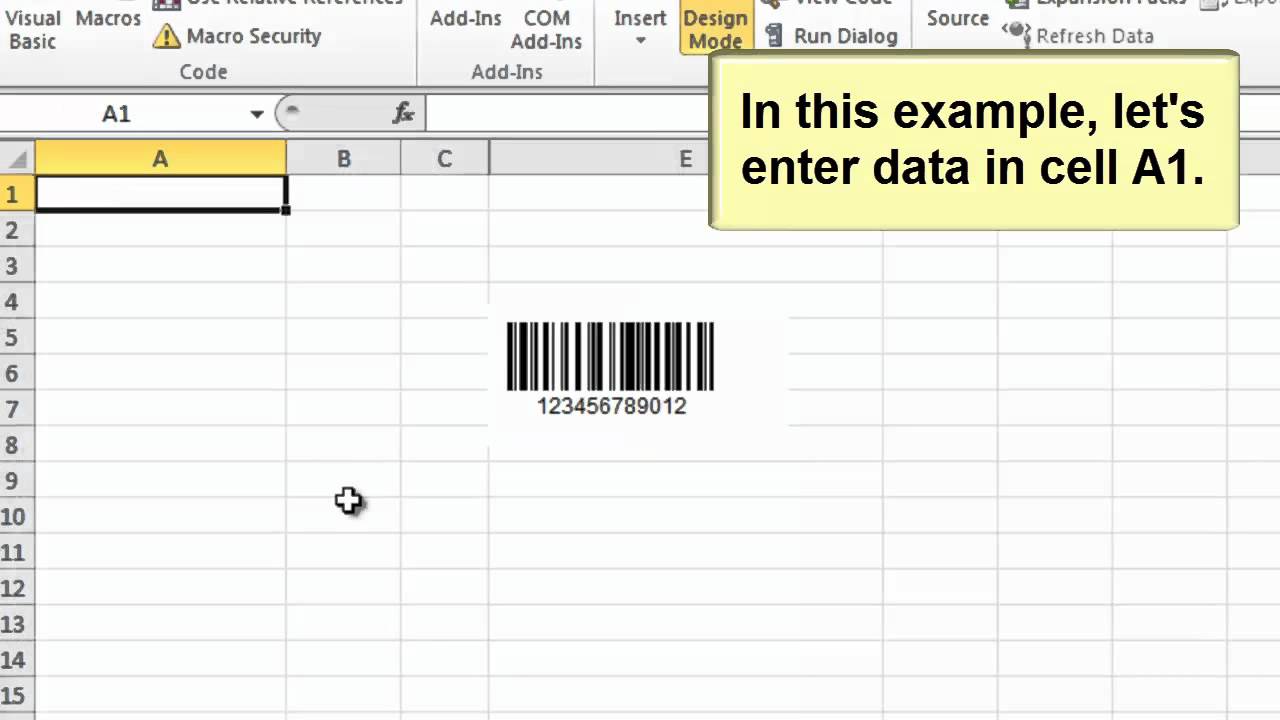 Create Barcode In Excel
http://i1.ytimg.com/vi/MbbOmtc3Fuo/maxresdefault.jpg
WEB May 20 2023 nbsp 0183 32 Step 1 Enter Data Once the font is installed launch Microsoft Excel and open a new workbook Input the data you would like to convert to a barcode in the first column of the worksheet For this guide we will use the
Templates are pre-designed documents or files that can be utilized for various purposes. They can save effort and time by providing a ready-made format and layout for producing different kinds of material. Templates can be used for personal or professional jobs, such as resumes, invites, flyers, newsletters, reports, discussions, and more.
Create Barcode In Excel

How To Create Barcodes In Excel Excel Create Media Center

How To Get Activebarcode In Excel 2013 Juicybda
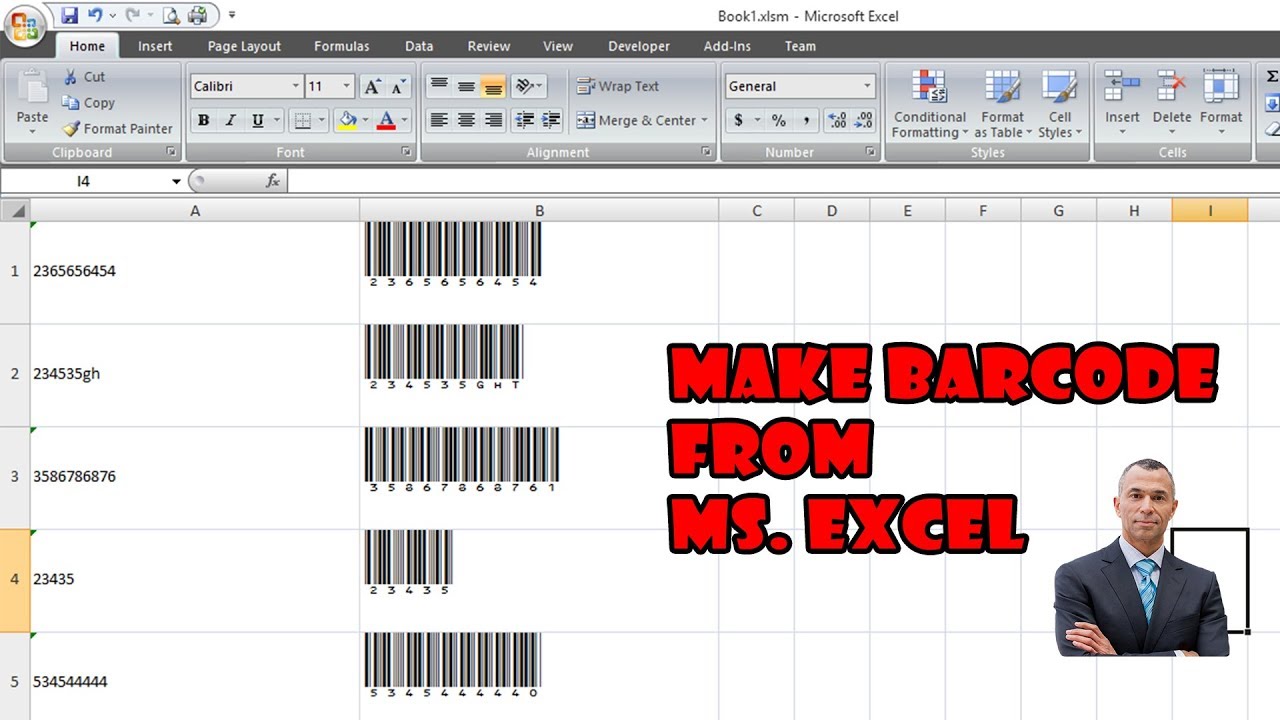
How To Make BARCODE In Excel With EASY YouTube
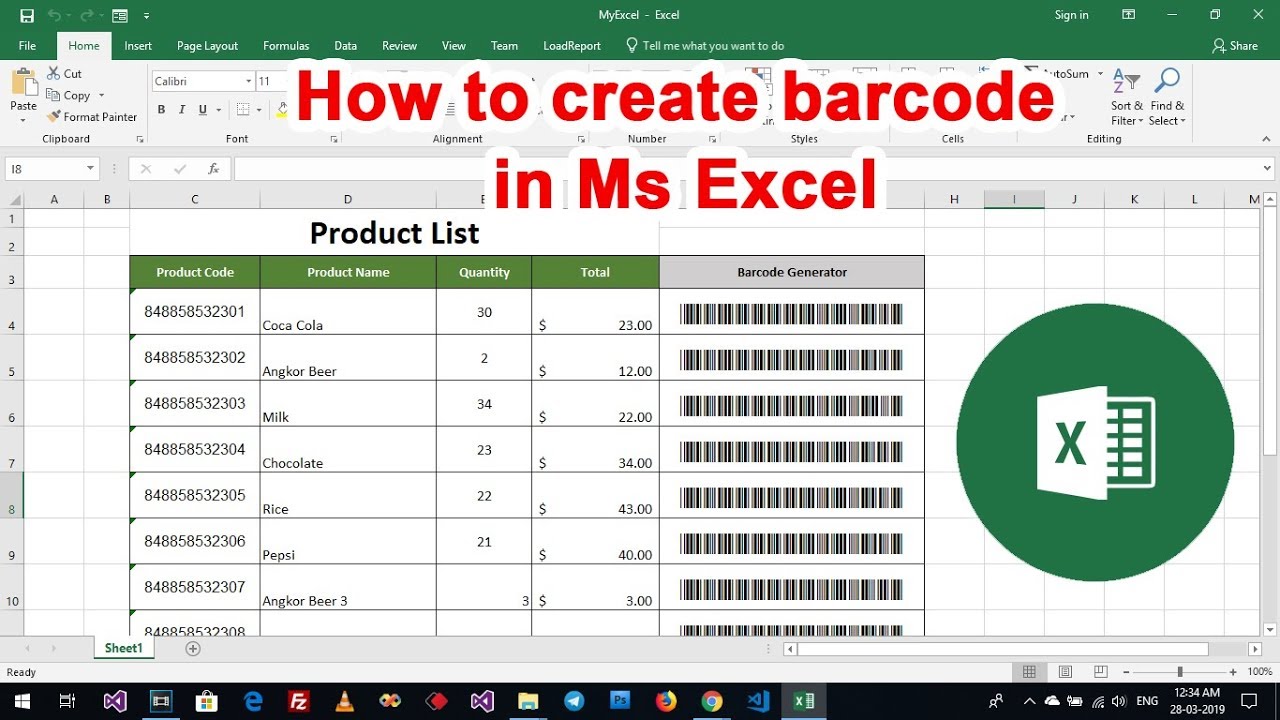
How To Generate Barcode In Ms Excel With Barcode Font Excel Tutorials
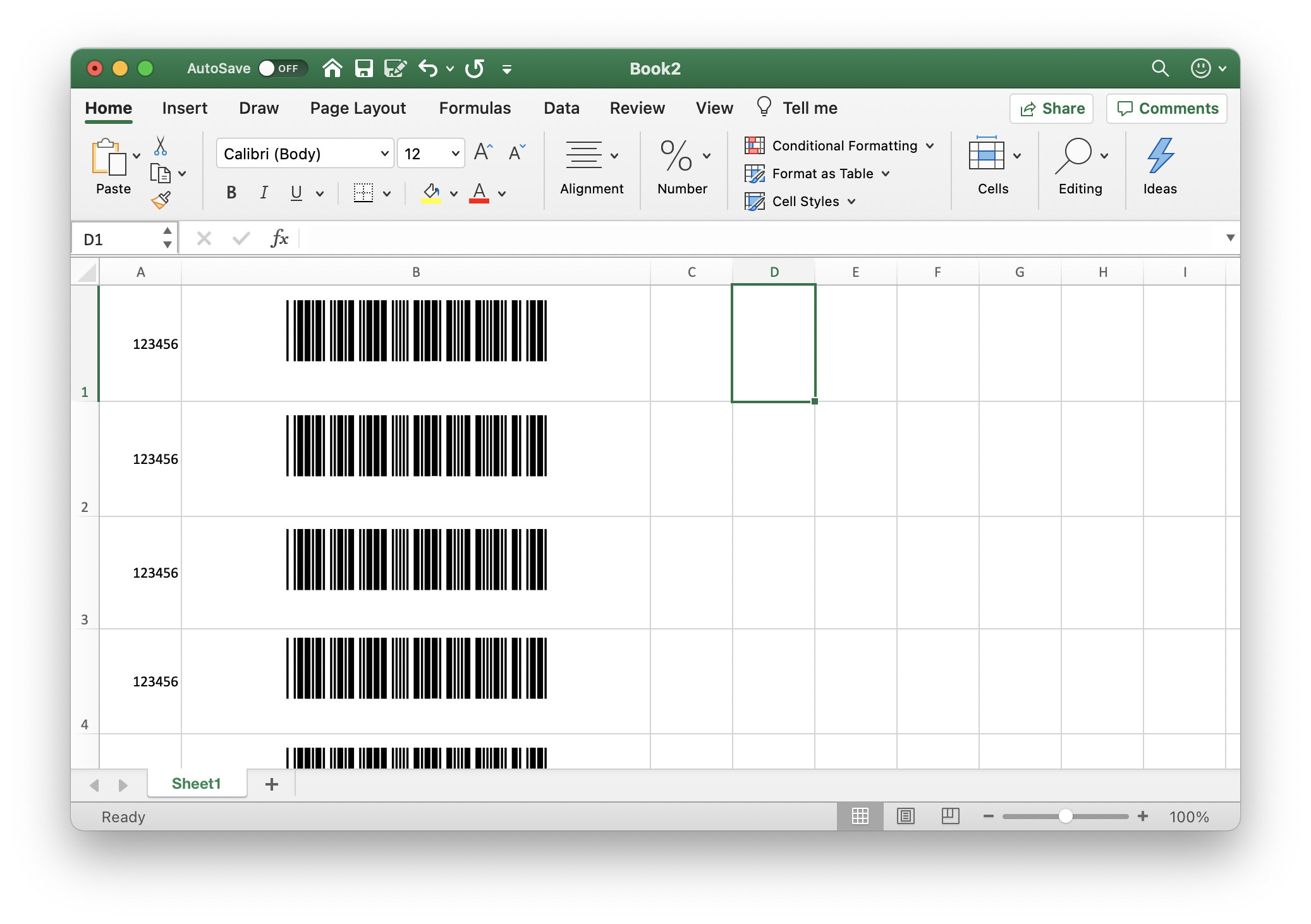
Creating Barcodes In Microsoft Office For Mac
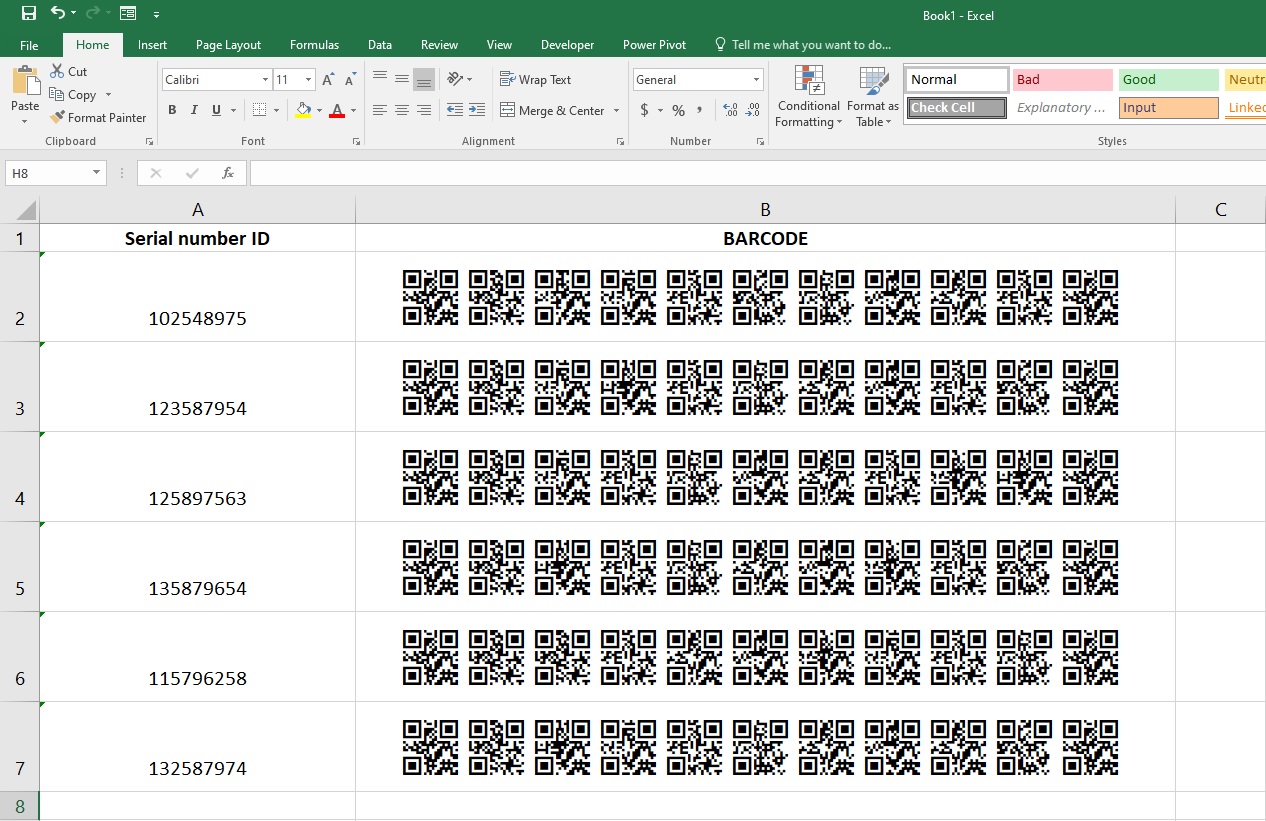
How To Create A Barcode Using Excel
WEB Creating Barcodes in Excel Converting Cell Format to Text Enter the Values for Barcodes Formatting the Values to Convert into Barcodes Different Types of Barcodes Generating Random Barcode in Excel Third Party Tools and Excel Barcode Add Ins Download and Install the Code 39 Barcode Font

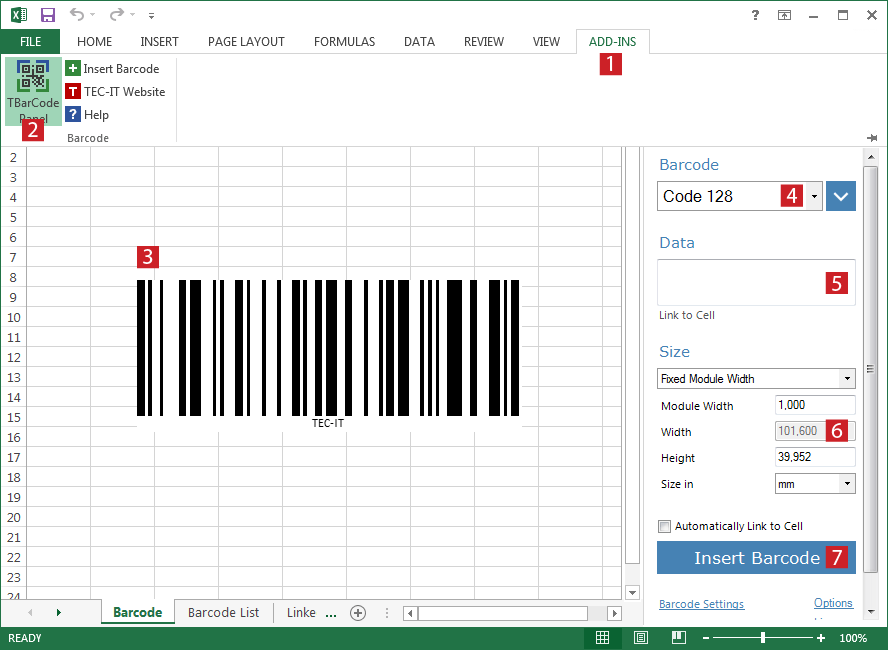
WEB Aug 8 2019 nbsp 0183 32 You can use Excel barcode add ins to create individual barcodes lists or tables and to set parameters Below are some examples of add ins that can help create barcodes TBar This is an Excel add in that can create a single barcode as well as lists and tables The add in allows for direct insertion into cells and dynamically links to other
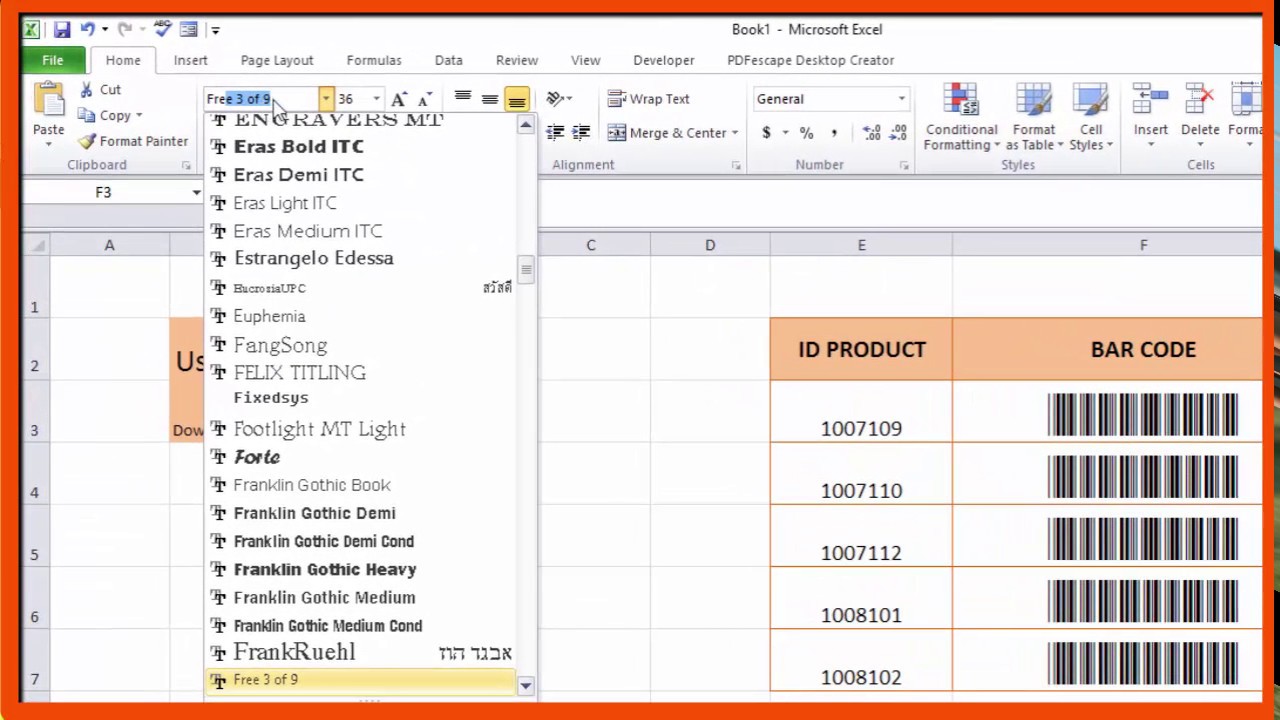
WEB Click into the target cell the cell where you want to generate the barcode In our case it s C3 Enter the equal sign a quotation mark an opening bracket and a quotation mark again Then add an ampersand and right after the coordinates of the cell that contains the code we re converting which is B3 here

WEB Feb 11 2022 nbsp 0183 32 If you want to create a barcode in Excel that any barcode scanner can recognize follow the steps described below Step 1 Download and install the barcode font Libre Barcode 39 If you prefer a two row barcode you can use Libre Barcode 39 Text this also includes the text under the barcode
WEB May 11 2023 nbsp 0183 32 Excel formulas can be written in a variety of ways in order to generate barcodes You will explore the two most straightforward ways as follows Select the cell adjacent to your input and write the formula as shown below Here my input column is A You can write it down as follows quot quot amp A2 amp quot quot or quot quot amp A2 amp quot quot
[desc-11] [desc-12]
[desc-13]