Create A Shift Calendar In Excel Work Shift Calendar FreeTemplatesPro 2022 Firefighter Shift Calendar Example Calendar Printable 4 On 4 Off Shift Pattern Calendar 3 Crews 12 Hour Shifts 24 7 12 Hour Shift Schedule Template 7 Free Word Excel PDF A B C And D Shift Schedules Web Sep 19 2020 nbsp 0183 32 Step 1 Fill out the Info Sheet with employee names and roles Go to the Info Sheet tab on your excel template and add your employees names and roles in the appropriate tables see below To enter your employees names go to column H and start inputting each employee s name in this section i e H5 H31
Web This sheet also consists of the same heads The only difference is that it consists of multiple dates for the whole month Date Enter the date for which you want to make the shift rotation schedule Day Using the TEXT Function the system automatically displays the day Shift Timings You can input the shift timings as per your requirements In the example Web Jun 22 2023 nbsp 0183 32 There are many methods to consider for organizing employee shifts from writing the schedule by hand to using automated scheduling software Here are some of the main advantages of using Excel to design your work schedules Saving time By developing a work schedule template in Excel you can save time whenever you create schedules
A B C And D Shift Schedules Employee Scheduling Excel Template SampleTemplatess SampleTemplatess Shift Schedule Template Shift Scheduling Weekly Employee Shift Schedule Template Excel Emmamcintyrephotography 10 Hour A Week Jobs From Home Free Printable Calendar 2023 Uk Printable Blank World 8 Hour Rotating Shift Schedule Excel Excel Templates 12 Hour Shift Schedule Template Excel Example Calendar Printable How To Make An Automatic 12 hour Shift Schedule YouTube
Create A Shift Calendar In Excel
 Create A Shift Calendar In Excel
https://d396rd7z7ir0yc.cloudfront.net/wp-content/uploads/2020/04/workshiftcalendar.png
Web Oct 25 2023 nbsp 0183 32 Effectively I need to shift the weeks up and then auto display the rest of the dates in December up to 5th Ideally I would then custom to make the dates outside the payroll month invisible That then leaves it clear for employees to add their hours worked for each day to generate the weekly and monthly hours as already formatted Thanks in
Templates are pre-designed documents or files that can be used for various functions. They can save effort and time by offering a ready-made format and layout for producing different kinds of material. Templates can be utilized for personal or professional jobs, such as resumes, invitations, flyers, newsletters, reports, discussions, and more.
Create A Shift Calendar In Excel

Automatically Create Shift Schedule In Excel With Regard To Free Shift Calendar Templates In
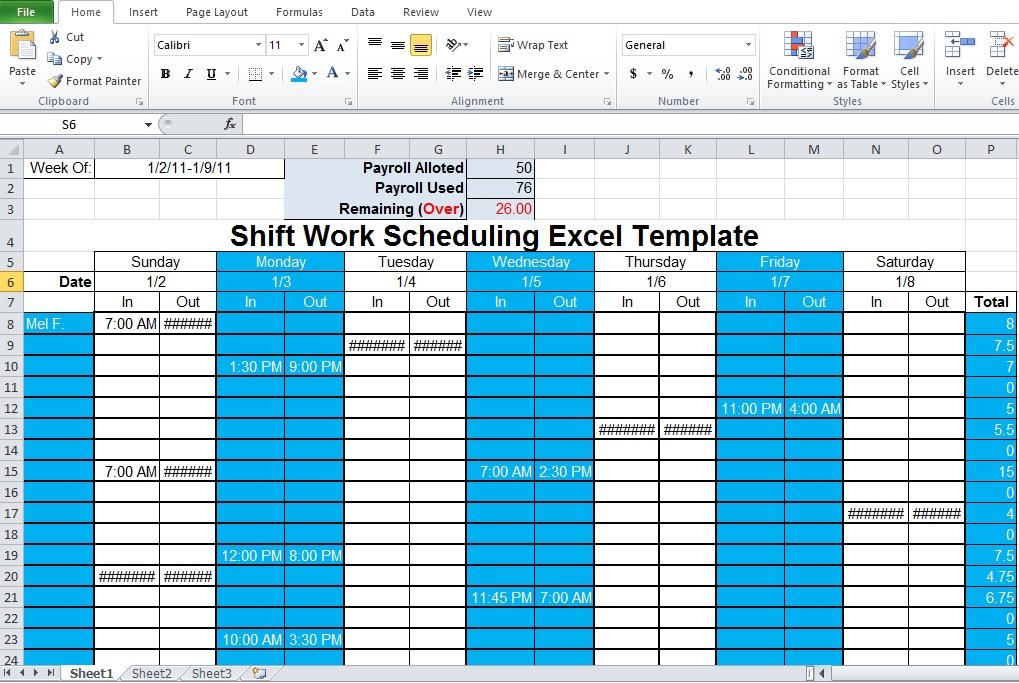
Employee Scheduling Excel Template SampleTemplatess SampleTemplatess
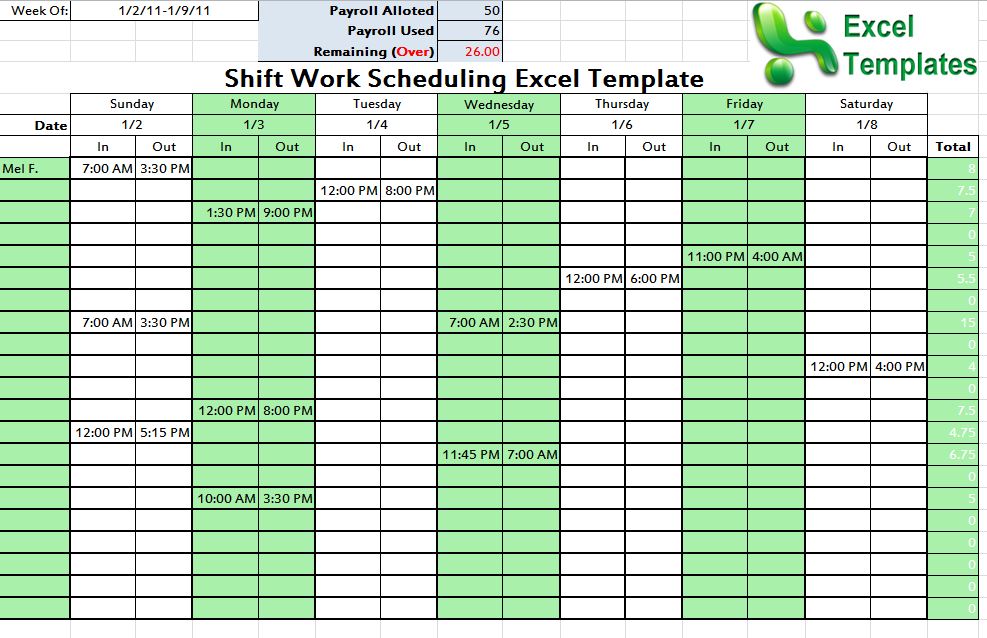
Shift Schedule Template Shift Scheduling
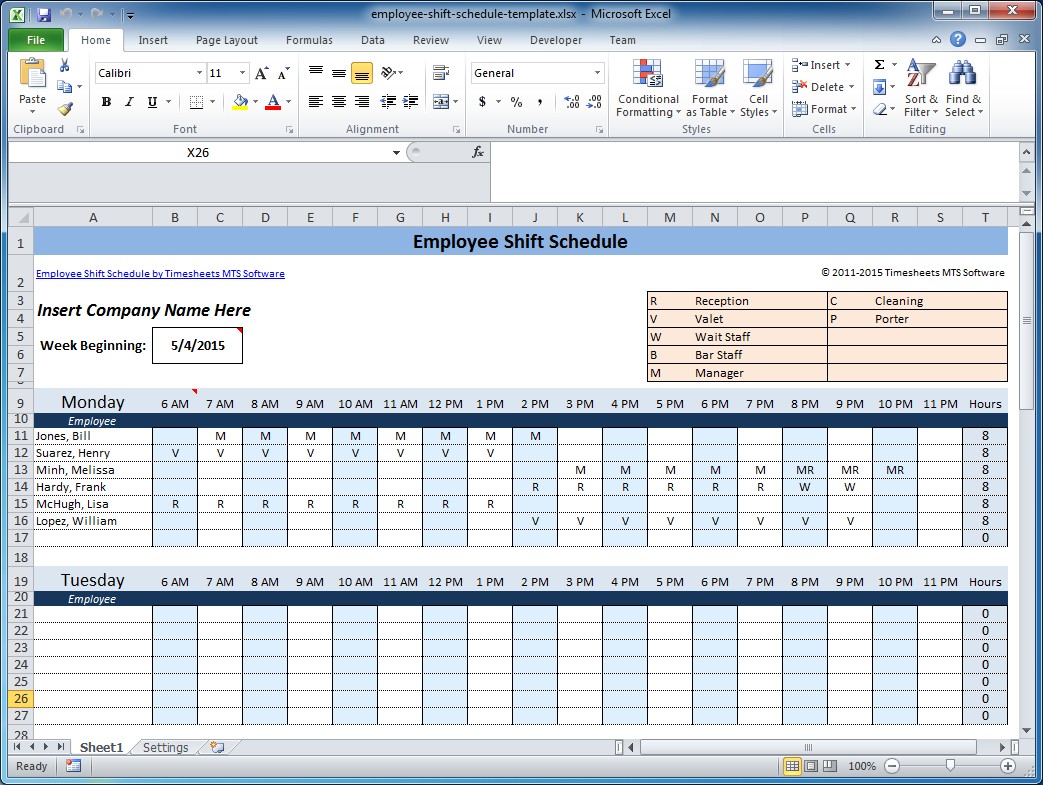
Weekly Employee Shift Schedule Template Excel Emmamcintyrephotography
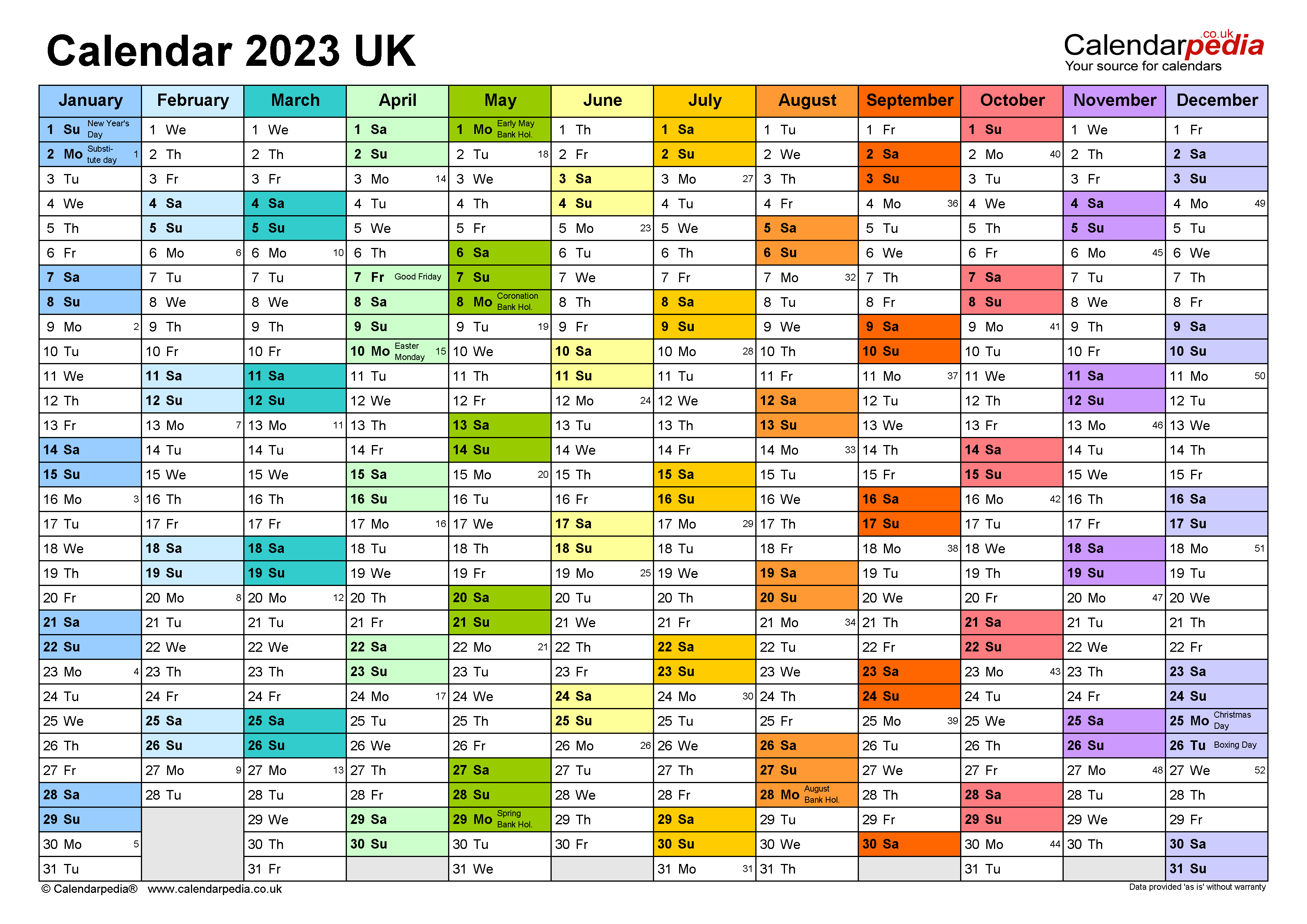
Free Printable Calendar 2023 Uk Printable Blank World

8 Hour Rotating Shift Schedule Excel Excel Templates

Web This import compatible Excel workbook includes a list of your team members for shift assignment and details about any existing shifts For export instructions see Fill out or edit a shifts schedule in Excel

Web Apr 23 2020 nbsp 0183 32 For the Code row in Shift 4 part I type Z as code and rename it as the screenshot You could also compare the Code row in different Shift parts Change the Shift Pattern row I add Z as screenshot 2 Then you need to change the Shift Word Calendar sheet Step1 set the Conditional Formatting for this new shift

Web There are three main steps to working in Excel export the team members and schedule from Shifts edit the Excel workbook and import the workbook back into Shifts The exported workbook will contain the team members and their emails and any existing shifts within the time period you choose

Web Mar 24 2023 nbsp 0183 32 Here are some ways you can create a calendar in Excel Using Microsoft s code use Microsoft s Visual Basic for Applications code to create a calendar Using Power Query for Excel Power Query is an Excel add in that uses pre built functions to merge remove pivot filter rows and columns

Web How To Create Shift Work Calendar on Microsoft ExcelSubscribe to How to Media to get more solutions to your problems If this video helped you out please leav
Web Nov 23 2020 nbsp 0183 32 Click OK to apply The Preview box will display your preferences Click OK to apply conditional formatting This is how it looks G4 TODAY The formula returns a Boolean value If the cell value G4 is equal to result of TODAY function which returns the present day in a date format the formula returns TRUE Web Create a shift for a team member To create a shift for someone select their row and then select More options gt Add shift Add or edit start and end times a custom label break times shift notes and activities and then select Save
Web Dec 23 2019 nbsp 0183 32 1 Add a new sheet and create a List of the payroll dates for the year You can use formulas or autofill to create the list and also manipulate it as per your situation weekends or public holiday 2 IMPORTANT Give the list a Named Range i e quot Paydates quot 3 Select January range in your Calendar C5 AM5 and apply CF using this formula