Create A New Git Repo From Command Line What Is A Branch In Git And How To Use It Ultimate Guide CLOUD HOT GIRL How To Push Local Git Repository To Github YouTube Git Add Remote After Init Stormauctions Git Create Branch From Another Popdase How To Add And Commit Files In Single Command In Git YouTube First you ll need to install the CLI and link it to your Github account This is fairly straightforward though you can find releases and install instructions on the Github repo for the tool It s available for most package managers including Windows s winget and all the binaries and installers are available as releases
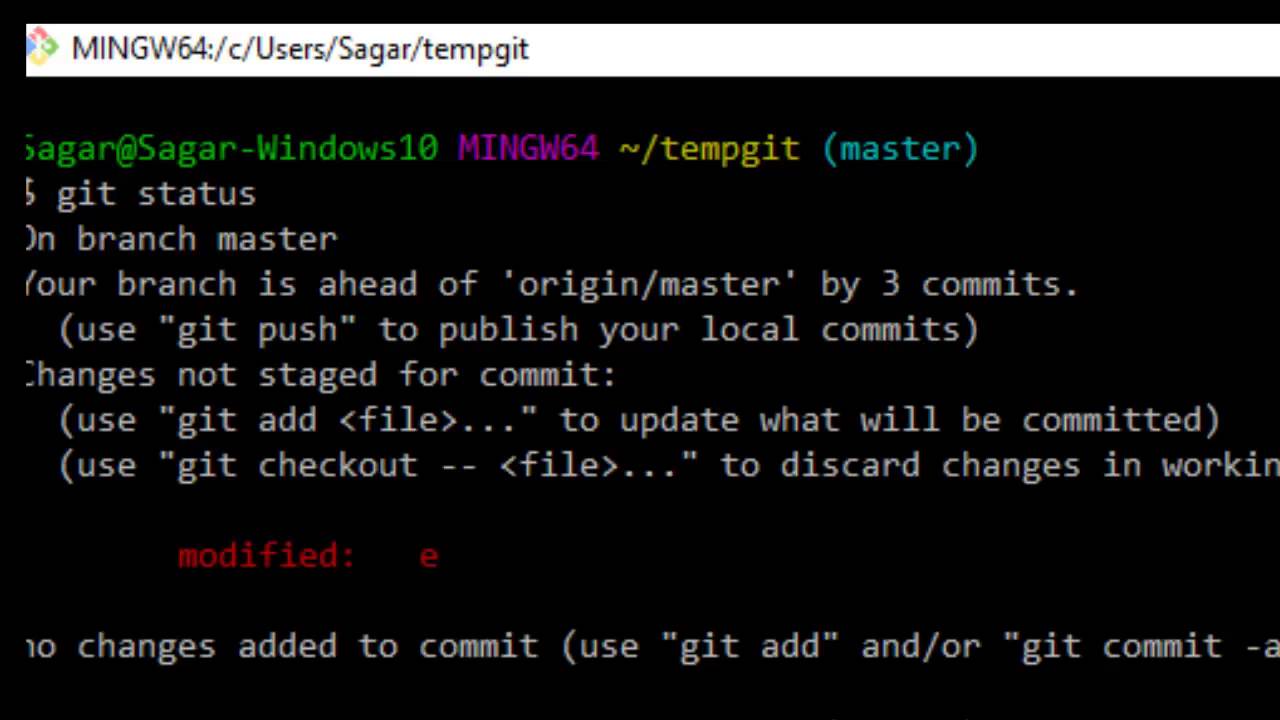
Use the git init command to create a new repo from an existing folder on the computer From the command line navigate to the root folder containing the code and run git init to create the repo Next add any files in the folder to the first commit using the following commands git add all git commit m Initial commit Press command space and type terminal iTerm2 You can integrate it with Zsh and Oh My Zsh for color highlighting and other advanced features For Windows users Built in command line On the Windows taskbar select the search icon and type cmd PowerShell Git Bash It is built into Git for Windows For Linux users
How To Add And Commit Files In Single Command In Git YouTube How To Remove A File From Git YouTube Git How To Clear Github Repo Commit History Chris Nielsen Code Walk How To Clone A Git Repository Clone A Git Repository With Command How To Push Local Git Repository To Github Youtube Www vrogue co Creating A New Git Repository YouTube Create A New Git Repo And Add Existing Code To Azure DevOps Ananth Chellathurai s Walk On Software How To Create A New Git Local Usando Git En CommandLine Acervo Lima
Create A New Git Repo From Command Line
 Create A New Git Repo From Command Line
https://www.junosnotes.com/wp-content/uploads/2021/07/How-To-Create-a-Git-Branch-1024x576.png
If you want to get a copy of an existing Git repository for example a project you d like to contribute to the command you need is git clone If you re familiar with other VCSs such as Subversion you ll notice that the command is clone and not checkout
Pre-crafted templates offer a time-saving option for developing a varied series of files and files. These pre-designed formats and layouts can be used for various personal and professional jobs, including resumes, invitations, leaflets, newsletters, reports, presentations, and more, simplifying the content production procedure.
Create A New Git Repo From Command Line
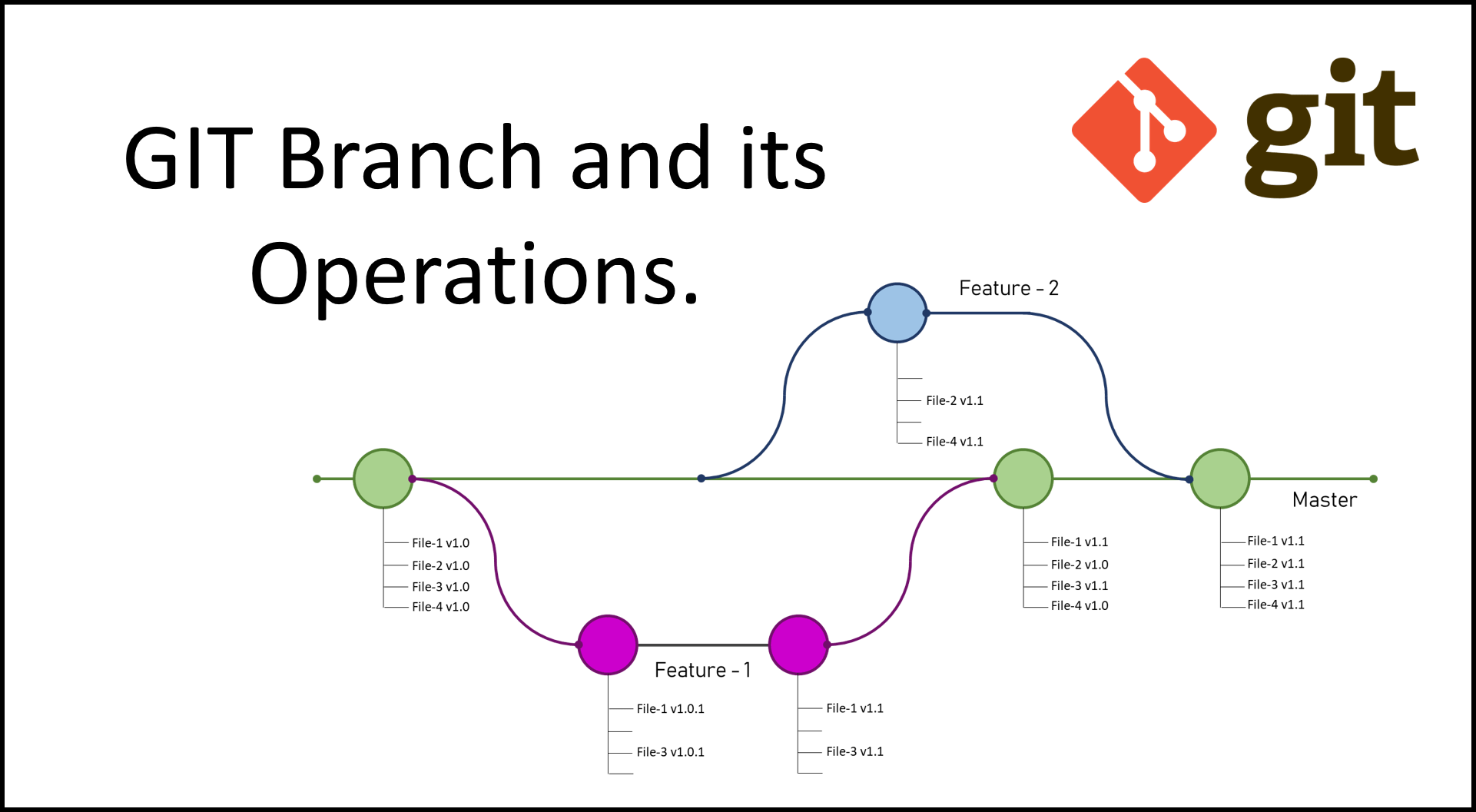
Git Branching Merging And Github Rebase
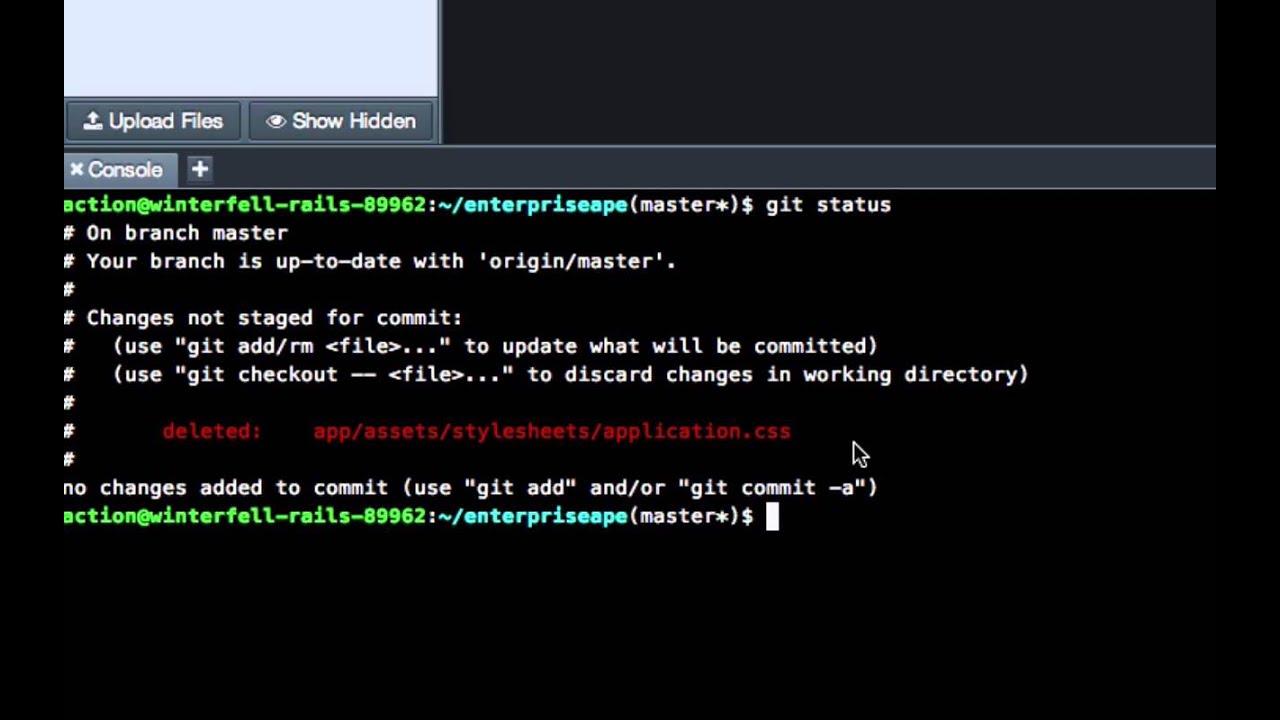
How To Remove A File From Git YouTube
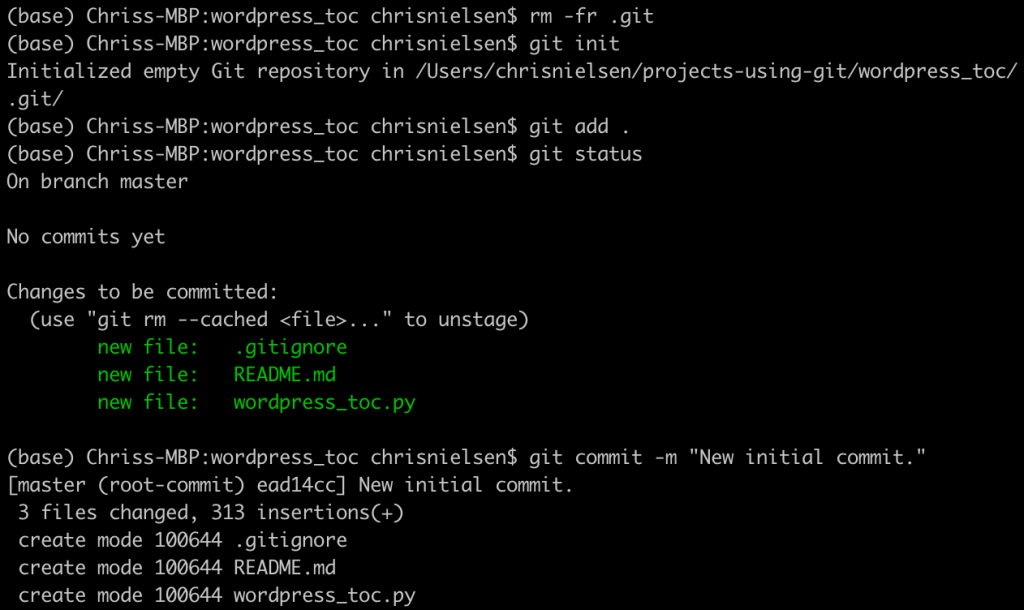
Git How To Clear Github Repo Commit History Chris Nielsen Code Walk
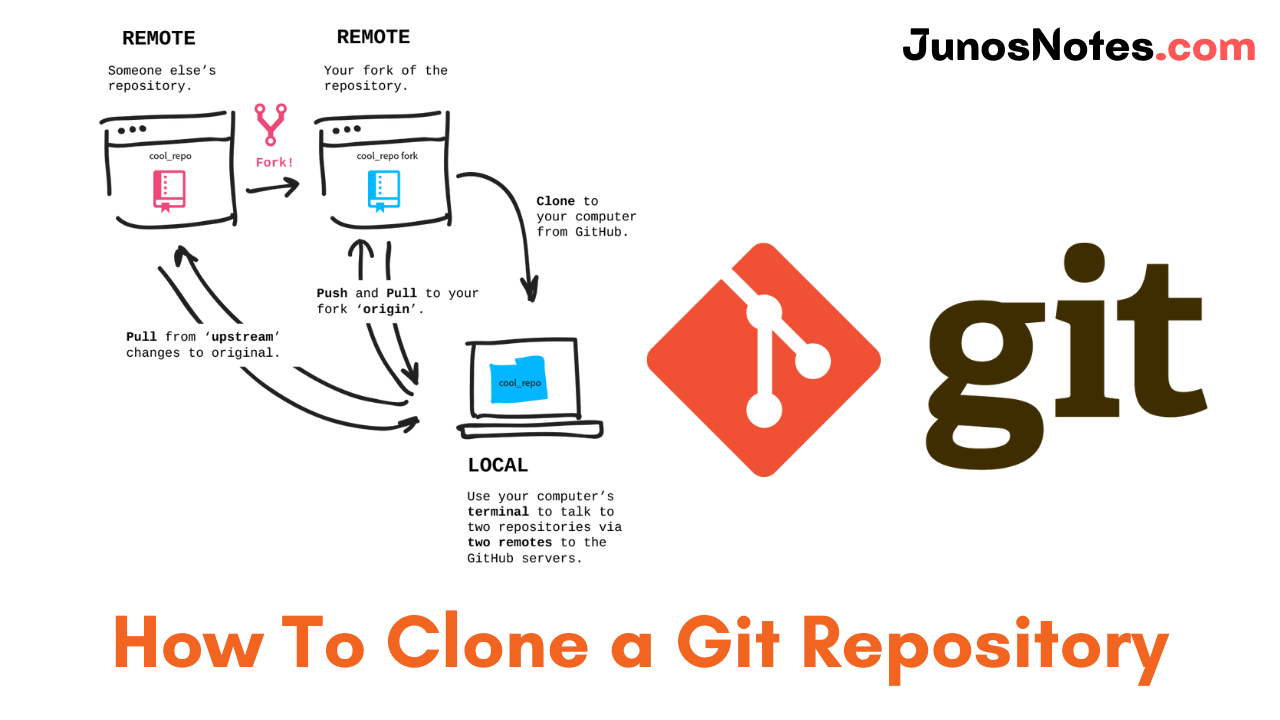
How To Clone A Git Repository Clone A Git Repository With Command
Creating A New Git Repository YouTube

Create A New Git Repo And Add Existing Code To Azure DevOps

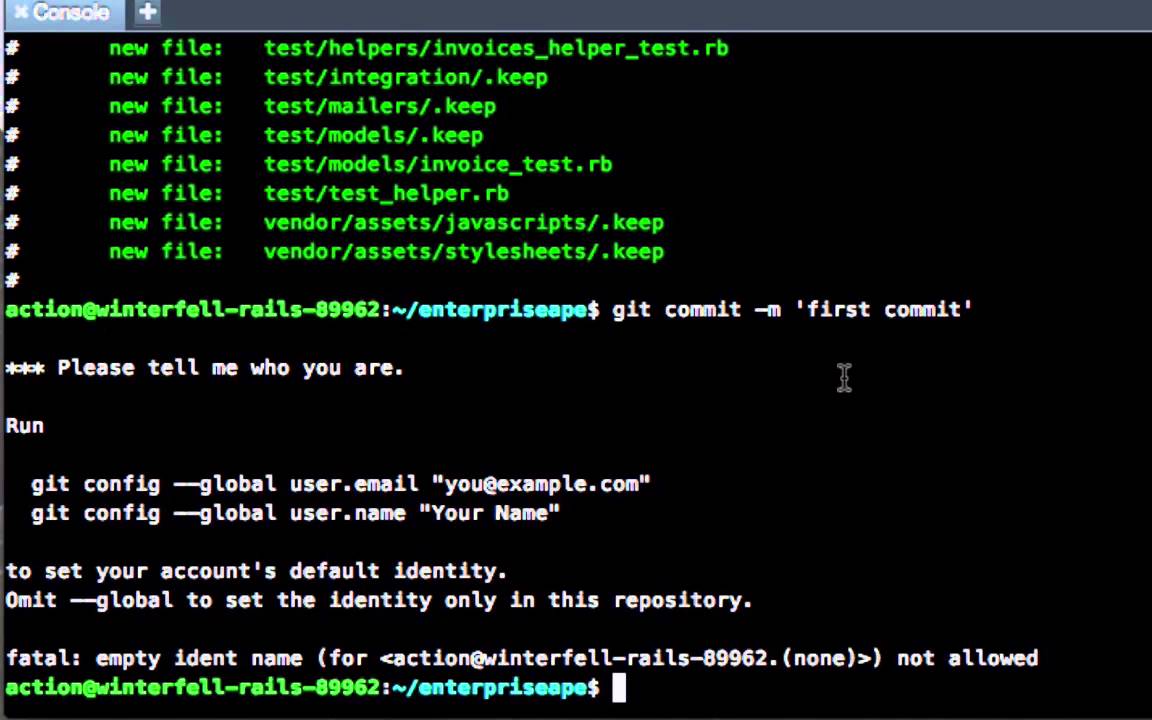
To create a new repo you ll use the git init command git init is a one time command you use during the initial setup of a new repo Executing this command will create a new git subdirectory in your current working directory This will also create a new main branch Versioning an existing project with a new git repository
1 Create a folder for this project on your local hard drive mkdir my project 2 change into this folder cd my project 3 initialize a new empty Git repository here git init after having written some code created some files 4 add all changes to the next first commit git add 5 create this first commit git commit m

You can add or create new files using the user interface or choose to add new files using the command line later For more information see Importing an external Git repository using the command line Adding a file to a repository and Addressing merge conflicts You can create a README which is a document describing your project
Here are the steps I use when creating a new project Initialize local git repository Create the project directory and ensure it is the current working directory then git init Create a gitignore Create a file called gitignore with any files patterns listed that should not be included in the repository
GitHub CLI Web browser Create a repository GitHub repositories store a variety of projects In this guide you ll create a repository and commit your first change In the upper right corner of any page select then click New repository Type a short memorable name for your repository For example hello world
What is git init The git init command is used to initialize a new Git repository in the project root directory of your codebase If you a starting a brand new project this might be a new empty folder or it might contain a simple README To create a new folder for your project you can use the mkdir command on the command line Log in to your account Click the new repository button in the top right You ll have an option there to initialize the repository with a README file but I don t Click the Create repository button Now follow the second set of instructions Push an existing repository
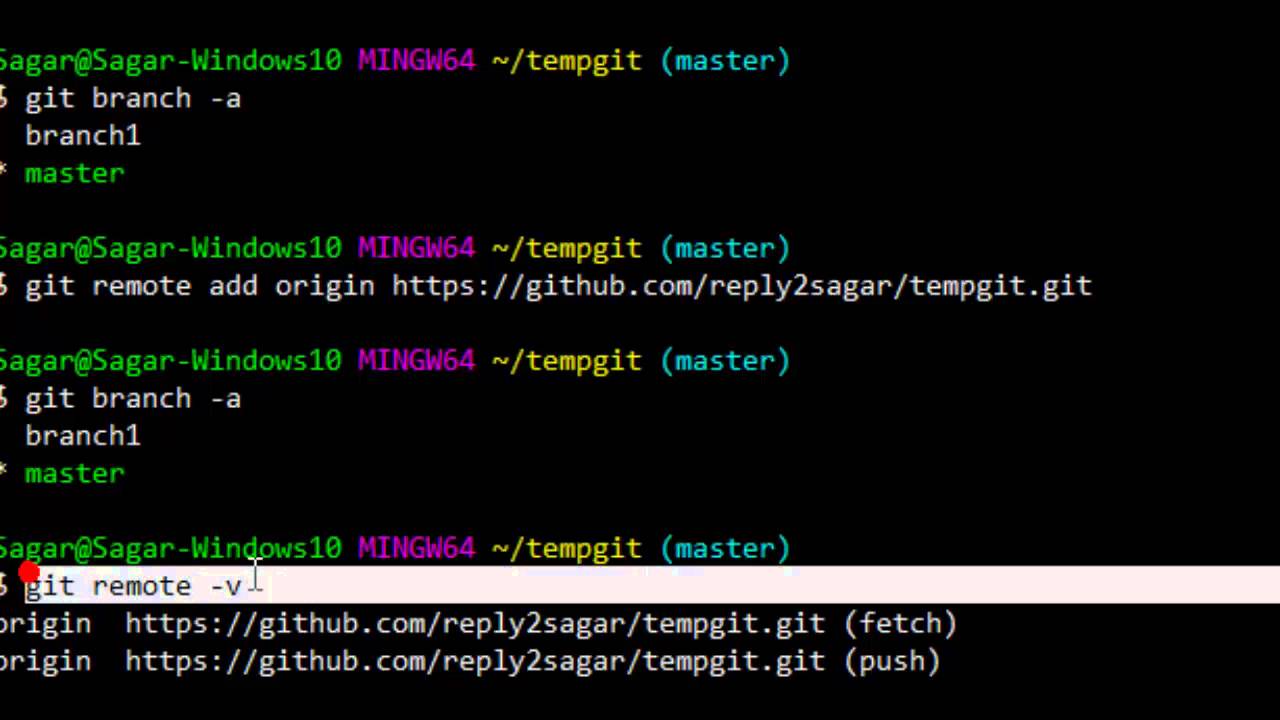
Now you can easily create a new github repo from with the following command git create mynewrepo If you assume this command is run from a valid local git repo or the folder containing what should become the repo you can add the following lines to git create to automatically add the remote git init git remote add origin https github