Create A Gantt Chart In Excel Project Management Excel Gantt Chart Template Collection Riset How To Create A Gantt Chart In Excel Free Template And Instructions How To Make A Gantt Chart In Microsoft Excel How To Create A Simple Gantt Chart In Excel Design Talk How To Create A half Decent Gantt Chart In Excel Simply Improvement Web Mar 4 2019 nbsp 0183 32 To manually create a Gantt chart in Excel follow these steps which apply to both PCs and Macs 1 Start by creating a data range in Excel that lists your project tasks and their start and finish dates 2 Select the data
Web Create an easy Excel gantt chart with our free template Our easy premade Excel gantt chart template can save you tons of time by organizing your project plan and tackling the tedious scheduling work for you Use this Excel gantt chart to simplify complex projects into an easy to follow plan and track the status of tasks as work progresses Web Mar 25 2022 nbsp 0183 32 How To Create A Simple Effective Gantt Chart In Excel Dana Miranda Rob Watts Contributor Editor Updated Mar 25 2022 11 14am Editorial Note We earn a commission from partner links on
How To Create A half Decent Gantt Chart In Excel Simply Improvement Free Gantt Charts DocTemplates Excel Gantt Chart Template 2012 DocTemplates Excel Sheet To Make A Gantt Chart In Microsoft Excel 2013 Download The Gantt Chart Template For Office 365 From Vertex42 Gantt Chart With Excel Download Level 3 Gantt Chart Gantt Chart Excel Template Diagramme De Gantt Excel Dockerdon My XXX Hot Girl Excel Gantt Using VBA
Create A Gantt Chart In Excel
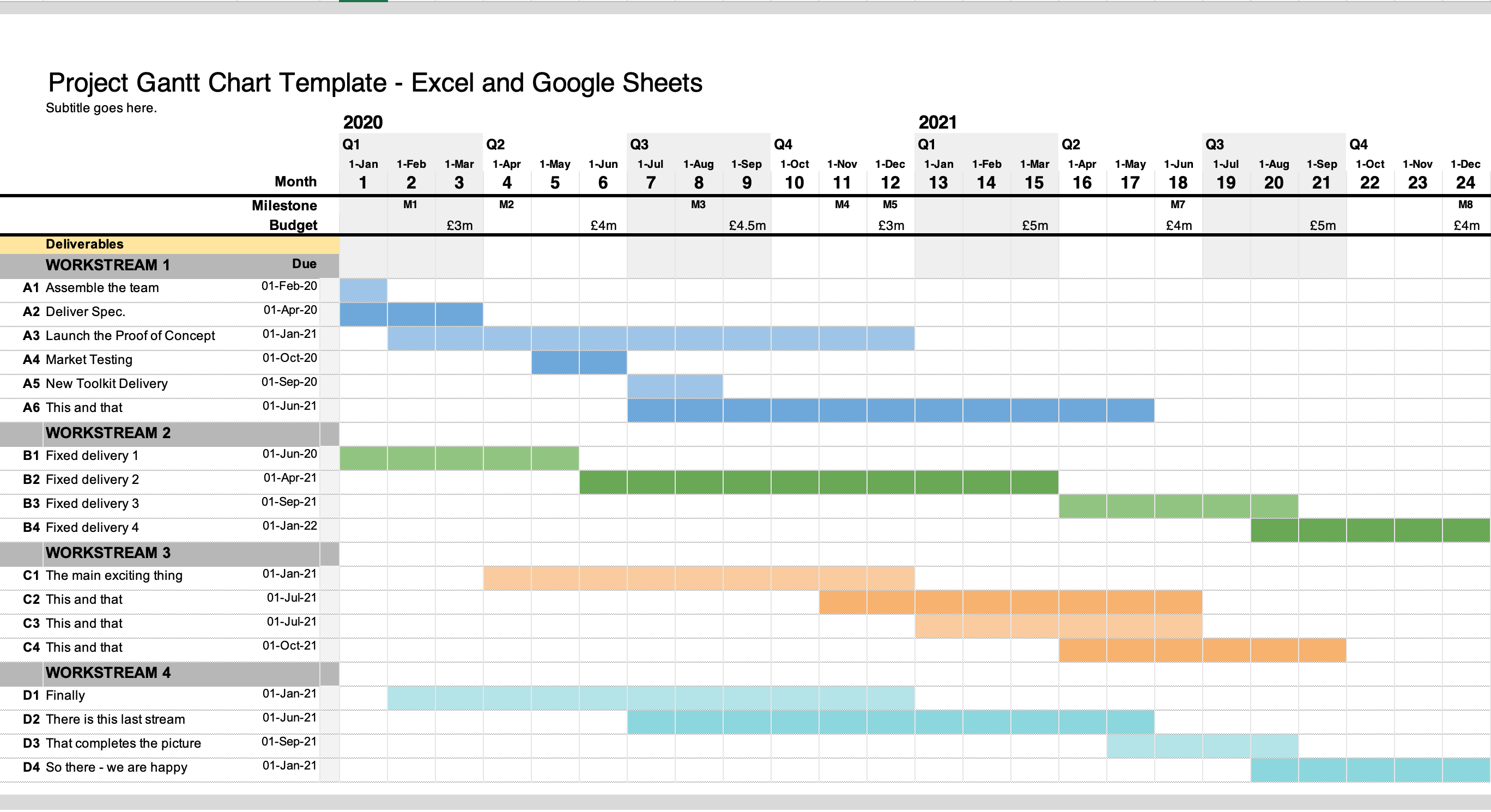 Create A Gantt Chart In Excel
https://business-docs.co.uk/wp-content/uploads/edd/2019/09/BDUK-333000-Excel-and-Google-Sheets-Gantt-Chart-Template-01-24-month-4-workstream.png
Web Click File gt Options gt Customize Ribbon In the right column click the tab you want to add the Gantt Chart Wizard to for example View and then click New Group To give your new group a name for example Wizards click New Group Custom click Rename type your new name and then click OK
Templates are pre-designed files or files that can be utilized for various purposes. They can conserve time and effort by supplying a ready-made format and layout for developing different kinds of content. Templates can be used for individual or expert tasks, such as resumes, invites, leaflets, newsletters, reports, discussions, and more.
Create A Gantt Chart In Excel

Notion Gantt Chart Template

Free Gantt Charts DocTemplates
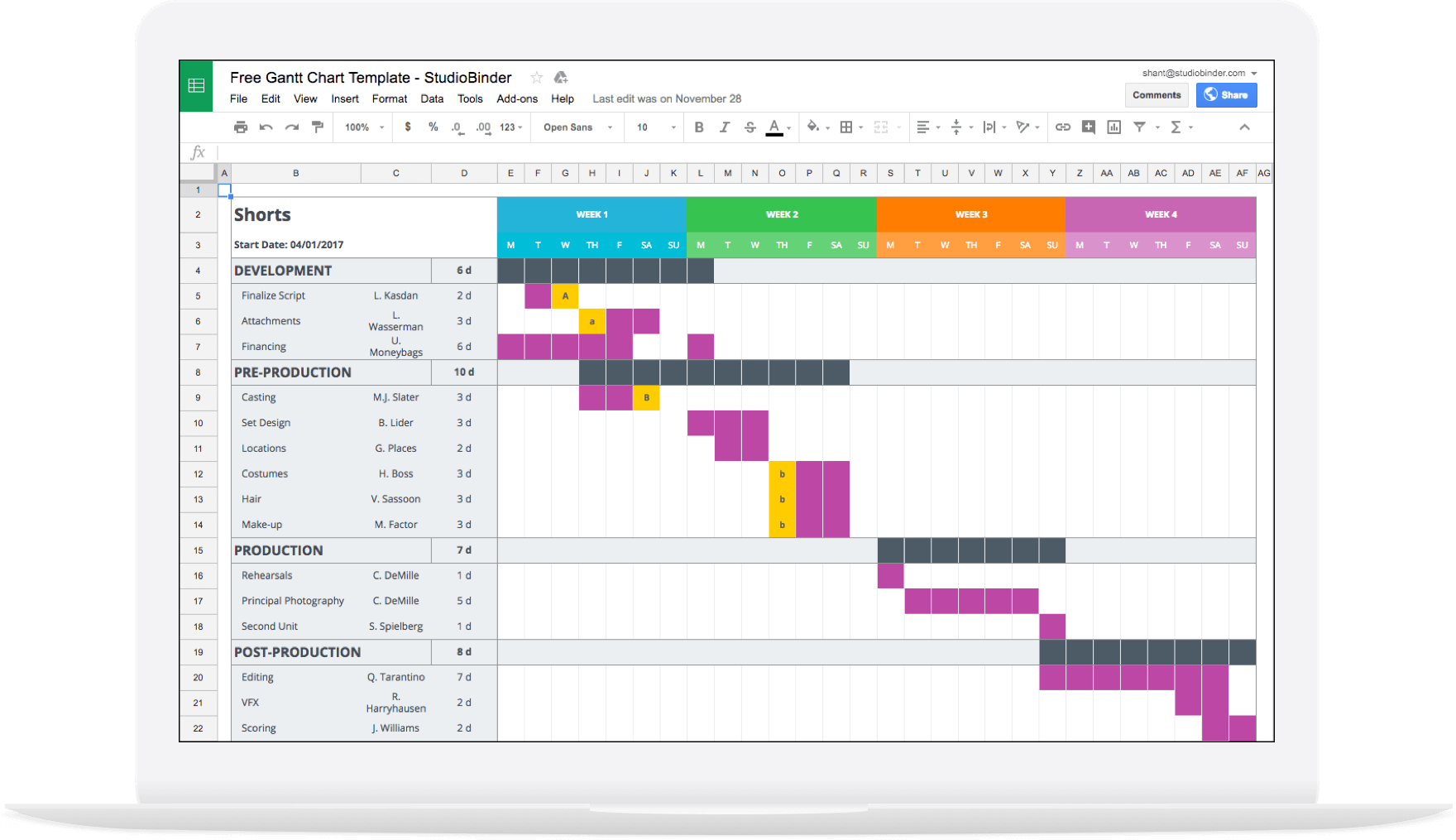
Excel Gantt Chart Template 2012 DocTemplates
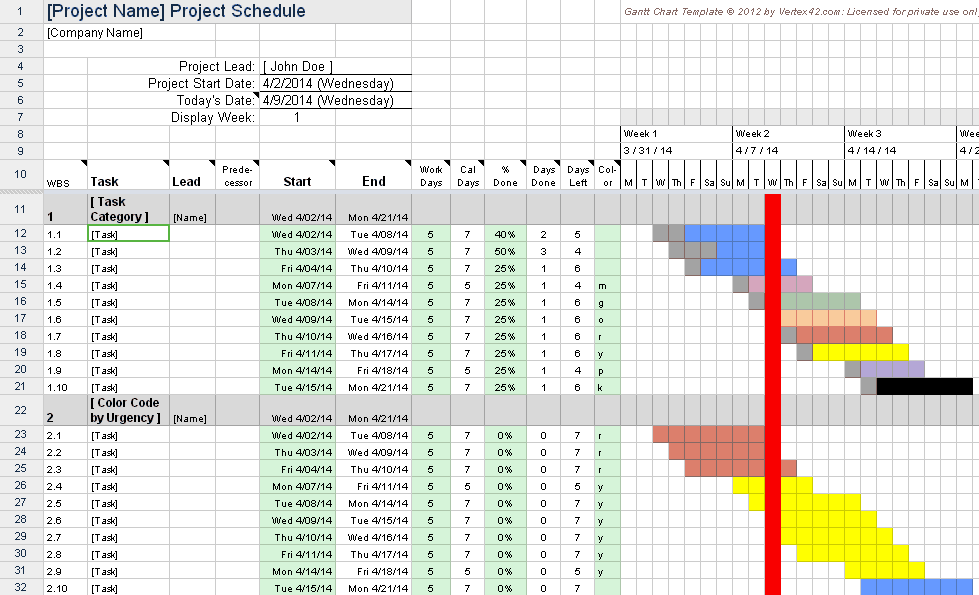
Excel Sheet To Make A Gantt Chart In Microsoft Excel 2013
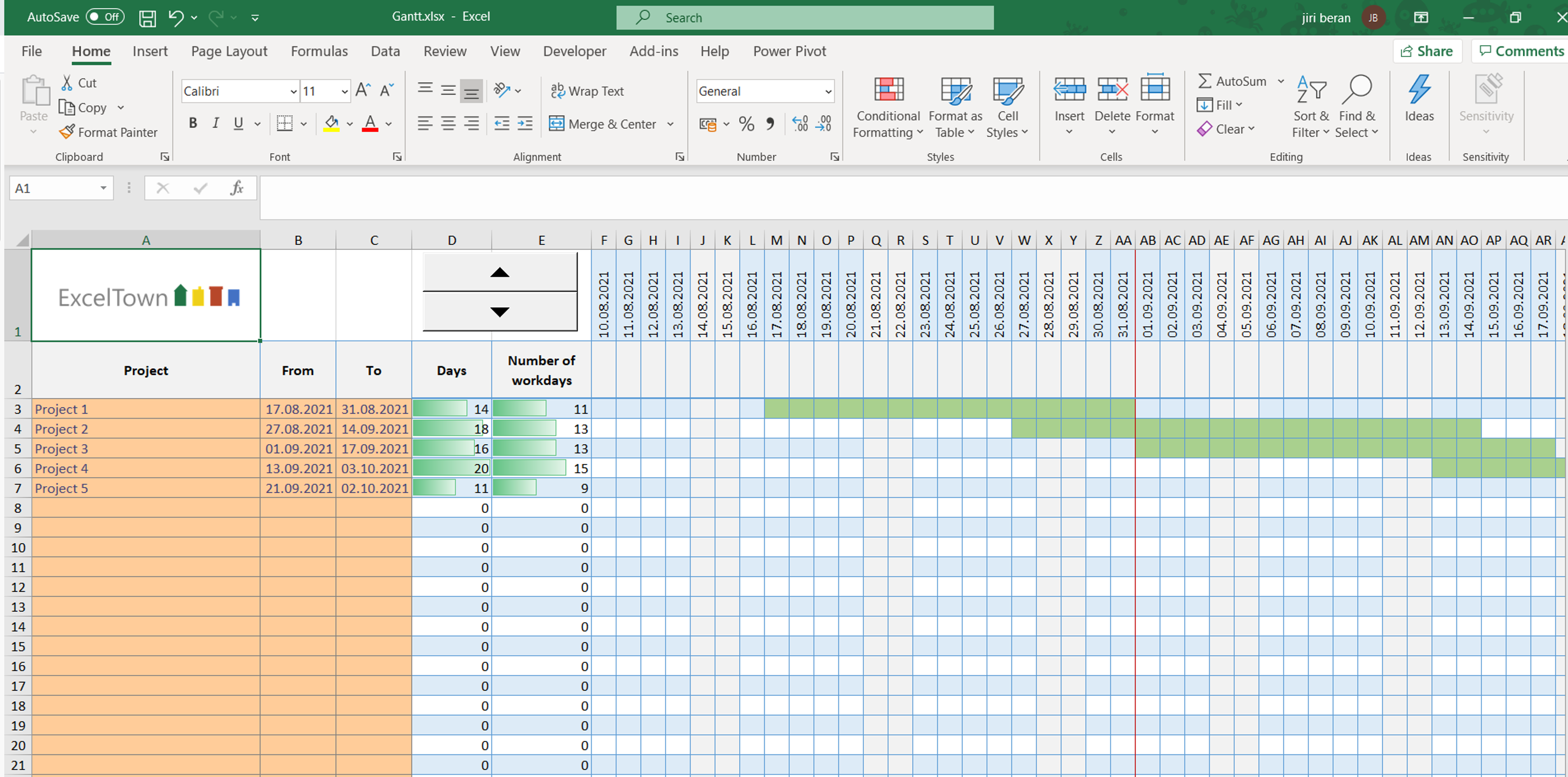
Gantt Chart With Excel
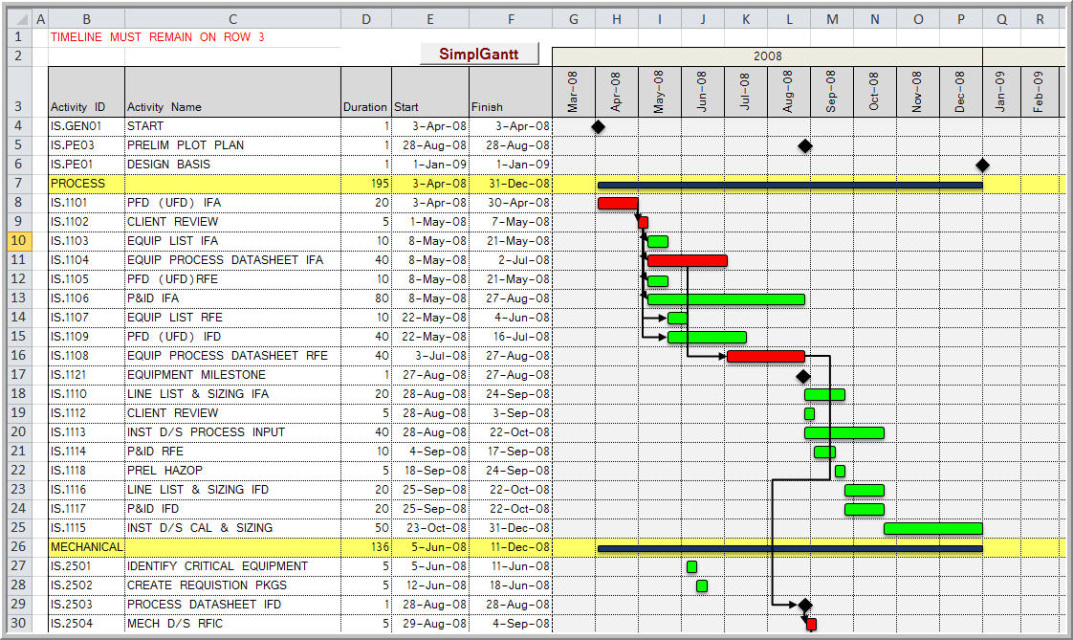
Download Level 3 Gantt Chart Gantt Chart Excel Template
Web Aug 16 2023 nbsp 0183 32 How to Make a Gantt Chart In Excel 1 Make a Project Table Make a table with four columns as shown in the image to list your project tasks Then add a 2 Make a Stacked Bar Chart Make a standard stacked bar chart with data from your project table The first thing you ll 3 Add Data to Your
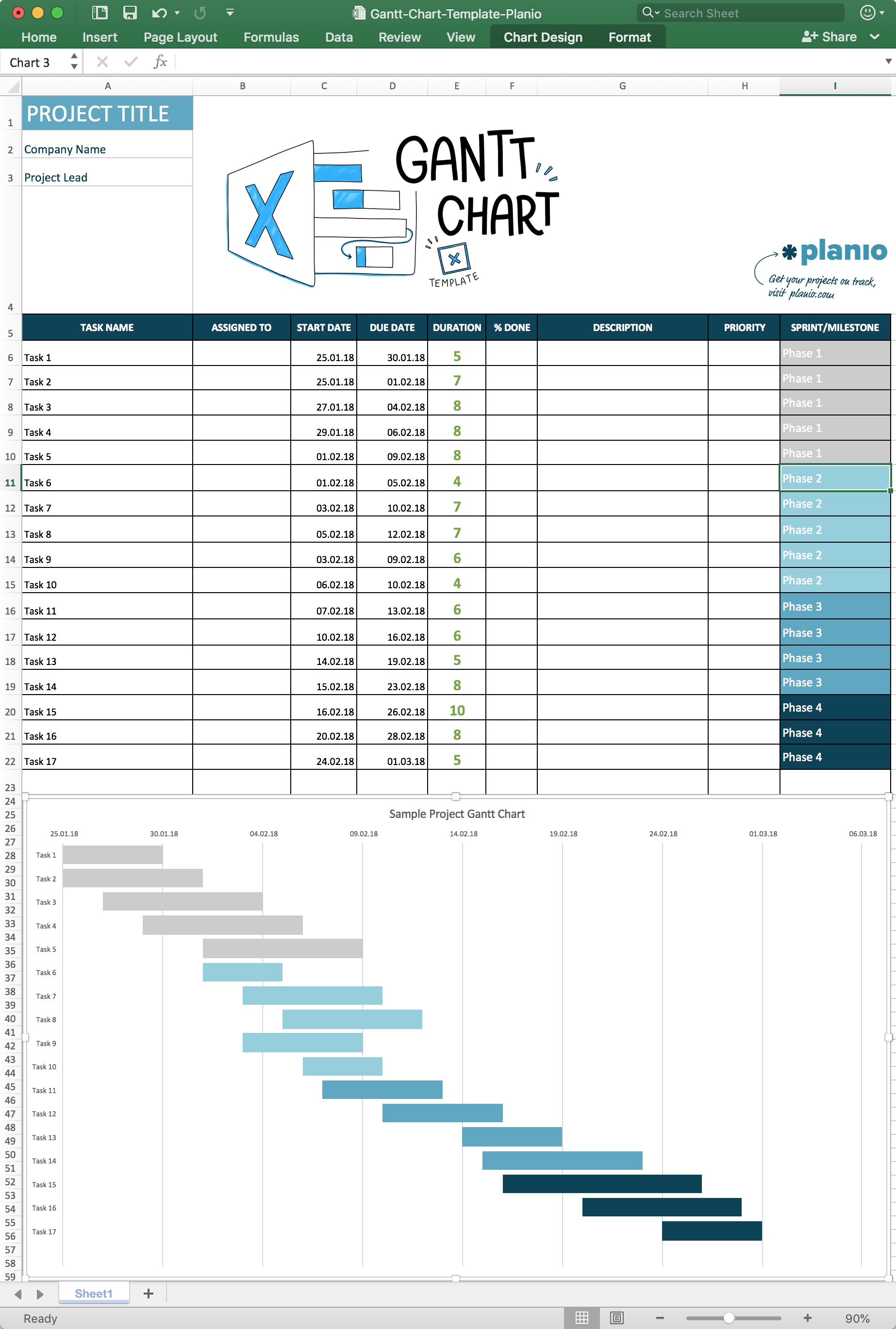
Web Learn how to create a Gantt chart in Excel Create a Gantt chart to present your data schedule your project tasks or track your progress in Excel
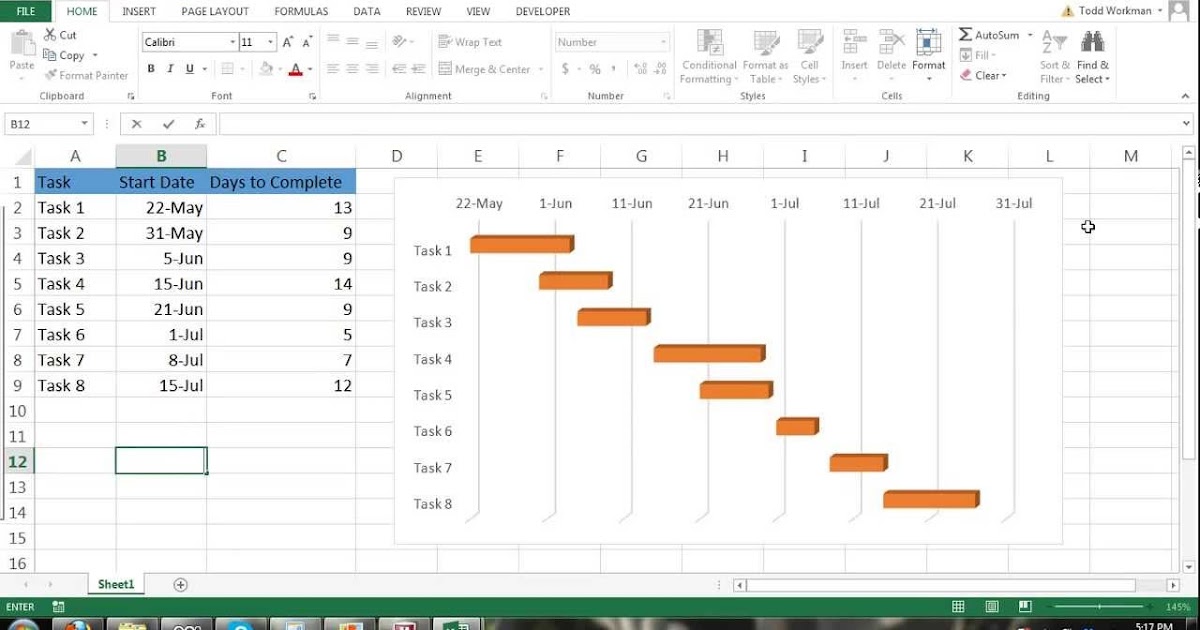
Web Mar 22 2023 nbsp 0183 32 How to make Gantt chart in Excel 1 Create a project table You start by entering your project s data in an Excel spreadsheet List each task is a 2 Make a standard Excel Bar chart based on Start date You begin making your Gantt chart in Excel by setting up a usual 3 Add Duration data to
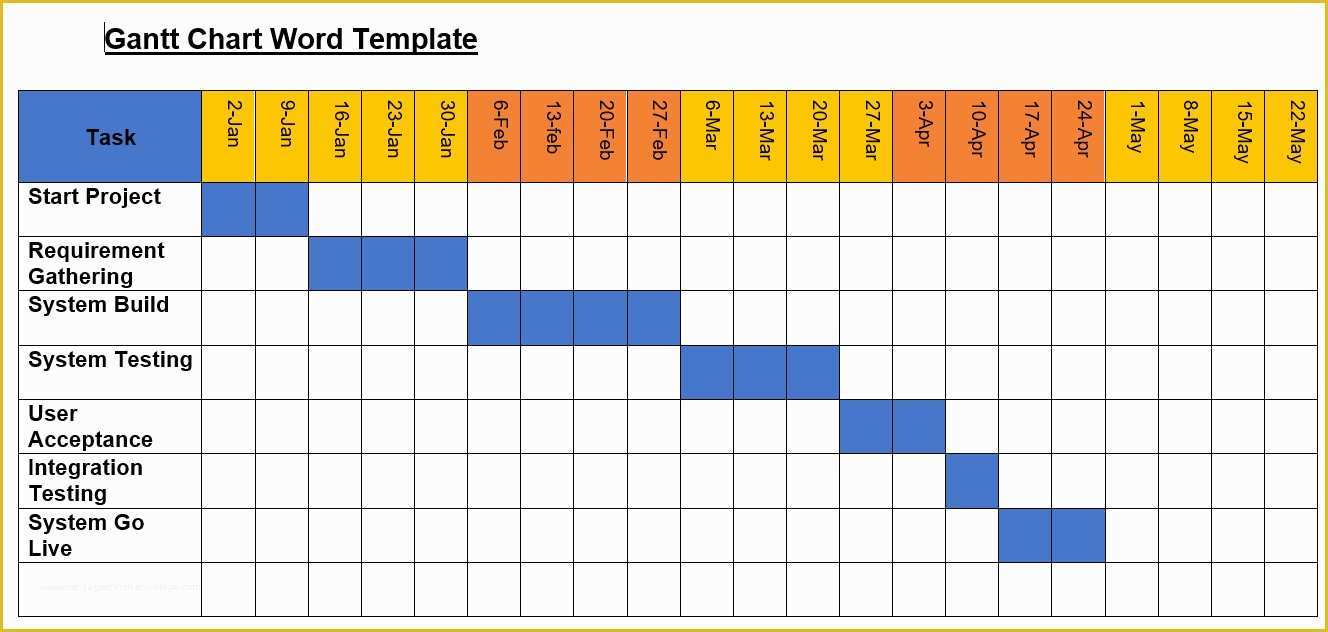
Web Nov 26 2019 nbsp 0183 32 48K 3 3M views 3 years ago UNITED STATES Learn how to Make a Gantt Chart in Excel including features like a scrolling timeline and the ability to show the progress of each task Watch as I

Web Gantt Chart 1 Select the range A3 C11 2 On the Insert tab in the Charts group click the Column symbol 3 Click Stacked Bar Result 4 Enter a title by clicking on Chart Title For example Build a House 5 Click the legend at the bottom and press Delete 6 The tasks Foundation Walls
Web Oct 11 2023 nbsp 0183 32 Step 1 Create a Project Data Table When making a Gantt chart in Excel open a new Excel file and add your project data If you don t have data readily available create a data range The data should include your project tasks start date and duration starting at the left most column Web To create a Gantt chart in Excel that you can use as a template in the future you need to do the following List your project data into a table with the following columns Task description Start date End date Duration Add a Stacked Bar Chart to your Excel spreadsheet using the Chart menu under the Insert tab
Web Feb 2 2023 nbsp 0183 32 To get started on your Gantt chart you ll need the following A list of tasks that need to be completed Start and end dates for each task Task owners and team members for each assignment Making a Gantt chart in Excel with templates Creating a Gantt chart is a lot easier with a template and there are plenty of free Gantt chart