Course Detail Page Design Html Css Codepen 15 HTML Projects For Beginners To Advanced With Source Code How To Use CodePen A Beginner s Guide Course Selling Website Template Learn HTML By Using Codepen A Simple Web Page Get Me Coding 6 Contemporary Designs Using CSS With Code Samples For 2023 CodePen will work in the classroom and then students can continue work at a lab at home or on any other computer right on CodePen It will be the exact same environment with all their saved work Teach the basics Then teach more advanced subjects You could start out just teaching raw HTML and CSS
You have the freedom to create To build the technical documentation you could use this sample freeCodeCamp provides With CSS you could create sleek documentation page like Markus Lising s page or may decide to spice up your page with animations like this documentation 5 Personal Portfolio In this course you will learn how to use HTML5 and CSS3 the two types of code upon which all websites are based You don t need to have any programming skills yet in order to take this course HTML and CSS are great entry points to the world of code and are necessary languages for any developer or web designer to know
6 Contemporary Designs Using CSS With Code Samples For 2023 Properties For The Flexbox Container In Codepad You Can Find 44 000 80 Free HTML CSS Website Templates With Source Code React Bootstrap Profile Free Examples Templates Tutorial Multi Level Accordion Menu Coding Fribly Css3 Tutorial Css Introduction To Website Design HTML CSS BOOTSTRAP Requirement For Web How To Align Image And Text Side By Side With HTML CSS FrontendDUDE Ehya 50 Pages Template New Update Beautiful Landing Page Design 10 Creative CSS Grid Examples OnAirCode
Course Detail Page Design Html Css Codepen
 Course Detail Page Design Html Css Codepen
https://trainings-blog.s3.ap-south-1.amazonaws.com/blog/wp-content/uploads/2023/07/HTML-projects.jpg
In this activity you ll create an HTML document listing your favorite books foods songs and movies You ll also add CSS to change the styles of the page using colors fonts and effects of your choice This activity can be done with either using a set of files on your computer a project folder that contains 1 an index html file and 2 a folder called css that contains a file called
Templates are pre-designed documents or files that can be utilized for various purposes. They can conserve time and effort by supplying a ready-made format and layout for creating various type of material. Templates can be used for individual or expert tasks, such as resumes, invitations, leaflets, newsletters, reports, discussions, and more.
Course Detail Page Design Html Css Codepen
Membuat Slider Image Dengan HTML CSS Dan JavaScript

Properties For The Flexbox Container In Codepad You Can Find 44 000

80 Free HTML CSS Website Templates With Source Code

React Bootstrap Profile Free Examples Templates Tutorial

Introduction To Website Design HTML CSS BOOTSTRAP Requirement For Web
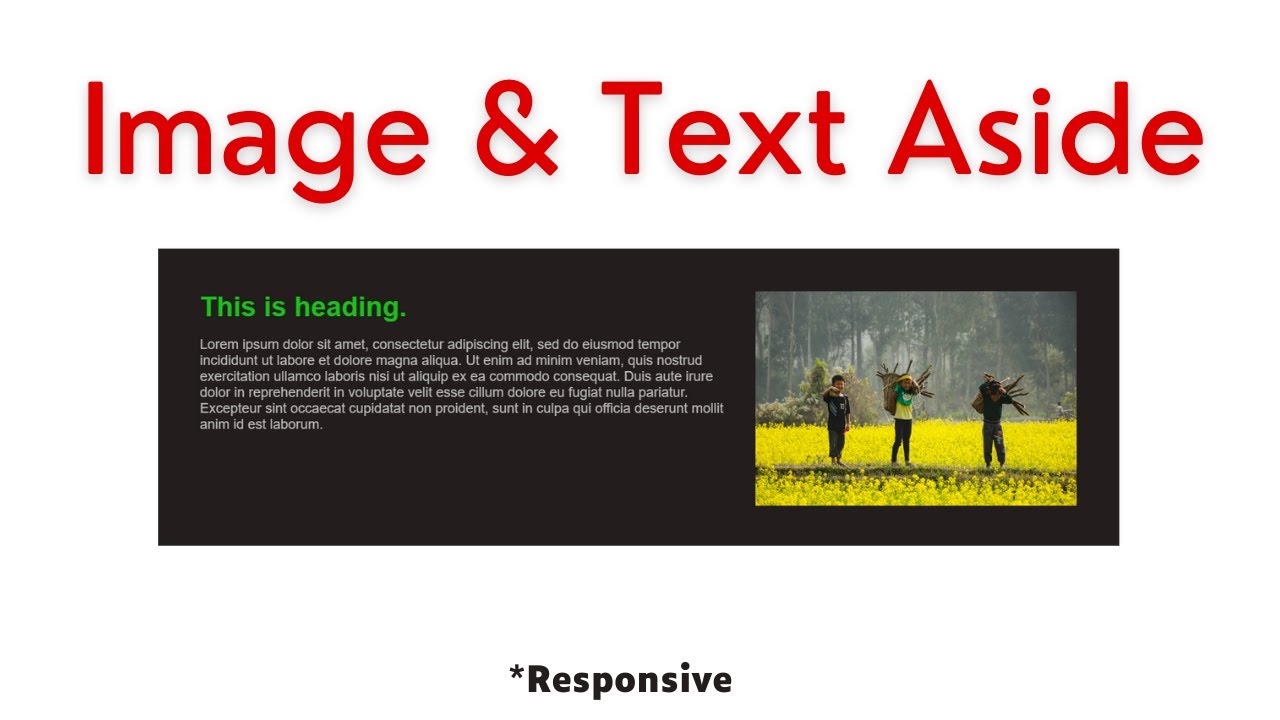
How To Align Image And Text Side By Side With HTML CSS FrontendDUDE

The 2021 HTML and CSS Crash Course Project HTML HTML xxxxxxxxxx 102 1 div class navbar 2 div class container 3 a class logo href Remember span That span a 4 5 img id mobile cta class mobile menu src images menu svg alt Open Navigation 6 7 nav 8

Product Detail Page Design With Image Slider HTML CSS Javascript HTML HTML xxxxxxxxxx 95 1 div class card wrapper 2 div class card 3 card left 4 div class product imgs 5 div class img display 6 div class img showcase 7

You can also link to another Pen here use the css URL Extension and we ll pull the CSS from that Pen and include it If it s using a matching preprocessor use the appropriate URL Extension and we ll combine the code before preprocessing so you can use the linked Pen as a true dependency

About External Resources You can apply CSS to your Pen from any stylesheet on the web Just put a URL to it here and we ll apply it in the order you have them before the CSS in the Pen itself

Course Template HTML xxxxxxxxxx 171 1 index html 2 DOCTYPE html 3 html lang en 4 head 5 meta charset utf 8 6 meta http equiv X UA Compatible content IE edge 7 meta name viewport content width device width initial scale 1 8
CodePen is a popular online code editor used by many developers around the world It is also one of the recommended editors you can use for the freeCodeCamp curriculum CodePen is only for frontend projects and supports HTML CSS and JavaScript If you need to build a project with a backend component then you will need to use a different editor October 15 2018 HTML and CSS Course Create a Website for Beginners Beau Carnes Learn the basics of HTML and CSS in this complete tutorial from Web Dev Simplified You will create a band website project using HTML and learn how to apply modern design in order to style the site using CSS
And we re gonna say create a New Pen Create New Pen And this is gonna give you boxes for HTML CSS and JavaScript We don t need JavaScript so you can just sort right off the screen all right We just need the boxes for HTML and CSS 00 01 17 Just click and drag to get rid of the JavaScript box