Convert Xls In Csv How To Install Csvkit Lasopaprofit Excel To Csv Converter Software Assetszik How To Convert CSV To Excel XLS Or XLSX Using Command Line In Windows 10 H medo Desbordamiento Interpretaci n Transformar Un Csv A Excel Clancy Descuidado Sentar How To Convert Multiple Xls Files To Xlsx Files In Excel Web CloudConvert is an online document and spreadsheet converter Amongst many others we support PDF XLSX XLS CSV ODS Thanks to our advanced conversion technology the quality of the output will be as good as if the file was saved through the latest Microsoft Office 2021 suite XLSX Converter XLSX
Web Yes with MConverter Pro you can convert big XLS s up to 2 gigabytes each The free version lets you convert files up to 100 MB If you need to convert XLS files over 100 megabytes try MConverter Pro If your files aren t over 1 GB then you can use MConverter Plus instead as it s cheaper Web Step 1 Upload xls file You can select xls file you want to convert from your computer Google Drive Dropbox or simply drag and drop it onto the page Step 2 Select 171 to csv 187 Choose csv or any of the other 200 supported formats you d like to convert to Step 3 Download your csv file
How To Convert Multiple Xls Files To Xlsx Files In Excel What Is A CSV File How Do CSV Files Help ECommerce Businesses RingCentral UK Blog How To Batch Convert CSV To XLS XLS To CSV Conversion 5 Free CSV To Excel Converter For Windows Convert CSV To XLSX Convert Db3 File Csv Czseokoseo Excel xls CSV Aprico How To Convert Xls File To Csv File In Linux And Vice Versa UX Techno How To Convert XLSX Files Into XLS Format
Convert Xls In Csv
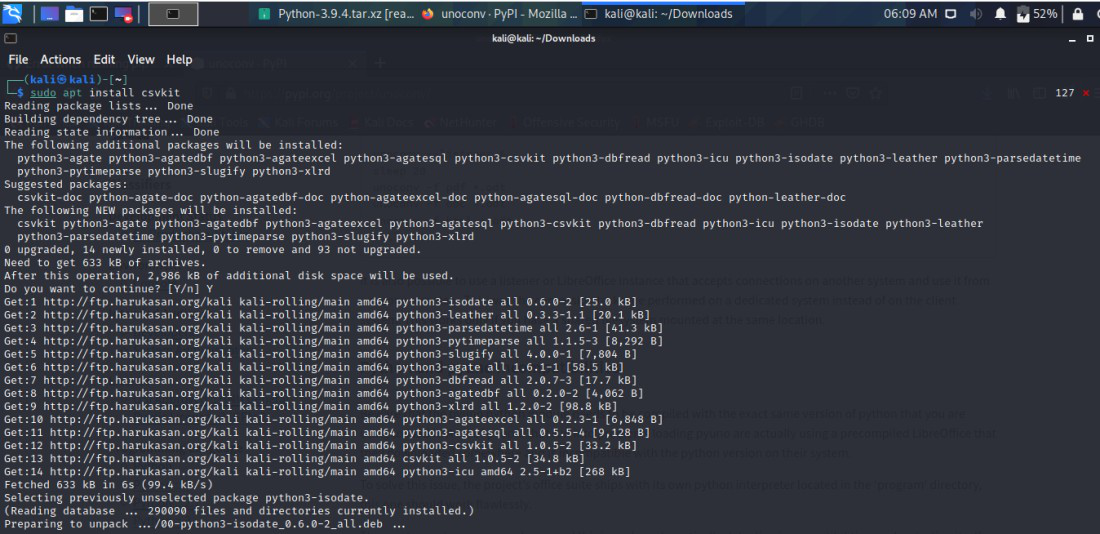 Convert Xls In Csv
https://media.geeksforgeeks.org/wp-content/uploads/20210502203521/Screenshot1232.jpg
Web Choose files or drag amp drop them here Only you have access to your files All files will be deleted after one hour How to convert XLS files to CSV online Step by step guide to convert xls to csv using AnyConv It works on PC Windows Mac Linux and mobile devices iPhone Android Upload XLS file
Templates are pre-designed documents or files that can be used for various purposes. They can save effort and time by providing a ready-made format and layout for developing various type of material. Templates can be utilized for personal or professional projects, such as resumes, invites, leaflets, newsletters, reports, discussions, and more.
Convert Xls In Csv

How To Convert Multiple Xls Files To Xlsx Files In Excel
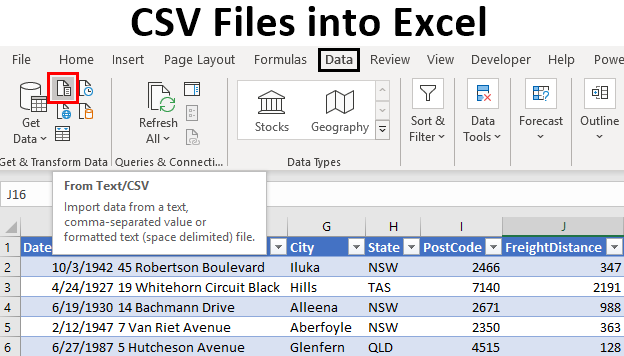
What Is A CSV File How Do CSV Files Help ECommerce Businesses RingCentral UK Blog
How To Batch Convert CSV To XLS
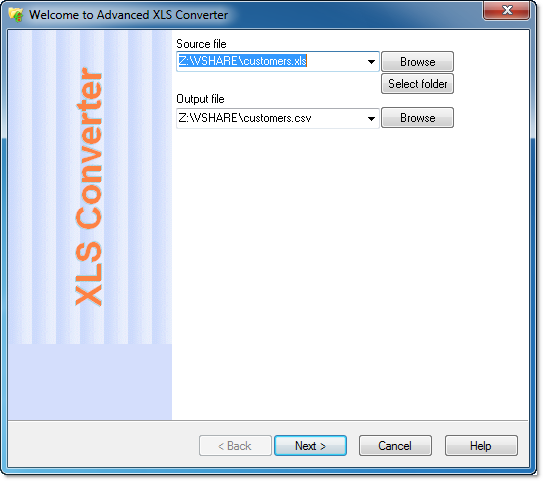
XLS To CSV Conversion
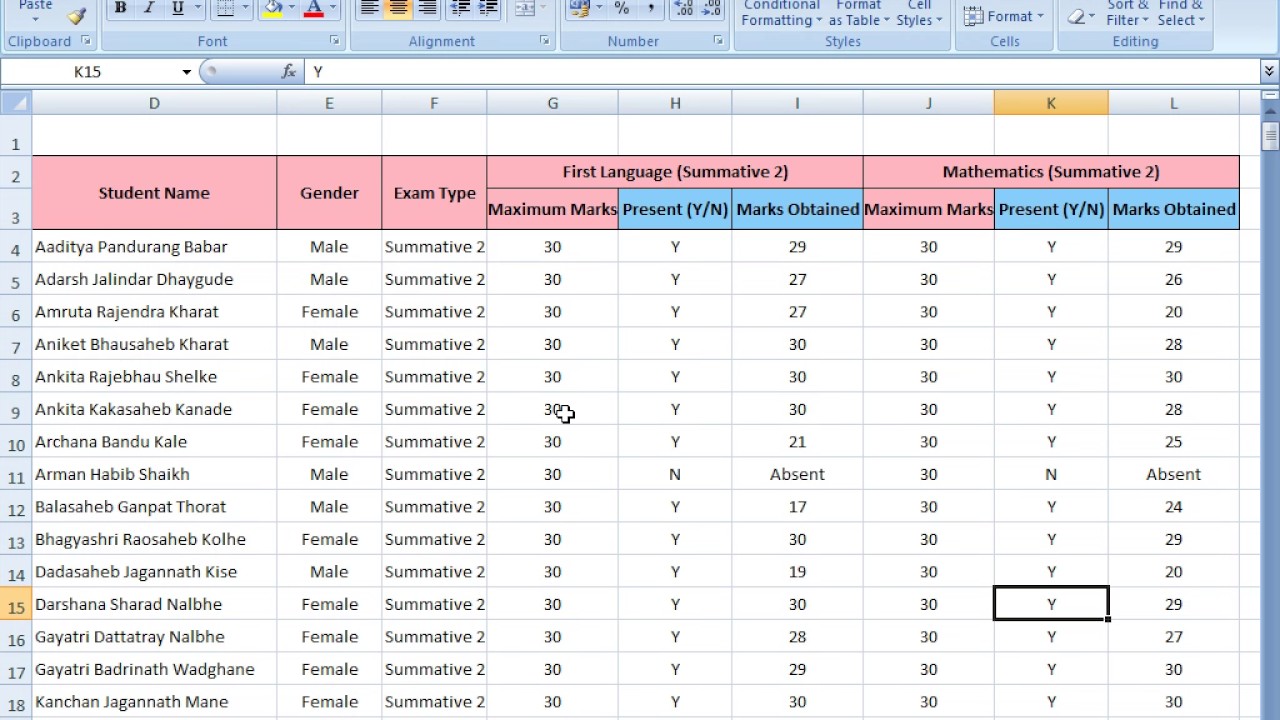
Convert Db3 File Csv Czseokoseo

Excel xls CSV Aprico

Web Click the Choose Files button to select your XLS files Click the Convert to CSV button to start the conversion When the status change to Done click the Download CSV button
Web Zamzar is a really quick way of converting Excel to CSV It s an online three step conversion tool Just upload an XLS file choose CSV as the format to convert to and click Convert Now you ll get your new CSV file in seconds without losing any data or downloading any software
Web XLS to CSV Converter CloudConvert is an online document and spreadsheet converter Amongst many others we support PDF XLSX XLS CSV ODS Thanks to our advanced conversion technology the quality of the output will be as good as if the file was saved through the latest Microsoft Office 2021 suite XLS Converter
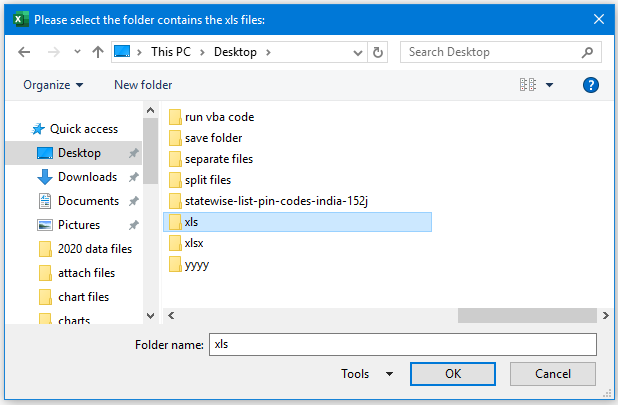
Web Click the Convert button to begin the bulk XLS to CSV conversion The files will be converted You can download the converted files individually or click Download All to download a ZIP file with all of your converted CSV files
Web In Excel you can open an XLSX file and then save it as a CSV or comma delimited file You may also be able to open your Excel file in another program like LibreOffice or Google Drive before saving it as a CSV The advantage of using Zamzar or another online file converter is that you can convert multiple files without opening them Just
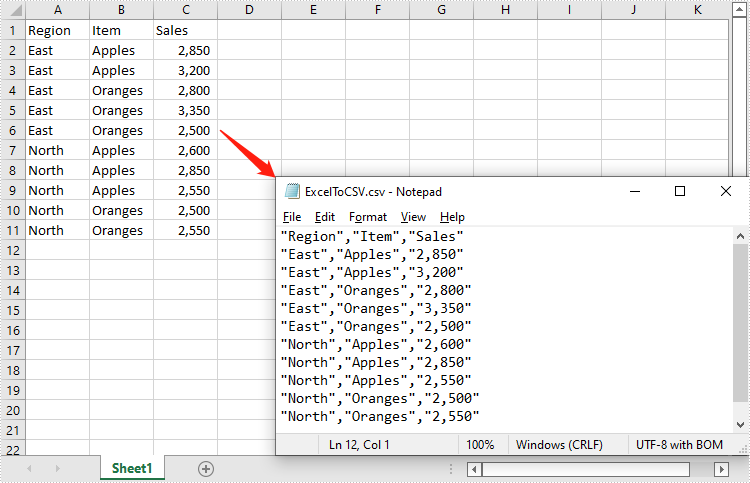
Web Oct 23 2023 nbsp 0183 32 1 Convert Excel to CSV Format Through Save As Command The easiest method for changing an Excel file is through the Excel File Save As command Therefore follow the below steps to Convert an Excel File to CSV Format STEPS First open the Excel workbook and the desired sheet Then click File Web Jan 4 2022 nbsp 0183 32 Excel offers multiple ways to convert a CSV file to an XLSX file Related The first method is to open your CSV file in Excel and then save the file as an XLSX file The drawback of this method is that it uses the default Excel data format which might not work very well with your CSV s data
Web Go to File gt Open and browse to the location that contains the text file Select Text Files in the file type dropdown list in the Open dialog box Locate and double click the text file that you want to open If the file is a text file txt Excel starts the Import Text Wizard