Convert Word To Pdf Editable Fields Convert Pdf Word Editable Document Printable Templates Free How To Convert A PDF To Word Without Using Other Programs How To Convert PDF To Word See 6 Free Online Tools Techidence How To Edit In Word Document Scalelasopa Convert Word To Fillable PDF The Easist Methods Here Web Open Acrobat Click on the Tools tab and select Prepare Form Select a file or scan a document Acrobat will automatically analyze your document and add form fields Add new form fields Use the top toolbar and adjust the layout
Web May 24 2021 nbsp 0183 32 Once a Word document is converted to a PDF there are two ways to add fillable form fields Fast Way The Adobe 174 Acrobat 174 Automatic Field Detection feature Slow Way Manually adding in form fields in Acrobat Watch the tutorial video to learn how to design Word forms that convert to Fillable PDF forms with the least amount of effort Web 1 Open Acrobat Click on the Tools tab and select Prepare Form 2 Select a file or scan a document Acrobat will automatically analyze your document and add form fields 3 Add new form fields Use the top toolbar and adjust the layout using tools in the right pane 4 Save your fillable PDF
Convert Word To Fillable PDF The Easist Methods Here Convert Pdf To Editable Word Free Online Passlballs Convert Pdf To Editable Word Format Lasopadesigns Americannanax blogg se Calendars Planners Paper PDF PNG Printable Divider Tabs Side Tab Convert From Jpeg To Ms Word On Apple Runneralernas Online Convert Pdf To Editable Word File Contactdamer Convert Pdf To Editable Word Without Acrobat Nineoperf Convert Pdf Into Png File Free PNG Image
Convert Word To Pdf Editable Fields
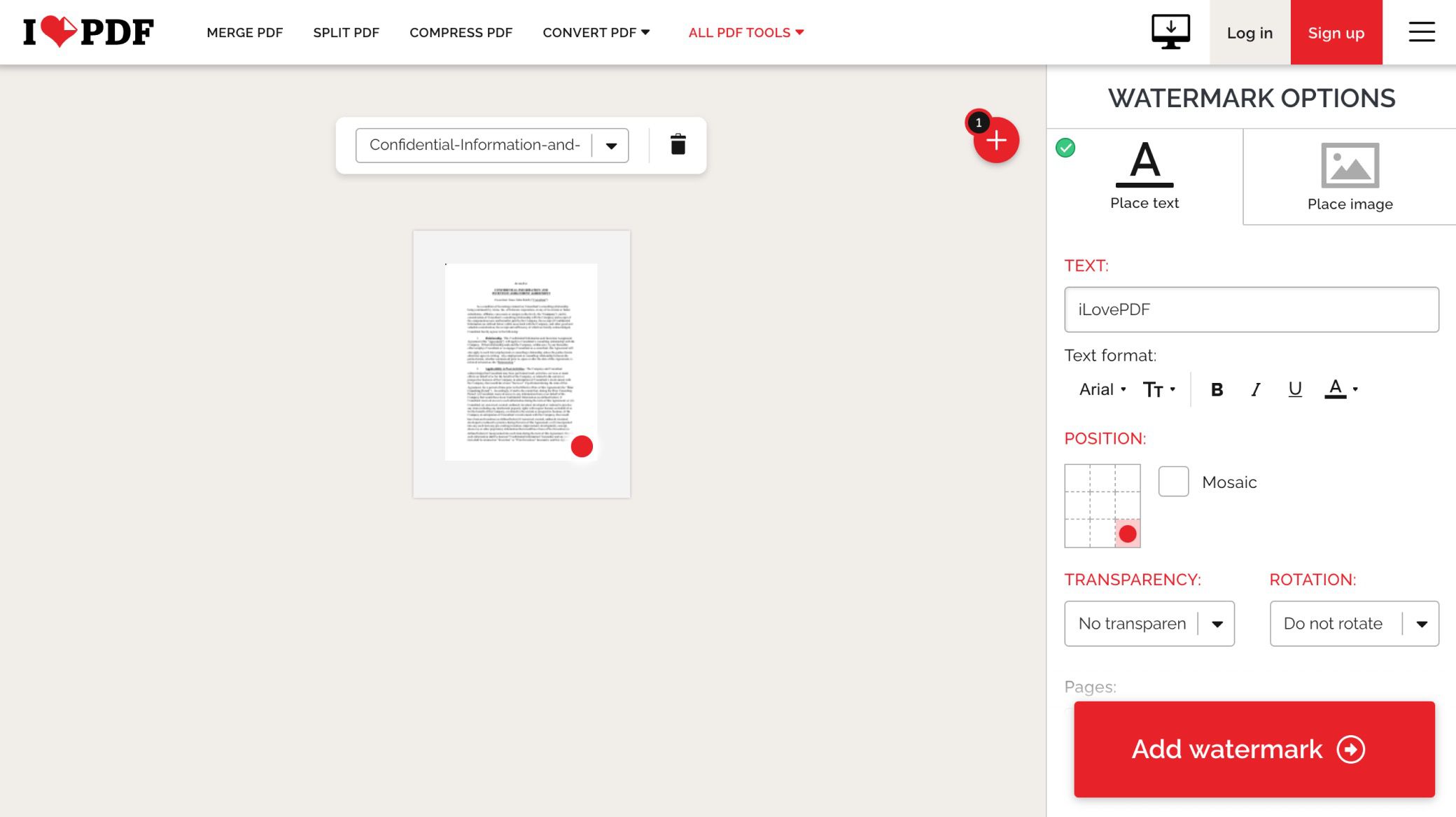 Convert Word To Pdf Editable Fields
https://img.launchberg.com/convert-pdf-to-word/2x/ilovepdf-2080.jpg
Web Crop PDF Delete PDF pages Rotate PDF pages Reorder PDF pages Extract PDF pages Insert PDF pages Number PDF pages Convert Microsoft Word to PDF online in four steps Select a DOC or DOCX file to start using the Word to PDF converter and try Adobe Acrobat for free
Pre-crafted templates offer a time-saving solution for producing a diverse variety of files and files. These pre-designed formats and designs can be made use of for numerous individual and professional projects, consisting of resumes, invites, leaflets, newsletters, reports, presentations, and more, simplifying the material creation procedure.
Convert Word To Pdf Editable Fields
PDF To Word Converter Software Free Download 100 Working YouTube
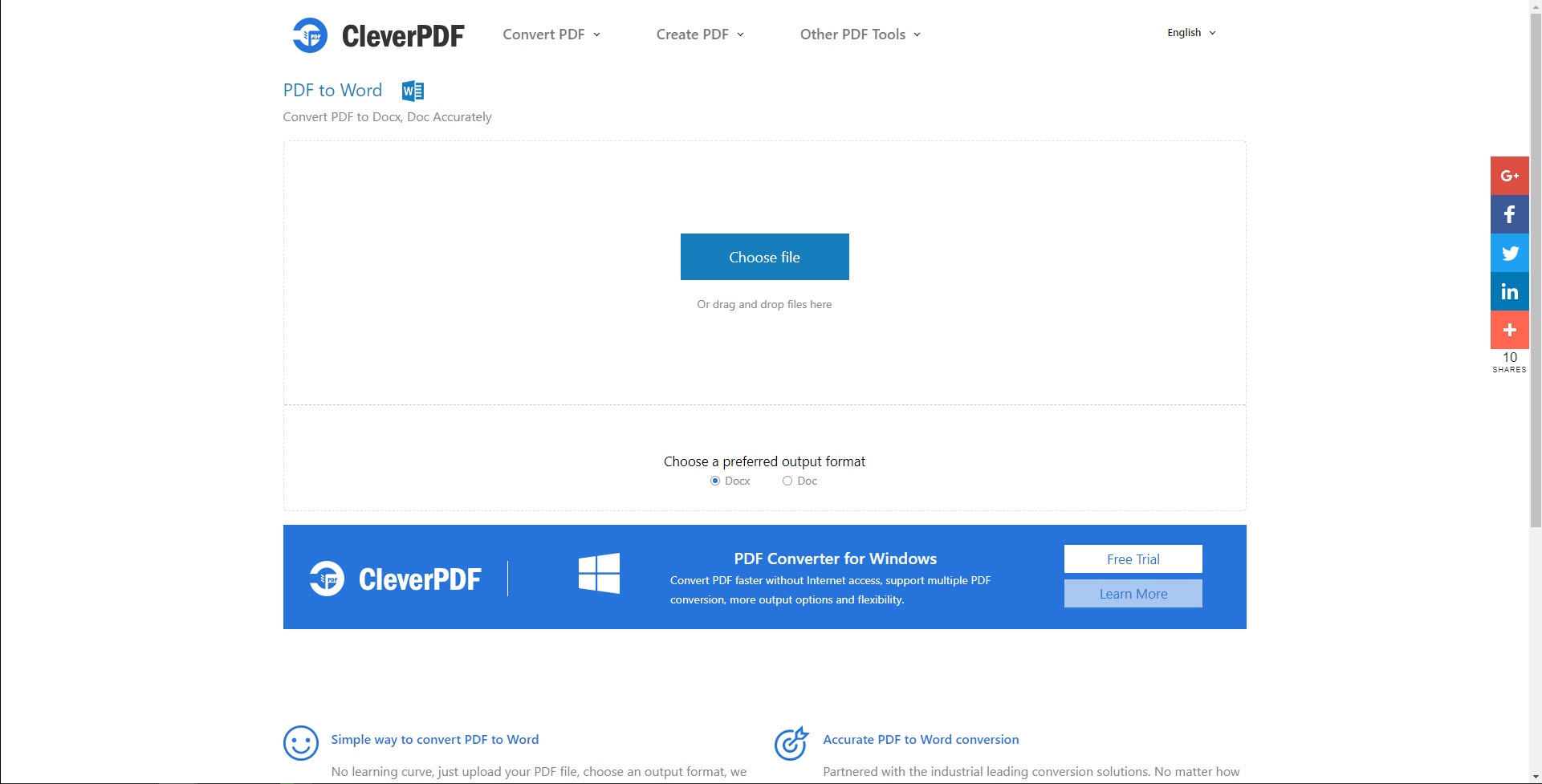
Convert Pdf To Editable Word Free Online Passlballs
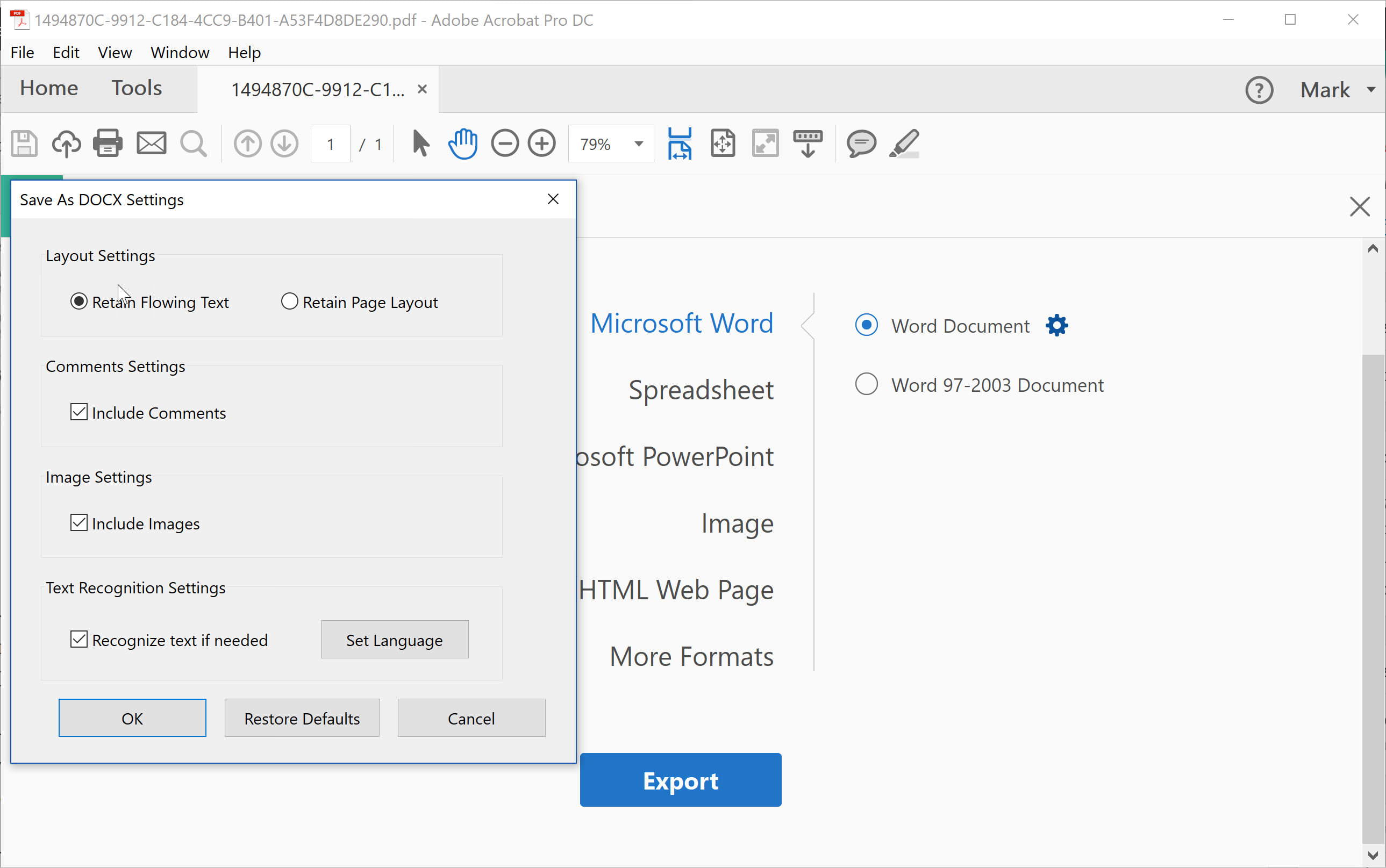
Convert Pdf To Editable Word Format Lasopadesigns

Americannanax blogg se
Convert From Jpeg To Ms Word On Apple Runneralernas
Online Convert Pdf To Editable Word File Contactdamer

Web Jun 11 2021 nbsp 0183 32 Step 1 Open your MS Office file and then select File Export and Create PDF XPS Step 2 In the Publish as PDF or XPS window pick options if the MS Office document s attributes contain information you do not want to be in the PDF

Web All you need to do is re save the document as a PDF import the PDF as a form then allow Adobe Acrobat to automatically recognize where your fields are Refer to this article for instructions on how this is done Alternatively you can edit and reorder text using Adobe Acrobat This is probably the fastest and simplest way to make a few quick
Web How to Convert Word to PDF Online for Free Drag and drop any Microsoft Word document onto this page Wait as this tool converts the uploaded Word file to PDF format On the result page preview and continue editing if needed Hit the Download button to save your PDF Our Doc to PDF Converter in a Nutshell Quick and Efficient Processing

Web Start with a blank template Add fillable form fields to your PDF form Go over your document s existing content and add fillable form fields where necessary You can choose from the following field types Text Field single text line Textarea multiple text lines Radio select only one from a group Checkbox tick one or more choices
Web Sep 16 2023 nbsp 0183 32 Step 1 Launch EaseUS PDF Editor and click quot Create quot Then import the file you want to convert It could be a file in doc docx ppt pptx xls xlsx dxf dwg jpg png or jpeg formats Step 2 After importing EaseUS PDF Editor will convert it directly to a PDF file And you can edit it as you like
Web 1 Open your PDF file in Acrobat Pro 2 Click the Edit PDF tool on the right hand panel This creates a bounding box around all the editable items in the PDF file 3 Use editing tools to add new text edit text or update fonts using selections from the Format drop down list 4 Web Documents DOC to PDF Convert WORD to PDF Make DOC and DOCX files easy to read by converting them to PDF Select WORD files or drop WORD documents here Convert documents Word to PDF exactly as the original PDF file
Web Jun 24 2022 nbsp 0183 32 It s also possible to convert an existing PDF file into an editable document using Word Simple PDF files that consist of text are more accessible to convert than PDFs with complex formats and features How to create an editable PDF from a Word document Here are six steps to help you make an editable PDF from a word document 1