Convert Pdf Into Ocr Format 11 Free OCR Software To Convert PDF Into Editable Word Text User Guide Of VeryPDF OCR To Any Converter Command Line How To Zatm n Slunce Vybrat C n Acrobat Pro Ocr Sv dectv Pan Konvergence Scanned Document Can Be Edited Using Optical Character Recognition By Killonovo blogg se Adobe Ocr Software That Reads Numbers From Photos Convert download Click the Recognize button and then download your file with the recognized text Convertio OCR Easy tool to convert scanned documents into editable Word Pdf Excel and Text output formats No download required
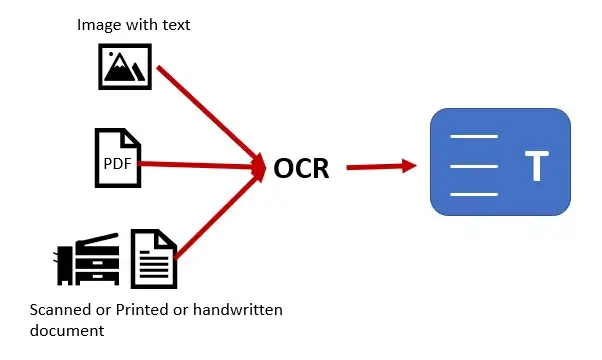
OCR stands for Optical Character Recognition it s an advanced method to extract the text found in an image or any other visual file Size and daily usage limitations may apply With Soda PDF s easy to use Optical Character Recognition OCR online tool turn text within an image or scanned document into a customizable PDF file OCR PDF Convert Scanned Documents and Images into Editable Word Pdf Excel and text output formats Choose file extract rotate compress and OCR PDF files 2PDF is a comprehensive suite of tools designed to simplify PDF file processing Here are two tools you may need at some point Merge PDF Splitting files enables you to obtain
Killonovo blogg se Adobe Ocr Software That Reads Numbers From Photos Convert Pdf Into Microsoft Word Printable Templates Free Extract Pdf Info From Pdf File Hooliwide OCR Software For Scanned Document And Image Conversion OCR PDF To Text Tool Make PDF Searchable Copy Text From PDF Bilgisayar Oyunlar Oynamak Merak Etmek Itfaiyeci Convertir De Ppt En How To Extract Text From Images OCR Free OCR To Word Extract Easy Way To Convert PDF File Into Excel File Format YouTube Tec Trick File Eiger M nch Und Jungfrau jpg Wikipedia The Free Encyclopedia
Convert Pdf Into Ocr Format
 Convert Pdf Into Ocr Format
https://cdn3.geckoandfly.com/wp-content/uploads/2013/04/530-ocr-scanner.jpg
Accuracy of the OCR process To inspect the accuracy of the OCR process open the PDF document select all text Ctrl A and copy paste it into a text file Higher resolution documents consistently lead to better results Don t compress your scans before running the OCR process Unfortunately we can t guarantee 100 accuracy on the recognized
Templates are pre-designed documents or files that can be used for various functions. They can save time and effort by supplying a ready-made format and layout for producing different kinds of content. Templates can be utilized for individual or professional jobs, such as resumes, invitations, leaflets, newsletters, reports, discussions, and more.
Convert Pdf Into Ocr Format
Advantages And Disadvantages Of Optical Character Recognition OCR
Convert Pdf Into Microsoft Word Printable Templates Free
Extract Pdf Info From Pdf File Hooliwide
OCR Software For Scanned Document And Image Conversion
Bilgisayar Oyunlar Oynamak Merak Etmek Itfaiyeci Convertir De Ppt En
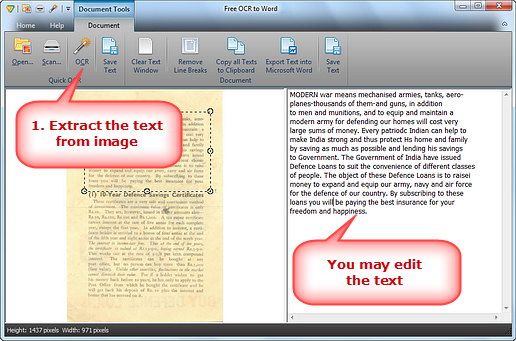
How To Extract Text From Images OCR Free OCR To Word Extract

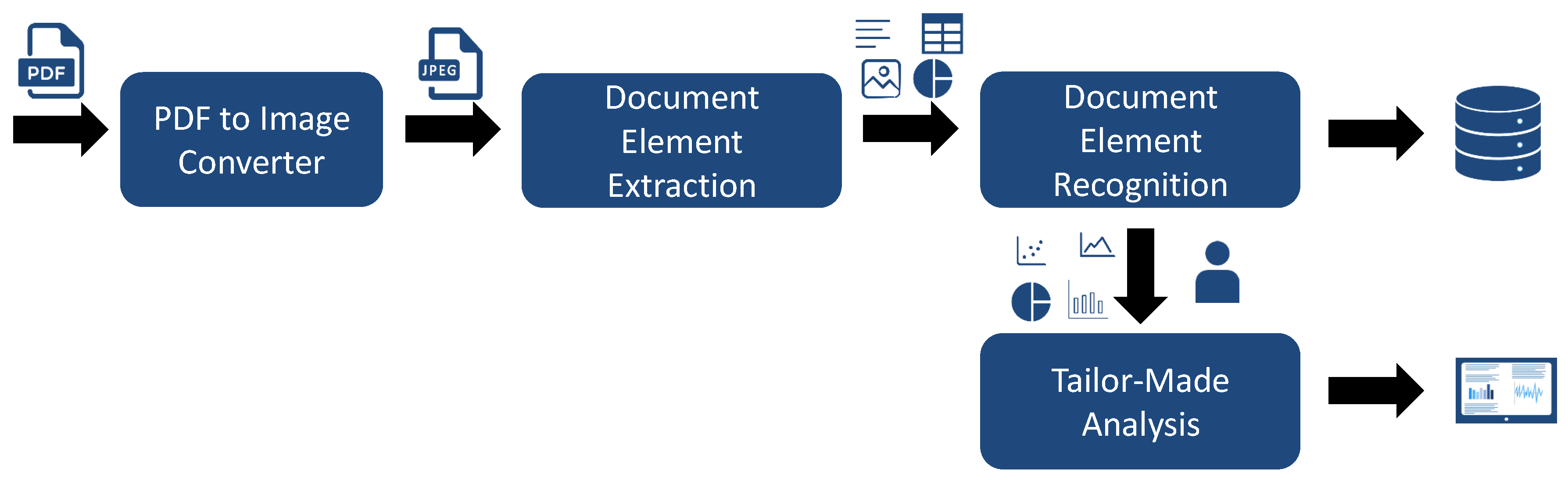
Convert non selectable PDF files into selectable and searchable PDF with high accuracy Select PDF file or drop PDF here OCR your PDF to get text from scanned documents Simply upload your PDF and recognize text automatically Make your PDF searchable and selectable for free

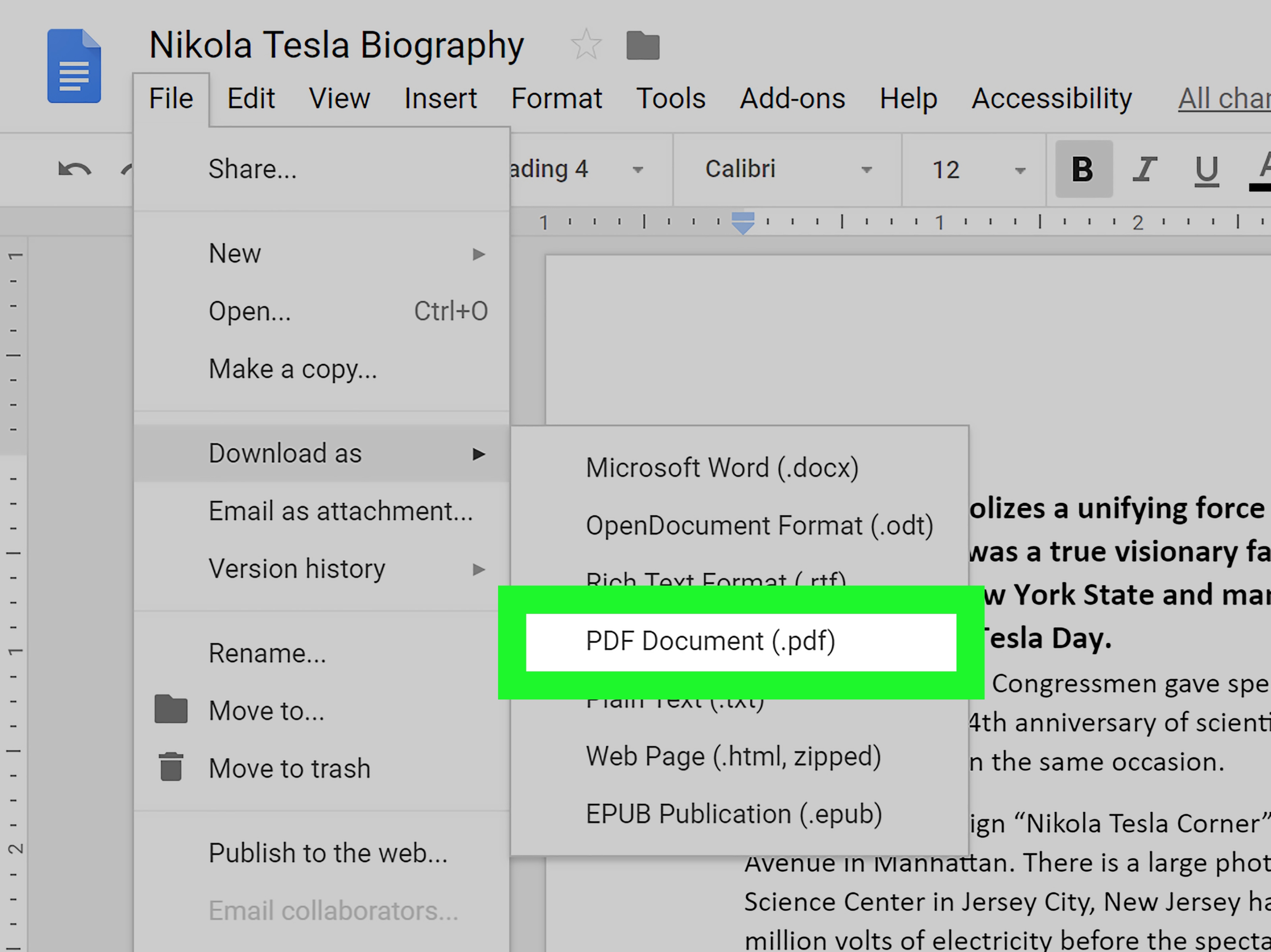
1 Upload a PDF by clicking the corresponding button or via drag and drop mechanism Alternatively use Google Drive or Dropbox to add a file 2 Choose the OCR language This will improve the PDF text recognition results 3 Click the Start button to initiate the process 4 Download your output text document or share it further
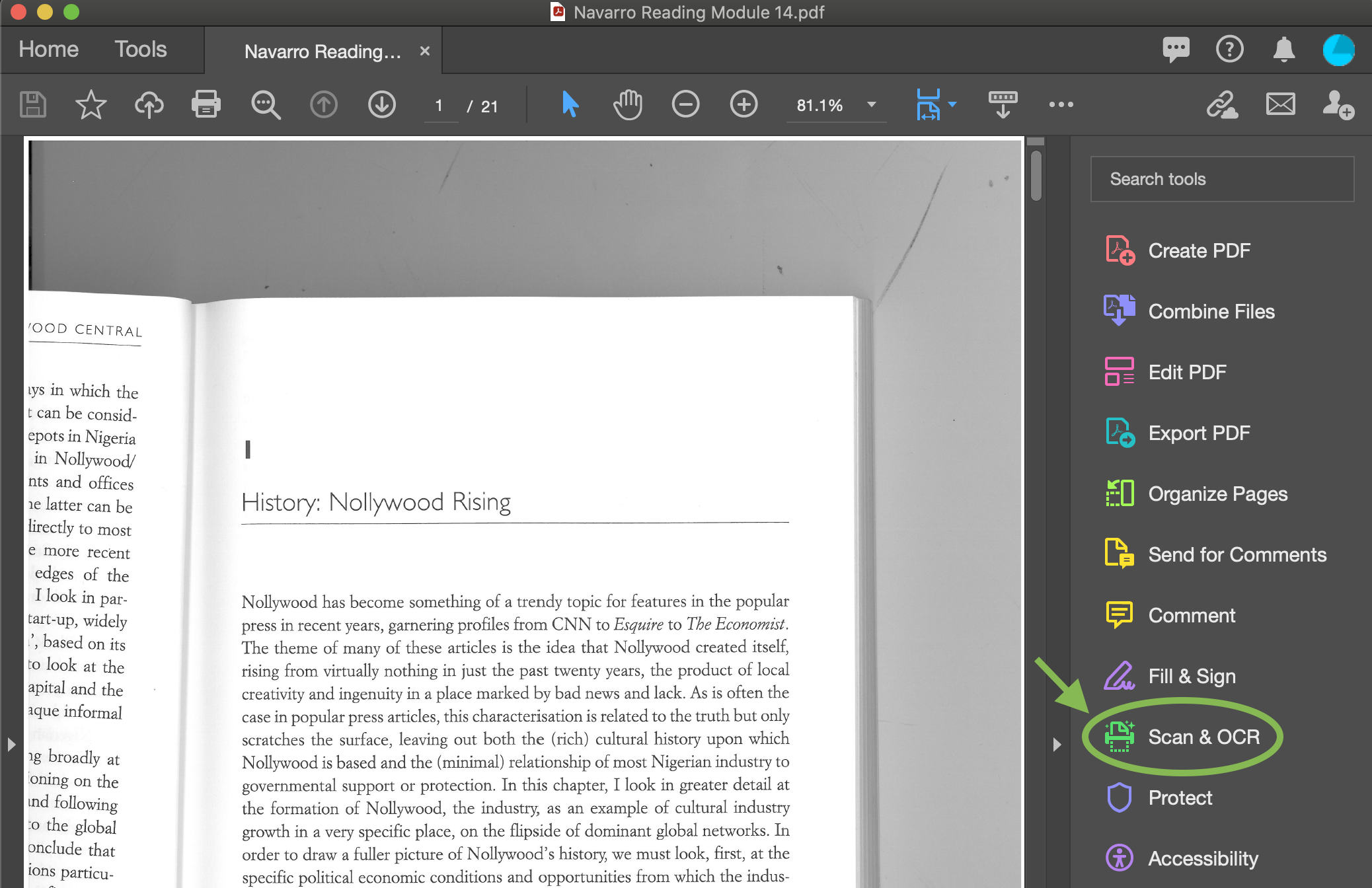
Free online tool to recognize text in documents via OCR Creates searchable PDF files Many options Without installation Without registration PDF24 Tools All tools Select your files you want to apply OCR for or drop the files into the file box Modify the settings and start the OCR I use this tool to convert images and photos

Acrobat automatically applies optical character recognition OCR to your document and converts it to a fully editable copy of your PDF Click the text element you wish to edit and start typing New text matches the look of the original fonts in your scanned image Choose File Save As and type a new name for your editable document

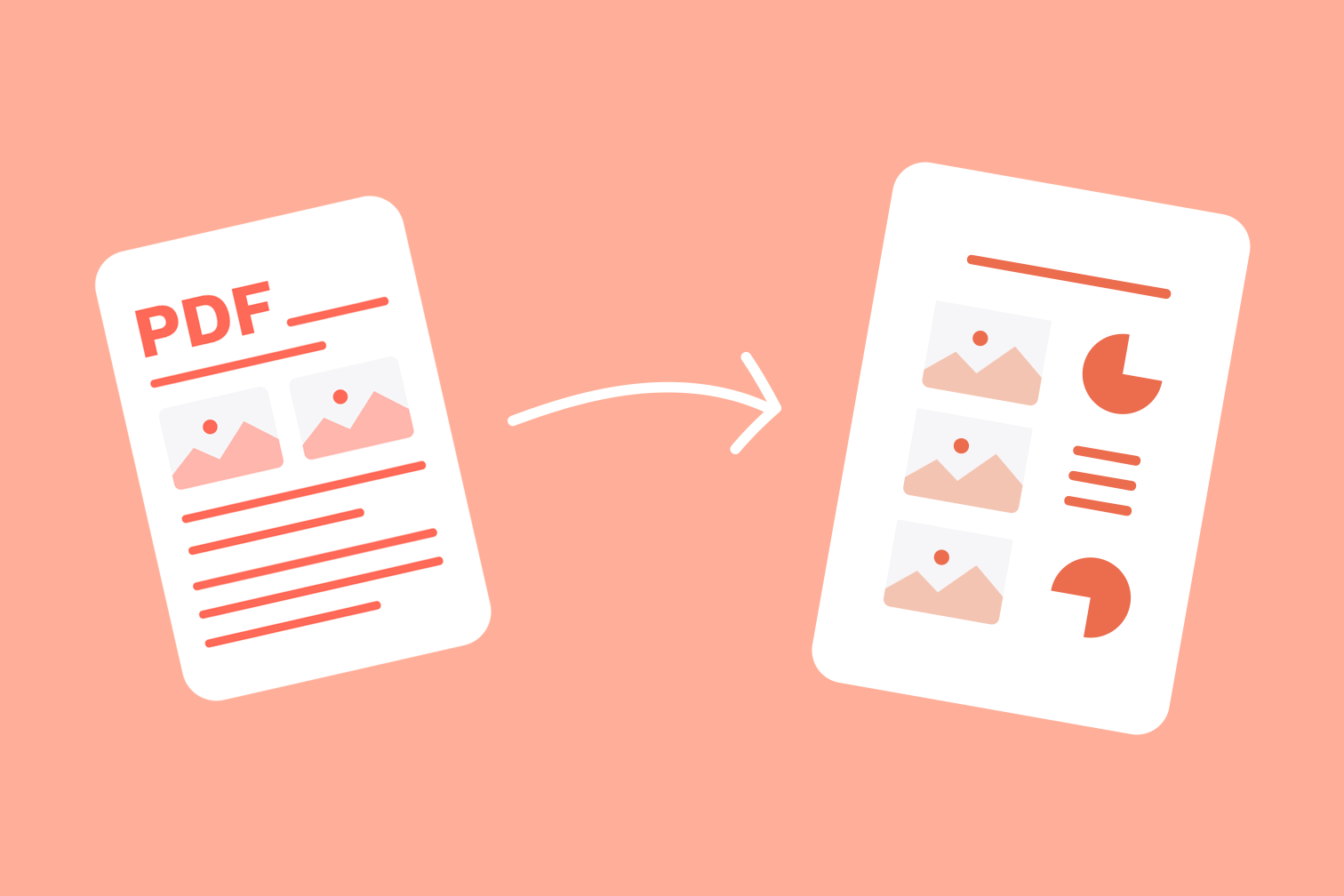
PDF to OCR converter Convert PDF to OCR DOC DOCX TEXT or ODT with Pdf to Our tool will automatically convert your PDF to OCR file OCR Optical Character Recognition is a technology that converts scanned or photographed text into editable and searchable text OCR files often in plain text or document formats result from the
Open a PDF file containing a scanned image in Acrobat for Mac or PC Click on the Edit PDF tool in the right pane Acrobat automatically applies optical character recognition OCR to your document and converts it to a fully editable copy of your PDF Click the text element you wish to edit and start typing How to OCR PDF and images online Step 1 Select your file in our free online PDF OCR tool Step 2 Use OCR to convert the file to a searchable PDF or extract scanned text to TXT file Step 3 Download the OCR processed file to your device
OCR is widely recognised as the most efficient way to convert physical documents or scans into machine readable formats that can then be edited on Word Excel Docs or Sheets Most online converters use OCR under the hood to convert non editable file formats e g TIFF PNG or PDF to editable outputs