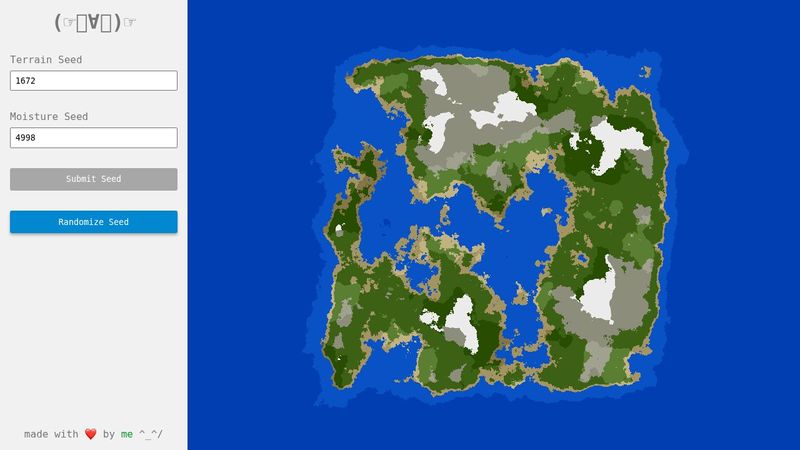
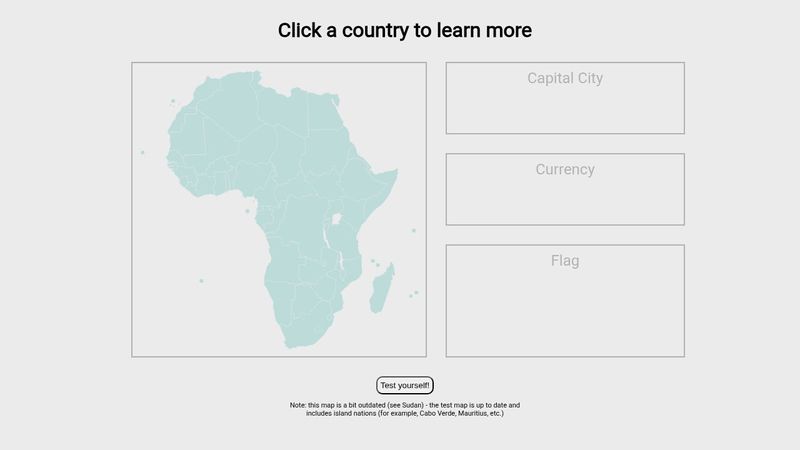
Contact Us With Map Codepen CodePen CSS Image Map With Hover Tooltips Codepen Square Vector SVG Icon SVG Repo CodePen Procedural Map Generator CodePen Responsive Africa Map API Country Info CodePen Responsive Contact Form With Map To find your username follow these steps You need to know A phone number or the recovery email address for the account The full name on your account Follow the instructions to
Change contact details On your Android device open the Contacts app Tap the contact you want to edit At the top right tap Edit If asked choose the account Enter the contact s name Your source for Fitbit help and support Visit our customer support help center for troubleshooting guides and contact options
CodePen Responsive Contact Form With Map CodePen Online CSS3 Unfold Map With Pins CodePen Bypeople CodePen US Airports Map With Plotly js Charts 20 CSS Text Hover Effects From Codepen Graphic Pie Create The Codepen Button With Gradient Border Animation HTML CSS Responsive Sidebar Navigation Menu In HTML CSS And JavaScript Guide Du D butant Pour Cr er Une Carte L aide De Leaflet js CodePen Build Explore And Teach The Web Instantly FileHorse
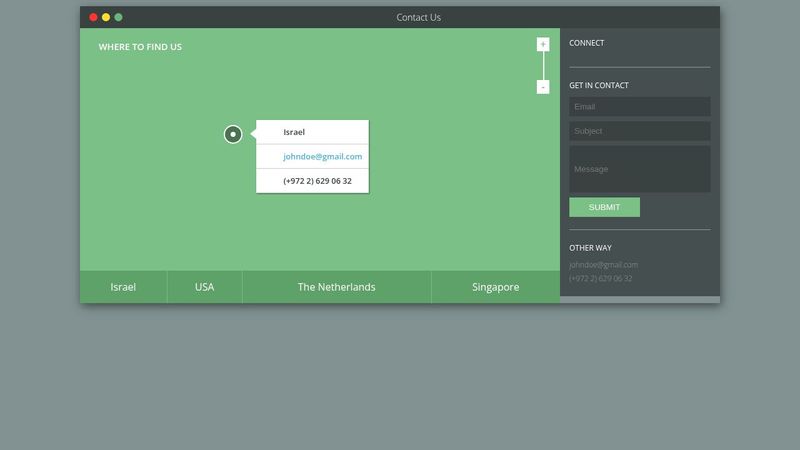
Contact Us With Map Codepen
 Contact Us With Map Codepen
https://shots.codepen.io/TylerBerry/pen/bNxwJJ-800.jpg?version=1425923574
Get help with a Google product Visit our help center and support forums Google Account recovery amp suspected compromised accounts
Templates are pre-designed files or files that can be utilized for various functions. They can conserve time and effort by offering a ready-made format and design for producing different kinds of material. Templates can be used for personal or professional jobs, such as resumes, invitations, flyers, newsletters, reports, discussions, and more.
Contact Us With Map Codepen

Codepen Icon Vector 7

CodePen Online
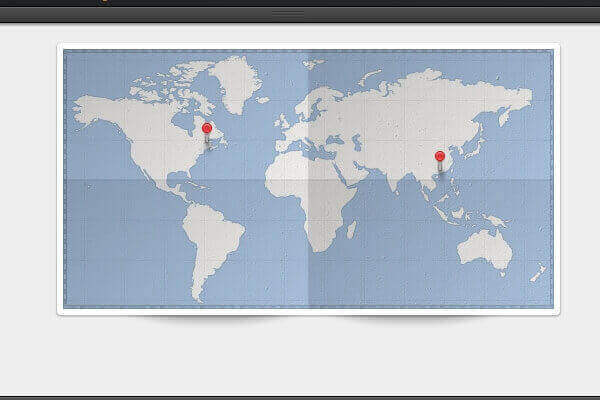
CSS3 Unfold Map With Pins CodePen Bypeople
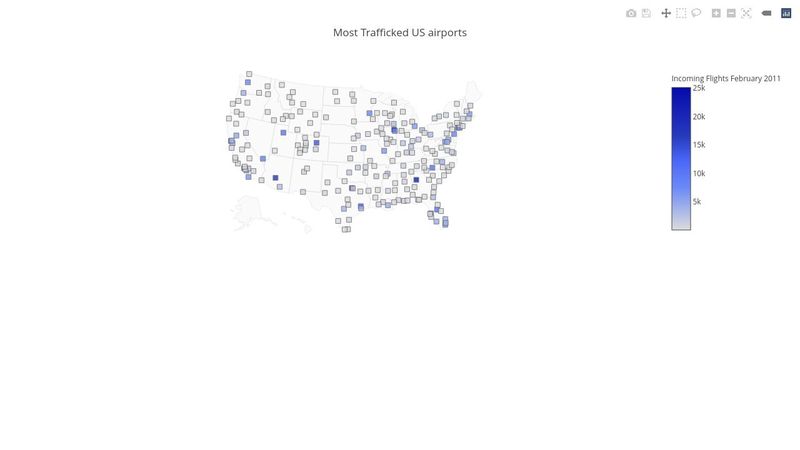
CodePen US Airports Map With Plotly js Charts

Create The Codepen Button With Gradient Border Animation HTML CSS
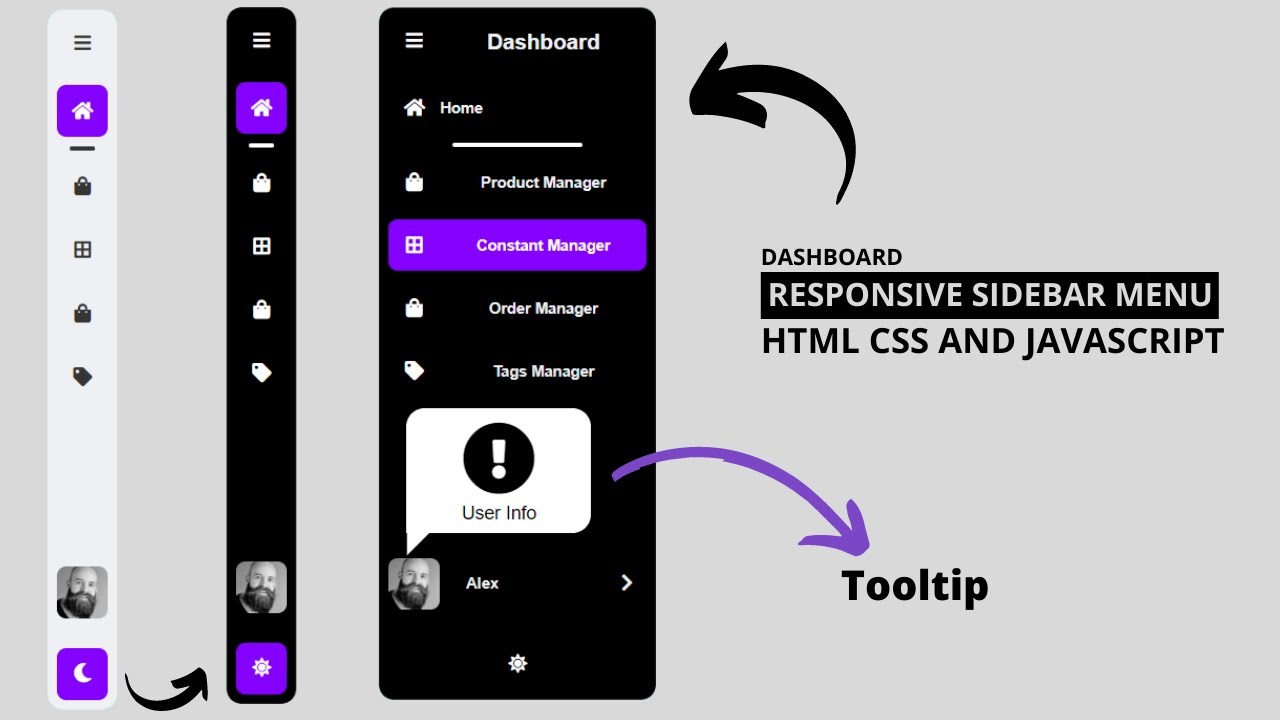
Responsive Sidebar Navigation Menu In HTML CSS And JavaScript
Add a contact On your computer go to Google Contacts At the top left click Create contact Click Create a contact or Create multiple contacts Enter the contact s information Click Save

Tap Add contact Touch and hold a contact Tap other contacts you want to add Add Tip If a contact has multiple email addresses only their default email address is added to the label
Add a contact On your Android device open the Contacts app At the bottom right tap Add Enter the contact s name and an email or phone number To add more name details Tap Add
Centre d aide officiel de Gmail o 249 vous trouverez des informations et des tutoriels pour la cr 233 ation et la protection de votre compte Apprenez comment importer vos contacts mails cr 233 er des
On your Android phone or tablet open the Contacts app At the bottom tap Fix amp manage Export to file Choose one or more accounts to export contacts from Tap Export to VCF file
[desc-11] [desc-12]
[desc-13]