Connect To Oracle Using Sqlplus In Unix Introduction To Oracle SQL Plus TestingDocs Oracle 11g Tutorials Using SQL Plus YouTube How To Using Sqlplus In Oracle Oracle How To Www vrogue co How To Connect With Oracle Database Using Sqlplus Utility Vrogue Sqlplus SQL Plus Does Not Open Anymore Oracle Database 18c Express To connect some devices to your phone without a cord you can use Bluetooth After you pair a Bluetooth device for the first time your devices can connect automatically If your phone is
Select the arrow to connect For your security all remote desktop sessions are fully encrypted Stop a remote session When you re finished close your tab to stop your session You can Official Google TV Help Center where you can find tips and tutorials on using Google TV and other answers to frequently asked questions
Sqlplus SQL Plus Does Not Open Anymore Oracle Database 18c Express Oracle How To Configure The Sqlplus Login Errors Stack Overflow How To Install SQLplus Utility On Windows 10 Manjaro Dot Site Create Table With Default Timestamp In Oracle Sqlplus Brokeasshome How To Connect To Local Oracle Database 19c Using Sysdba oracle How To Connect Sqlplus With Tnsnames ora In Oracle StackTuts How To Create A Table In Sql Using Oracle Database Images Not Able To Login To Oracle Using Sqlplus Utility Because Username And Oracle Sql Command Line Client Fingerlasopa
Connect To Oracle Using Sqlplus In Unix
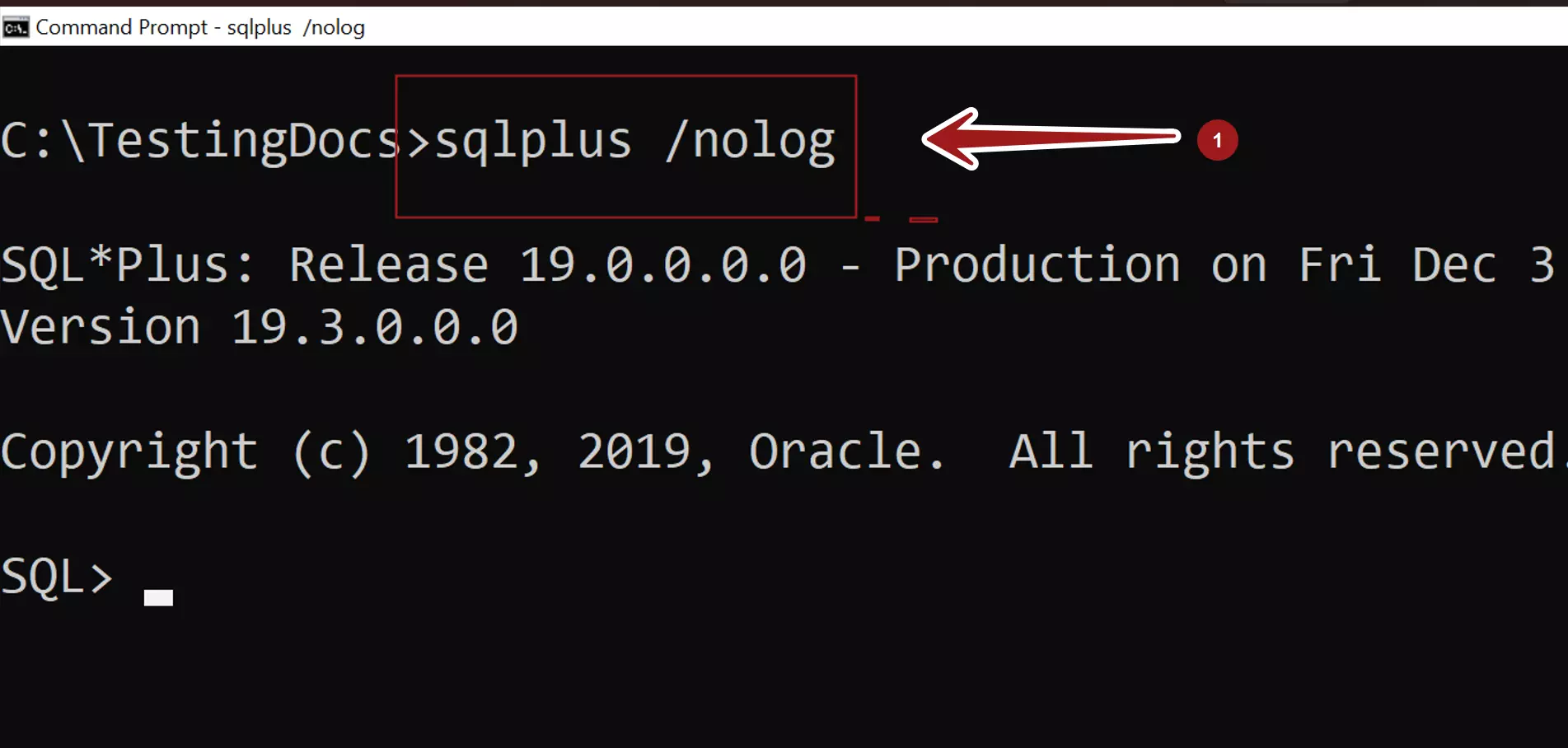 Connect To Oracle Using Sqlplus In Unix
https://www.testingdocs.com/wp-content/uploads/sqlplus-nolog-command.png
Connect your device to the same Wi Fi network as your Google TV Open the app that has the content you want to cast In the app find and select Cast On your device select the name of
Pre-crafted templates use a time-saving solution for creating a diverse variety of documents and files. These pre-designed formats and designs can be used for different individual and expert projects, consisting of resumes, invites, leaflets, newsletters, reports, presentations, and more, enhancing the content development procedure.
Connect To Oracle Using Sqlplus In Unix

Sqlplus Oracle Connect Via SQL Plus Stack Overflow

Oracle How To Configure The Sqlplus Login Errors Stack Overflow

How To Install SQLplus Utility On Windows 10 Manjaro Dot Site

Create Table With Default Timestamp In Oracle Sqlplus Brokeasshome

How To Connect Sqlplus With Tnsnames ora In Oracle StackTuts

How To Create A Table In Sql Using Oracle Database Images

Open your phone s Settings app Tap Settings Network amp Internet SIMs Select your carrier If you already have a SIM but it s inactive click SIM and turn on Use SIM

After you connect your Nest speaker or display to Wi Fi follow the in app steps to customize your device You can opt out of some settings like camera sensing Sleep Sensing Voice Match

This article will guide you through setting up and using Drive for desktop To get started follow these steps Learn about Drive for desktop benefits

Connect the USB power cable to your Chromecast Plug the other end of the USB power cable into the included power adapter then plug it into a wall outlet Note Only use the provided AC

Connect your phone to the other device with a USB cable A notification shows at the top of the screen On your phone swipe down from the top of the screen Touch and hold Hotspot Turn
[desc-11] [desc-12]
[desc-13]