Connect To Mysql Server Command Line Mysql Client Free Download Holdenjo Command Line MySQL Client TestingDocs How To Enable Remote Mysql Connection Connect A Server Using Ssh Vrogue Idea Connecting To MySQL Database How To Connect To Mysql Server Using VS Code And Fix Errors Connect to MySQL database from command line The default host name is localhost The default user name is ODBC on Windows No password is sent
Common Command Options Username user or u The username of your MySQL user Password password or p Specifies that Let us see how command line options can be used to establish connection with the MySQL server for clients like mysql or mysqldump
How To Connect To Mysql Server Using VS Code And Fix Errors Connect To A Mysql Database Command Line Mobile Legends How To Close A Database In Access Mysql Command Cmd Connect Database How To Import An Sql File Using The Command Line In Mysql Iodocs Www How To Connect MySQL From The Windows Command Line Devnote The MySQL Command Line Tool Download Scientific Diagram Mysql Dba Tips And Tricks Useful Command Line Shortcuts Commands Create Mysql Database On Command Line Interface Using MYSQL Commands Connect To Mysql Database Workbench On My Computer Sfholden
Connect To Mysql Server Command Line
 Connect To Mysql Server Command Line
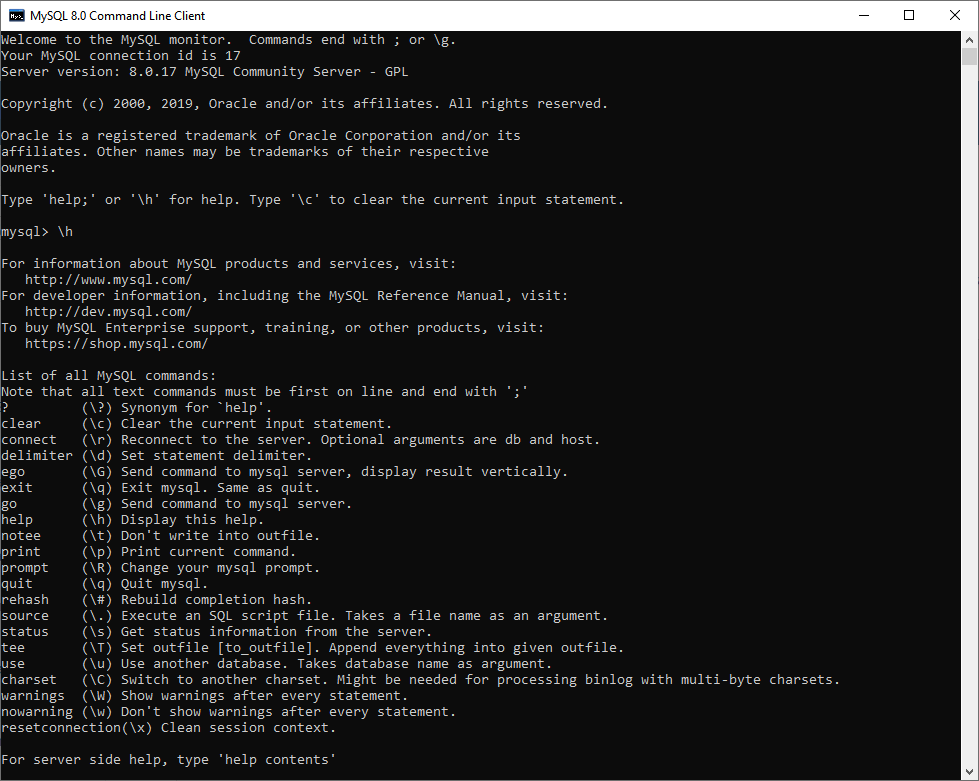
https://blog.devart.com/wp-content/uploads/2022/01/mysql-command-line-help.png
In order to access your MySQL database please follow these steps Log into your Linux web server via Secure Shell Open the MySQL client program on the
Pre-crafted templates use a time-saving option for creating a diverse range of documents and files. These pre-designed formats and designs can be used for numerous individual and professional projects, including resumes, invites, leaflets, newsletters, reports, presentations, and more, simplifying the material development process.
Connect To Mysql Server Command Line
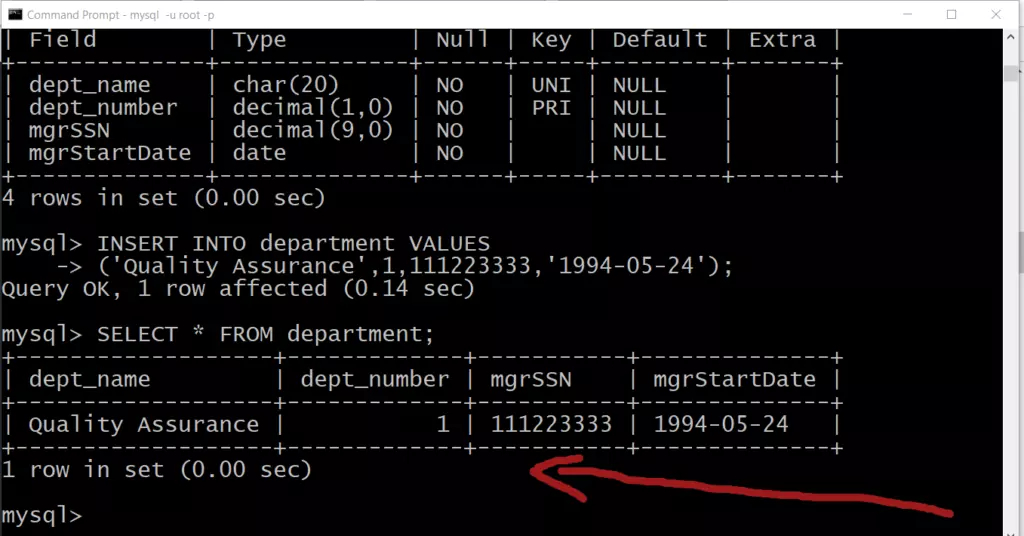
Basic MySQL Commands TestingDocs
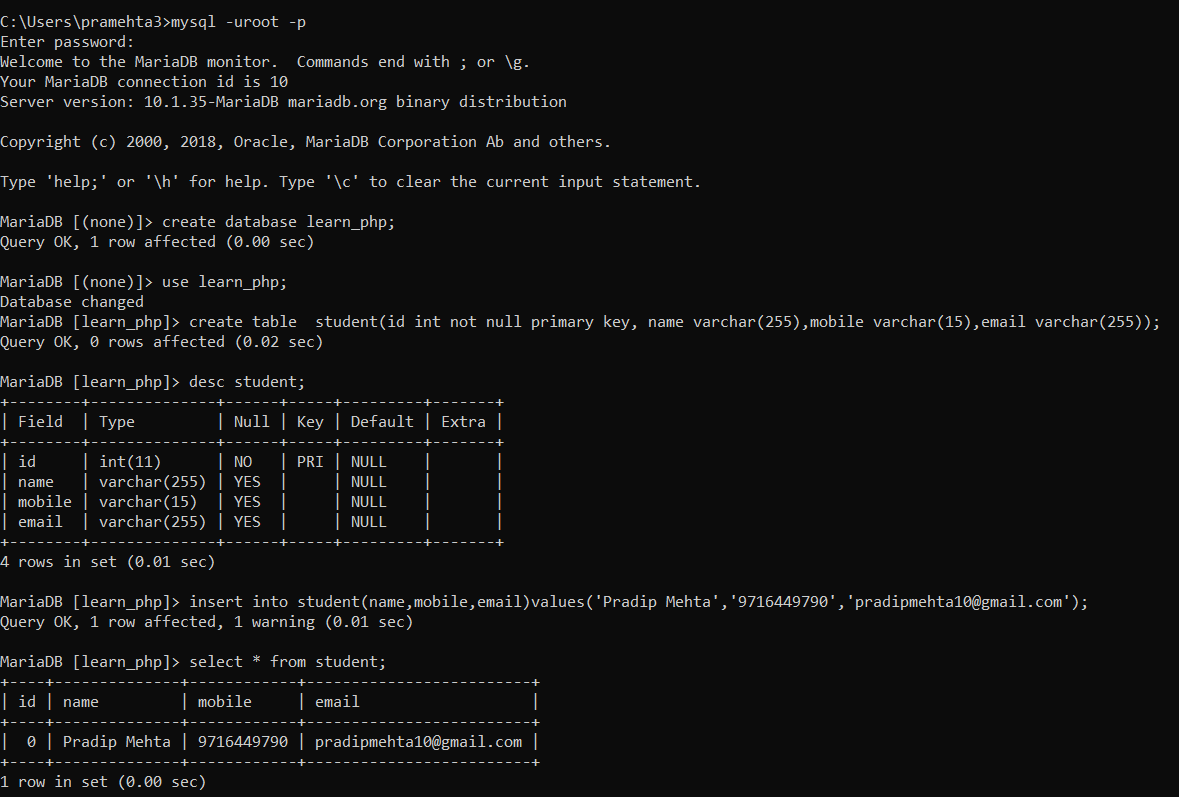
Connect To A Mysql Database Command Line Mobile Legends
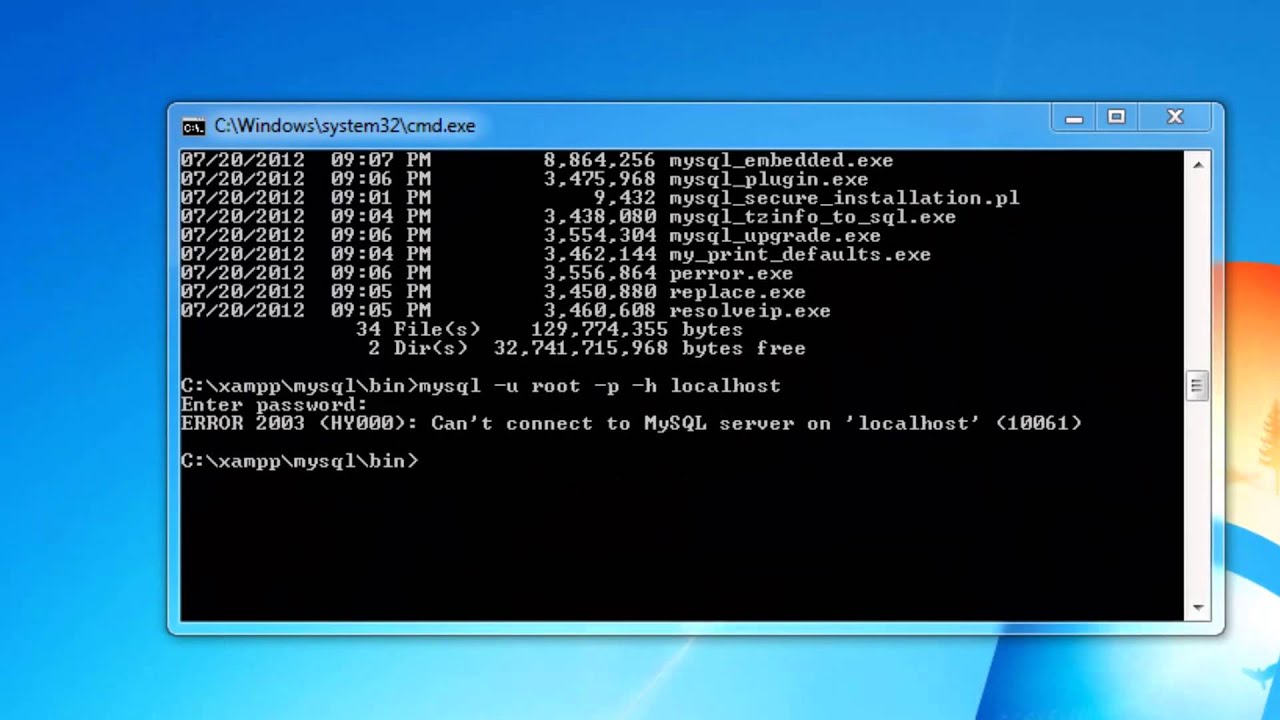
How To Close A Database In Access Mysql Command Cmd Connect Database
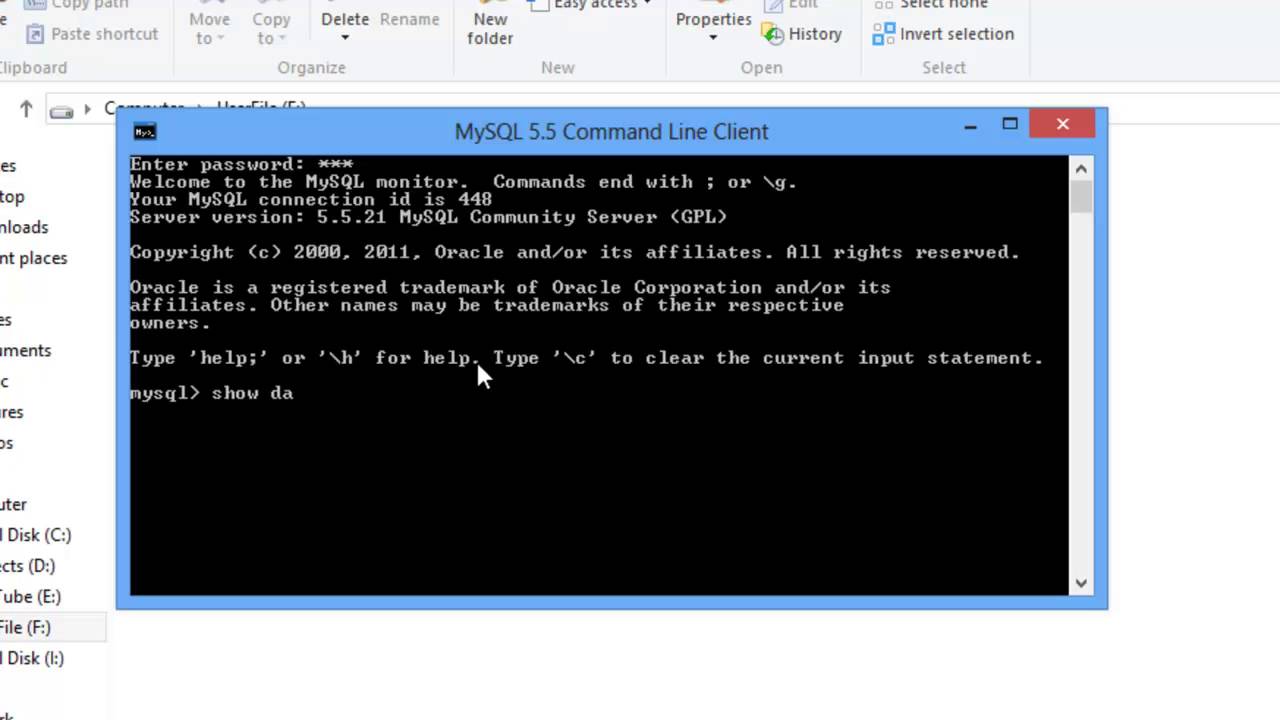
How To Import An Sql File Using The Command Line In Mysql Iodocs Www
The MySQL Command Line Tool Download Scientific Diagram
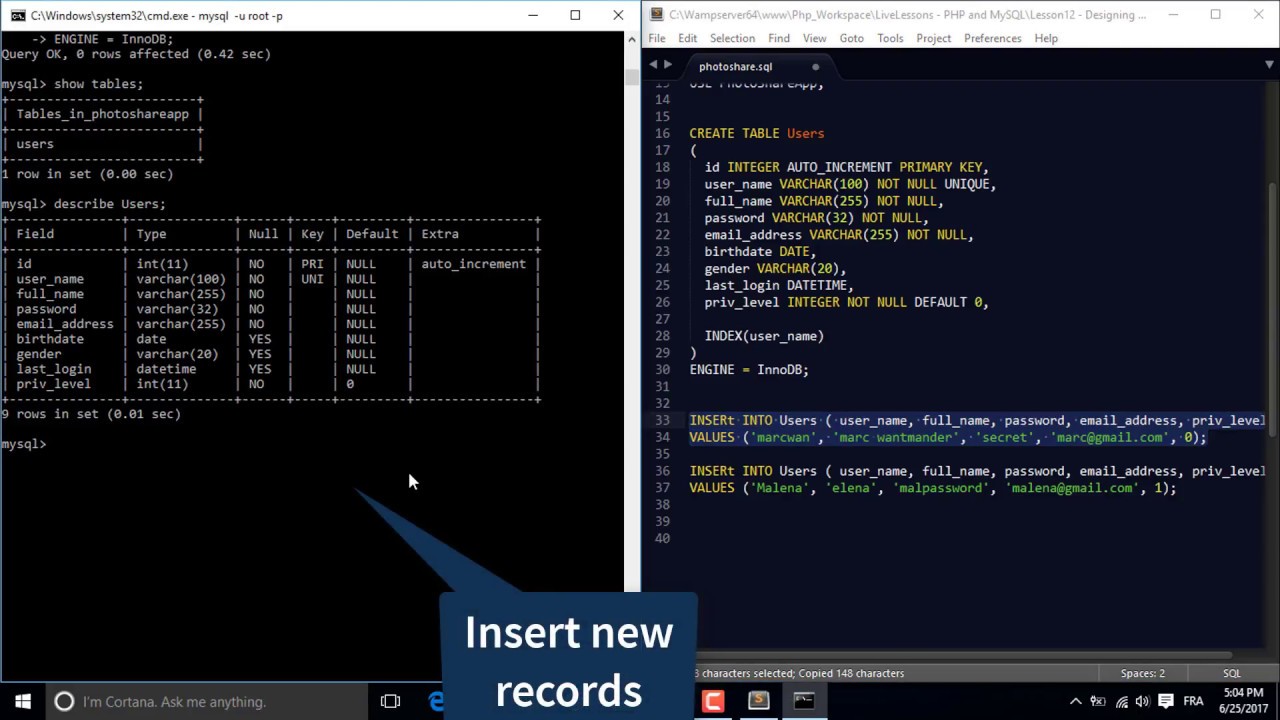
Mysql Dba Tips And Tricks Useful Command Line Shortcuts Commands
Go to MySQL installation directory then access to bin directory mysql exe must be showed in list of files open cmd in the same location run mysql u

To view a list of MySQL commands type help at the mysql prompt To exit the mysql program type q at the mysql prompt
Start by opening the Run command box in Windows Use the keyboard shortcut hold the Windows super key and press the letter R Win R Then

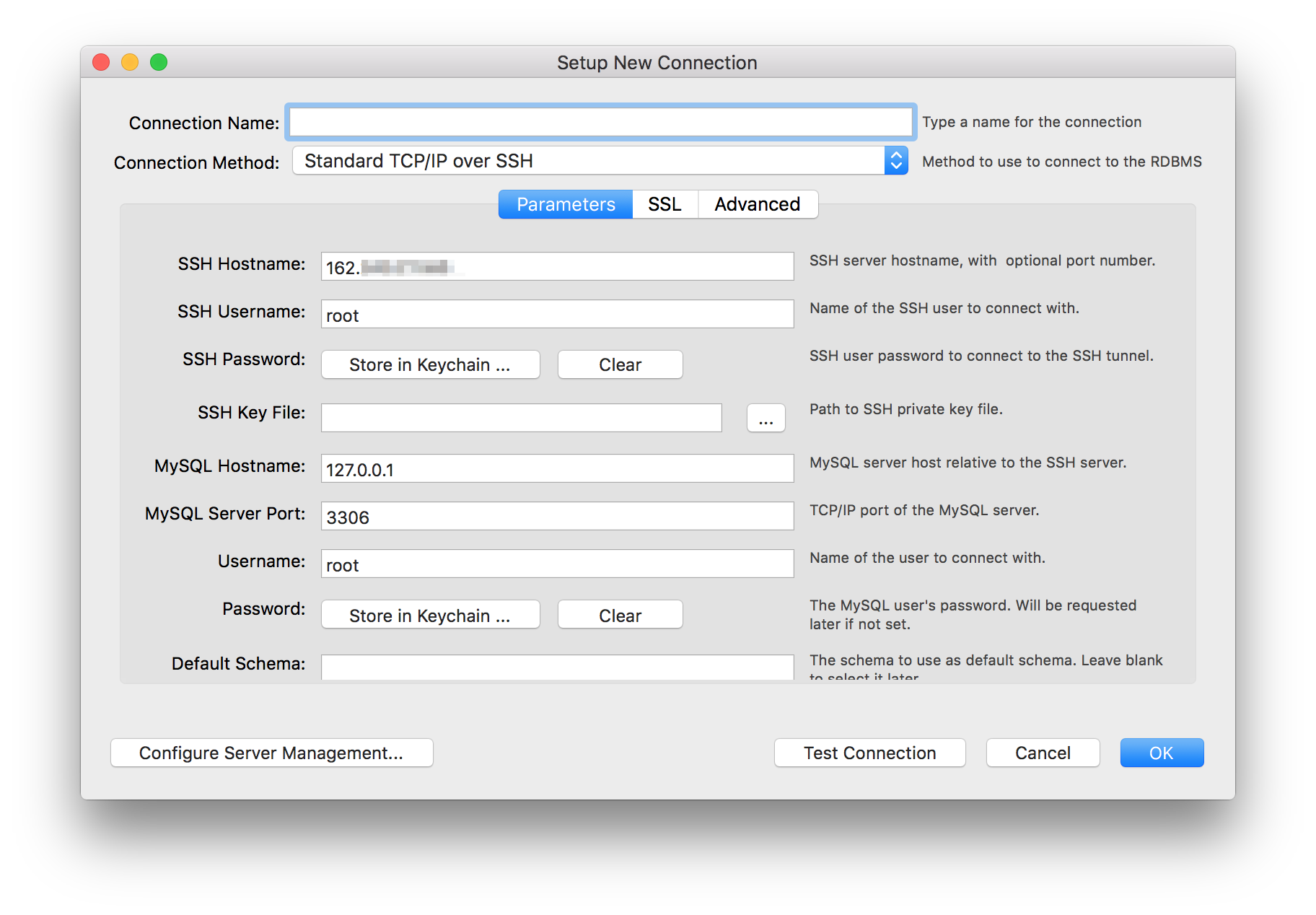
In this tutorial you will learn how to connect to MySQL Server using mysql command line client and MySQL Workbench
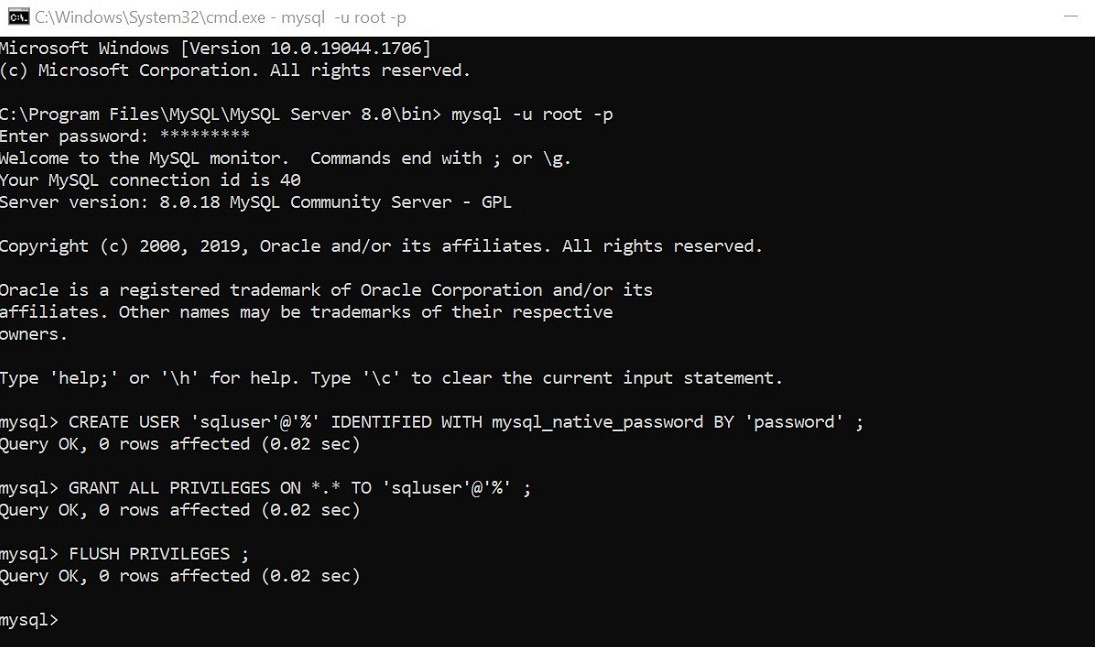
Locate the MySQL Command Line Client Run the client Enter your password Get a list of databases Create a database Select the database you
Connect MySQL via Command Line mysql u username p password h host P 3306 mysql u sgroot p P 3306 h SG mysqlconfig 308 master servers Step 1 Locate a Unix socket file On the server host in the command line run the following command mysql u root p h 127 0 0 1 e select
To connect the MySQL database the community provides a command line tool called mysql which comes up with some command line arguments To