Configure Git Username And Email Mac Solved Make Sure You Configure Your user name And user email In Git Git Config How To Configure Git Settings To Improve Your Development Git How To Set A Different Username And Email For Each Repository In Git How To Configure Git Username And Email Address Daniel Felix How To Setup Or Configure Git Username And Email Address LinuxPanda Open the terminal and install Homebrew by running the following command usr bin ruby e curl fsSL https raw githubusercontent Homebrew install master install Then install git brew install git
Get Started with Git on Mac Configure Git The next step is to configure Git by adding your credentials to the system This is important as it helps keep track of which user is committing changes to a project Open the terminal and configure your GitHub username git config global user name your github username Then add your email Configure your Git username and email using the following commands replacing Ava s name with your own Regardless let s keep it simple and neat set up a Git color scheme and branch information displayed in the terminal Colors Unless you are reading this from a monochrome display let s take advantage of some of the color features
How To Setup Or Configure Git Username And Email Address LinuxPanda How To Get Git Config Username And Email Git Config Command With All Details How To Configure Git Username And Cultural Analytics Open Science Guide 6 Create A GitHub Account How To Configure Git Username And Email In Terminal YouTube How To Configure Git Username And Email How I Got The Job How To Set Your User name And User email In Git YouTube How To Set GitHub User name And User email Per Repository Different Git Config Setup Git Environment
Configure Git Username And Email Mac
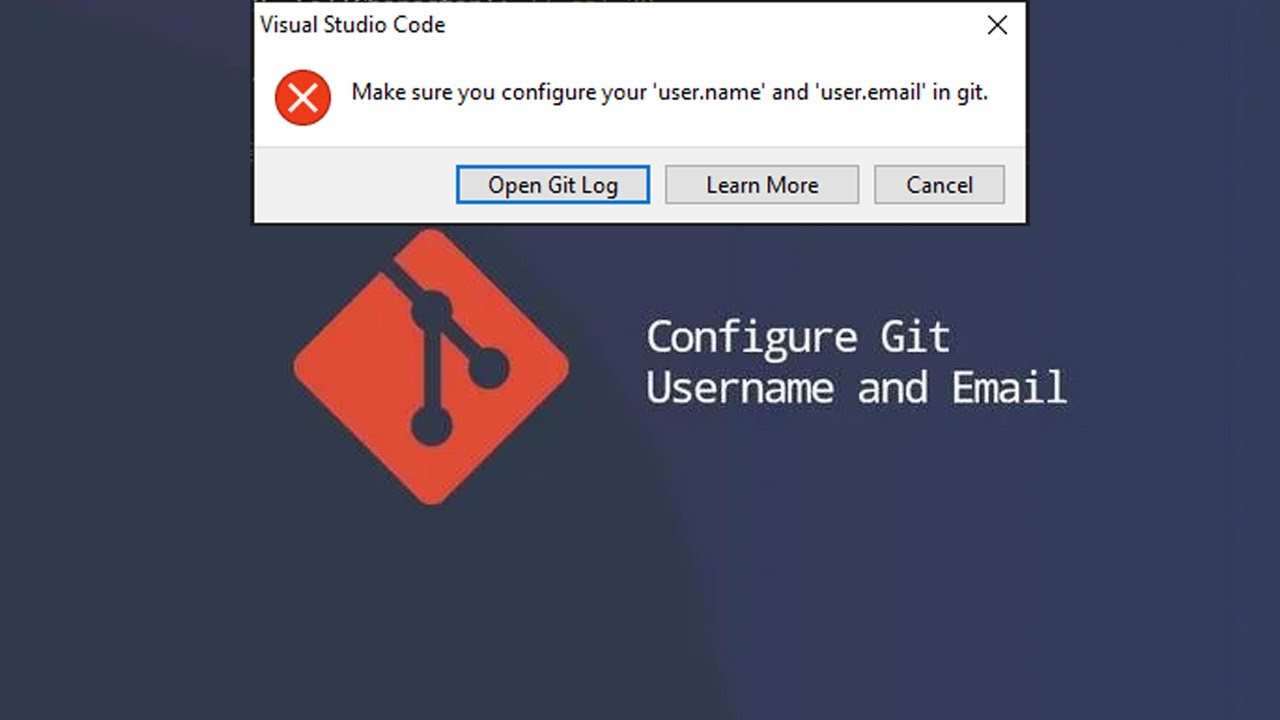 Configure Git Username And Email Mac
https://i.ytimg.com/vi/c-arYUBnHhk/maxresdefault.jpg
The easiest way to install Git on a Mac is via the stand alone installer 1 Download the latest Git for Mac installer 2 Follow the prompts to install Git Run the following commands to configure your Git username and email using the following commands replacing Emma s name with your own These details will be associated with any commits
Pre-crafted templates offer a time-saving solution for creating a varied range of files and files. These pre-designed formats and designs can be utilized for numerous personal and professional projects, including resumes, invitations, leaflets, newsletters, reports, discussions, and more, streamlining the material production process.
Configure Git Username And Email Mac
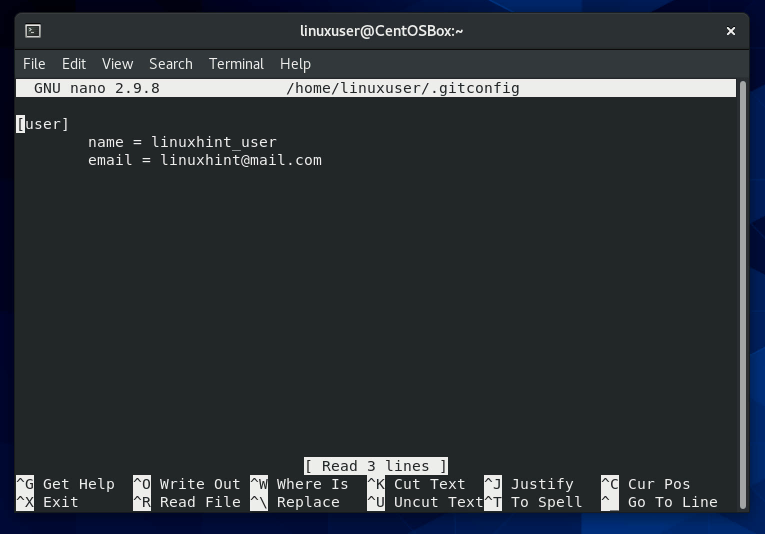
How To Configure Git Username And Email Address DevsDay ru
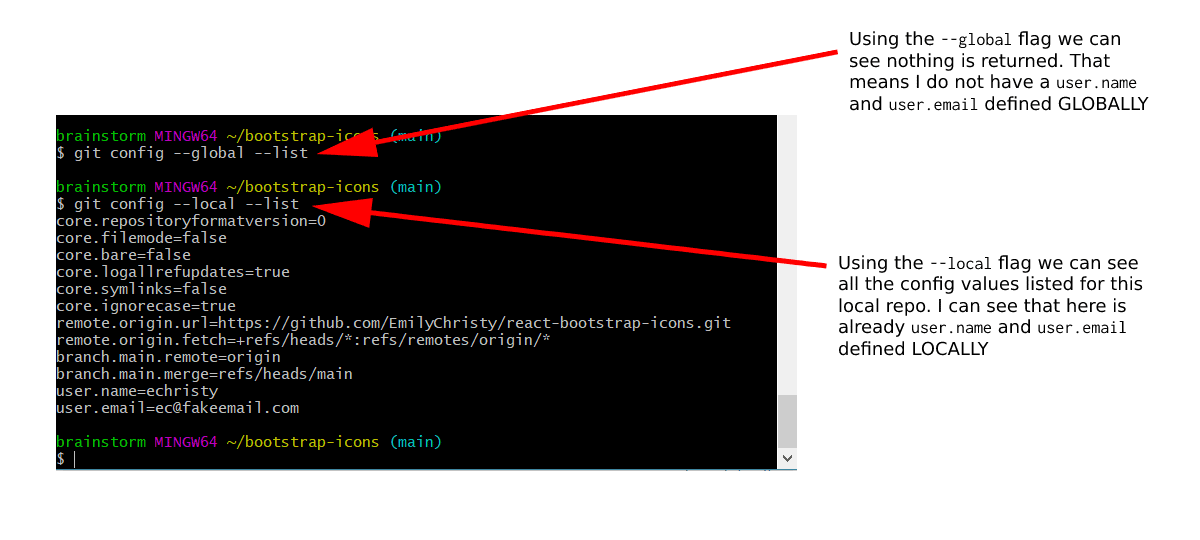
How To Get Git Config Username And Email

Git Config Command With All Details How To Configure Git Username And
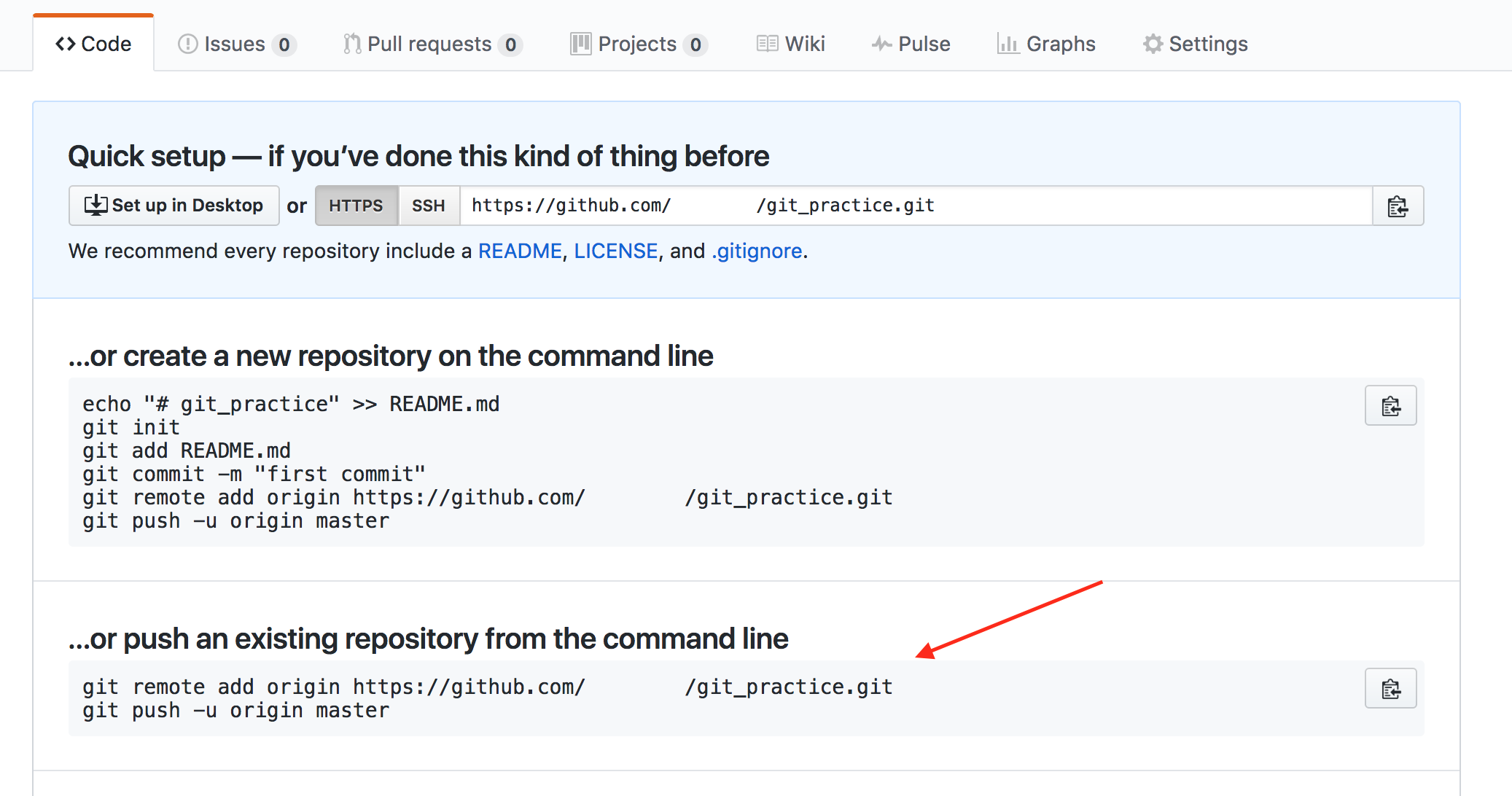
Cultural Analytics Open Science Guide 6 Create A GitHub Account

How To Configure Git Username And Email How I Got The Job
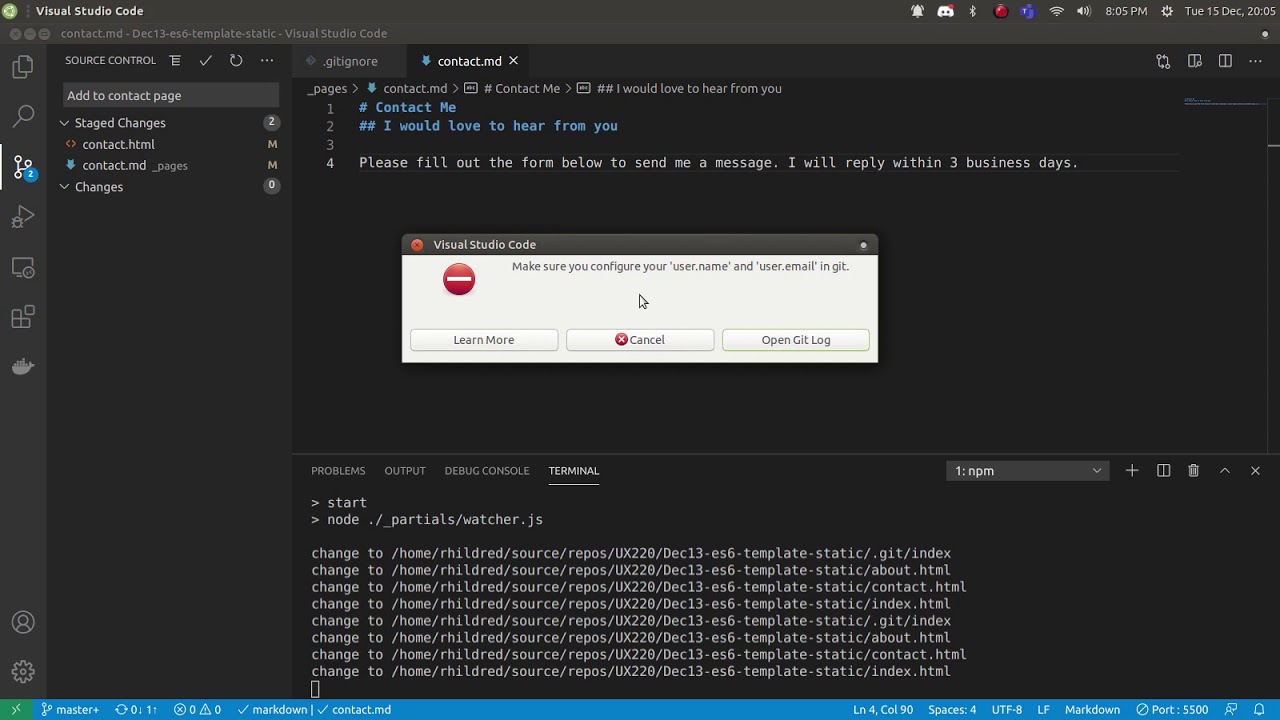
How To Set Your User name And User email In Git YouTube
Your Identity The first thing you should do when you install Git is to set your user name and email address This is important because every Git commit uses this information and it s immutably baked into the commits you start creating git config global user name John Doe git config global user email johndoe example

Open Terminal Change the current working directory to the local repository where you want to configure the name that is associated with your Git commits Set a Git username git config user name Mona Lisa Confirm that you have set the Git username correctly git config user name Mona Lisa Further reading Setting your commit email address

Method 1 Installing Git on a Mac Using Homebrew Homebrew is the most popular package manager for macOS It s open source and you can use it to install update and remove programs on your

First switch the repository root directory cd Code myapp Set a Git username and email address git config user name Your Name git config user email youremail yourdomain Verify that the changes were made correctly git config list user name Your Name user email youremail yourdomain

Set up Git At the heart of GitHub is an open source version control system VCS called Git Git is responsible for everything GitHub related that happens locally on your computer Using Git To use Git on the command line you will need to download install and configure Git on your computer
To install Git using a binary installer follow these steps Go to git scm and click the link under Binary installer From the newly opened page click the Download button Open the downloaded 4 842 3 29 37 Try Editable Email Notification in Post build Actions You can define the recipient list by literal strings or variables of email addresses As to the incorrect email in the early commits you could use git filter branch env filter to modify But this rewrites the commit history It s not recommended ElpieKay Jun 14 2016 at 7 38
Learn how to configure Git with your name and email and how to check your current Git setup Expand your programming skills further with our web development Python data science and web design classes and bootcamps in NYC Key Insights To access the command line on Mac navigate to Applications Utilities and open Terminal app