Conda Install Without Network Pip conda Install Cartopy Proj 4 9 0 Conda Alternatives And Similar Software AlternativeTo Conda Install Package Without Removing Others Holosersay Conda Install Package Hash Holoserpub How To Install Packages Using Conda On Jupyter Notebook Terra Support Web Oct 28 2022 nbsp 0183 32 first thing we need the bz2 files how to download this bz2 file go to this website web website https repo anaconda here this is like a goldmine for all the repositories all the
Web Feb 18 2020 nbsp 0183 32 This is fixed easily enough by first creating an empty environment e g conda create name MyWonderfulEnv and running the install command with the offline flag e g after activating the relevant environment run conda install tensorflow gpu 1 10 0 lt more dependencies gt offline Web Installing conda To install conda you must first pick the right installer for you The following are the most popular installers currently available Miniconda Miniconda is a minimal installer provided by Anaconda Use this installer if you want to install most packages yourself Anaconda Distribution
How To Install Packages Using Conda On Jupyter Notebook Terra Support THE CRWD NETWORK CONDA ICO Mini Conda Install Package Bingerpicture Windows conda warning Cannot Install Xonsh Wrapper CONDA Introducing A Secure Token Ecosystem For Start ups And SMEs Install The Open Source Version Of PyMOL With Conda 9to5Tutorial Solved Conda Install DBUtils Error To Search For Alternate Channels CondaHTTPError HTTP 000 Connection Failed During Conda Install With Conda Install Ipython Notebook Vicareward
Conda Install Without Network
 Conda Install Without Network
https://upload.jianshu.io/users/upload_avatars/23188407/87655ca9-3d6c-406a-ba4f-77967a807add.jpg
Web To install a different version of Python without overwriting the current version create a new environment and install the second Python version into it Create the new environment To create the new environment for Python 3 9 in your terminal window run conda create n py39 python 3 9 Note
Pre-crafted templates provide a time-saving solution for creating a diverse variety of files and files. These pre-designed formats and layouts can be made use of for different individual and expert jobs, including resumes, invitations, flyers, newsletters, reports, presentations, and more, simplifying the content development process.
Conda Install Without Network
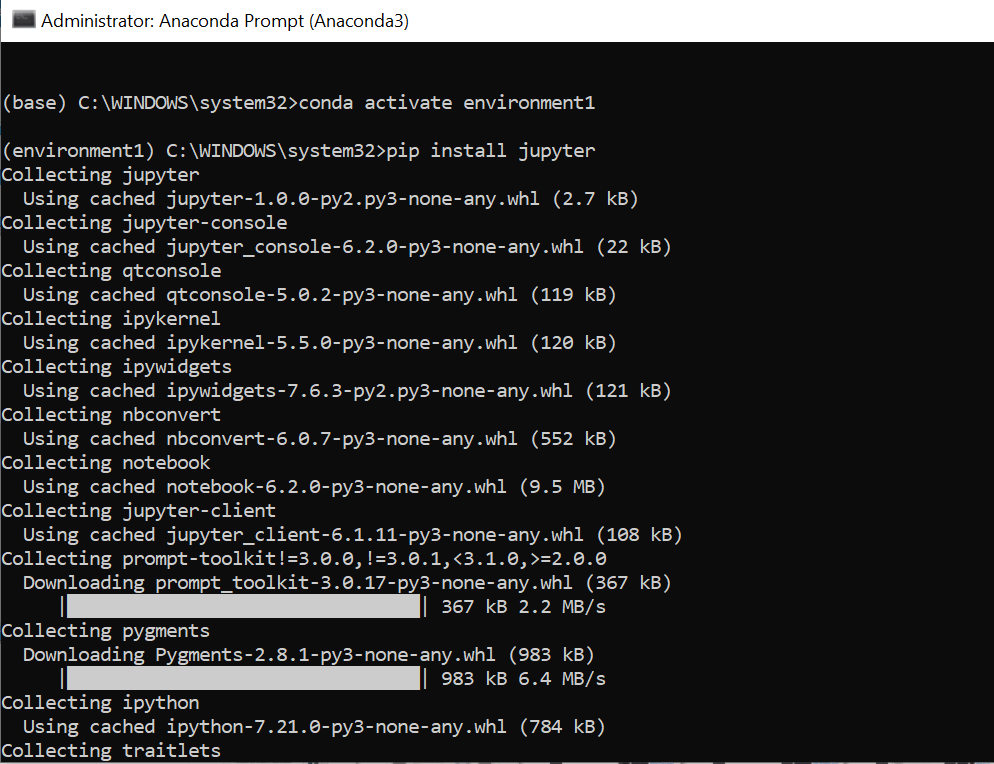
Conda Install Jupyter Notebook In New Environment Kurttronics
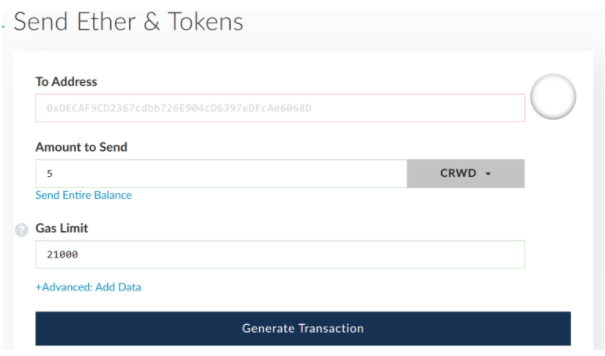
THE CRWD NETWORK CONDA ICO

Mini Conda Install Package Bingerpicture

Windows conda warning Cannot Install Xonsh Wrapper

Install The Open Source Version Of PyMOL With Conda 9to5Tutorial

Solved Conda Install DBUtils Error To Search For Alternate Channels

Web May 23 2016 nbsp 0183 32 1 Download the Anaconda installer and install it I guess miniconda will be enough 2 Make a local channel by mirroring the part of anaconda repository Do not try to download individual packages on your workstation to push them to your offline server Indeed dependencies will not be satisfied

Web in C Temp noarch folder press shift rightclick open console or use anaconda prompt and go to folder type in conda install plotly 4 4 1 py 0 tar bz2 other conda install package example C Temp noarch gt conda install plotly 4 4 1 py 0 tar bz2 answered Jan 23 2020 at 12 49
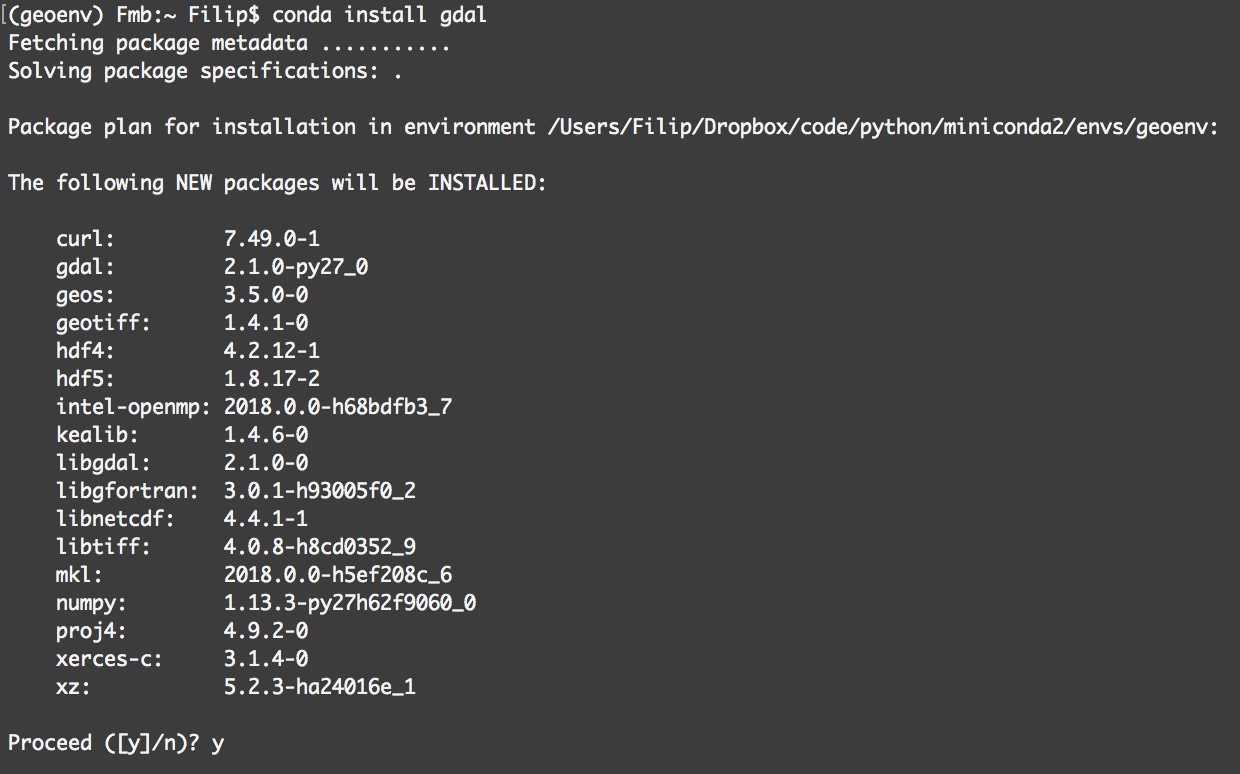
Web Silent mode installation can be useful when deploying Anaconda Distribution or Miniconda to many clients as the installation can be completed automatically without the user needing to manually select options in an installer wizard GUI or within the CLI itself Anaconda Distribution installers Latest installers https www anaconda download

Web Enabling offline mode Navigator is typically used online so that it can download and install packages If Navigator detects that internet access is not available it automatically enables offline mode and displays this message In the Preferences dialog select Enable offline mode to enter offline mode even if internet access is available
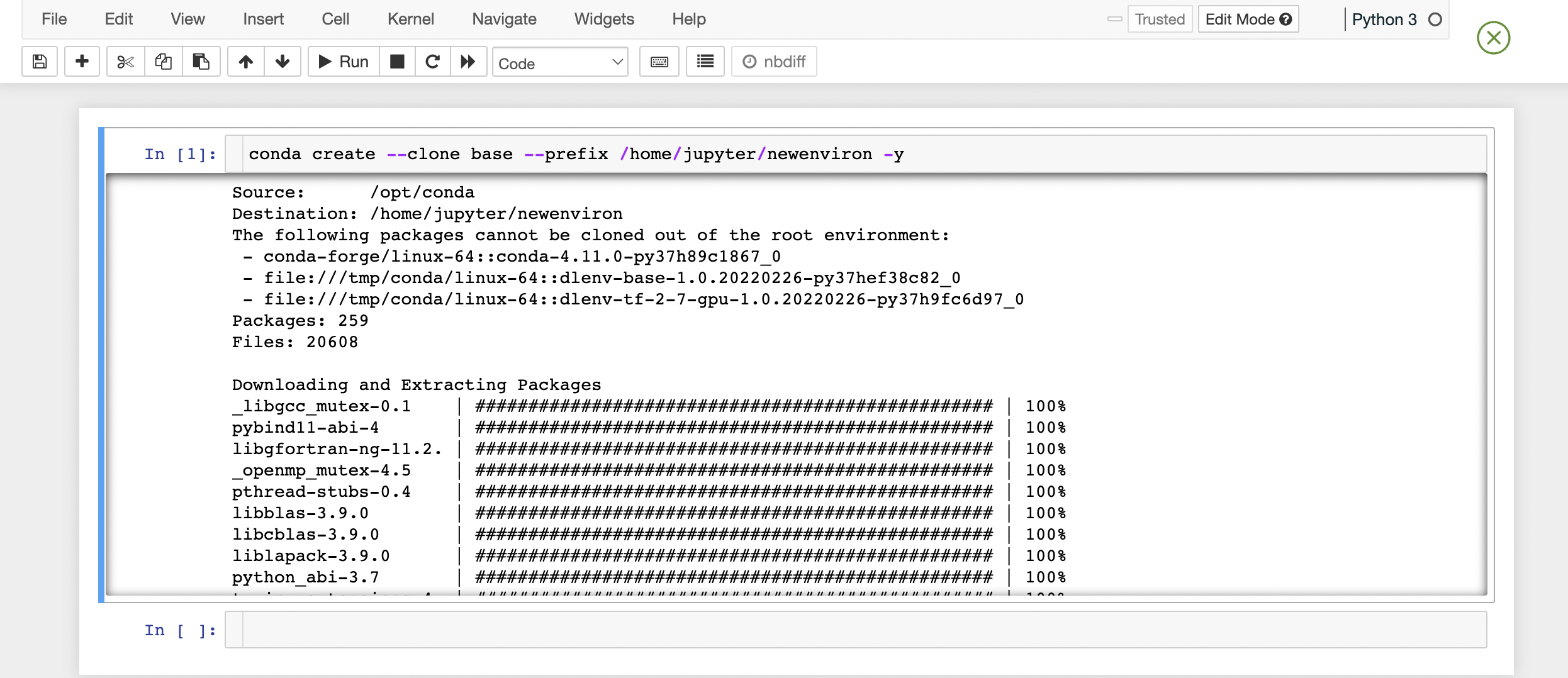
Web conda install Install a list of packages into a specified conda environment This command accepts a list of package specifications e g bitarray 0 8 and installs a set of packages consistent with those specifications and
Web Jan 2 2024 nbsp 0183 32 1 Solution 1 Using Wheel Files 2 Solution 2 Using Source Distribution Files 3 Solution 3 Using Environment Export and Import 4 Conclusion Solution 1 Using Wheel Files Wheel is a built in binary package format used by Python allowing for faster installation without needing to build the source code Web Sep 27 2017 nbsp 0183 32 I am trying to create a virtual environment without accessing the internet I came across issue 4699 which is semi related except I am not trying to use pre downloaded files I want it to include only libraries included in the base installation Is this possible I tried simply running
Web To directly install a conda package from your local computer run conda install package path package filename tar bz2 Conda installs packages into the anaconda pkgs directory To install a tar file containing many conda packages run the following command conda install packages path packages filename tar