Conda Install Tensorflow Macos M1 M1 Macbook python conda tensorflow Mendey I Can t Install TensorFlow macos A Apple Developer Forums Mac M1 tensorflow R Tensorflow On An M1 Mac Without Crashing I m A Chordata Urochordata MacBook Pro M1 ML Compute TensorFlow TensorFlow for macOS 11 0 accelerated using Apple s ML Compute framework GitHub apple tensorflow macos TensorFlow for macOS 11 0 accelerated using Apple s ML Compute framework
According to the official guideline we should use at least python version 3 9 0 Don t forget to activate it conda create name tensorflow silicon python 3 9 conda activate tensorflow silicon Then install the tensorflow macos base along with the tensorflow metal plugin conda install c apple tensorflow deps Applications Integrations TensorFlow TensorFlow TensorFlow enables your data science machine learning and artificial intelligence workflows This page shows how to install TensorFlow using the conda package manager included in Anaconda and Miniconda
MacBook Pro M1 ML Compute TensorFlow 2022 Apple M1 Mac M1 Tensorflow Apple Silicon Mac M1 TensorFlow JupyterLab VSCode Apple Silicon Mac M1 TensorFlow 2 6 GPU tensorflow metal Apple Silicon Mac M1 TensorFlow JupyterLab VSCode Macbook M1 Apple TensorFlow arm64 mac Arm64 Golang TensorFlow M1 Install TensorFlow Keras GPU On Apple M1 M2 Mac With Conda TensorFlow Macbook M1 51CTO macm1 tensorflow
Conda Install Tensorflow Macos M1
 Conda Install Tensorflow Macos M1
https://img2020.cnblogs.com/blog/2336824/202104/2336824-20210417232355490-658598586.png
3 Create conda environment with Python3 8 Tensorflow not available for Python3 9 now 25th Jan 2021 conda create name tf env python 3 8 4 Activate the created virtual environment tf env conda activate tf env 5 Download tensorflow macos 1alpha1 tar gz from Apple github tensorflow macos Check in assets
Templates are pre-designed files or files that can be utilized for various functions. They can save time and effort by offering a ready-made format and layout for developing different kinds of material. Templates can be used for personal or expert tasks, such as resumes, invitations, leaflets, newsletters, reports, discussions, and more.
Conda Install Tensorflow Macos M1
I Can t Install TensorFlow macos A Apple Developer Forums
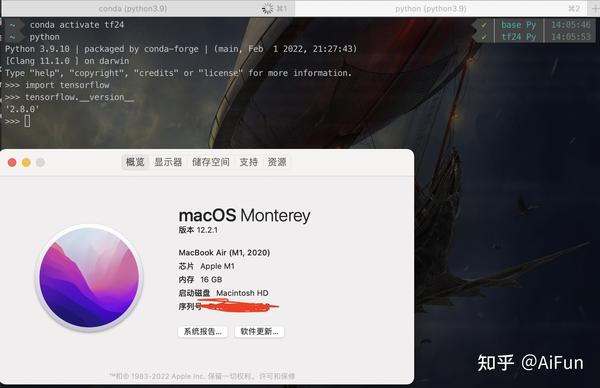
2022 Apple M1 Mac M1 Tensorflow
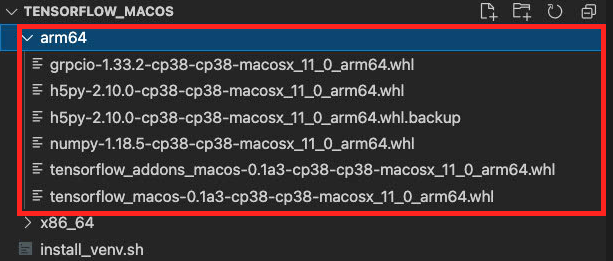
Apple Silicon Mac M1 TensorFlow JupyterLab VSCode

Apple Silicon Mac M1 TensorFlow 2 6 GPU tensorflow metal

Macbook M1 Apple TensorFlow arm64 mac Arm64 Golang
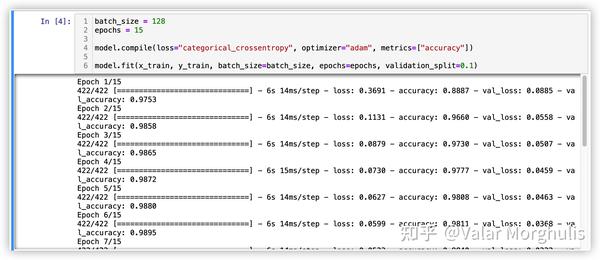
TensorFlow M1
Download and install Homebrew from https brew sh Follow the steps it prompts you to go through after installation Download Miniforge3 Conda installer for macOS arm64 chips M1 M1 Pro M1 Max M1 Ultra M2 Install Miniforge3 into home directory
Thank you very much for your help Lord V15 since python3 m pip install tensorflow macos has done the job very well An example of this is using conda to install the environment and using another installer for the metal plugin The conflict comes because conda wants to define and control the environment so that there is compatibility

To utilize Apple s ML Compute framework for native hardware acceleration on M1 Macs you need to install Apple s hardware accelerated TensorFlow and TensorFlow Addons for macOS 11 0 This article will show how how to prepare your M1 Mac for developing deep learning projects using TensorFlow

You can install them with the following command xcode select install And finally you ll need Anaconda As of now Miniforge runs natively on the M1 chip so that s the distribution you ll use You ll want to download the ARM64 version the one marked on the following image Image 1 Miniforge download page image by author
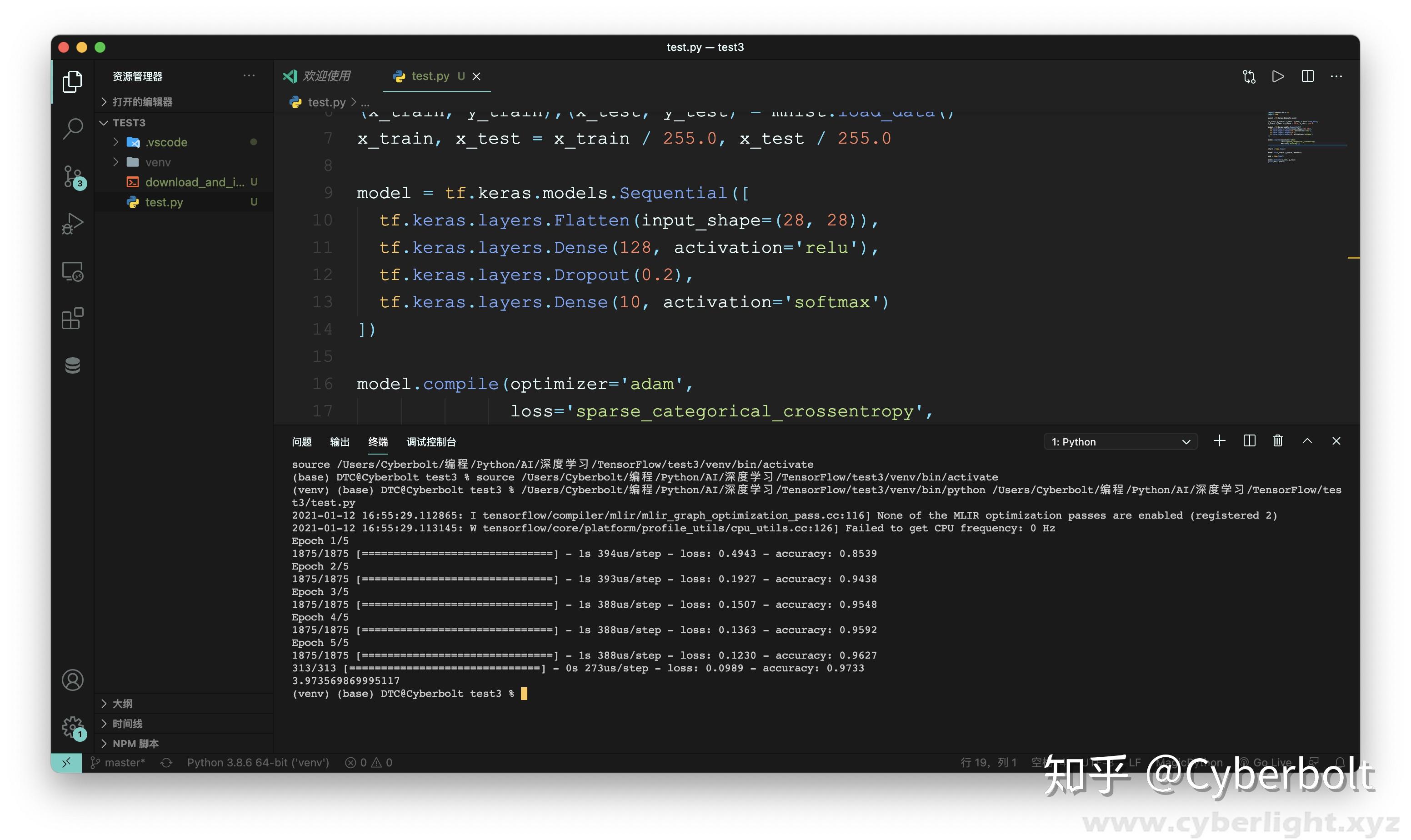
Follow Published in MLearning ai 5 min read Sep 2 2022 13 Install TensorFlow in a few steps on Mac M1 M2 with GPU support and benefit from the native performance of the new Mac ARM64
If you re looking to get started with TensorFlow on your shiny new M1 M1 Pro M1 Max M1 Ultra or M2 Mac I ve got you covered Here s 2 min read Jul 17 TheDataSurgeon To kickstart our TensorFlow installation execute the following commands conda install c apple tensorflow deps TensorFlow macos refers to a specialized version of the TensorFlow deep
1 Answer Sorted by 1 this is maybe due to the fact that TensorFlow is not yet compatible with the Apple M1 chip TensorFlow does not yet have official support for the M1 chip and the current version of TensorFlow that is available for installation via pip is built for the x86 architecture