Computer System Class 11 Summary Childhood Summary Class 11 Summary R Study Adda YouTube Computer Summary Computer SUMMARY Computer Is An Electronic Theme Of Chapter The Photograph Class 11 Brainly in Birth Class 11 Summary Explanation Theme Central Idea Mind We re Not Afraid To Die If We Can All Be Together Class 11 On your computer open Google Translate At the top of the screen select the languages to translate From Choose a language or select Detect language To Select the language that
Tipp Sie k 246 nnen Google Kalender zwar nicht auf Ihrem Computer herunterladen und installieren aber daf 252 r offline verwenden Weitere Informationen zur Verwendung von Google Kalender im On your computer go to gmail Enter your Google Account email address or phone number and password If information is already filled in and you need to sign in to a different account
We re Not Afraid To Die If We Can All Be Together Class 11 Computer Parts Q1 Lesson 1 2 Quizizz EduRankers A Photograph NCERT Solutions And Summary For Class 11 RBSE Book Class 11 Computer Science Chapter 1 Computer System Hindi The Portrait Of A Lady Class 11 Summary Explanation Central Idea The Adventure Class 11 Summary In Hindi Hornbill Full Explanation Escova Quadra Potencial History Of Computers Book Tirar Descri o Do A Photograph Class 11 Summary English Study Equation EduRankers Childhood NCERT Solutions And Summary For Class 11
Computer System Class 11 Summary
 Computer System Class 11 Summary
https://i.ytimg.com/vi/hfkViZ0zqvc/maxresdefault.jpg
It s possible that either your antivirus software or unwanted malware prevents Chrome from opening To fix check if Chrome was blocked by antivirus or other software on your computer
Templates are pre-designed files or files that can be used for various functions. They can conserve effort and time by offering a ready-made format and layout for developing various sort of content. Templates can be used for personal or expert jobs, such as resumes, invitations, leaflets, newsletters, reports, presentations, and more.
Computer System Class 11 Summary
Class 11 English Notes Guide Summary 2080 The SR Zone

Computer Parts Q1 Lesson 1 2 Quizizz

EduRankers A Photograph NCERT Solutions And Summary For Class 11

RBSE Book Class 11 Computer Science Chapter 1 Computer System Hindi

The Adventure Class 11 Summary In Hindi Hornbill Full Explanation
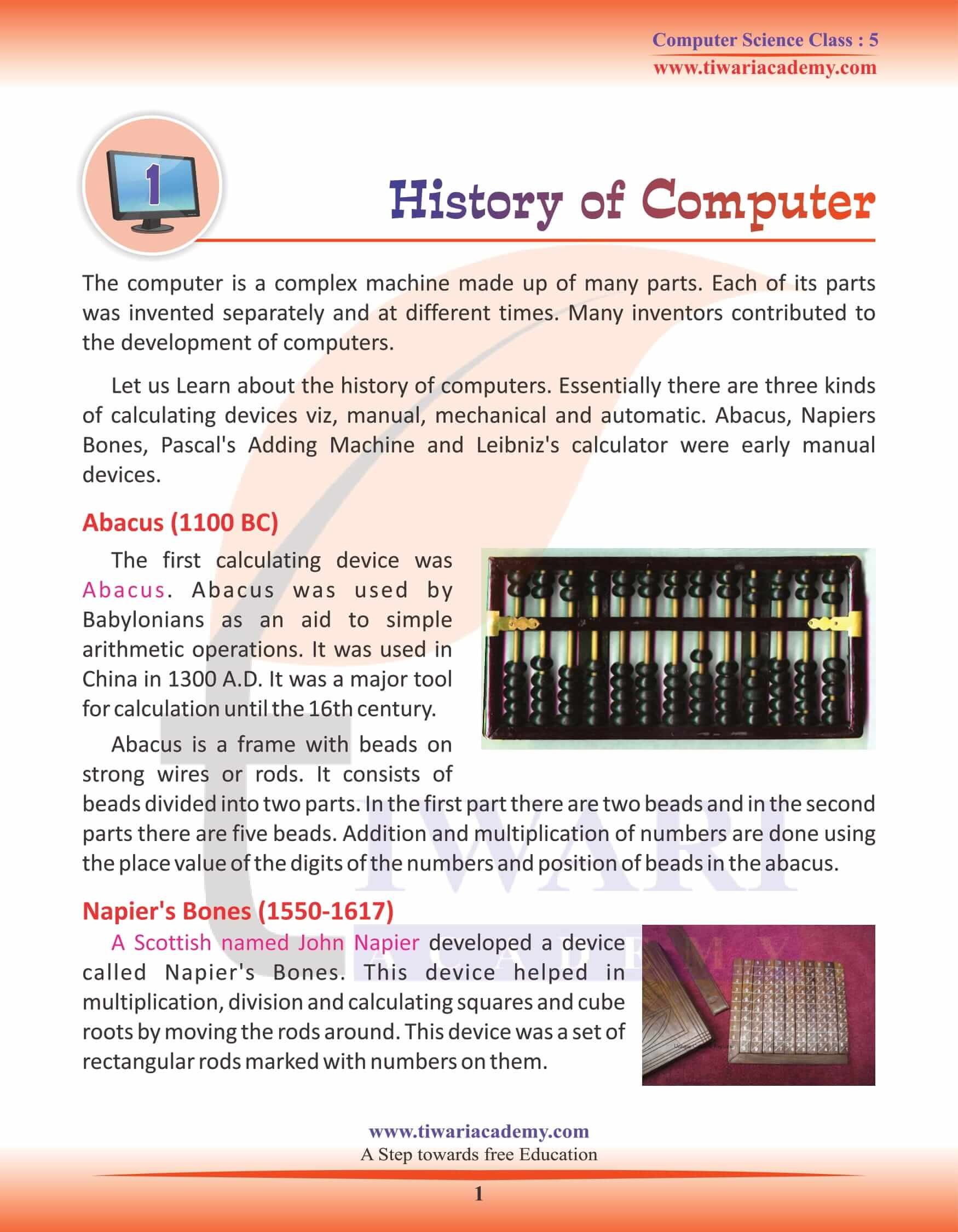
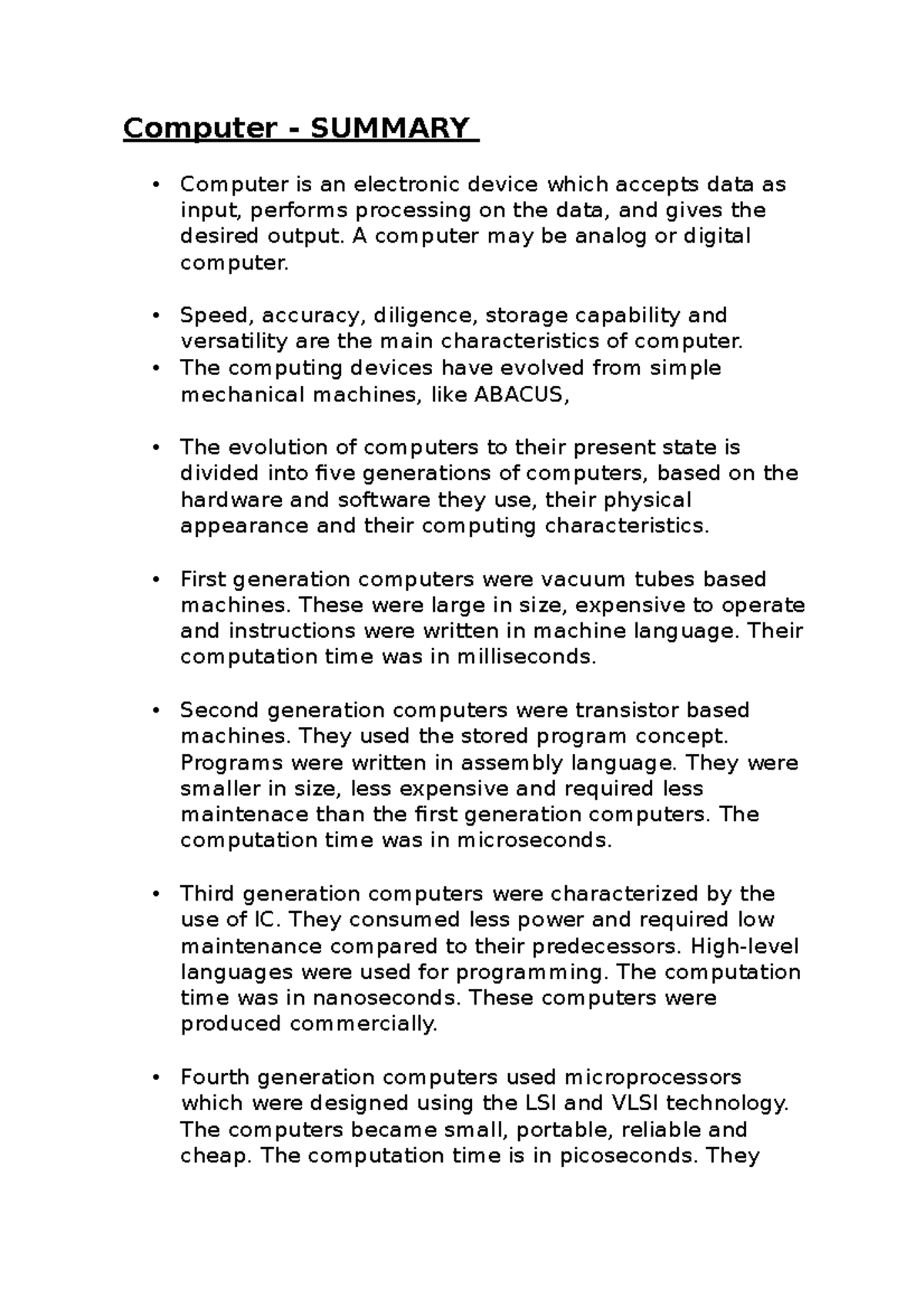
Escova Quadra Potencial History Of Computers Book Tirar Descri o Do

You can translate text handwriting photos and speech in over 200 languages with the Google Translate app You can also use Translate on the web
Google Duo and Google Meet have been combined into a new Meet app for video calling and meetings You can access your meetings in the new Meet app

How to install Chrome Important Before you download you can check if Chrome supports your operating system and other system requirements

On your computer open Chrome At the top right select More New Incognito window A new window opens On the right of the address bar you ll find the Incognito icon To open an

On your computer open Chrome At the top right select More Help About Google Chrome Select Relaunch If you can t find the Relaunch option you re on the latest version Tip The browser
[desc-11] [desc-12]
[desc-13]