Computer Stuck In Boot Loop After Update How To Fix IPhone Stuck In Boot Loop Without Losing Data All IPhone Easy How To Fix IPhone X Stuck In Boot Loop Constant Rebooting Computer Stuck In A Boot Loop After Factory Reset This Screen Keeps Fix Xiaomi Mi Box S Stuck On Boot Loop After Update How To Fix HP Stuck In Boot Loop Freezes Getting Windows Ready If you re new to Google Drive this article will help you get started by covering the most important and useful things you can do from learning how to use Drive and keeping your files organized to getting
To edit a document On your computer open a document in Google Docs To select a word double click it or use your cursor to select the text you want to change Start editing To undo or redo an action at On your computer open Chrome At the top right select More Passwords and autofill Google Password Manager On the left select Settings Turn Offer to save passwords and passkeys on or off Turn
How To Fix HP Stuck In Boot Loop Freezes Getting Windows Ready Boot Loop After Server Repair Server Installation Discussions How To Fix Windows 10 Stuck In Infinite Boot Loop How To Fix Apple Boot Loops 2017 Remove Bad Tweaks No Computer Needed How To Fix Dell Boot Loop Stuck On Diagnosing PC Stuck On Loading Screen FIX Windows 10 11 Stuck In Boot Loop After Reset Complete Guide Fix Android Stuck In Boot Loop In 2022 My Computer Is Stuck In A Boot Loop Help Me When I Turn It On It Goes SOLVED Computer Stuck On Boot Screen 2023 Driver Easy
Computer Stuck In Boot Loop After Update
 Computer Stuck In Boot Loop After Update
https://i.ytimg.com/vi/UqJlxWSsRM0/maxresdefault.jpg
A Google Account gives you access to many Google products With a Google Account you can do things like Send and receive email using Gmail
Pre-crafted templates provide a time-saving option for creating a diverse series of documents and files. These pre-designed formats and layouts can be utilized for various individual and expert projects, consisting of resumes, invites, flyers, newsletters, reports, presentations, and more, simplifying the content development procedure.
Computer Stuck In Boot Loop After Update
My PC Stuck In Boot Loop With No Display Here s How I FIXED It

Boot Loop After Server Repair Server Installation Discussions
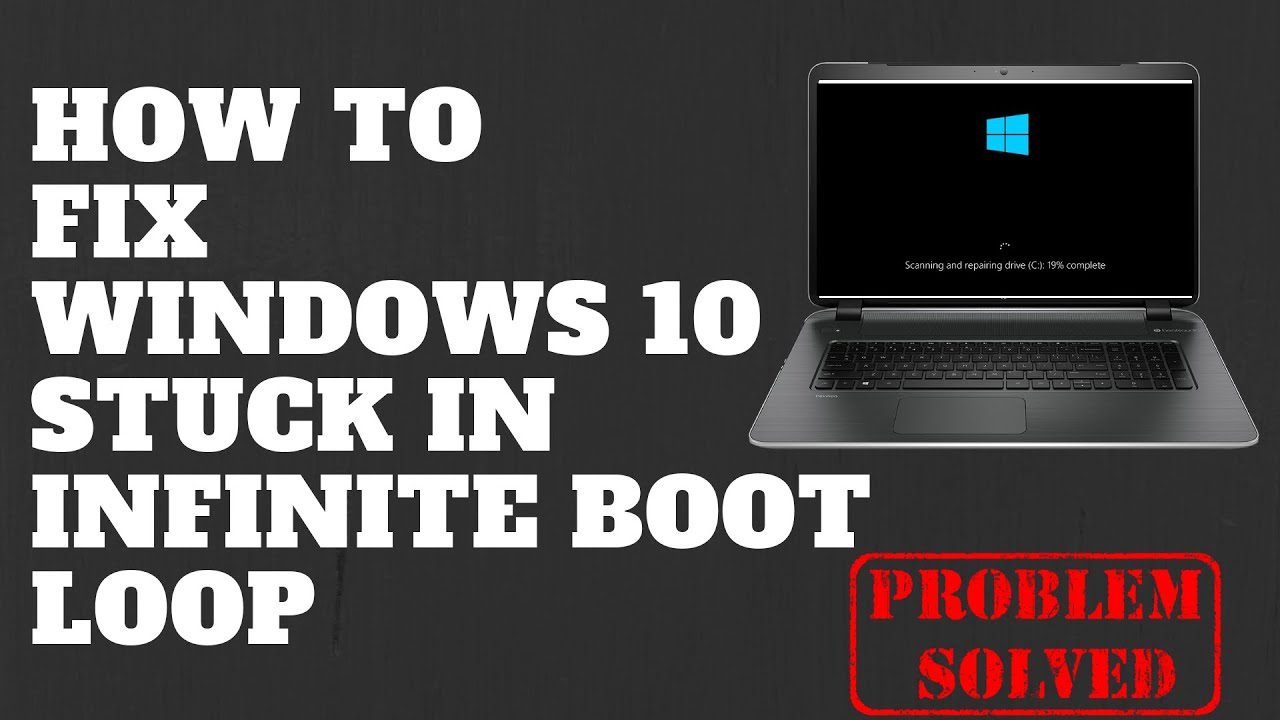
How To Fix Windows 10 Stuck In Infinite Boot Loop
How To Fix Apple Boot Loops 2017 Remove Bad Tweaks No Computer Needed
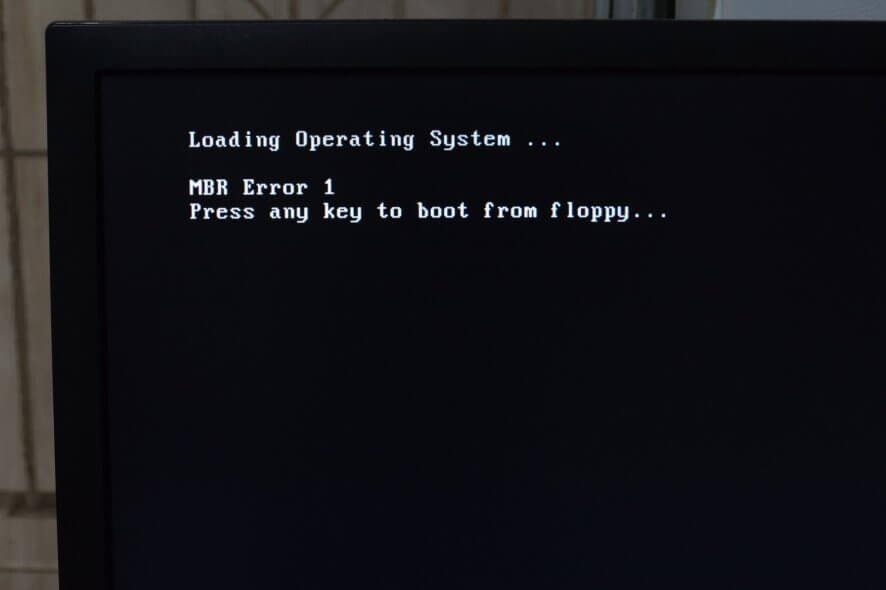
FIX Windows 10 11 Stuck In Boot Loop After Reset

Complete Guide Fix Android Stuck In Boot Loop In 2022

To open Gmail you can sign in from a computer or add your account to the Gmail app on your phone or tablet Once you re signed in open your inbox to check your mail

You can translate text handwriting photos and speech in over 200 languages with the Google Translate app You can also use Translate on the web You can get help from Google Translate in

K2 Kimi 183 AI Chatbot Kimi AI OK
On your computer open Google Translate At the top of the screen select the languages to translate From Choose a language or select Detect language To Select the language that you want the

Download your photos or videos Important If you have backup turned on you can find photos on your computer that you took on your mobile device To create a local copy on your computer download
[desc-11] [desc-12]
[desc-13]