Computer Desk Builder Custom IKEA Desk Build YouTube MCR Purgatory On Twitter RT maobabie I m Busy ULTIMATE Gaming PC Custom DESK Build Log YouTube Reception Desk Build YouTube How To Build A Budget Desk 40 YouTube On your computer open Google Translate At the top of the screen select the languages to translate From Choose a language or select Detect language To Select the language that
Download your photos or videos Important If you have backup turned on you can find photos on your computer that you took on your mobile device To create a local copy on your computer Visit the Learning Center Using Google products like Google Docs at work or school Try powerful tips tutorials and templates Learn to work on Office files without installing Office
How To Build A Budget Desk 40 YouTube Mazellovvv A Perfect Design To Show Off Desk Builders Bangladesh 85 The Best Of Our Line up With Desk Builders Bangladesh Pin On Theboyz Jacobs Bae Cute HS 221221 Apelidos Weebly Drag And Drop Website Builder Try It Free Today Contacte Agefred
Computer Desk Builder
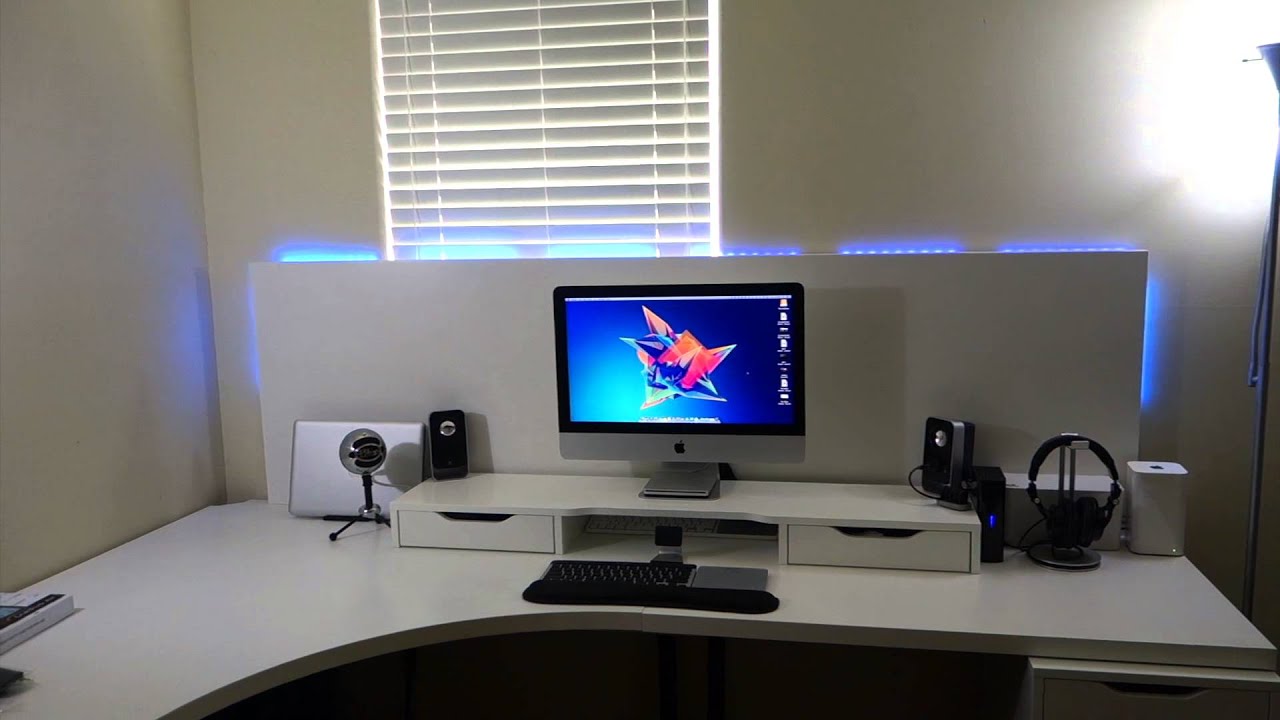 Computer Desk Builder
https://i.ytimg.com/vi/V-PAoFwIxOE/maxresdefault.jpg
How to install Chrome Important Before you download check if Chrome supports your operating system and you ve met all other system requirements
Templates are pre-designed documents or files that can be utilized for different functions. They can save time and effort by supplying a ready-made format and design for creating various kinds of material. Templates can be utilized for individual or expert tasks, such as resumes, invites, flyers, newsletters, reports, presentations, and more.
Computer Desk Builder

Roast Your Desk Hilarious AI Desk Roasts Share Laugh

Mazellovvv

A Perfect Design To Show Off Desk Builders Bangladesh

85

Pin On Theboyz Jacobs Bae Cute

HS 221221 Apelidos

To open Gmail you can sign in from a computer or add your account to the Gmail app on your phone or tablet Once you re signed in open your inbox to check your mail

K2 Kimi 183 AI Chatbot Kimi AI

If you re new to Google Drive this article will help you get started by covering the most important and useful things you can do from learning how to use Drive and keeping your files organized

To edit a document On your computer open a document in Google Docs To select a word double click it or use your cursor to select the text you want to change Start editing To undo

On your computer open Chrome Go to a website At the top right select More Search with Google Lens You can also right click on a page and select Search with Google Lens With
[desc-11] [desc-12]
[desc-13]