Computer Chess Ratings Download Lenovo Desktop Computer HQ PNG Image FreePNGImg Computer PC PNG Transparent Images PNG All Computer PC PNG Transparent Images PNG All Computer Desktop PC PNG Computer Desktop PC PNG A Google Account gives you access to many Google products With a Google Account you can do things like Send and receive email using Gmail
You can import your contacts into Google Contacts from other sources Import from an existing CSV or vCard file On your computer go to Open Incognito mode Important When you use an Incognito window you can browse more privately You can switch between Incognito tabs and regular Chrome tabs On your computer open Chrome At the top right select More New Incognito window A new window opens On the right of the address bar you ll find the Incognito icon To open an Incognito window you can
Computer Desktop PC PNG Computer Desktop PC PNG Computer Hardware Wikipedia Poort computer Wikipedia File Altair 8800 Computer jpg Wikimedia Commons Computer Accessories PNG Transparent Images PNG All Free Images Laptop Product Personal Computer Technology Paperboy Wikipedia Gray Laptop Computer Free Stock Photo
Computer Chess Ratings
 Computer Chess Ratings
https://www.freepngimg.com/thumb/pc/36673-5-lenovo-desktop-computer.png
To open Gmail you can sign in from a computer or add your account to the Gmail app on your phone or tablet Once you re signed in open your inbox to check your mail
Templates are pre-designed documents or files that can be used for numerous purposes. They can conserve time and effort by supplying a ready-made format and layout for creating different type of content. Templates can be used for personal or expert jobs, such as resumes, invitations, leaflets, newsletters, reports, presentations, and more.
Computer Chess Ratings

Computer Desktop PC PNG
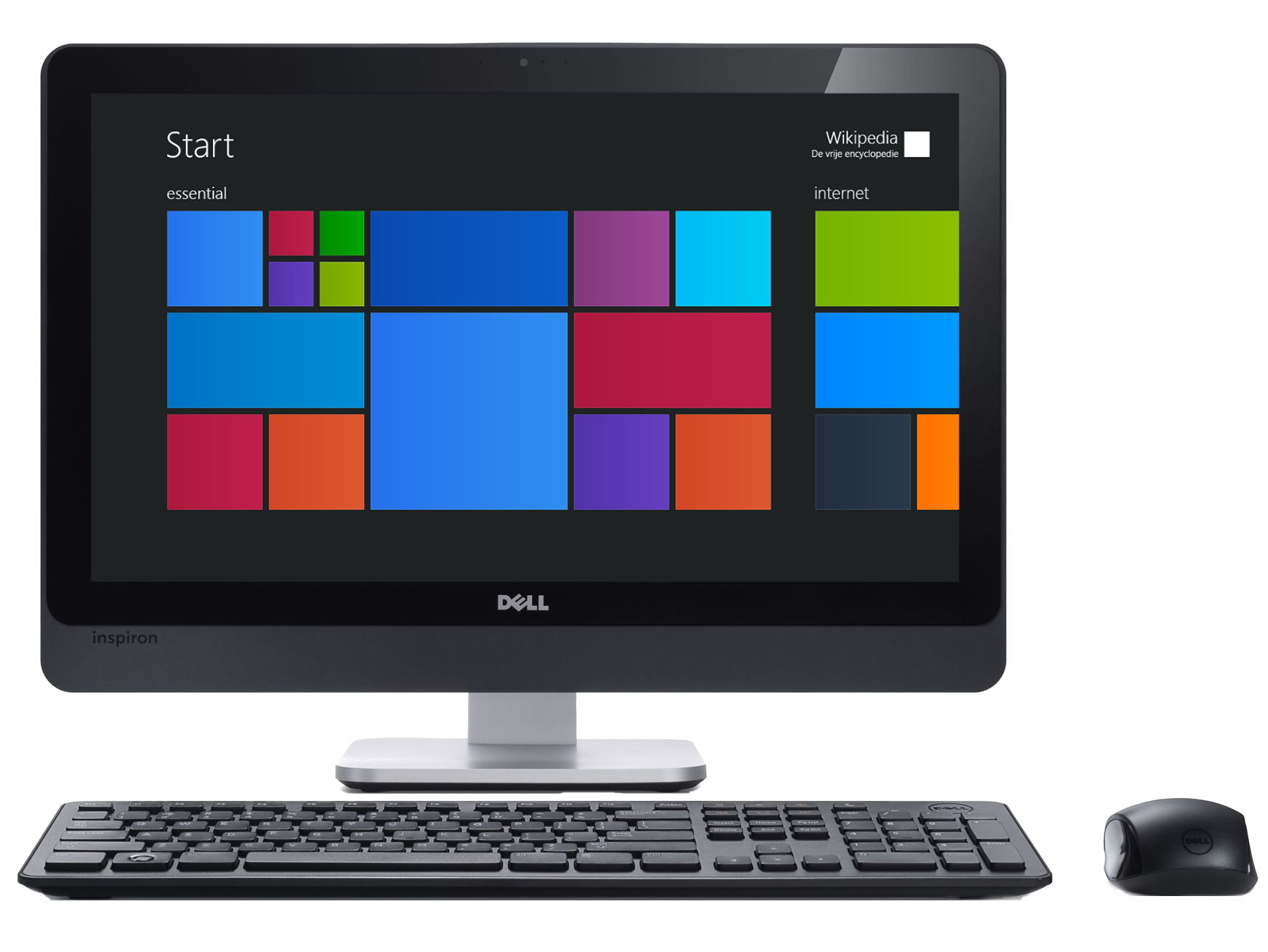
Computer Desktop PC PNG

Computer Hardware Wikipedia
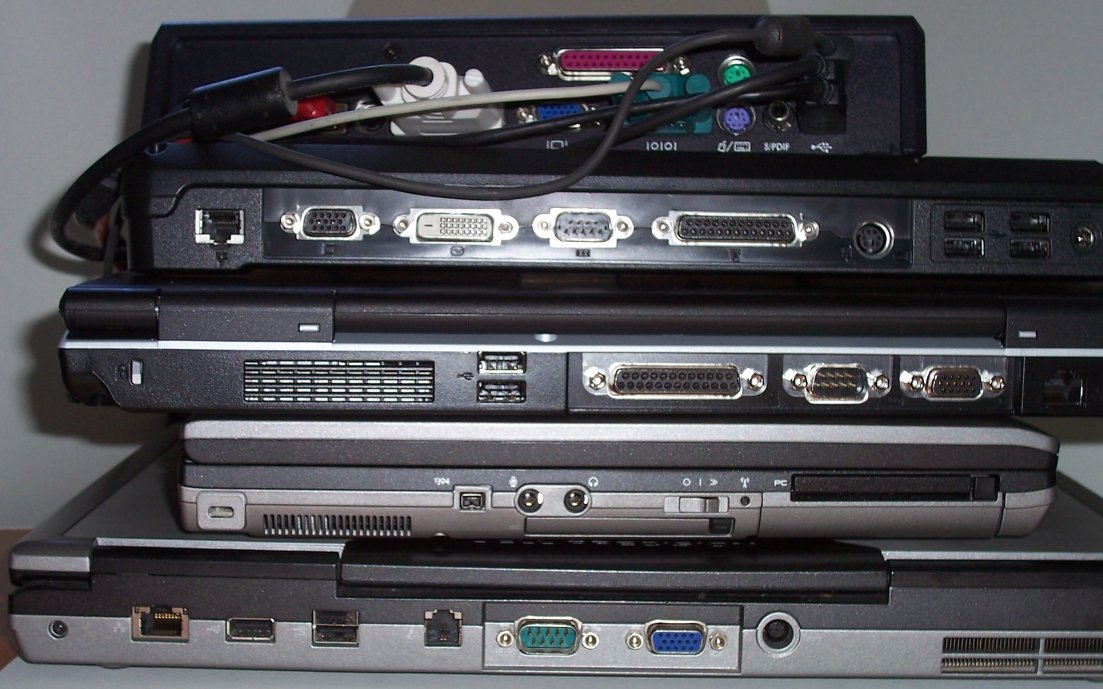
Poort computer Wikipedia

Computer Accessories PNG Transparent Images PNG All

Free Images Laptop Product Personal Computer Technology
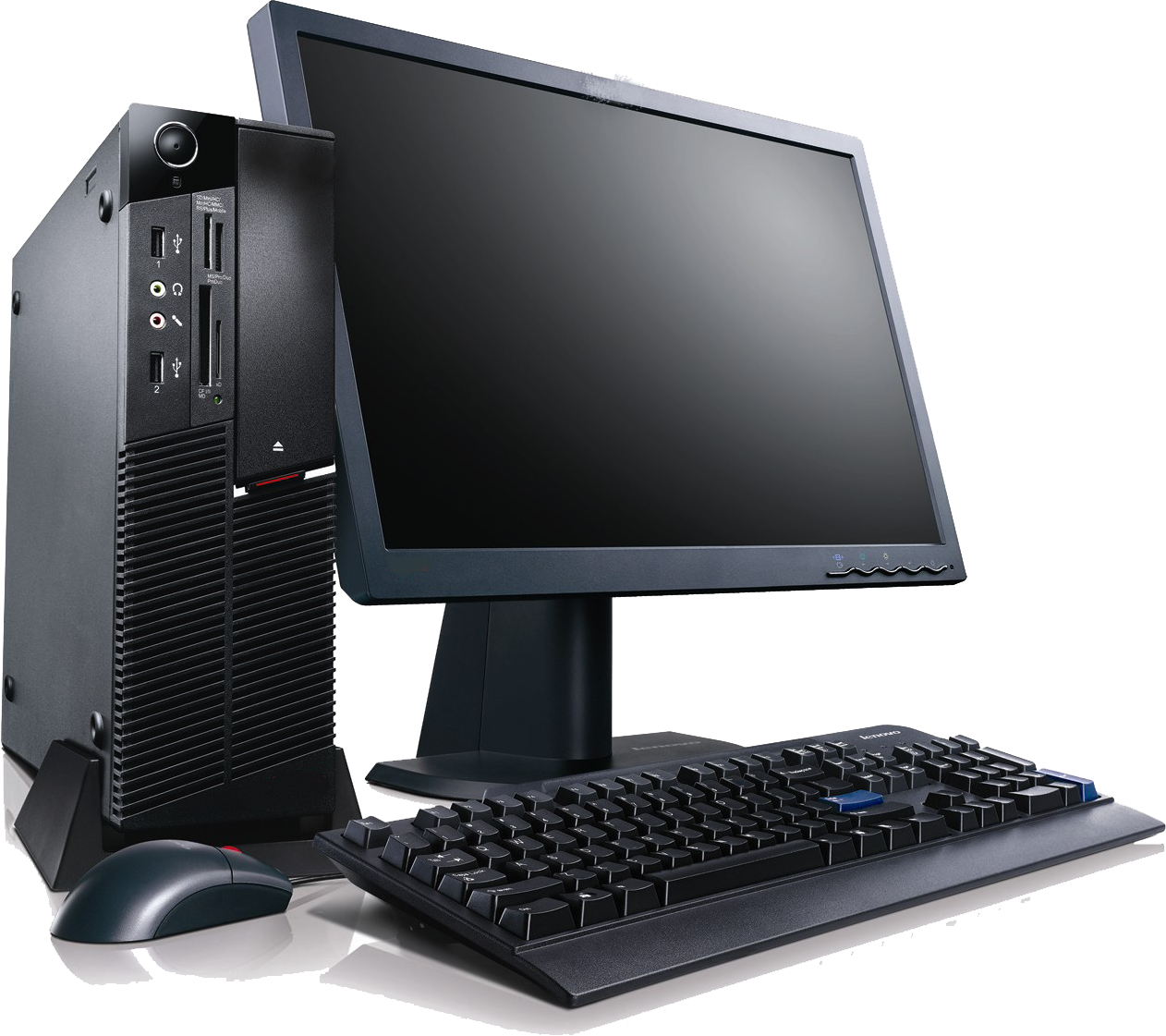
Google Duo and Google Meet have been combined into a new Meet app for video calling and meetings You can access your meetings in the new Meet app

Set Chrome as your default web browser Important If you don t have Google Chrome on your computer yet first download and install Chrome

On your computer go to your Search history in My Activity Choose the Search history you want to delete You can choose All your Search history Above your history click Delete Delete all time A specific time period Above your history click Delete Delete custom range A specific day Next to the day click Delete all activity from day

How to install Chrome Important Before you download you can check if Chrome supports your operating system and other system requirements
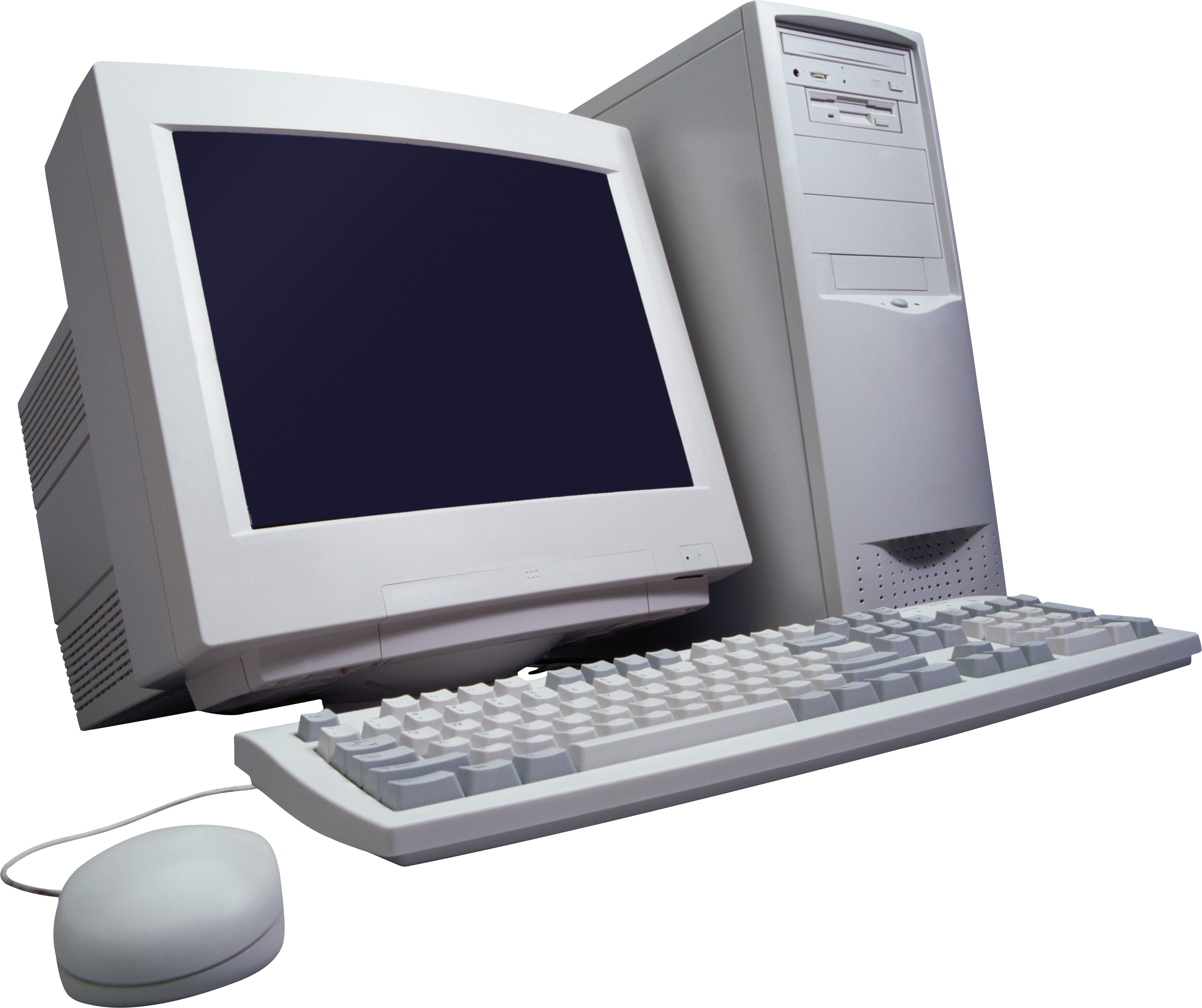
ip windows cmd windows Power shell ipconfig IP ios wifi IP
[desc-11] [desc-12]
[desc-13]