Composer Visual Studio Code Visual Studio Vs Visual Studio Code How To Choose InfoWorld Using Code Composer Studio Integrating Workflows With Visual Studio Code Integrating Workflows Visual Studio Code Wikiwand What s Your Favorite Font With Visual Studio Code Hashnode Jun 25 2017 nbsp 0183 32 If you installed Composer with the first command this last step won t be necessary To check that the software was installed correctly type composer on the integrated terminal
Aug 28 2014 nbsp 0183 32 On Windows when global install of a library package is done composer stores the package in a Composer directory inside windows application data folders which by Composer install ignore platform reqs After installing with this method if the package that defines the requirement attempts to use any functions from the specified PHP extension it will fail
What s Your Favorite Font With Visual Studio Code Hashnode Code Composer Studio Tutorial YouTube Ms Visual Studio Vs Visual Studio Code Infinitensa Visual Studio Code Teemain Code Composer Studio Getting Started Guide What Do You Like Most About Visual Studio Code Compared To Other Comment Actualiser Visual Studio Code Bill Kaulitz Fr Zoomer Standard Edition deprecated KunstmaanBundlesCMS Asociar Sistema Mantequilla Install Composer Windows Cmd Silicio Tela
Composer Visual Studio Code
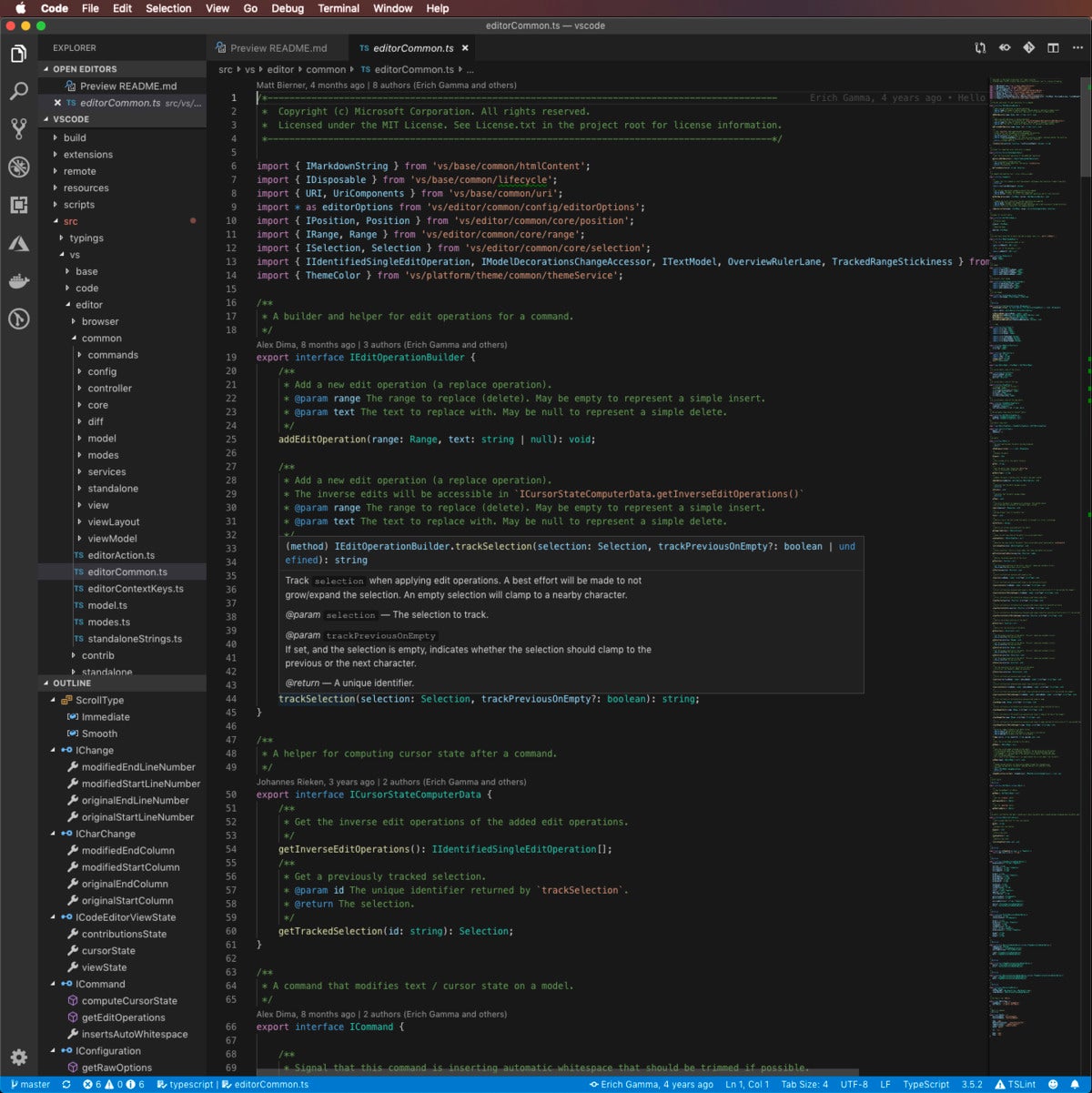 Composer Visual Studio Code
https://images.idgesg.net/images/article/2022/08/visual-studio-code-screenshot-100930915-large.jpg?auto=webp&quality=85,70
Apr 20 2018 nbsp 0183 32 There isn t a way for me to run composer on my server for a bunch of reasons Is there any way to include all the files necessary to use the library
Templates are pre-designed documents or files that can be used for various functions. They can save effort and time by offering a ready-made format and design for producing various sort of material. Templates can be utilized for individual or expert projects, such as resumes, invites, leaflets, newsletters, reports, presentations, and more.
Composer Visual Studio Code

2 ESP32 Development With Visual Studio Code Ineltek Docs
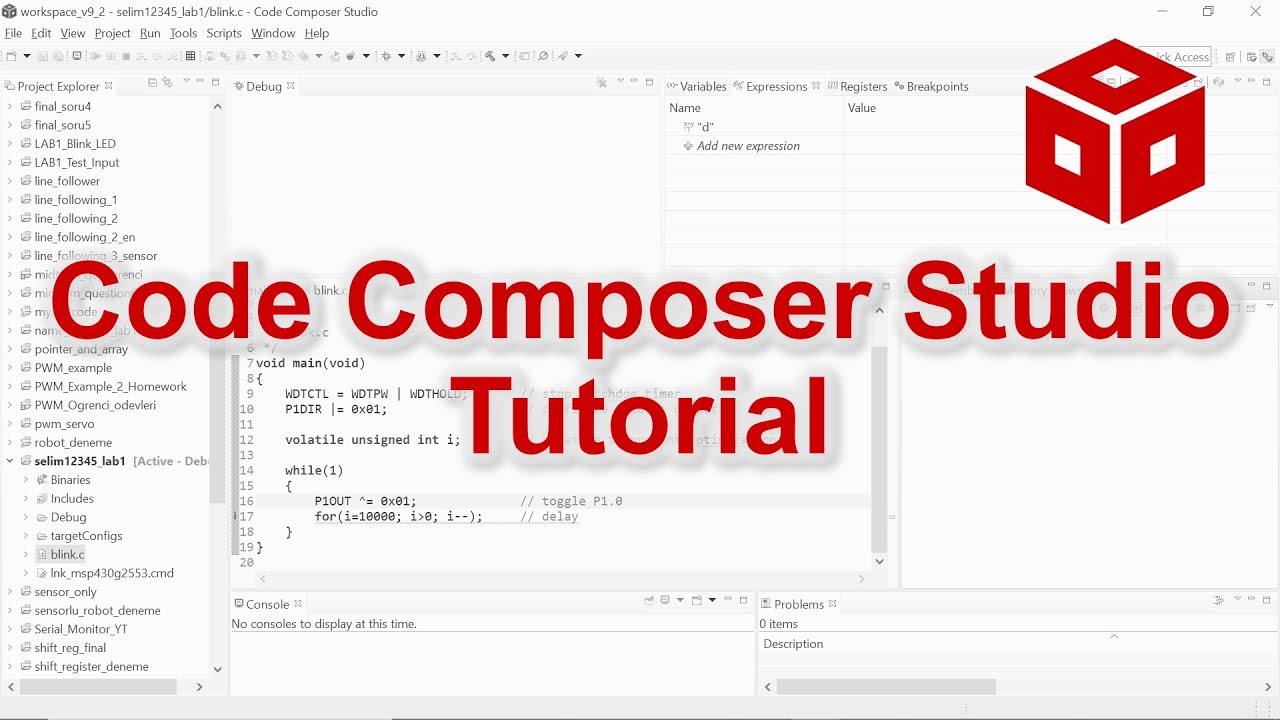
Code Composer Studio Tutorial YouTube
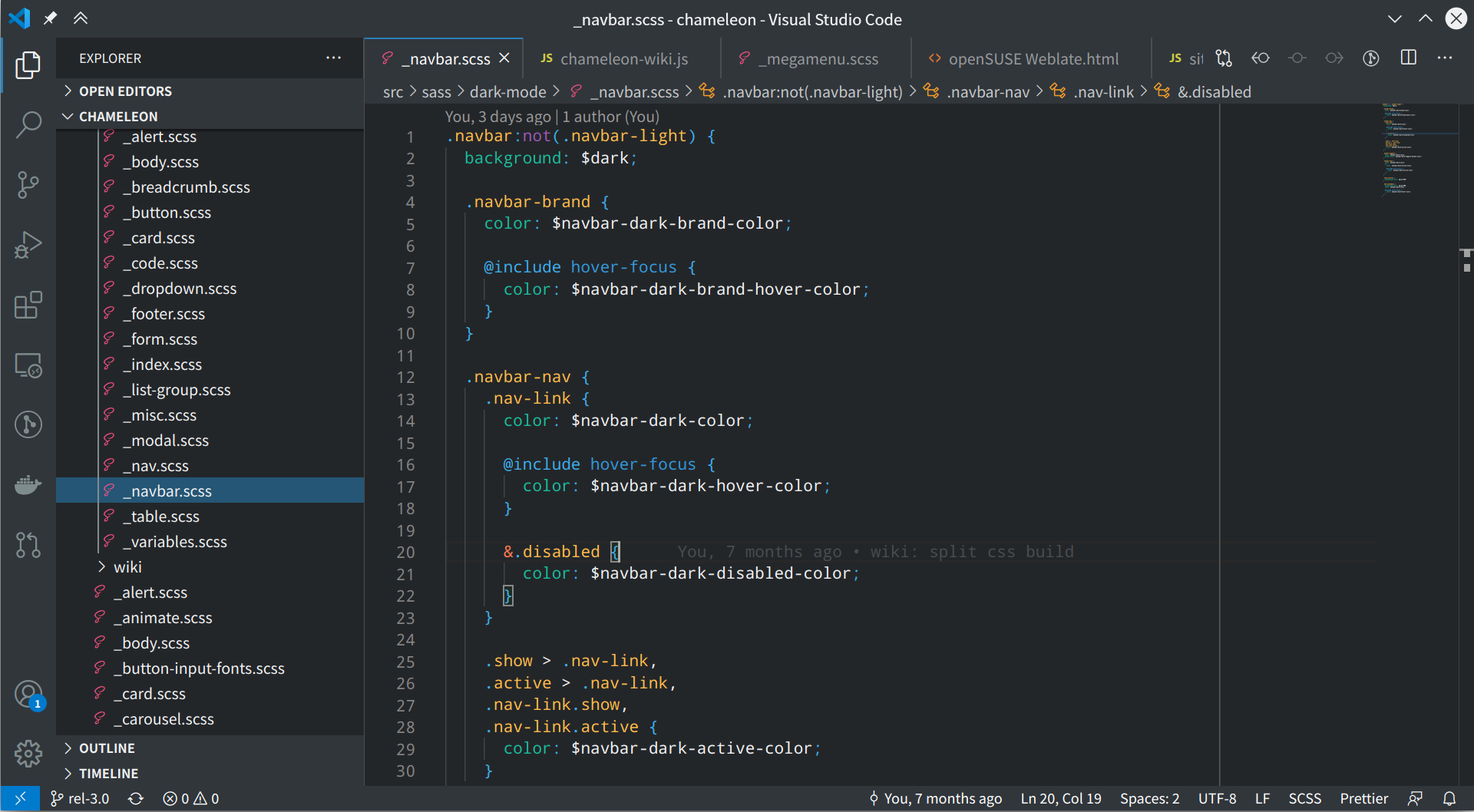
Ms Visual Studio Vs Visual Studio Code Infinitensa

Visual Studio Code Teemain
What Do You Like Most About Visual Studio Code Compared To Other

Comment Actualiser Visual Studio Code Bill Kaulitz Fr Zoomer
Dec 1 2016 nbsp 0183 32 If you were hoping to switch to a specific version and check in your composer lock file you can but you d have to use composer require and then revert the change to

Jul 29 2022 nbsp 0183 32 I was trying to require a package using composer require command and I faced following error your version of Composer is too old Please upgrade using https

Jun 14 2022 nbsp 0183 32 In a life cycle of a php project we have install composer install publish composer push But what would be the command to build a php project with composer

Jan 14 2015 nbsp 0183 32 I do not believe this to currently be possible This is the sort of thing that you may wish to submit as a feature request to Composer Meanwhile I think your best bet is to go with
To do the non development environment update without triggering any scripts use the no scripts command line switch for the update command php composer phar update no scripts
[desc-11] [desc-12]
[desc-13]