Compare Two Notepad Files In Notepad Comparing Two Text Files To See They Contain All The Same Lines Though Step by Step Guide Comparing Two Files In Notepad With English Notepad Compare Two Files And Remove High Mountain Electric How To Make Notepad Compare Two Files With A Plugin Useful Life How To Compare Two Files In Notepad YouTube WEB Mar 7 2013 nbsp 0183 32 To substract two files in notepad file1 file2 you may follow this procedure Recommended If possible remove duplicates on both files specially if the files are big To do this Edit gt Line operations gt Sort Lines Lexicographically Ascending do it
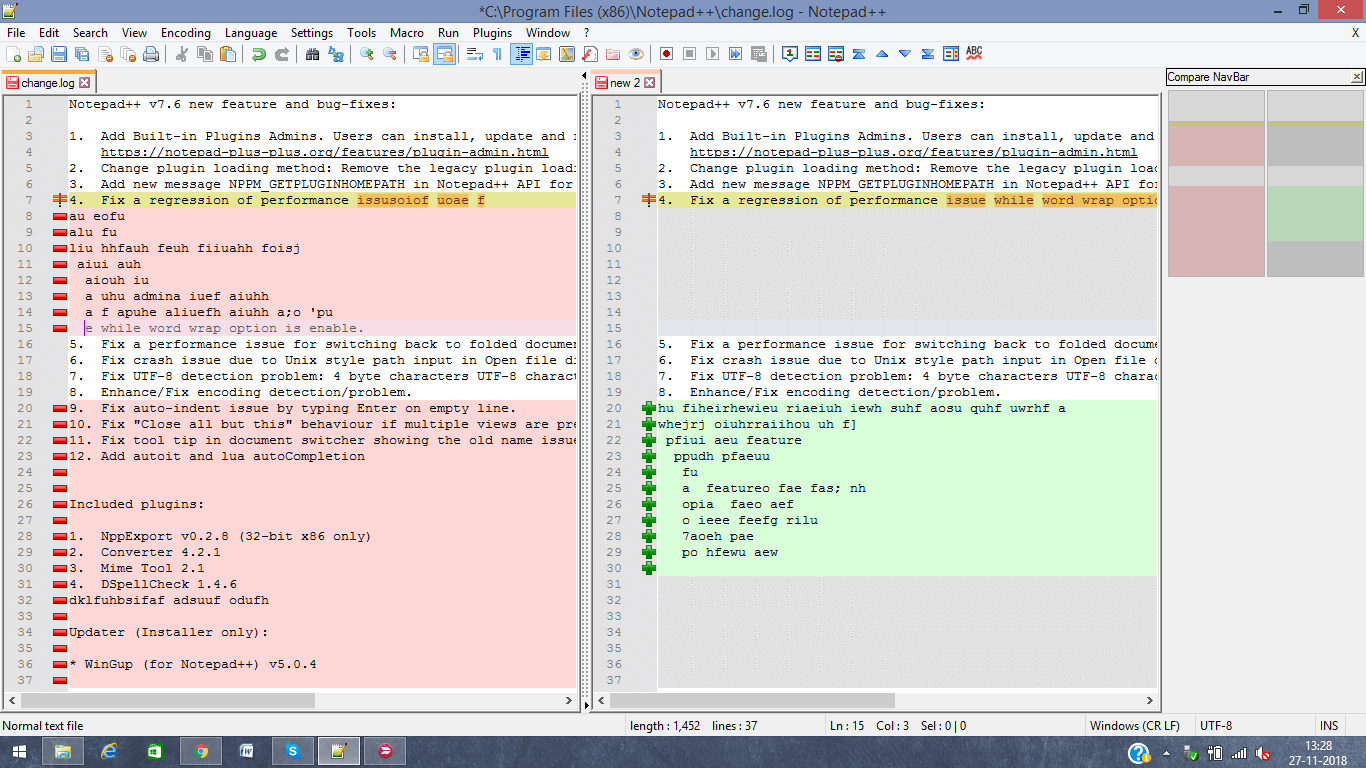
WEB May 13 2023 nbsp 0183 32 You can use the Compare plugin to compare two files in Notepad and show only the differences After opening the two files you want to compare select Plugins from the menu then choose Compare and click on Compare WEB Jun 18 2022 nbsp 0183 32 To get started open two files the files you want to compare in Notepad and go to Plugins gt Compare gt Compare Ctrl Alt C This will show the differences between the two open files side by side as shown in the screenshot below
How To Compare Two Files In Notepad YouTube How To Compare Two Files In Notepad How To Compare Files In Notepad TechUntold How To Compare Two Files In Notepad Using A Plugin How To Open Multiple Files In Notepad Tabs C Stack Overflow How To Compare Two Files In Notepad TechCult How To Compare Two Files In Notepad A Comprehensive Guide TRAN How To Write HTML Code In Notepad YouTube The Ultimate Guide To Compare Files In Notepad
Compare Two Notepad Files In Notepad
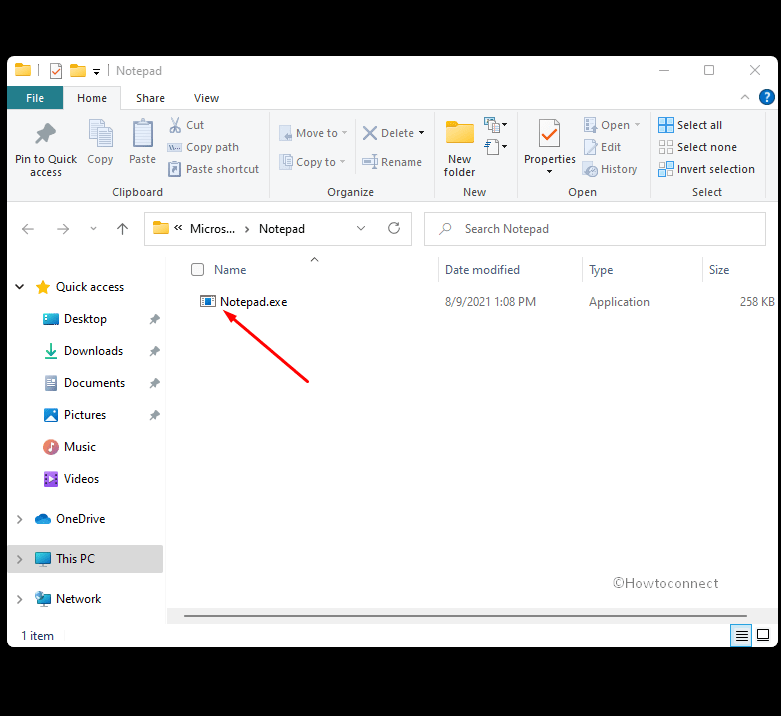 Compare Two Notepad Files In Notepad
https://www.howto-connect.com/wp-content/uploads/file-location-of-notepad.png
WEB Aug 5 2013 nbsp 0183 32 How to compare two text files using Notepad These instructions have been written for Notepad v7 8 2 Step 1 Install Compare plugin Open Notepad Click on the Plugins then Plugins Admin
Pre-crafted templates provide a time-saving service for creating a diverse range of documents and files. These pre-designed formats and designs can be utilized for various individual and professional tasks, including resumes, invites, flyers, newsletters, reports, discussions, and more, improving the material development procedure.
Compare Two Notepad Files In Notepad

How To Save A Script File In Notepad BEST GAMES WALKTHROUGH

How To Compare Two Files In Notepad
How To Compare Files In Notepad TechUntold

How To Compare Two Files In Notepad Using A Plugin

How To Compare Two Files In Notepad TechCult

How To Compare Two Files In Notepad A Comprehensive Guide TRAN
WEB Apr 15 2015 nbsp 0183 32 Alternatively you can install quot SourceForge Notepad Compare Plugin 1 5 6 quot It provides compare functionality between two files and show the differences between two files Link to refer https sourceforge projects npp compare files 1 5 6

WEB Jan 10 2024 nbsp 0183 32 To begin open both files you want to compare in Notepad Do this by choosing File gt Open from the menu bar After opening both files from the app s menu bar select Plugins gt Compare gt Compare The Compare plugin will do its job which is to start highlighting the differences in your files

WEB Follow these simple steps to compare two files using Notepad Open Notepad on your computer Click on the Plugins menu at the top of the screen Select Compare and then click on Compare again In the pop up window select the two files you want to compare

WEB Jun 18 2021 nbsp 0183 32 Notepad doesn t come with a built in feature to compare two files but you can use a free Notepad plugin called Compare to make it possible It shows the differences between the two files

WEB Jun 28 2015 nbsp 0183 32 Launch Notepad and open the two files you wish to run a comparison check on Click the Plugins menu Select Compare and click Compare The plugin will run a comparison check and display the two files side by side with any differences in the text highlighted
WEB Nov 30 2022 nbsp 0183 32 Using Notepad for comparing two files is a straightforward process with a variety of useful features With the built in Compare plugin you can easily detect similarities and differences between two text documents This makes it an invaluable tool for code review and debug tasks WEB Oct 4 2023 nbsp 0183 32 You can use the Compare plugin to show the differences between two files but a comparison can be drawn even without it We have listed below all the ways you can compare files in Notepad
WEB Comparing two files in Notepad is a simple and straightforward process With its built in plugin for comparing files you can easily see what changes have been made between two versions of the same file