Commit Change To New Branch What Is Git Merge Command 2022 Git Create Branch In Local Jawerdu Quickly Switch To New Branch With Unstaged Changes In Git Amit Truliant Federal Credit Union Offers Signing Bonuses To New Branch Use Web IDE To Commit Change To Git SAP 51CTO Web Feb 14 2017 nbsp 0183 32 The first command git push u origin newbranch has your Git call up another Git at origin and deliver to them the new branch name and any new commit s that go with it if they need them The u flag means quot I am pretty sure this is a new branch for you please create or update your newbranch making your branch match mine and
Web 3 Steps to Commit your changes Suppose you have created a new branch on GitHub with the name feature branch FETCH git pull all Pull all remote branches git branch a List all branches now Checkout and switch to the feature branch directory You can simply copy the branch name from the output of branch a command above Web Dec 16 2012 nbsp 0183 32 Step 01 create and switch to the new branch B git checkout b B Step 02 Add changes in the new local branch git add or specific file s Step 03 Commit the changes git commit m quot commit message quot Step 04 Push changes to the new branch B The below command will create a new branch B as well remotely git push origin B
Use Web IDE To Commit Change To Git SAP 51CTO MotiveWeight Decide Commit Succeed SAP CRM Fiori My Opportunity Edit time Out Git Create Branch Off Previous Commit Ordersapje How To Commit Changes To A Docker Image With Example Step 5 Running Simulations On The River Model Create Rmarkdown Webpage On GitHub Washingtonians Support A New Approach Commit To Change WA Animation Director Cover Letter
Commit Change To New Branch
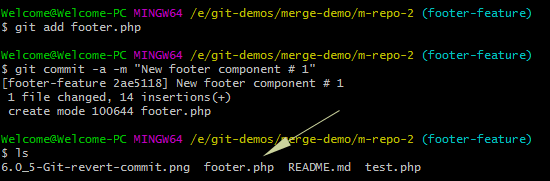 Commit Change To New Branch
https://www.jquery-az.com/wp-content/uploads/2018/07/9.0_3-Git-branch-commit.png
Web Jul 2 2013 nbsp 0183 32 git status On branch master Your branch is ahead of origin master by 13 commits use quot git push quot to publish your local commits nothing to commit working directory clean So all 13 only exist on my local machine The problem is that these 13 commits are now supposed to go on a new branch that I should create and push onto
Templates are pre-designed documents or files that can be utilized for numerous purposes. They can save time and effort by providing a ready-made format and layout for creating various sort of material. Templates can be utilized for individual or expert projects, such as resumes, invitations, leaflets, newsletters, reports, presentations, and more.
Commit Change To New Branch
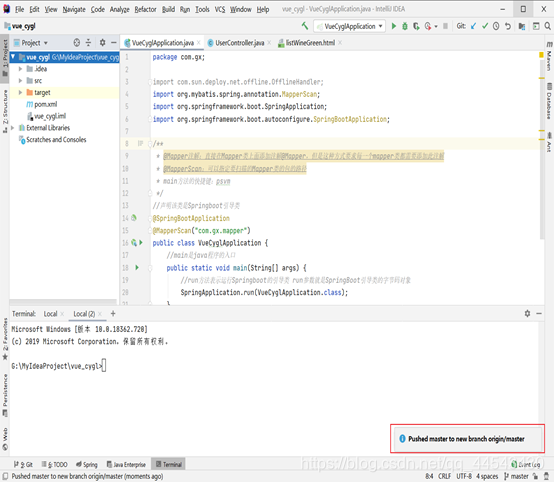
IDEA push Pushed Master To New Branch Origin master

MotiveWeight Decide Commit Succeed

SAP CRM Fiori My Opportunity Edit time Out

Git Create Branch Off Previous Commit Ordersapje
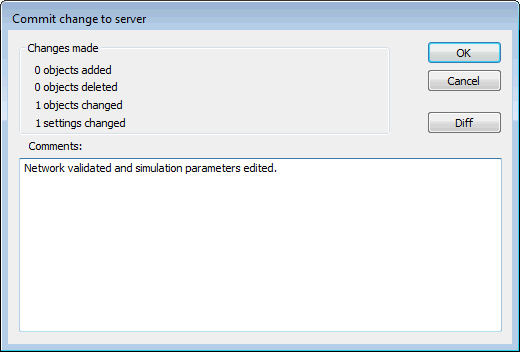
Step 5 Running Simulations On The River Model

Create Rmarkdown Webpage On GitHub

Web 3 Answers Sorted by 7 Do it anwyay git checkout b lt new branch gt What you ll see is something that looks like this git checkout b new branch M lt changed file gt Switched to a new branch new branch You haven t committed anything into Git with git add you ve only moved the files into staging
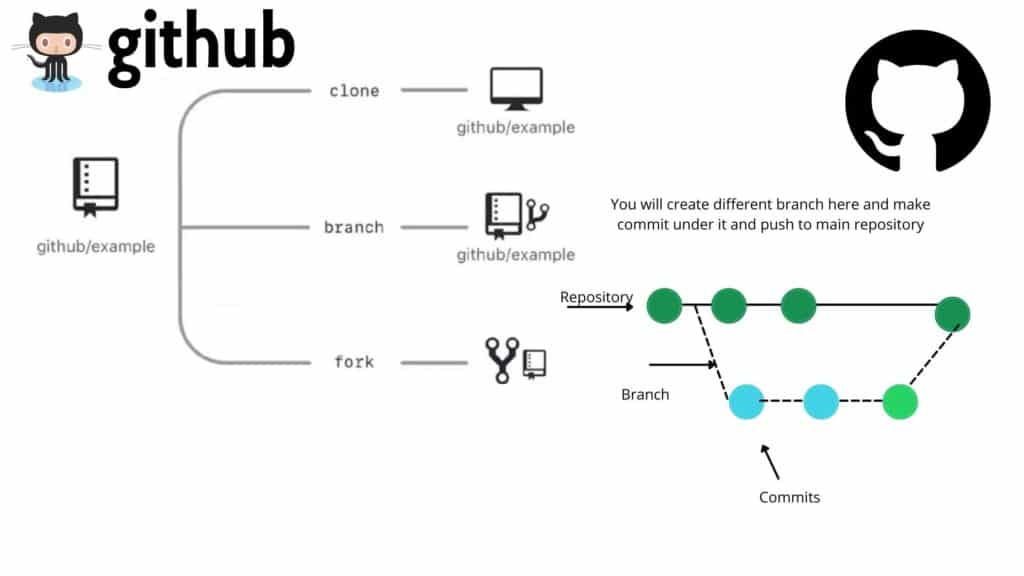
Web May 31 2010 nbsp 0183 32 You can just create a new branch and switch onto it Commit your changes then git branch dirty git checkout dirty And your commit follows Alternatively you can also checkout an existing branch just git checkout lt name gt But only if there are no collisions the base of all edited files is the same as in your current branch
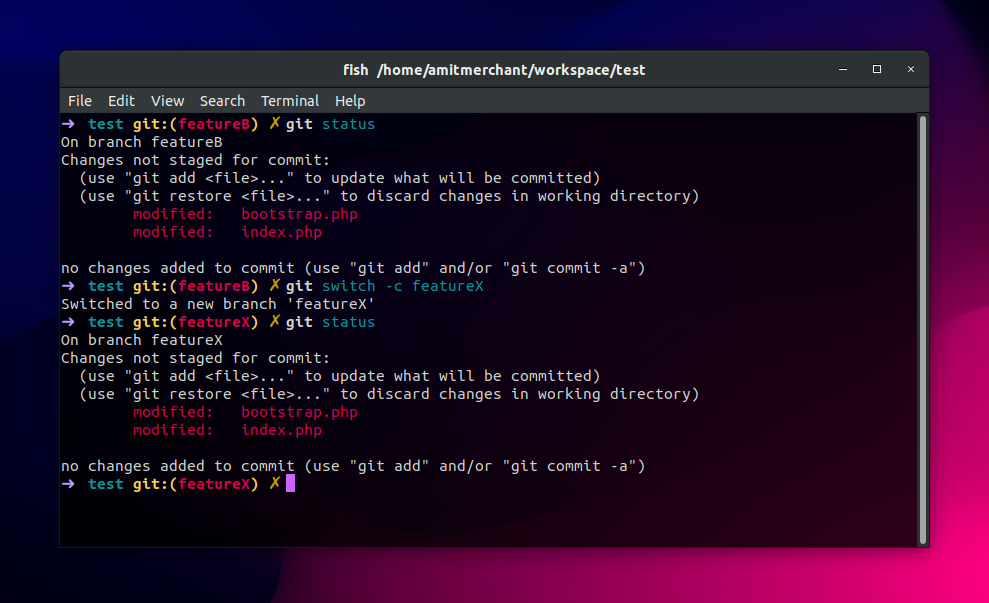
Web Oct 9 2017 nbsp 0183 32 git checkout b lt new branch gt This will leave your current branch as it is create and checkout a new branch and keep all your changes You can then stage changes in files to commit with git add lt files gt and commit to your new branch with git commit m quot lt Brief description of this commit gt quot

Web Aug 18 2021 nbsp 0183 32 If you don t want to keep the commits in the original branch Create a new branch from your last commit which will keep your work then reset the original branch git checkout b lt new branch name gt git checkout lt original branch name gt git reset lt commit id gt soft

Web Nov 16 2021 nbsp 0183 32 The simplest option is to simply switch branches but this will only work if the two branches you re targeting have a matching history git checkout feature You can get around this in a few ways The first is by making a new branch and then merging the diverging histories git checkout b tempfeature git checkout feature git merge
Web Apr 19 2021 nbsp 0183 32 To create a new branch in Git you use the git checkout command and pass the b flag with a name This will create a new branch off of the current branch The new branch s history will start at the current place of the branch you quot branched off of quot Assuming you are currently on a branch called master Web A simple commit history You ve decided that you re going to work on issue 53 in whatever issue tracking system your company uses To create a new branch and switch to it at the same time you can run the git checkout command with the b switch git checkout b iss53 Switched to a new branch quot iss53 quot This is shorthand for
Web Jun 8 2022 nbsp 0183 32 In this article we ve addressed a couple of quick ways to move uncommitted changes to a new Git branch Both commands are pretty straightforward to use git checkout b lt NEW BRANCH gt git switch C lt NEW BRANCH gt