Command To Reset Password In Postgres Postgres Start Stop Uninstall Reset Password How To Change Account Password Using Command Prompt On Windows 10 Askit Solutii Si Rezolvari How To Hack Wifi Password Using Command Prompt Nulsa Acasys Blog PostgreSQL How To Reset Postgres Password Web To change the password of a PostgreSQL user you use the ALTER ROLE statement as follows ALTER ROLE username WITH PASSWORD password Code language JavaScript javascript In this statement to change the password of a user First specify the username who you want to change the password
Web Feb 28 2023 nbsp 0183 32 To reset a forgotten password for a postgres user gt open the pg hba config file located at C Program Files PostgreSQL 15 data and replace the local connections with trust Web Jan 12 2019 nbsp 0183 32 sudo nano var lib postgres data pg hba conf We change the md5 authentication in quot local quot connection to trust local all all trust and we restart our server sudo systemctl restart postgresql Now PostgreSQL doesn t ask a password and we are allowed to connent with user postgres Next step is to reset the password
PostgreSQL How To Reset Postgres Password PostgreSQL How To Reset Postgres Password How To Bypass Windows 11 Password When Locked Out Arctype Connect Reset Password On Windows Connect To PostgreSQL Database Using SQL Shell PgAdmin Postgres Weekly On Twitter How To Use SSL In Postgres The Right Way Encrypt Your Data In Reset Password On Windows 11 10 8 7 In Utilman exe Arctype Connect Reset Password On Windows Reset Windows 11 Password Using Command Prompt Without Disk
Command To Reset Password In Postgres

https://res.cloudinary.com/academind-gmbh/image/upload/f_auto,q_auto:eco/dpr_2.0,w_400,c_fit,g_center/v1/academind.com/content/tutorials/postgresql-start-stop-uninstall-upgrade-server/common-issues-postgres-thumb
Web Mar 7 2015 nbsp 0183 32 1 Answer Sorted by 13 In general you can use the following procedure Go to the terminal and type sudo u postgres psql When you re logged in and the psql prompt appears then issue this SQL command ALTER
Templates are pre-designed documents or files that can be used for numerous purposes. They can conserve effort and time by supplying a ready-made format and design for producing various type of content. Templates can be used for individual or expert tasks, such as resumes, invites, flyers, newsletters, reports, presentations, and more.
Command To Reset Password In Postgres

Pgadmin 4 Postgres Password Error Please Enter The Password For The User postgres To

PostgreSQL How To Reset Postgres Password
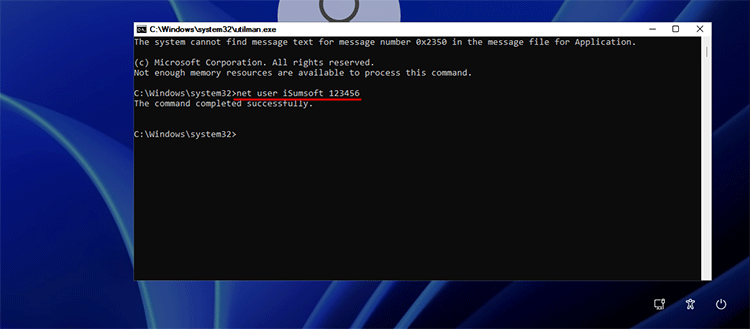
How To Bypass Windows 11 Password When Locked Out

Arctype Connect Reset Password On Windows

Postgres Weekly On Twitter How To Use SSL In Postgres The Right Way Encrypt Your Data In
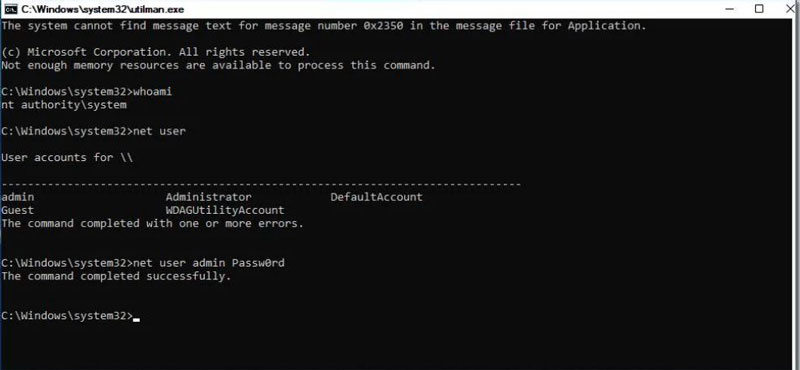
Reset Password On Windows 11 10 8 7 In Utilman exe

Web Oct 4 2012 nbsp 0183 32 To change the PostgreSQL user s password follow these steps log in into the psql console sudo u postgres psql Then in the psql console change the password and quit postgres password postgres Enter new password lt new password gt postgres q Or using a query

Web Apr 22 2022 nbsp 0183 32 Follow the below steps to reset a password for the postgres user Step 1 Create a backup of the pg hba conf file by copying it to a different location or just rename it to pg hba conf bk Step 2 Now change the pg hba conf file by making all local connections from md5 to trust

Web Reset the password replace my user name with postgres since you are resetting the postgres user ALTER USER my user name with password my secure password Restore the old pg hba conf file as it is very dangerous to keep around cp pg hba conf backup pg hba conf

Web Step 3 Restart PostgreSQL server e g in Linux you use the following command sudo etc init d postgresql restart Step 4 Connect to PostgreSQL database server psql U postgres Step 5 change the password of the postgres user ALTER USER postgres with password very secure password Step 6

Web Edit pg hba conf to allow trust authorization temporarily go here for its location Reload the config file pg ctl reload Connect and issue ALTER ROLE postgres WITH PASSWORD newpassword to set the new password for first time users note the semi colon Edit pg hba conf again and restore the previous settings
Web Jun 16 2021 nbsp 0183 32 If you want to reset your password you need to go to the pg hba conf file You can do this by giving in the following command into Linux sudo subl etc postgresql 12 main pg hba conf Web Jan 4 2024 nbsp 0183 32 To change the user s password in PostgreSQL you will primarily use the ALTER USER command Here is a simple example This command changes the password for the user named myuser to newpassword Remember to replace newpassword with a strong secure password
Web Use the following command to modify the postgres user s password ALTER USER postgres WITH PASSWORD new password Restore the pg hba conf configuration file Overwrite the pg hba conf file with the contents of the pg hba conf bak file Restart the PostgreSQL database server When you log in PostgreSQL should prompt you for a