Command To Reset Network Adapter In Ubuntu 2 Ways To Reset Or Reinstall Network Adapter In Windows 10 Cara Reset Network Adapter Windows Dengan CMD YouTube How To Reset Network Adapter On Windows 10 TUTORIAL How To Manually Reset Your Wireless Adapter In Windows 6 Steps Cable Matters SuperSpeed USB 3 0 To RJ45 Gigabit Ethernet Network 2 Answers Sorted by 1 You have to modify netplan config file Replace ens3 by the name of the interface You have to execute the command ifconfig and you will get the interface name Then change the interface name
This system was basically cloned from a previous system so it has its network settings but on new hardware which is why the network is not working Is there a way I can just reset or remove the network settings completely to a default state or make it so that I can remove the current network settings and tell the system to detect the new hardware If you don t have DHCP enabled configure your network by issueing the commands below the gateway address is the IP address of your router And your IP should be in the same range as the router is sudo ip addr add 192 168 1 14 24 dev eth0 sudo ip link set dev eth0 up sudo ip route add default via 192 168 1 1
Cable Matters SuperSpeed USB 3 0 To RJ45 Gigabit Ethernet Network How To Reset Network Adapters Using Command Prompt YouTube How Can I Create Home Network In Windows 11 Can t Connect To This How To Reset Network Adapter In Windows 7 YouTube Ubuntu 20 04 Connect To Wifi From Command Line LinuxConfig Intune Edge Open A Specific Page Or Pages Settings Microsoft Q How To How To Configure Network Adapter In Kali Linux Using Command Line Reset Network Adapters In Windows 11 Tutorial Windows 11 Forum Reset Ethernet Or Wi Fi Connection To Defaults On Ubuntu 20 04 Or 18 04
Command To Reset Network Adapter In Ubuntu
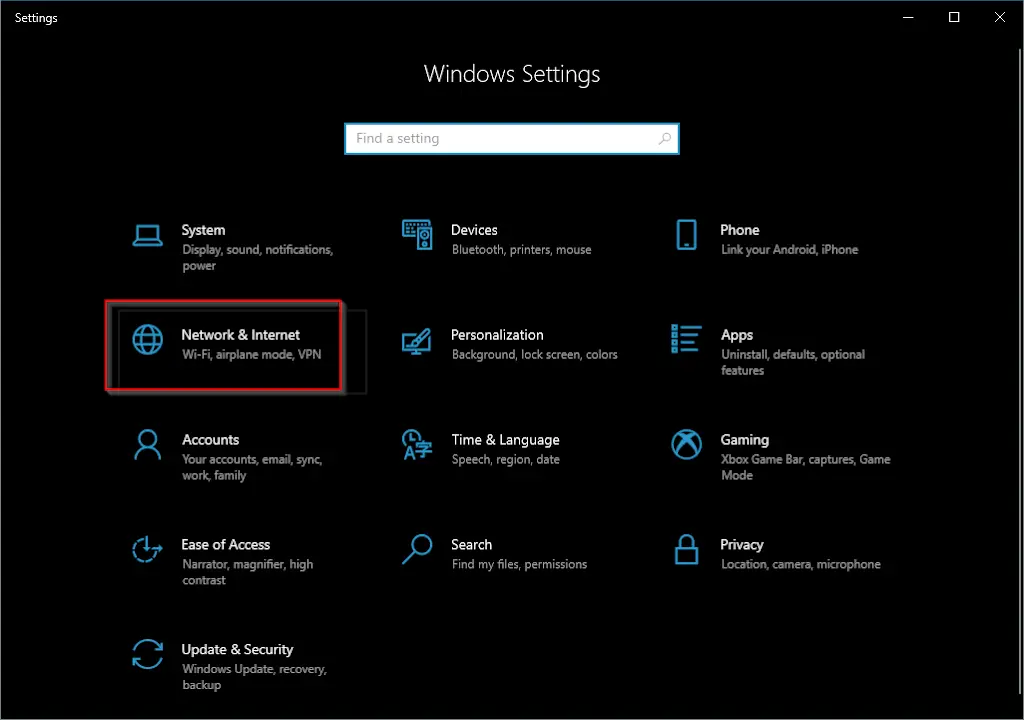 Command To Reset Network Adapter In Ubuntu
https://gearupwindows.com/wp-content/uploads/2021/04/Network-2B-2526-2BInternet-2Bcategory.png
Use the following command to restart the server networking service sudo etc init d networking restart or sudo etc init d networking stop sudo etc init d networking start else sudo systemctl restart networking Once this is done use the following command to check the server network status
Pre-crafted templates use a time-saving option for producing a diverse range of documents and files. These pre-designed formats and designs can be used for various personal and expert jobs, consisting of resumes, invitations, flyers, newsletters, reports, presentations, and more, simplifying the material creation procedure.
Command To Reset Network Adapter In Ubuntu

Change Network Adapter Settings Without Admin Rights Windows 10

How To Reset Network Adapters Using Command Prompt YouTube

How Can I Create Home Network In Windows 11 Can t Connect To This

How To Reset Network Adapter In Windows 7 YouTube
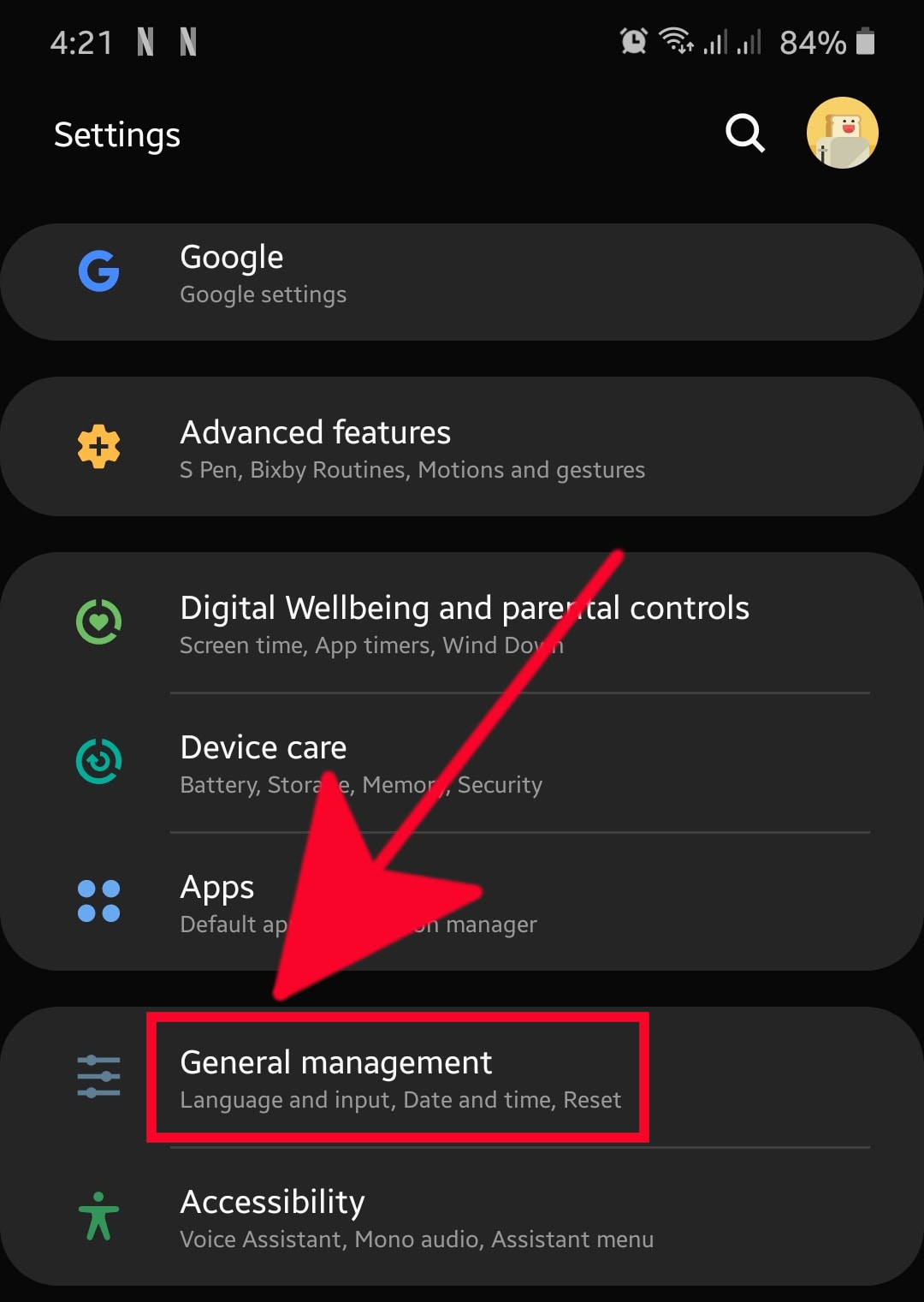
Intune Edge Open A Specific Page Or Pages Settings Microsoft Q How To
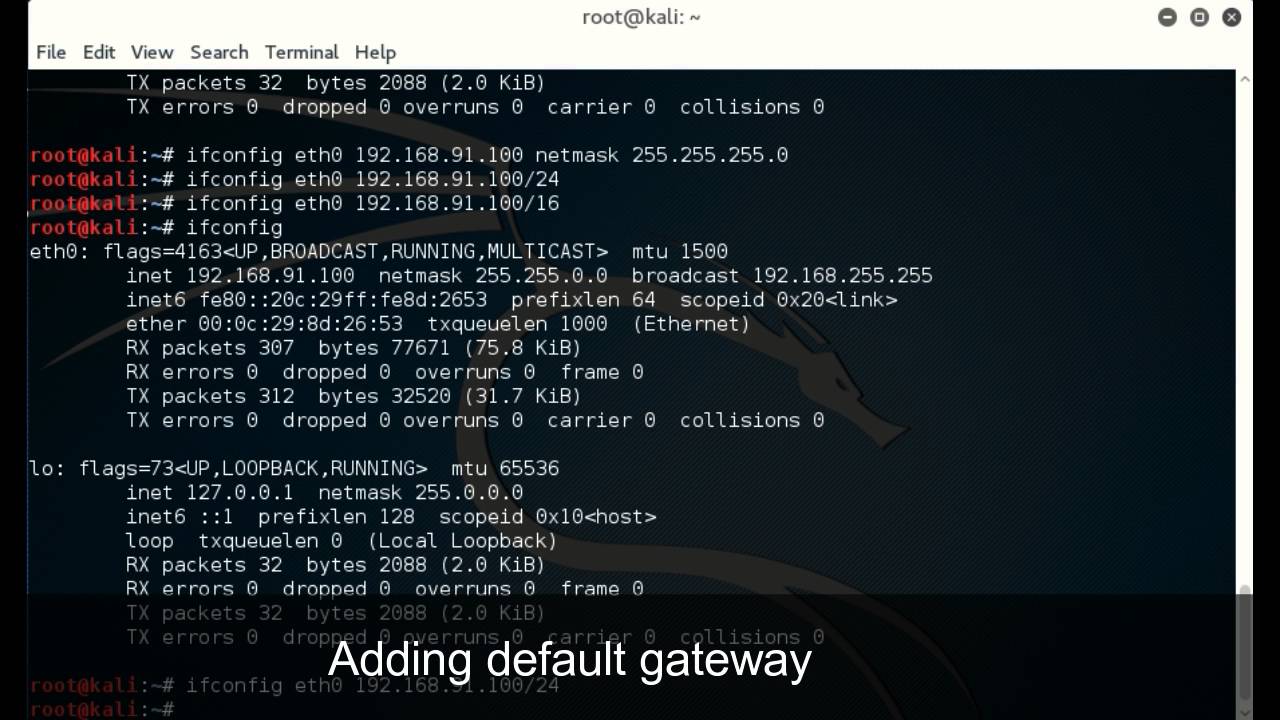
How To Configure Network Adapter In Kali Linux Using Command Line

To reset a network adapter in Ubuntu using terminal commands you can unload and reload the kernel module that controls it or restart the Network Manager Additionally you can obtain a new DHCP lease to resolve IP address issues These methods provide effective ways to reset network adapters in Ubuntu Table of Contents

1 Restarting the Network Manager Service This is the easiest way to restart your network using the command line It s equivalent to the graphical way of doing it restarts the Network Manager service sudo systemctl restart NetworkManager service The network icon should disappear for a moment and then reappear 2 nmcli
Is there a way to fully reset network settings to a functional one How is it possible that Ubuntu is releasing a main distro with such a bug since this is a hot topic around Edit output of ifconfig

To reset the network settings on Ubuntu Debian make use of one of the following commands sudo etc init d networking restartor After entering the above command to check the network status you can use the following command sudo systemctl status networking For the changes to take effect use this command netplan apply AlmaLinux and Rocky Linux

1 Answer Sorted by 1 It seems likely that the problem is actually with your wireless access point or router and that the fix you ve described on Windows is just a workaround for the problem
This guideline describes how to configure the network adapter by editing the file etc network interfaces and Netplan Cloud Servers from 5 mo Intel Xeon Gold 6254 3 1 GHz CPU SLA 99 9 100 Mbps channel Try After connecting the server to a private network in the control panel an additional virtual network adapter will be added to it To restart the networking service run the following sudo service network manager restart Restarting Networking on Ubuntu via the Desktop GUI To restart a specific network adapter from the Ubuntu desktop click on the network icon in the top right of the screen expand the menu under the network adapter you want to restart and turn it off
Use the followings commands to restart network service sudo systemctl restart NetworkManager Method 2 Using nmcli Tool CLI The nmcli is a command line utility for managing NetworkManager on a Ubuntu system You can simply use this utility to stop start network service on a Ubuntu system