Command To Open File In Openshift Terminal How To Import Files Into A Linux Directory Systran Box Service TechZone Automation Cloud Native Learning Journey Podporova Monot nna P I Can T Open Explorer Via Cmd N tierka Cie How To Open A Text File In Command Line Linux Systran Box Introducing OpenShift Web Terminal Operator1 5 Redhat Partners In India 1 1 List of CLI tools The following set of CLI tools are available in OpenShift Container Platform OpenShift CLI oc This is the most commonly used CLI tool by OpenShift Container Platform users It helps both cluster administrators and developers to perform end to end operations across OpenShift Container Platform using the terminal
Basic CLI commands explain Display documentation for a certain resource Example Display documentation for Pods oc explain pods login Log in to the OpenShift Container Platform server and save login information for subsequent use Example Interactive login oc login Example Log in specifying a user name oc login u user1 new app Knative CLI kn The Knative kn CLI tool provides simple and intuitive terminal commands that can be used to interact with OpenShift Serverless components such as Knative Serving and Eventing
Introducing OpenShift Web Terminal Operator1 5 Redhat Partners In India Lab 2 Logging And Monitoring OpenShift 101 Workshop Logging Bring It All Together On OpenShift 4 On IBM Cloud Logging Bring It All Together On OpenShift 4 On IBM Cloud Jak Znale I Otworzy Pliki Za Pomoc Wiersza Polecenia W Systemie Introducing OpenShift Web Terminal Operator1 5 Redhat Partners In India Install The New Windows Terminal Preview Thomas Maurer How To Open File Explorer Using Command Prompt On Windows 10 How To Open Mac Terminal Application Passlwed
Command To Open File In Openshift Terminal
 Command To Open File In Openshift Terminal
https://syscdn.systranbox.com/1661359788970.jpg
Part one Manually Copying Files One of the properties of container images is that they are immutable That is although you can make changes to the local container file system of a running image the changes are not permanent
Templates are pre-designed documents or files that can be used for numerous purposes. They can conserve time and effort by supplying a ready-made format and layout for producing different type of content. Templates can be used for personal or expert jobs, such as resumes, invitations, leaflets, newsletters, reports, discussions, and more.
Command To Open File In Openshift Terminal
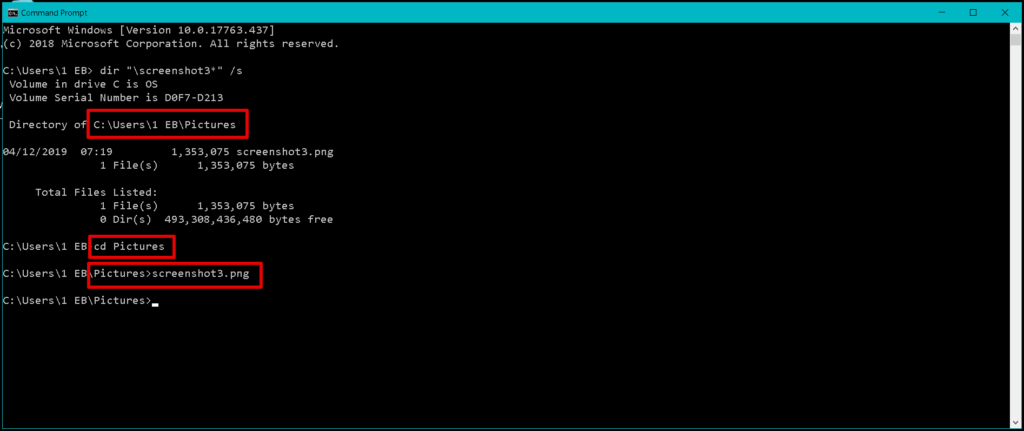
Find And Open Files Using Windows Command Prompt

Lab 2 Logging And Monitoring OpenShift 101 Workshop
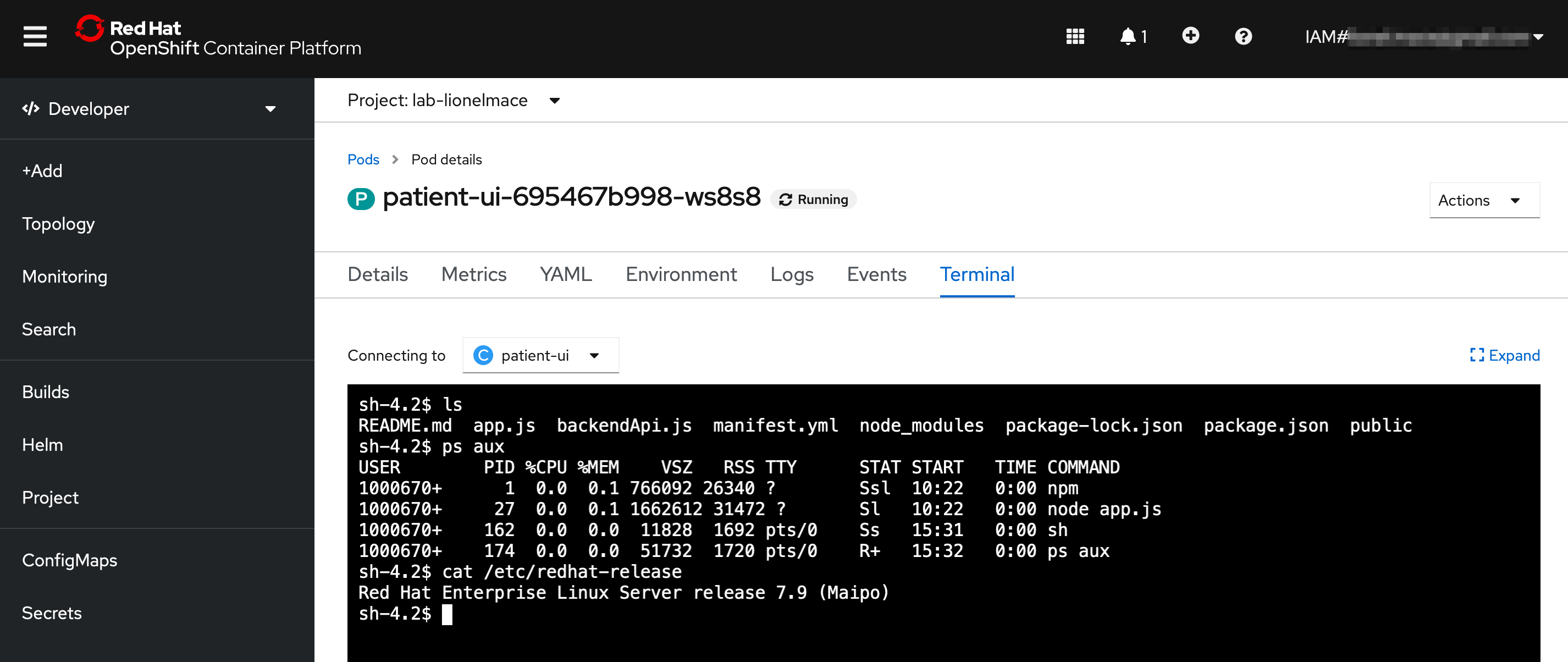
Logging Bring It All Together On OpenShift 4 On IBM Cloud
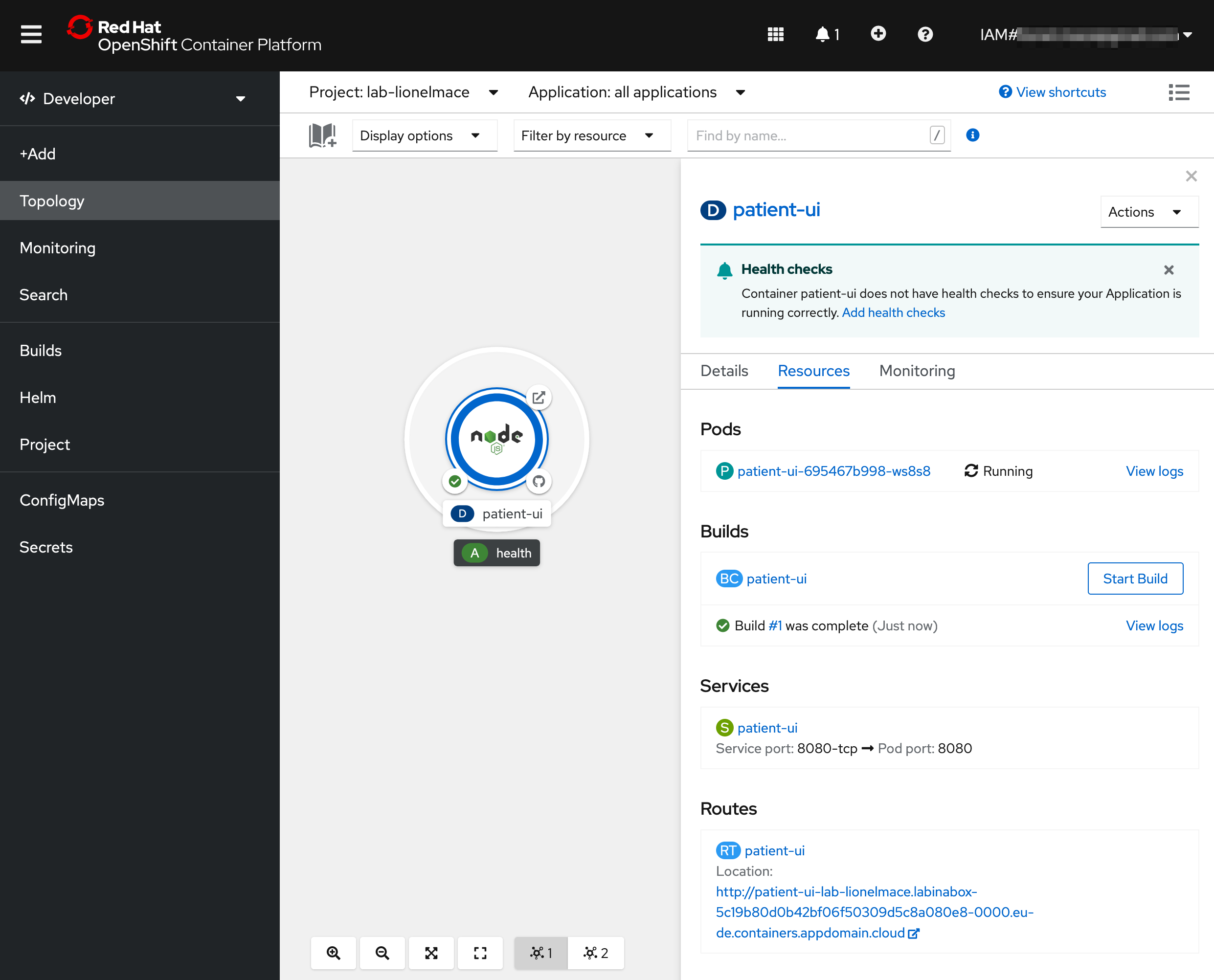
Logging Bring It All Together On OpenShift 4 On IBM Cloud

Introducing OpenShift Web Terminal Operator1 5 Redhat Partners In India
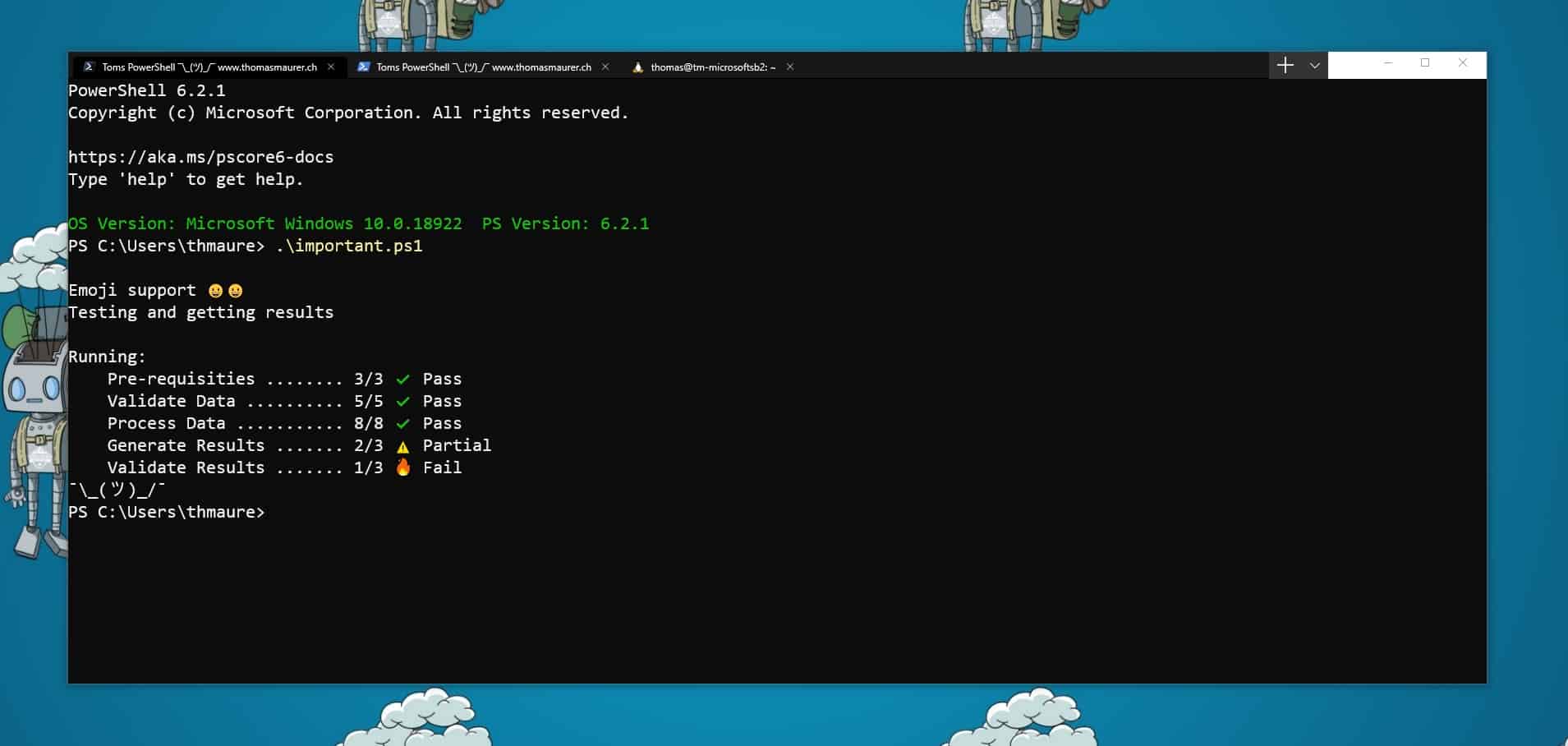
Install The New Windows Terminal Preview Thomas Maurer

You can log in to the OpenShift CLI oc to access and manage your cluster Prerequisites You must have access to an OpenShift Container Platform cluster You must have installed the OpenShift CLI oc Procedure Log into OpenShift Container Platform from the CLI using your username and password or with an OAuth token
Access the terminal window To reach the OpenShift terminal window within your no cost Developer Sandbox for Red Hat OpenShift cluster Using your web browser navigate here Figure 1 Callout 1 Select Start your sandbox for free Figure 1 Callout 2 Figure 1 The entry point for access

This reference provides descriptions and example commands for OpenShift CLI oc developer commands For administrator commands see the OpenShift CLI administrator command reference Run oc help to list all commands or run oc command help to get additional details for a specific command OpenShift CLI oc developer commands oc annotate

Basic CLI commands explain Display documentation for a certain resource Example Display documentation for pods oc explain pods login Log in to the OpenShift Container Platform server and save login information for subsequent use Example Interactive login oc login Example Log in specifying a user name oc login u user1 new app
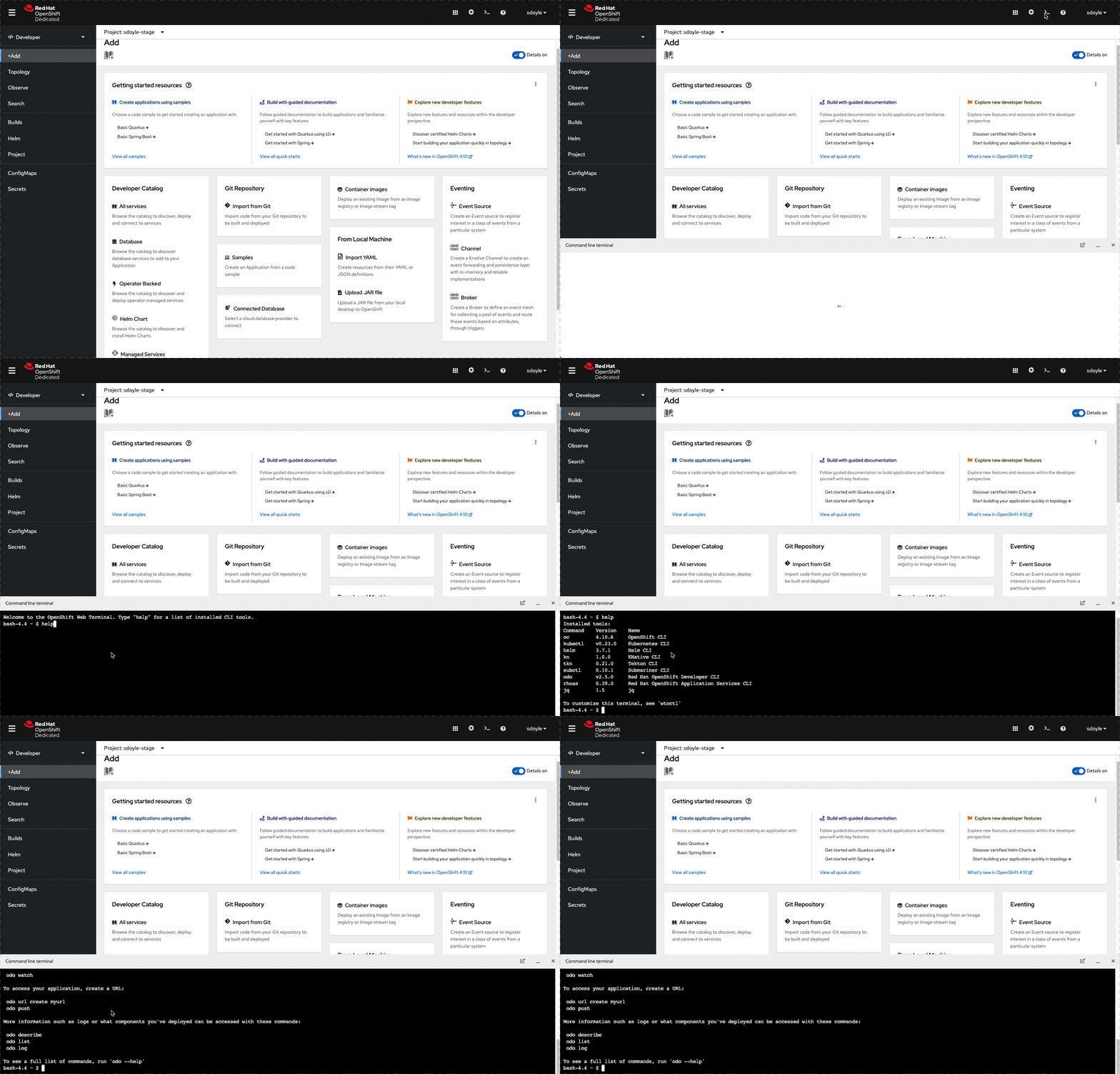
You can launch an embedded command line terminal instance in the web console You must first install the Web Terminal Operator to use the web terminal Cluster administrators can access the web terminal in OpenShift Container Platform 4 7 and later
September 8 2023 10650 0 OpenShift Worker and Master Nodes as of OpenShift Container Platform 4 0 users Red Hat CoreOS RHCOS as the base operating system For OKD this will be Fedora CoreOS FCOS It is not recommended to ssh directly to the OpenShift nodes not forgetting only ssh keys can be used for access by default You can launch an embedded command line terminal instance in the OpenShift web console You must first install the Web Terminal Operator to use the web terminal Cluster administrators can access the web terminal in OpenShift Container Platform 4 7 and later
Cluster administrators can also open an embedded command line terminal instance with the web terminal Operator in OpenShift Container Platform 4 7 and later Viewing the durationMinutes element in the YAML file apiVersion console openshift io v1 kind ConsoleQuickStart metadata name spring with s2i spec description