Command To Check Time Sync In Linux Systeminfo Command On Windows Liberian Geek How To Use Df Command To Check The Disk Space In Linux Beginners Linux Console Command Version Posetke Check Ubuntu Python Version Be On The Right Side Of Change How To Check Applied Patch Details In Oracle 1718 2022 07 20 183 TA 1 3 sed nginx unterminated s command
Mar 5 2025 nbsp 0183 32 keil Internal command error Keil Internal command error Keil Settings Apr 29 2023 nbsp 0183 32 CAD command command s LISP LISP CAD command
How To Check Applied Patch Details In Oracle Windows 11 TV GAMINGDEPUTY KOREA Command To Check Crashinfo On Cisco Router Ark Advisor Basics Linux Commands GPResult Command Learn How To Use It To Check Group Policy Linux Command To Check Space Df Command In Linux Linux Filing How To Check OS Version From Command Line Its Linux FOSS Solved Single Command To Check If File Exists And 9to5Answer Windows Time Sync Command Sync Windows Time From Command Line
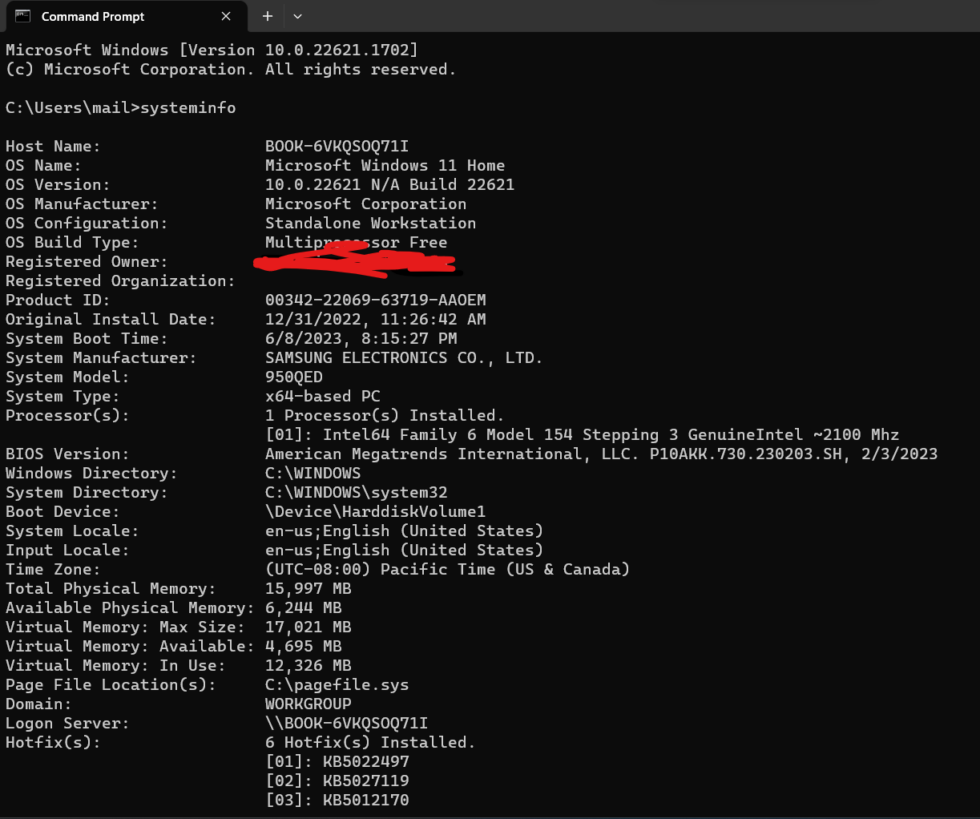
Command To Check Time Sync In Linux
 Command To Check Time Sync In Linux
https://www.liberiangeek.net/wp-content/uploads/2023/07/image-980x819.png
Windows10
Templates are pre-designed files or files that can be used for different purposes. They can conserve time and effort by supplying a ready-made format and design for creating different type of material. Templates can be utilized for individual or professional jobs, such as resumes, invites, leaflets, newsletters, reports, discussions, and more.
Command To Check Time Sync In Linux

How To Check Hidden Files Size In Linux Systran Box
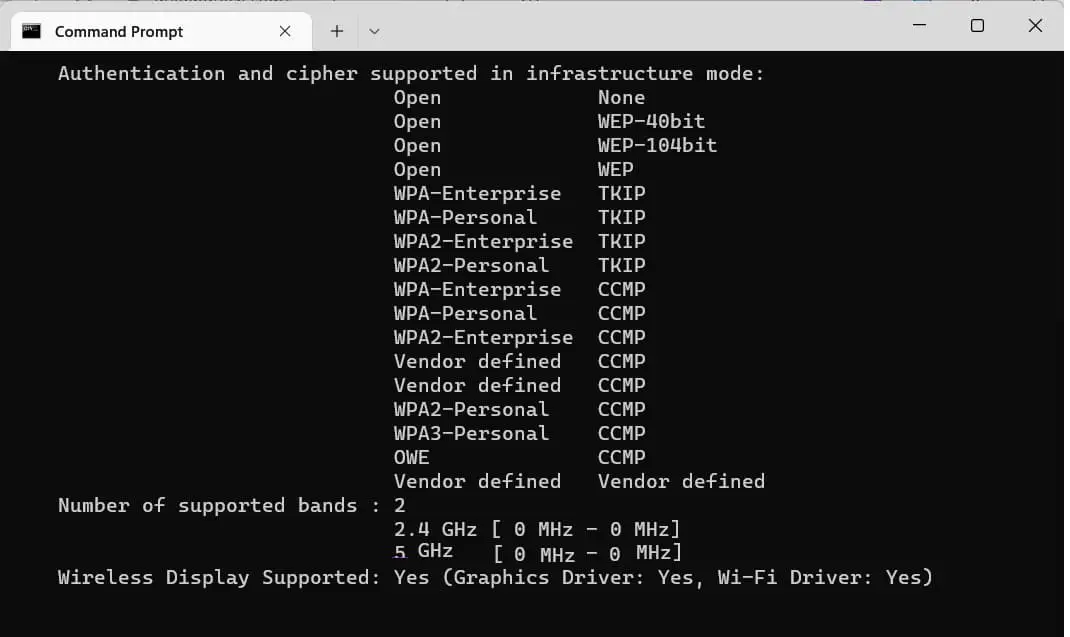
Windows 11 TV GAMINGDEPUTY KOREA
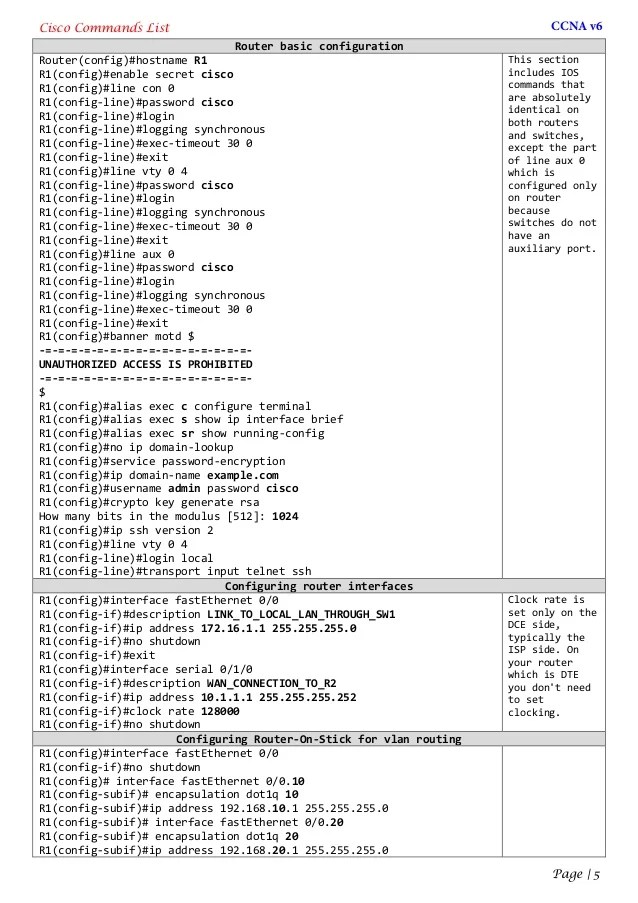
Command To Check Crashinfo On Cisco Router Ark Advisor

Basics Linux Commands

Linux Command To Check Space Df Command In Linux Linux Filing

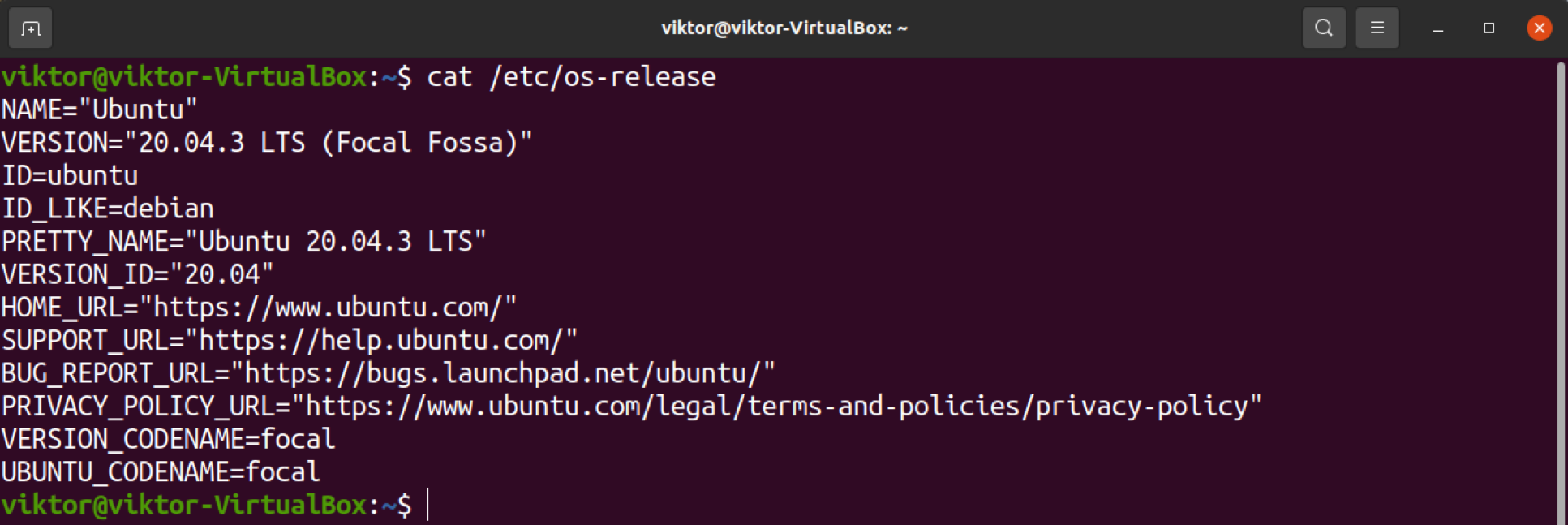
How To Check OS Version From Command Line Its Linux FOSS
command Command Apple key 4 Option PC Ctrl

Aug 4 2024 nbsp 0183 32 UNKNOWN COMMAND quot UNKNOWN COMMAND quot
WinX Windows X WinX quot quot quot quot

vim Press ENTER or type command to continue vimrc

Apr 9 2025 nbsp 0183 32 command command command Windows command Windows
[desc-11] [desc-12]
[desc-13]