Command To Check Python Version In Anaconda How To Check Python Version In Linux Command Line TecAdmin How To Check The Python Version On Windows Mac Linux Script Command How To Check Python Version In Windows How To Check Python Version In Cmd PythonPoint How To Install Python On Windows Check Python Version In Windows 7 Apr 29 2023 nbsp 0183 32 CAD command command s LISP LISP CAD command
1718 2022 07 20 183 TA 1 3 sed nginx unterminated s command Mac Command R Command Option R
How To Install Python On Windows Check Python Version In Windows 7 How To Check Your Anaconda Version Davide Mauri Medium Linux Python 3 6 How To Check Python Version Windows MacOS Or Linux How To Check Python Installed Or Not Version Using Command Prompt How To Check Python Version Codingem How To Check Python Version In Jupyter Notebook Finxter Check Python Version In Linux Mac Window How To Check Python Version In Windows Linux And MacOS
Command To Check Python Version In Anaconda
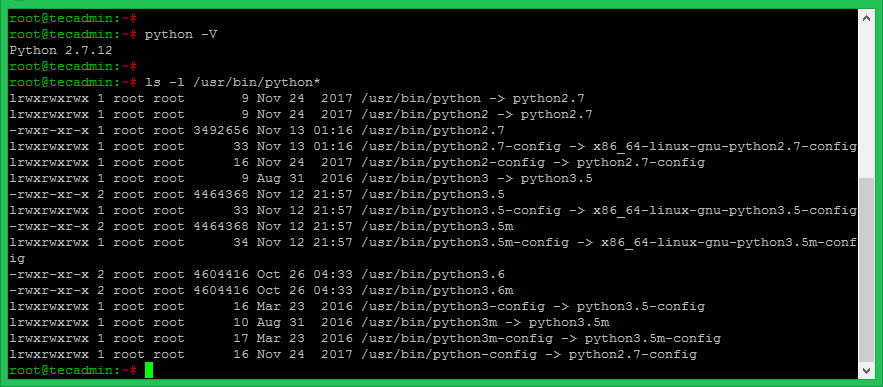 Command To Check Python Version In Anaconda
https://tecadmin.net/wp-content/uploads/2019/04/check-python-version.png
Windows10
Templates are pre-designed files or files that can be used for numerous functions. They can conserve time and effort by supplying a ready-made format and design for producing different type of material. Templates can be utilized for personal or professional projects, such as resumes, invitations, flyers, newsletters, reports, discussions, and more.
Command To Check Python Version In Anaconda
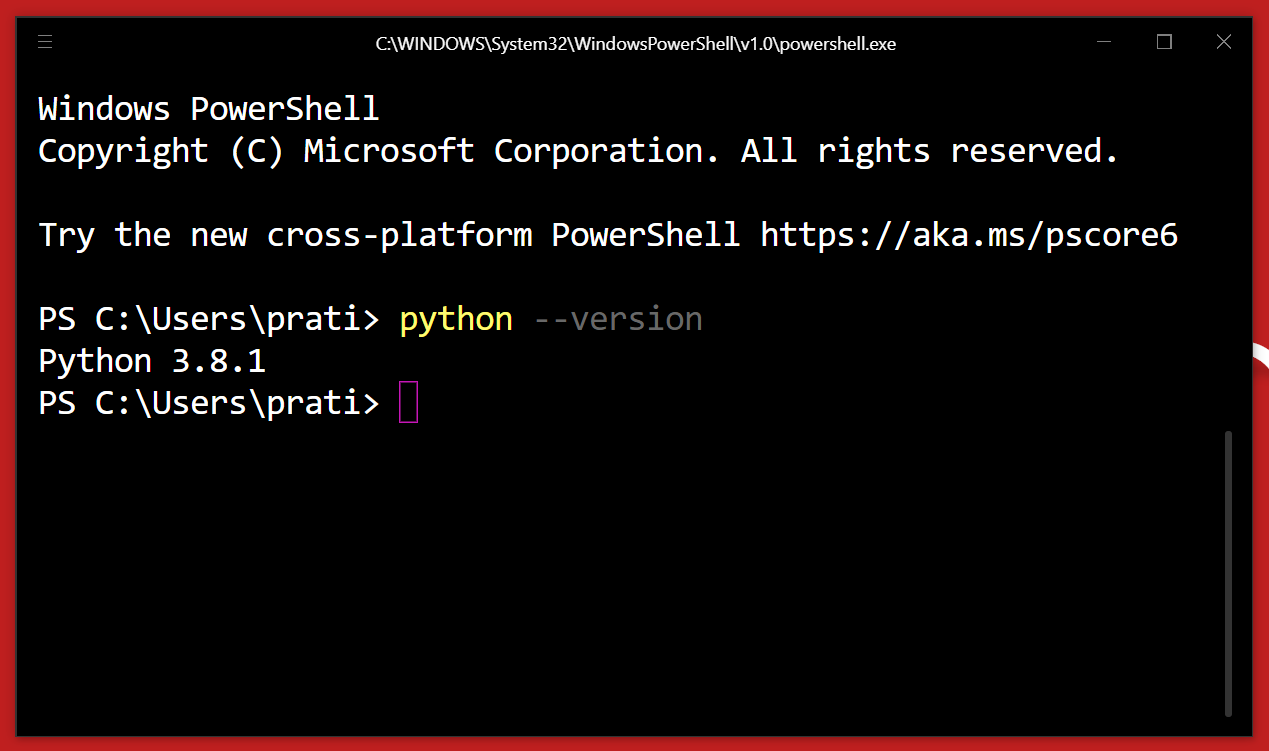
How To Check Python Version In Windows Linux And Mac

How To Check Your Anaconda Version Davide Mauri Medium

Linux Python 3 6
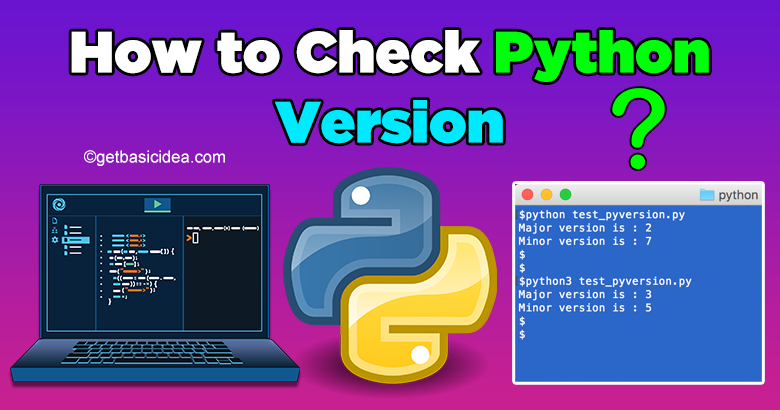
How To Check Python Version Windows MacOS Or Linux
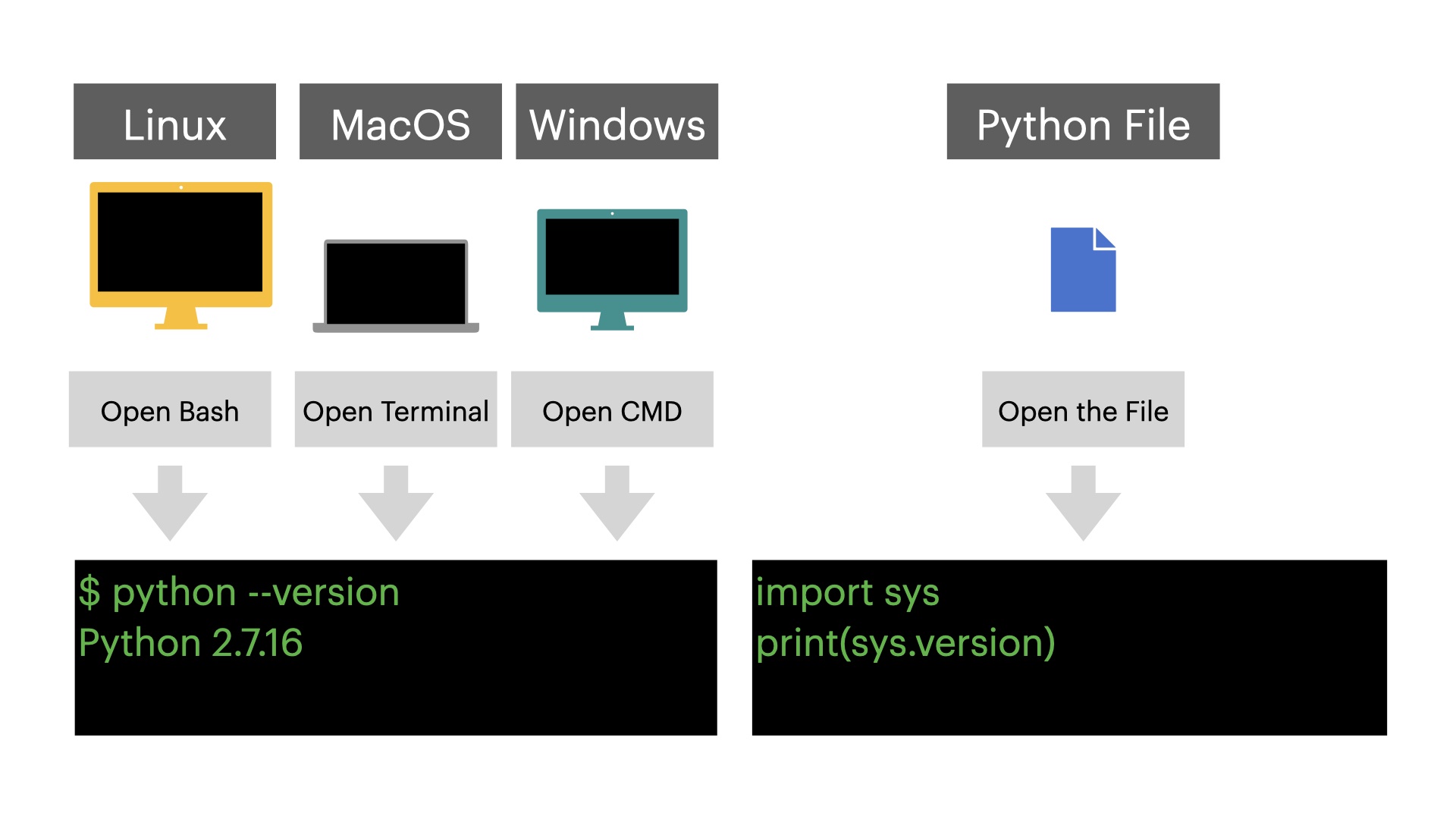
How To Check Python Version Codingem

How To Check Python Version In Jupyter Notebook Finxter
command Command Apple key 4 Option PC Ctrl

Aug 4 2024 nbsp 0183 32 UNKNOWN COMMAND quot UNKNOWN COMMAND quot
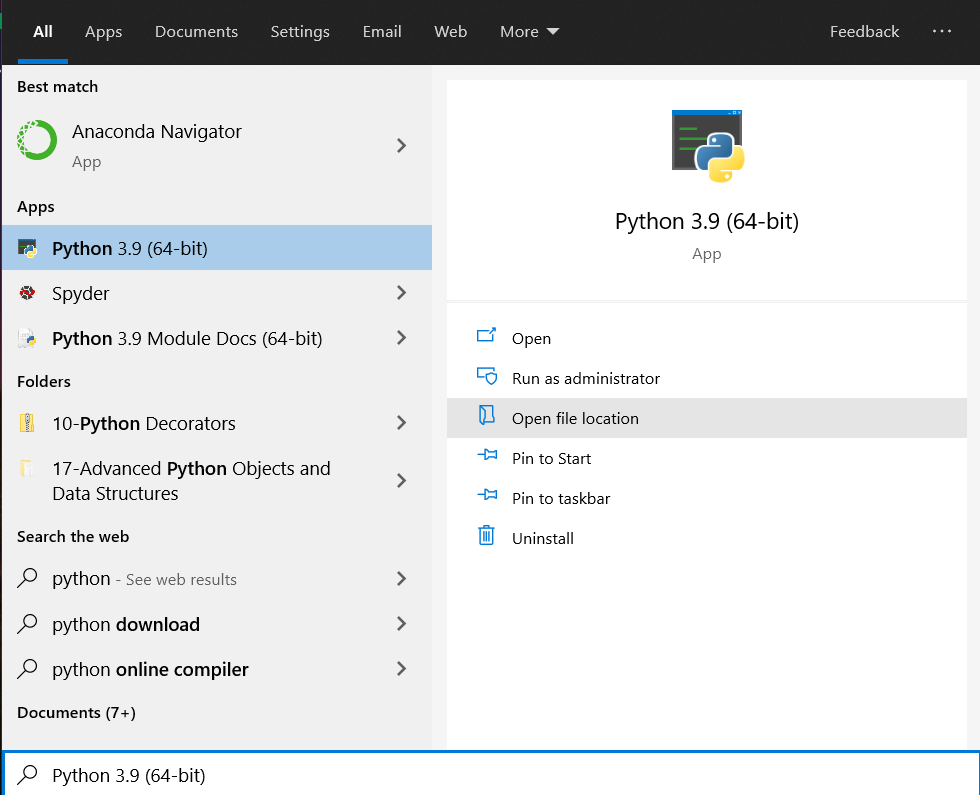
WinX Windows X WinX quot quot quot quot
Mar 5 2025 nbsp 0183 32 keil Internal command error Keil Internal command error Keil Settings

Apr 9 2025 nbsp 0183 32 command command command Windows command Windows
[desc-11] [desc-12]
[desc-13]