Command Line Terminal Delete Folder Creating And Deleting Files And Folders In Linux YouTube Linux Command To Delete All Files In A Folder Or Directory Using 2 Ways I O Board 2022 Open In Command Line Visual Studio Marketplace Abstracci n Sal n Anciano Eliminar Carpeta Windows Cmd Locura Jul 27 2025 nbsp 0183 32 CAD command command s CAD CAD
Apr 10 2025 nbsp 0183 32 command Mac command command command Command that 1 command
Abstracci n Sal n Anciano Eliminar Carpeta Windows Cmd Locura Terecall Blog Command Line To Delete Empty Folders Windows 11 10 Del Command Examples Options Switches And More How To Delete Folder From Command Prompt In Windows 7 YouTube How To Get Rid Of Linux Crazyscreen21 Delete Files And Folders In Linux Command Line Python OpenAI API Cheat Sheet Free Be On The Right Side Of Change How To Install Xcode Command Line Tools Package On Mac
Command Line Terminal Delete Folder
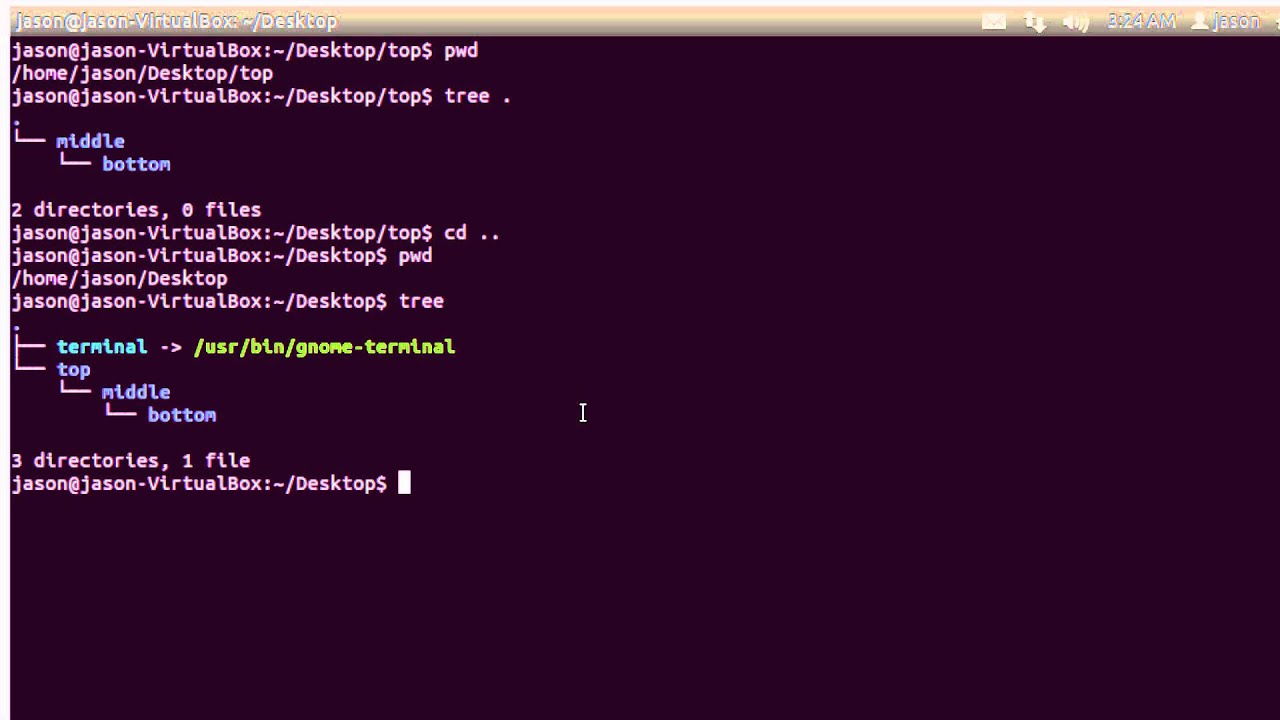 Command Line Terminal Delete Folder
https://i.ytimg.com/vi/91FhiTyEaCU/maxresdefault.jpg
Apr 29 2023 nbsp 0183 32 CAD command command s LISP LISP CAD command command s
Pre-crafted templates provide a time-saving service for producing a diverse range of documents and files. These pre-designed formats and layouts can be made use of for different personal and professional tasks, consisting of resumes, invitations, leaflets, newsletters, reports, discussions, and more, streamlining the material creation procedure.
Command Line Terminal Delete Folder
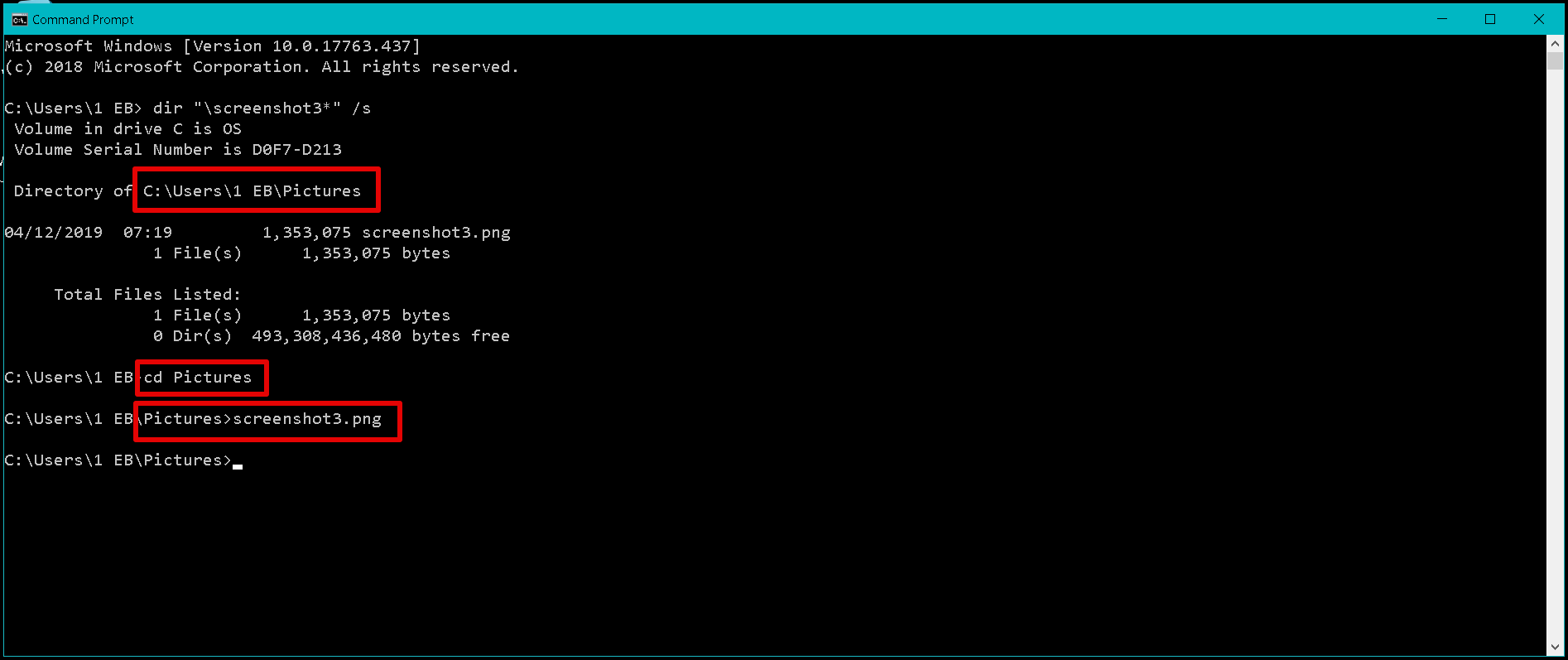
Naagoo Blog
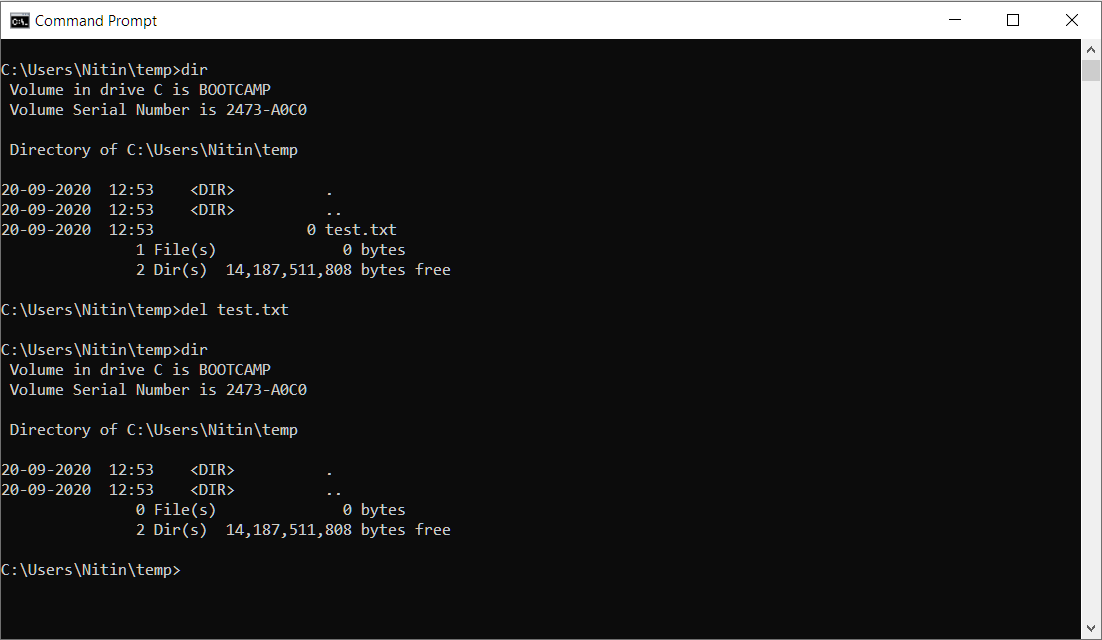
Terecall Blog
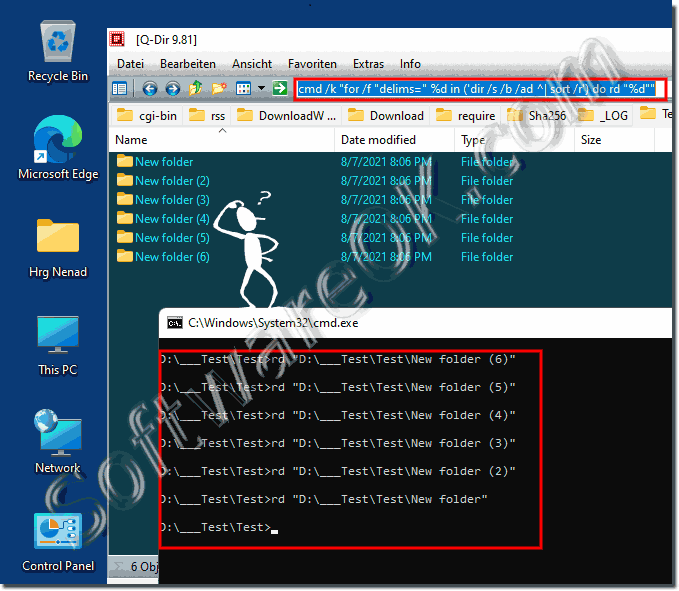
Command Line To Delete Empty Folders Windows 11 10

Del Command Examples Options Switches And More
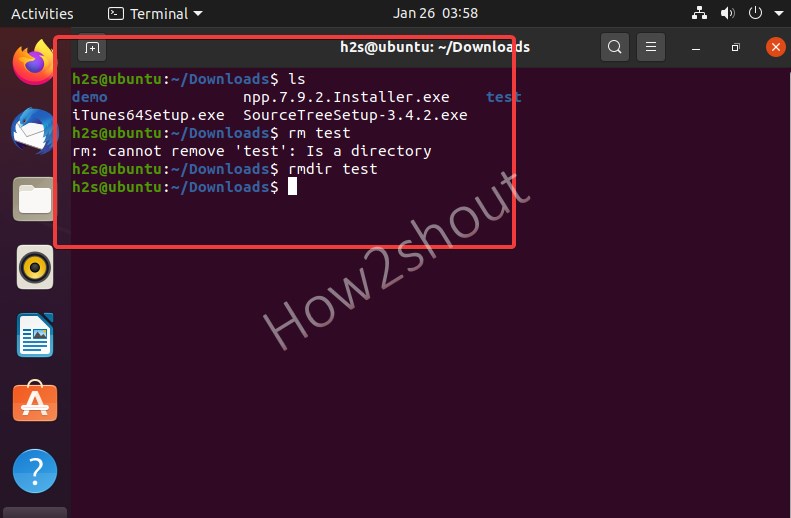
How To Get Rid Of Linux Crazyscreen21
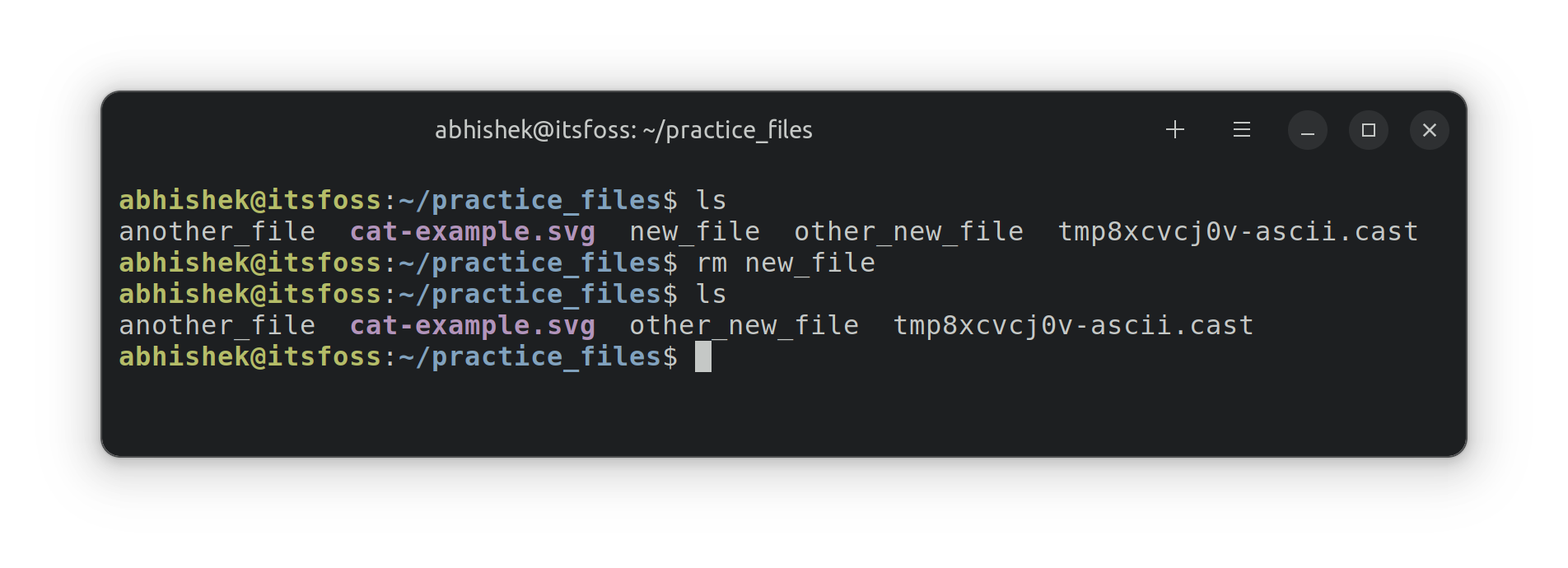
Delete Files And Folders In Linux Command Line

Dec 14 2023 nbsp 0183 32 Command Option Esc Command Command N

Command 1 command that

Command command command macOS Windows command
Aug 6 2024 nbsp 0183 32 no command

command Command Apple key 4 Option PC Ctrl
[desc-11] [desc-12]
[desc-13]