Command Line Print File Windows Create Empty File At Windows Command Line Python Windows 11 Command Prompt Printing Characters Instead Of Coloured Text Super User Command Prompt Commands Windows 10 Likosmx How To Save Command Output To File Using Command Prompt Or PowerShell Windows Central Command Line Print File Using Print To File Printer From Terminal Without Installing Any Cad command command s cad command command s 9
Apr 29 2023 nbsp 0183 32 CAD command command s LISP LISP CAD command Command that 1 command
Command Line Print File Using Print To File Printer From Terminal Without Installing Any How Can I Specify Print Copies When Printing PDF Via Command Line VeryPDF Knowledge Base How To Convert Documents Of MS Office To Ps VeryPDF Knowledge Base Windows Command line Tools Web Google Developers Options Python CG Options Command Line Python Nlp Command Prompt Copying Made Easy A Step by Step Guide Infetech Tech News Reviews And
Command Line Print File Windows
 Command Line Print File Windows
https://ourtechroom.com/images/create-empty-file-at-windows-command-line693139.jpg
Aug 6 2024 nbsp 0183 32 no command
Pre-crafted templates provide a time-saving solution for developing a varied range of files and files. These pre-designed formats and designs can be made use of for various individual and expert tasks, consisting of resumes, invites, leaflets, newsletters, reports, presentations, and more, streamlining the content development procedure.
Command Line Print File Windows

Command Line Print Edrawings Viewer Haustop

How Can I Specify Print Copies When Printing PDF Via Command Line VeryPDF Knowledge Base

How To Convert Documents Of MS Office To Ps VeryPDF Knowledge Base
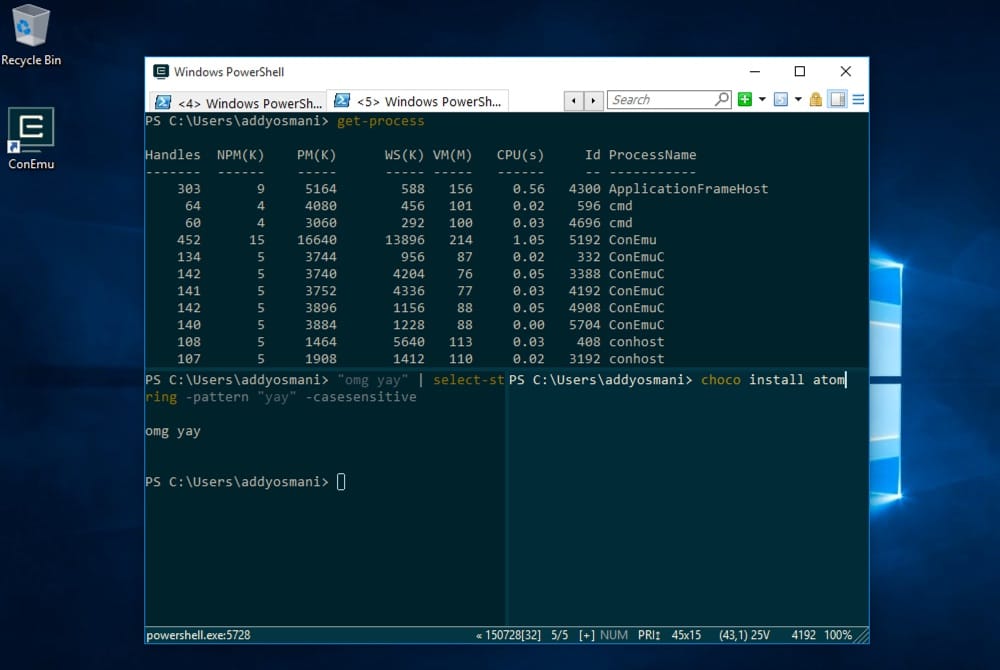
Windows Command line Tools Web Google Developers

CG Options
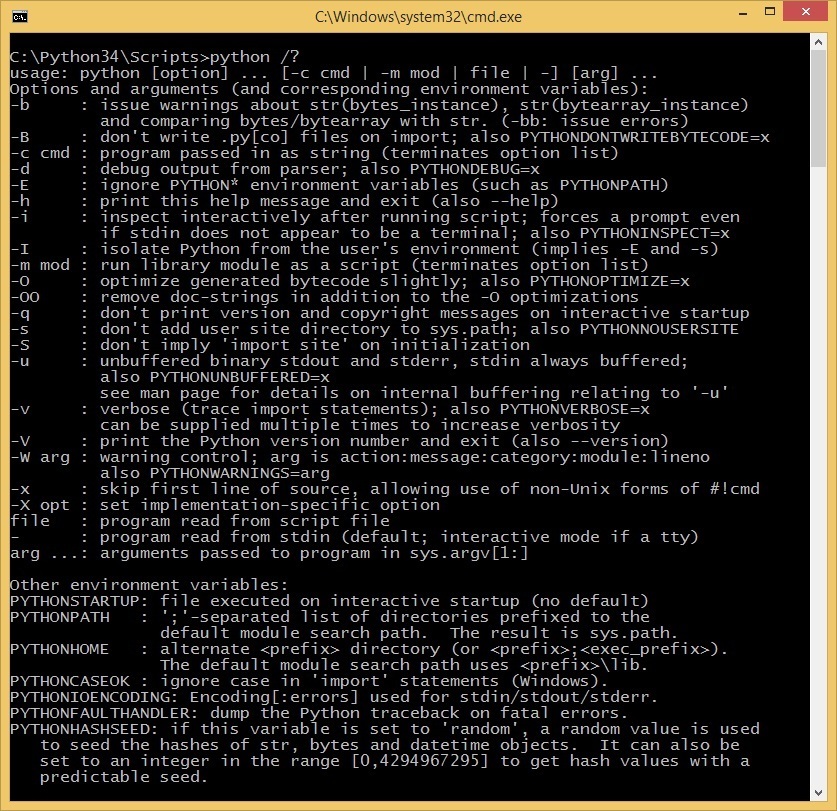
Command Line Python
Apr 9 2025 nbsp 0183 32 command command command Windows command Windows

Command command command macOS Windows
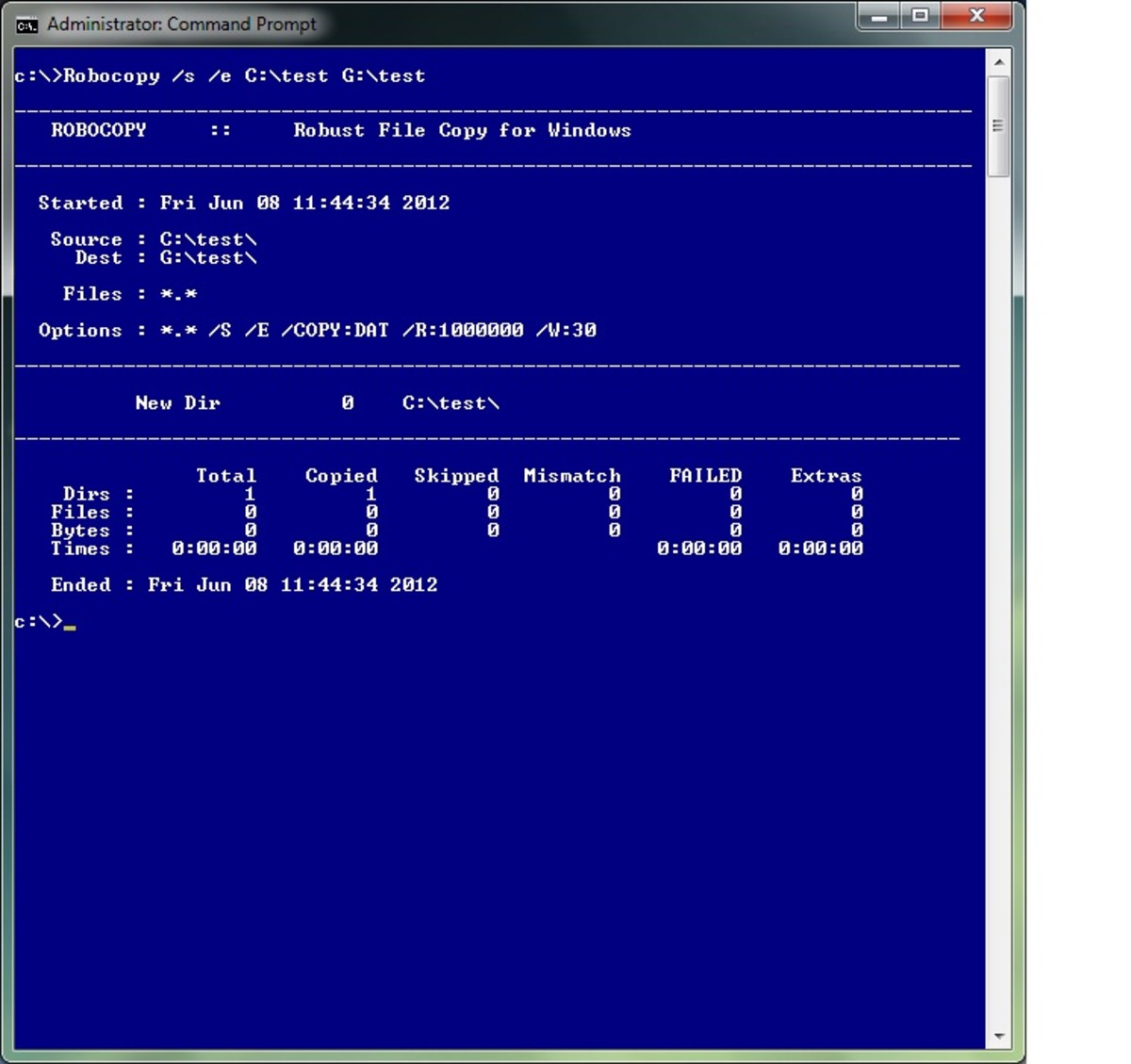
command Command Apple key 4 Option PC Ctrl
1 command line 2 command system 3 in command 4 command prompt 5 in command of command

Apr 10 2025 nbsp 0183 32 command Mac command command command
[desc-11] [desc-12]
[desc-13]