Command Line Delete Directory Terminal How To Delete A Folder Through CMD Command Prompt YouTube Linux Command Line 11 Delete Files And Directories YouTube How To Delete Directories And Files In Ubuntu A Step By Step Tutorial Creating And Deleting Files And Folders In Linux YouTube How To Change Directory In Ubuntu Linux Via Command Line Or Terminal Jul 27 2025 nbsp 0183 32 CAD command command s CAD CAD
Apr 10 2025 nbsp 0183 32 command Mac command command command Command that 1 command
How To Change Directory In Ubuntu Linux Via Command Line Or Terminal How To Delete A Folder Or Directory Using Command Prompt For Windows 7 Linux Command To Delete All Files In A Folder Or Directory Using 2 Ways I O Board 2022 Windows Compare Directories Grefront Terecall Blog Find And Open Files Using Windows Command Prompt Del Command Examples Options Switches And More Command Prompt Commands Cd Fantasticpilot
Command Line Delete Directory Terminal
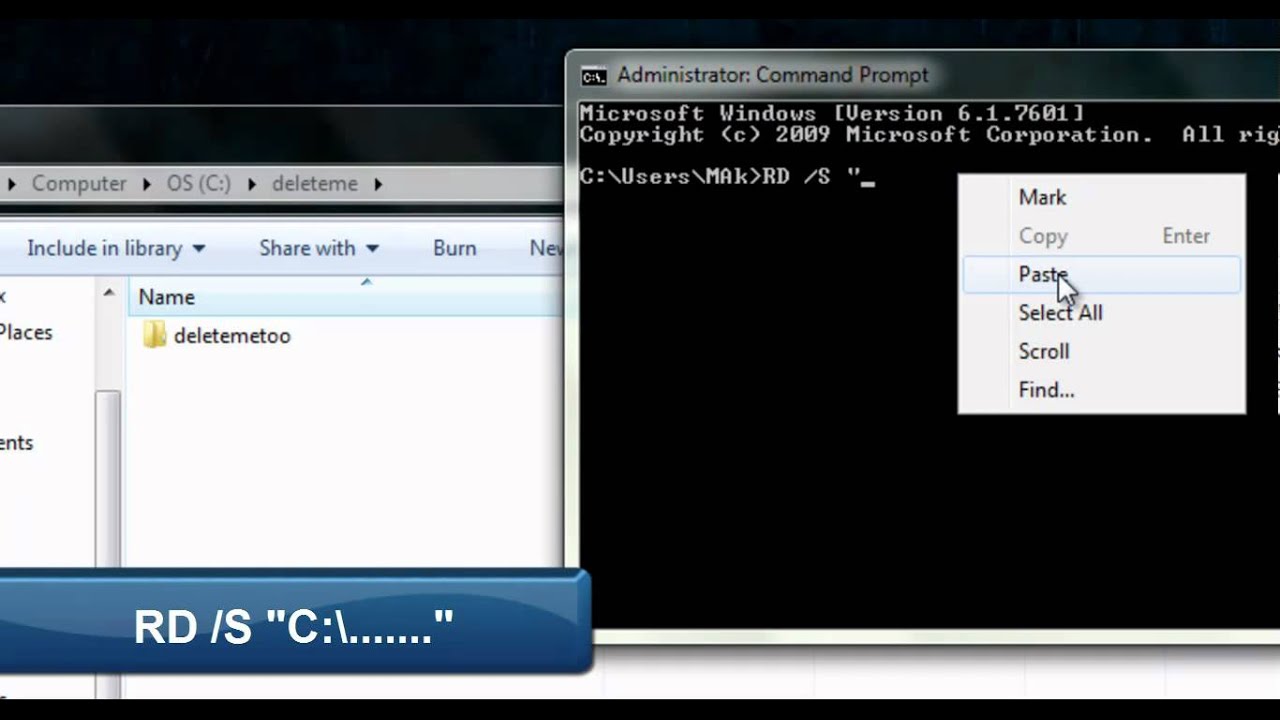 Command Line Delete Directory Terminal
https://i.ytimg.com/vi/rrdgFklJLE0/maxresdefault.jpg
Apr 29 2023 nbsp 0183 32 CAD command command s LISP LISP CAD command command s
Pre-crafted templates use a time-saving solution for developing a varied range of documents and files. These pre-designed formats and designs can be made use of for various individual and expert projects, consisting of resumes, invites, leaflets, newsletters, reports, discussions, and more, improving the material development procedure.
Command Line Delete Directory Terminal
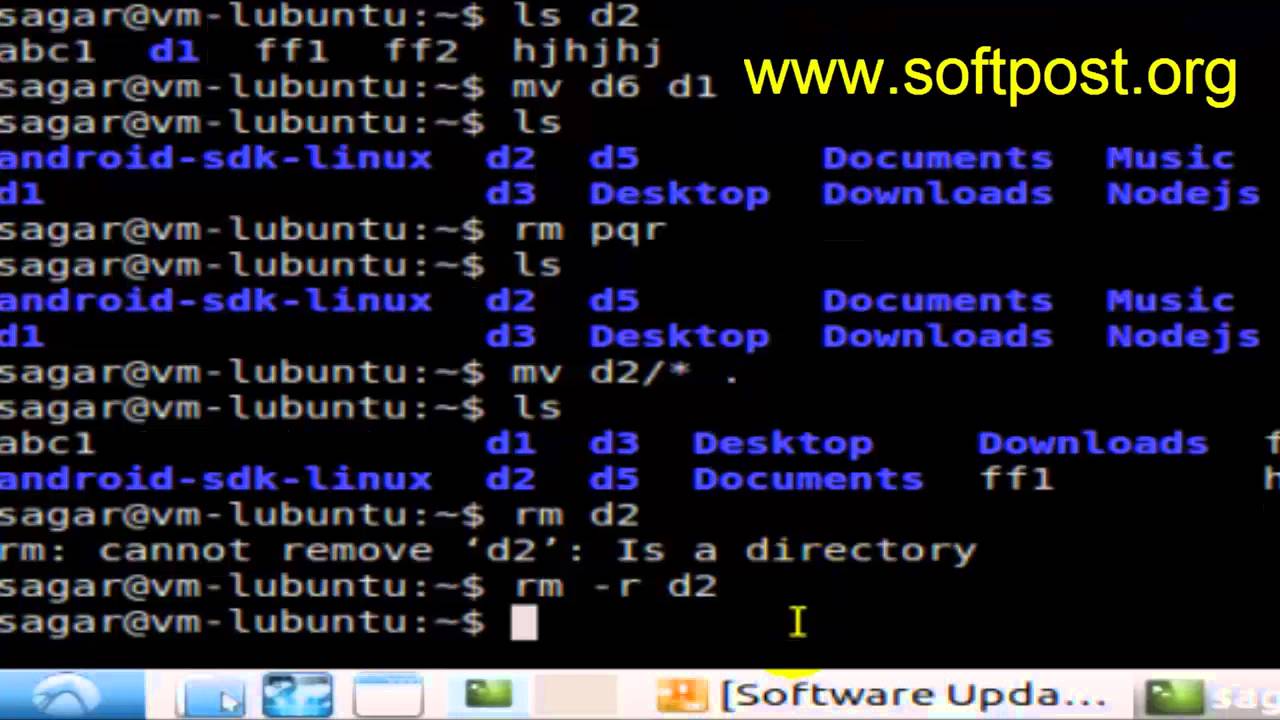
How To Delete A Directory In Mac OS X Terminal YouTube
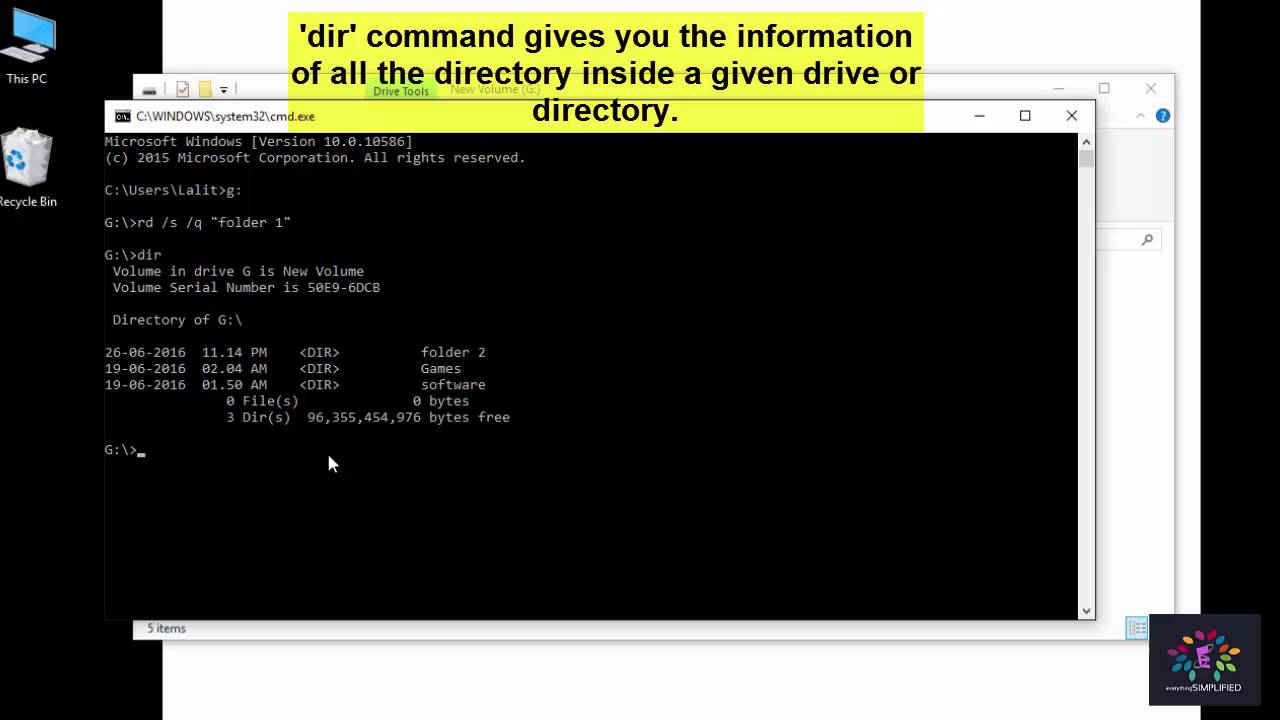
How To Delete A Folder Or Directory Using Command Prompt For Windows 7
Linux Command To Delete All Files In A Folder Or Directory Using 2 Ways

I O Board 2022
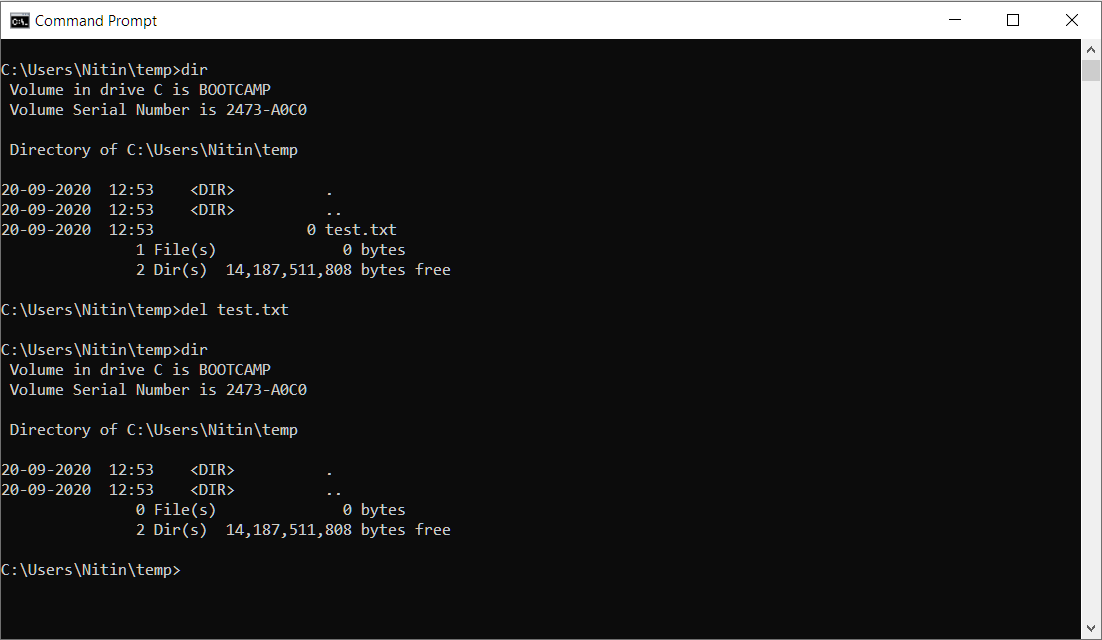
Terecall Blog
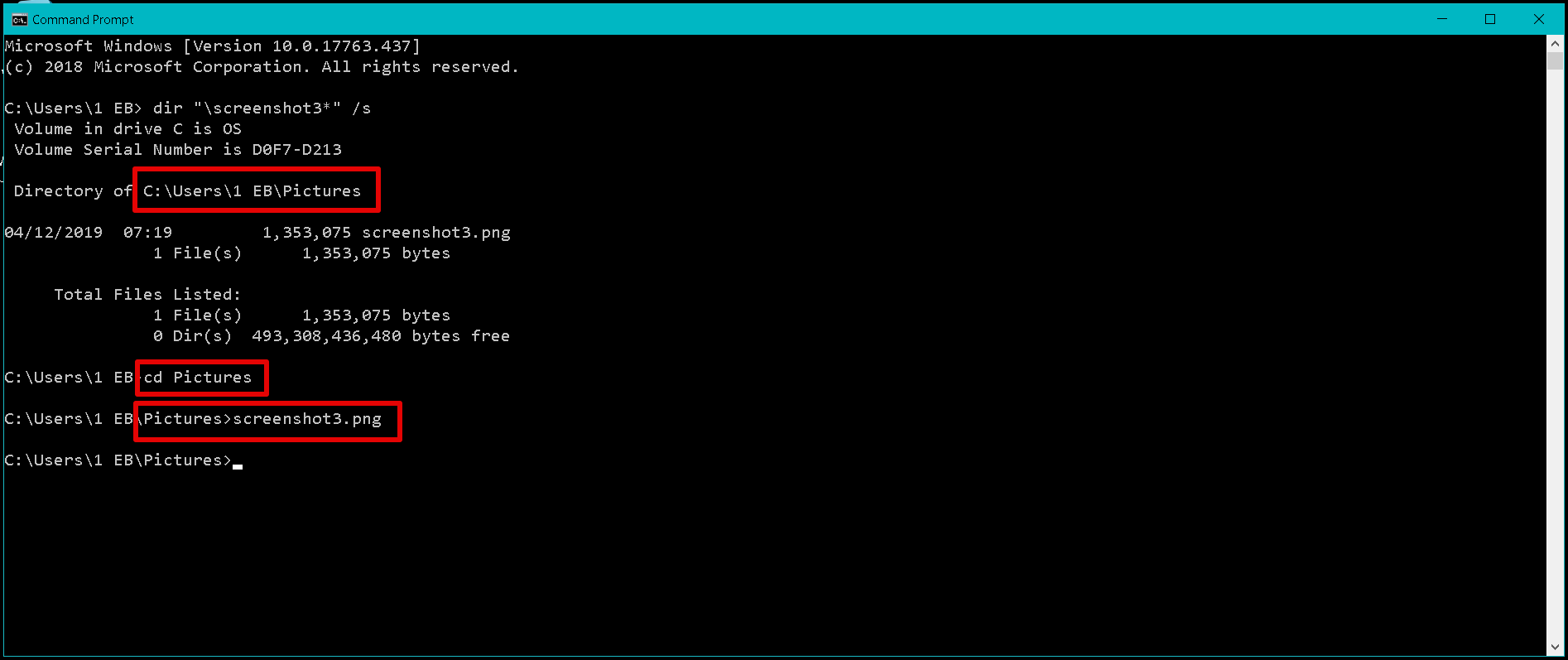
Find And Open Files Using Windows Command Prompt

Dec 14 2023 nbsp 0183 32 Command Option Esc Command Command N

Command 1 command that

Command command command macOS Windows command

Aug 6 2024 nbsp 0183 32 no command

command Command Apple key 4 Option PC Ctrl
[desc-11] [desc-12]
[desc-13]