Combine Two Column In Excel How To Concatenate Combine Two Column In Excel YouTube How To Combine Two Column In Excel Merge Column In Excel Youtube Riset How To Combine Two Column In Excel I Merge Column In Excel YouTube How To Merge Cells In Same Column In Excel Printable Forms Free Online Combine Multiple Columns In Excel Into One Column Layer Blog In the Excel worksheet where you want to combine two columns of data first insert a new column near the data you want to combine This is where your combined data will be displayed To insert a new column right click a column to the right of where you want the new column to appear and select Insert from the menu that appears
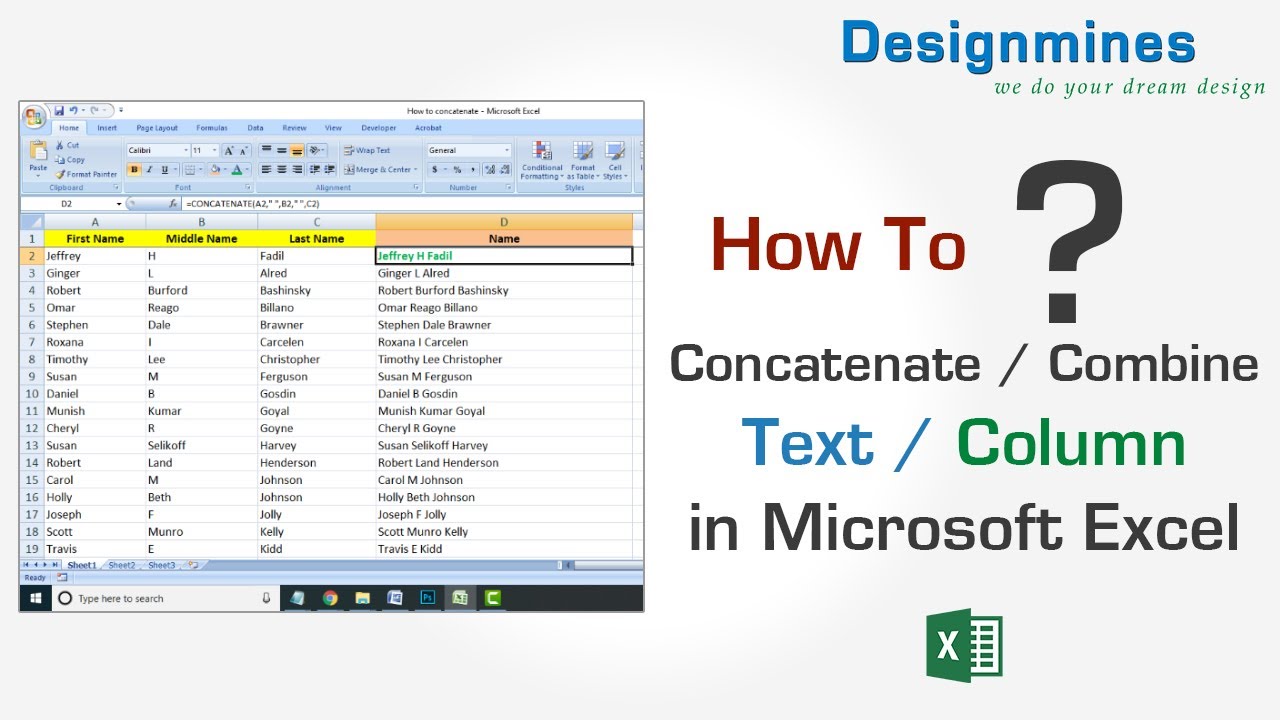
We want to combine the first two columns with the First Name column B first and then the Last Name column A So our two arguments for the function will be B2 and A2 There are two ways you can enter the arguments Contents show Step 1 Open Excel and Add Data to Columns The first step is to open Excel and input the data you want to combine into two separate columns Label the headers of each column to ensure accuracy in your data
Combine Multiple Columns In Excel Into One Column Layer Blog Pentaho DI Combine Two Column In One YouTube Merge Multiple Columns Into A New Column In Excel Flogging English How To Combine Two Columns In Excel In 2023 Technipages Excel Merge Data From Multiple Columns Into One Column Stack Overflow Excel Combine First And Last Name Into One Column YouTube How To Combine Two Columns In Excel Easily And Quickly How To Combine Multiple Columns Into One List In Excel How To Merge Columns In Microsoft Excel Without Data Loss
Combine Two Column In Excel
 Combine Two Column In Excel
https://i.ytimg.com/vi/B0hZIeg9MRs/maxresdefault.jpg
1 In Excel click the Insert tab in the top menu bar Then click Table 2 In the Create Table dialog box that pops up edit the formula so that only the columns and rows that you
Templates are pre-designed files or files that can be utilized for different functions. They can conserve time and effort by offering a ready-made format and layout for developing various sort of material. Templates can be utilized for individual or professional tasks, such as resumes, invites, leaflets, newsletters, reports, presentations, and more.
Combine Two Column In Excel

Combine Multiple Columns In Excel Into One Column Layer Blog

Pentaho DI Combine Two Column In One YouTube

Merge Multiple Columns Into A New Column In Excel Flogging English

How To Combine Two Columns In Excel In 2023 Technipages
Excel Combine First And Last Name Into One Column YouTube

How To Combine Two Columns In Excel Easily And Quickly

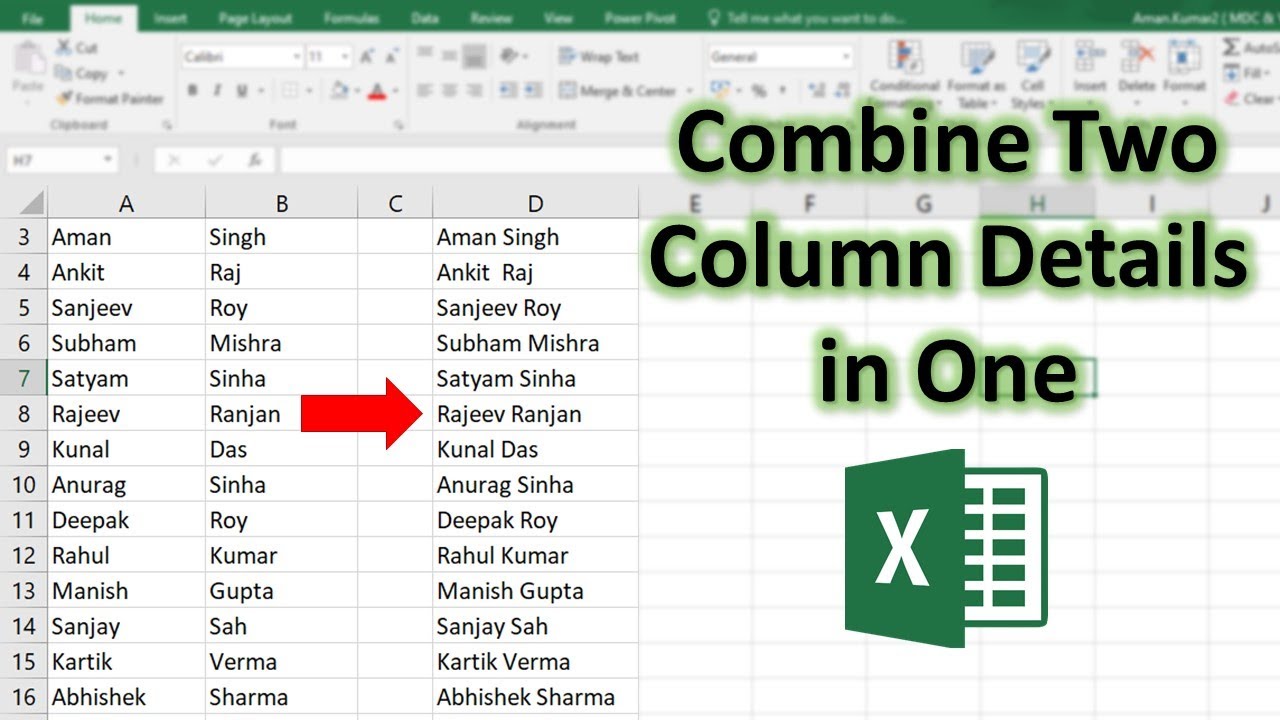
Excel will combine the data of the first two cells of the source columns Use the fill handle to apply the formula across the column Paste special Copy the combined content press Ctrl Alt V and choose Values in the Paste Special dialog to convert formula arrays in the cells to text values
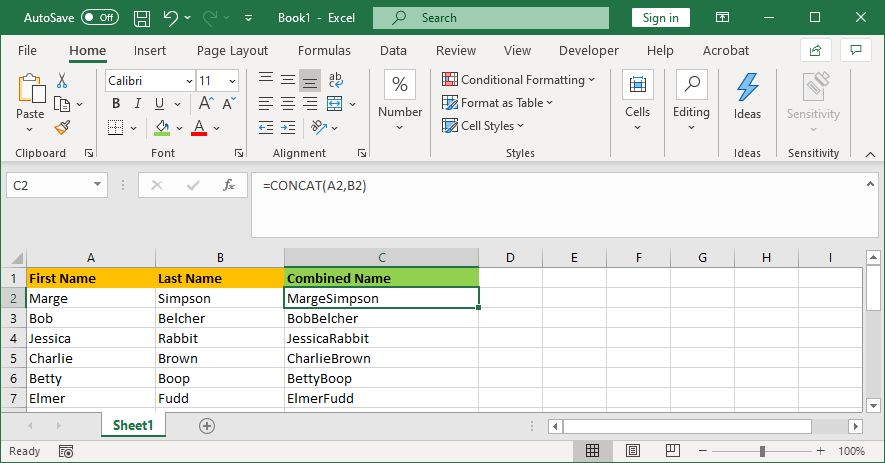
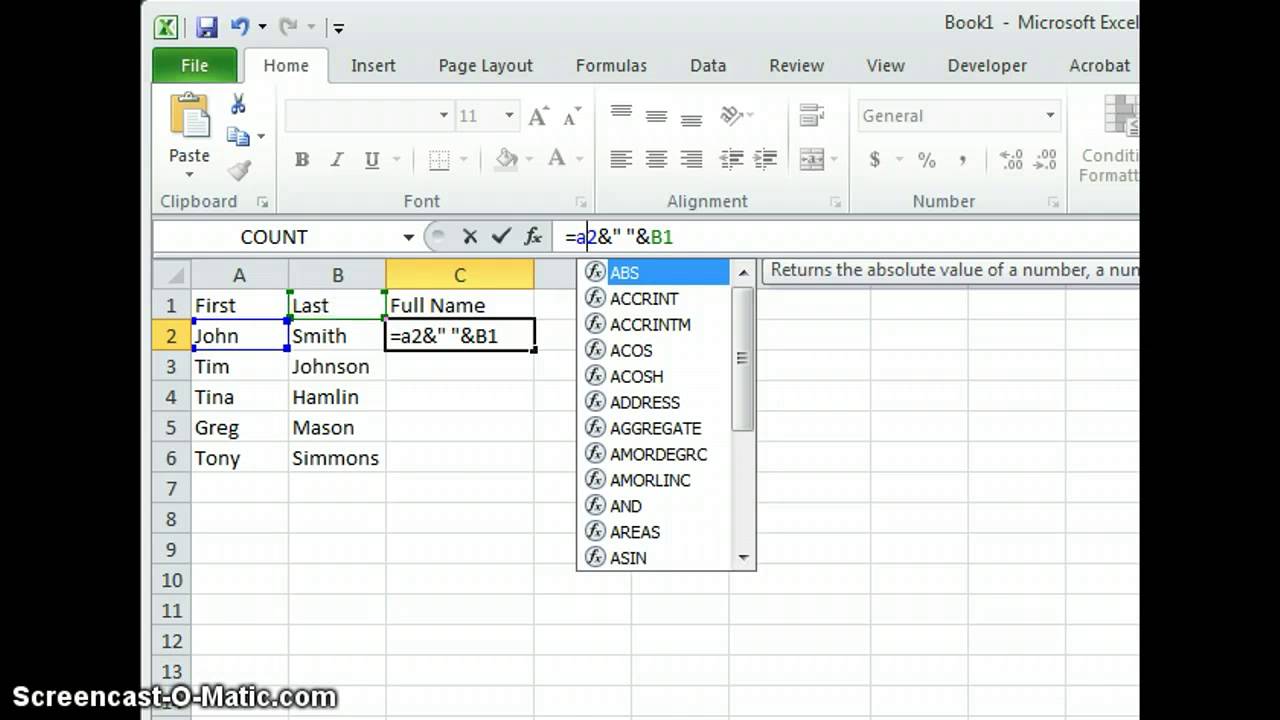
Merge Cells in Columns You have two ways to initially merge cells before copying their contents using an ampersand operator or using the CONCAT function We ll cover both Method 1 Using the Ampersand Operator The ampersand symbol has more uses than a shorter way to type the word and

Steps First select the cell where you want to merge the two columns Second type and click on the first cell you want to combine Third type and click on the second cell We have used the below formula for our sample data B5 C5 Finally press the Enter key and you will get the merged data
There are two methods to combine columns in Excel the ampersand symbol and the concatenate formula In many cases using the ampersand method is quicker and easier than the concatenate formula That said use whichever you feel most comfortable with 1 How to Combine Excel Columns With the Ampersand Symbol

To merge two columns in Excel you can use the CONCATENATE function the operator or the TEXTJOIN function For a simple merge place A1 B1 in a new column where A1 and B1 are the first cells of your columns to be merged this formula combines the content of A1 and B1 with a space in between
[desc-11] [desc-12]
[desc-13]