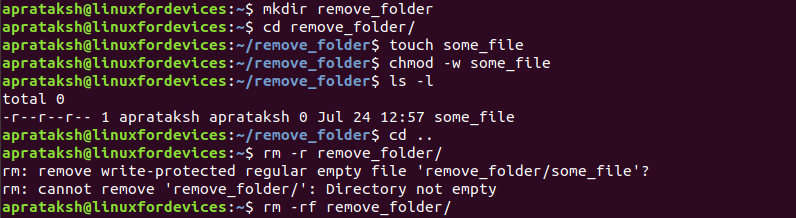
Cmd Remove Directory Force How To Force Remove Directory In Linux LinuxTect Cald Se Lipi Dominant Proteza Mobilizabila Fictiv Oric nd Indolen How To Force Delete A File Or Folder That Can T Be Deleted On Windows Vrogue IT Support Hub Active Directory Force Seize FSMO Roles From Death DC Windows Server 2012 R2 How To Create And Delete Files And Directories From Windows Command Prompt To remove a directory just use the command rmdir directory name Note Any directories deleted with the rmdir command cannot be recovered Be very careful where and how you use this command
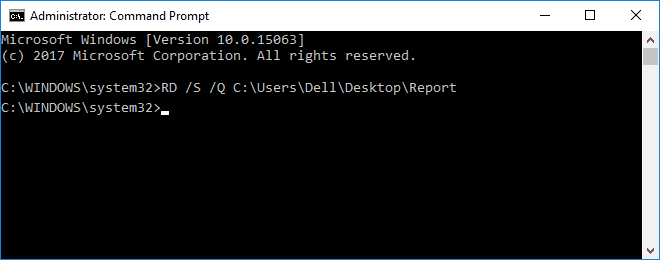
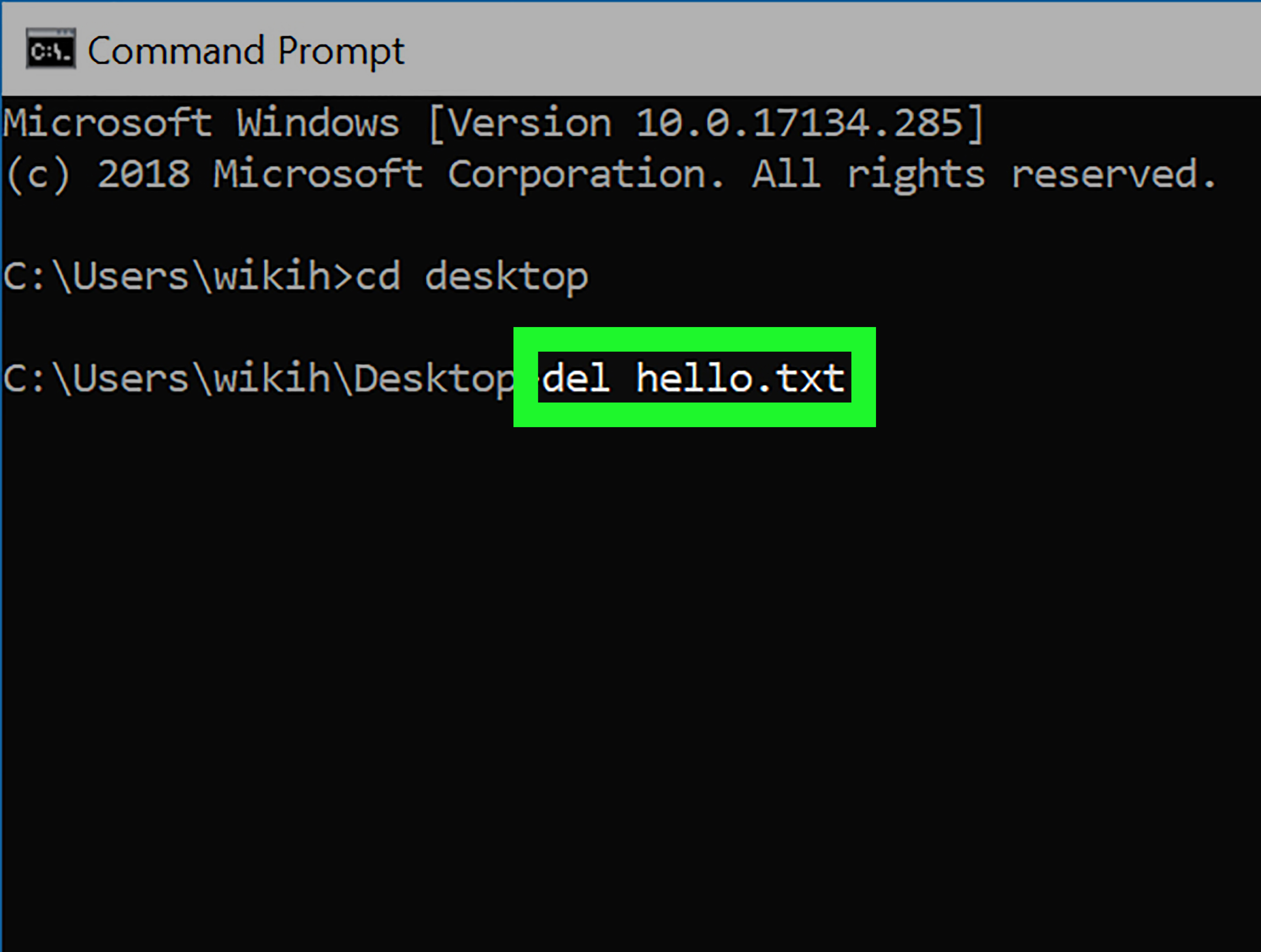
Use the del Command to force delete a file With the command prompt open Use the rmdir command with the s remove directory and q quiet options to delete the folder and its contents To use it first open Command Prompt Do this by opening the Start menu searching for Command Prompt and clicking Run as Administrator on the right of the search results In the User Account Control prompt that appears click Yes You now have a Command Prompt window open
How To Create And Delete Files And Directories From Windows Command Prompt How To Create And Delete A File Or Folder With CMD How To Close All Windows At Once Using Keyboard Snomarket How Do I Force Delete A Directory In Linux NixCraft Remove Grub Windows 10 Cmd Passapromotions C mo Eliminar Archivos Y Carpetas Usando El S mbolo Del Sistema En Windows 10 Vocal Remover How To Extract Files From Multiple Folders In One Commander Opmke Zip Folder Windows 10 Command Line Hypelop How To Find Files In Terminal Folder Mokasinhand
Cmd Remove Directory Force
 Cmd Remove Directory Force
https://linuxtect.com/wp-content/uploads/2022/08/image-12-768x543.png
How do I delete files or folders recursively on Windows from the command line I have found this solution where path we drive on the command line and run this command I have given an example with a svn file extension folder for r R in svn do if exist R rd s q R windows cmd delete file Share Improve this question Follow
Pre-crafted templates offer a time-saving solution for creating a varied range of files and files. These pre-designed formats and layouts can be utilized for different personal and expert projects, including resumes, invites, flyers, newsletters, reports, discussions, and more, enhancing the content creation process.
Cmd Remove Directory Force
Artistsvil Blog

How To Create And Delete A File Or Folder With CMD
How To Close All Windows At Once Using Keyboard Snomarket

How Do I Force Delete A Directory In Linux NixCraft

C mo Eliminar Archivos Y Carpetas Usando El S mbolo Del Sistema En Windows 10 Vocal Remover
How To Extract Files From Multiple Folders In One Commander Opmke
Grep Command in Windows If you try to delete a non empty folder from the Windows command prompt CMD you will get the error as follows The directory is not empty To force the rmdir command to delete this folder execute it as follows C rmdir s q folder The rmdir command parameters used to force the deletion

To remove a directory named test and all its subdirectories and files from the current directory type rmdir s test To run the previous example in quiet mode type rmdir s q test

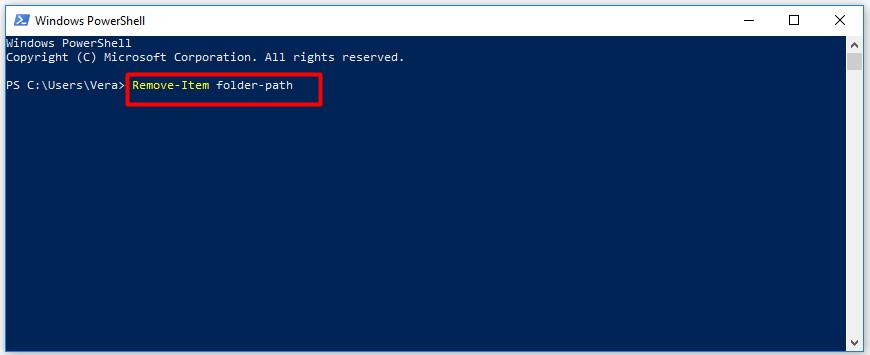
In Windows a folder can be deleted from command line CMD using rmdir command Find syntax and examples for rmdir command to force delete folder contents and recursively delete subfolders
Completely delete a folder in Windows using command line Asked 10 years 11 months ago Modified 5 years 6 months ago Viewed 389k times 67 I need to delete one folder containing other folders and files inside I tried del and rmdir commands but sometimes they fail with some error lines PATH The directory isn t empty
How to Force Delete a Folder Through Command Prompt Delete a File or Folder in Windows Using Safe Mode Use a Third Party Program to Force Delete a File or Folder in Windows Remove Stubborn Files and Folders from Your PC The file may be in use by another program background process or application
How to delete a directory forcefully in Windows command line Darwin s Data How to delete a directory forcefully in Windows command line October 6 2023 by Garry There are times when you may need to delete a directory folder in Windows that contains files or additional subfolders Open Start on Windows 10 Search for Command Prompt right click the top result and select the Run as administrator option Type the following command to delete an empty folder and press Enter In the command replace PATH TO FOLDER NAME with the folder path and the folder name you want to delete
The rmdir command prompts for confirmation before removing the folder To delete a folder without prompt add q option to the rmdir command rmdir s q data The rmdir command allows user to remove multiple directories at once rmdir s q C Users admin Documents dir1 C Users admin Documents dir2 Note that both RD and rmdir commands delete