Close All Tabs In Visual Studio Set Visual Studio Tab Colours In Visual Studio 2022 How To Open Multiple Tabs In Visual Studio Code Coding Campus Visual Studio Now Supports Multiple Rows Of Document Tabs Show Tabs And Spaces In Visual Studio Code QA With Experts Visual Studio Close Tabs To Right Extension Web Feb 14 2012 nbsp 0183 32 In Press shortcut keys field press Ctrl W Click Assign to make it happen Close the Options window with the OK button Now you can happily close windows with Ctrl W in Visual Studio Next step
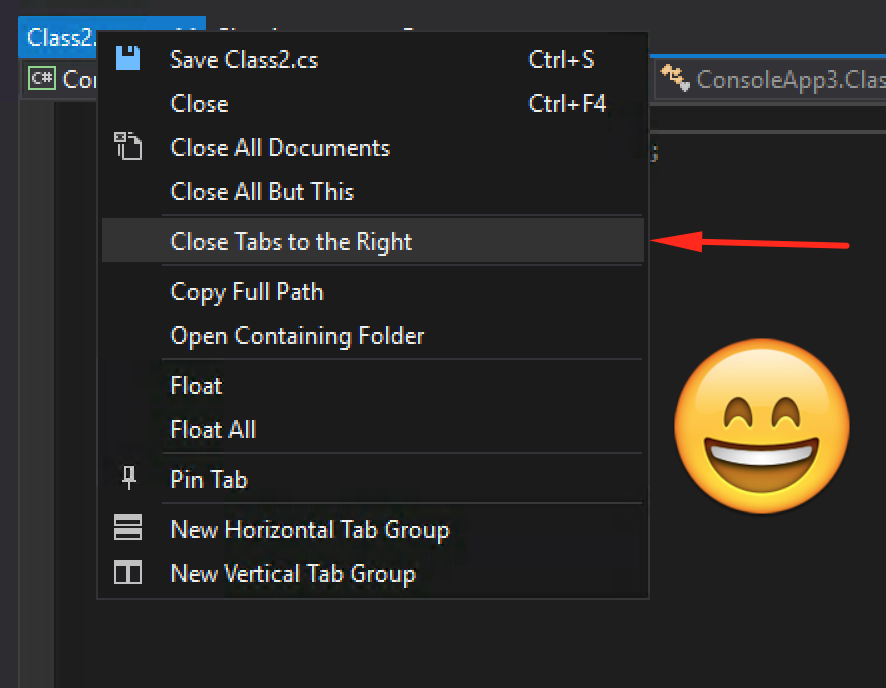
Web Close Tabs for Visual Studio Download this extension from the Visual Studio Web Close Tabs To Right Download Q amp A Close document tabs to the right or left of the
Visual Studio Close Tabs To Right Extension How To Stop Files From Opening Multiple Tabs In Visual Studio 2017 Learn New Things Windows Shortcut Keys How To Close Applications My Multiple Rows For Tabs In Visual Studio 2022 Daily NET Tips How To Stop Files From Opening Multiple Tabs In Visual Studio 2017 How To Close One Or All Tabs In A Browser Mobile Desktop How To Close Tabs On Desktop YouTube Keyboard Shortcuts Close A Tab Without Touching Your Mouse CF Systems Color Coded Tabs Tabs Studio Visual Studio Extension
Close All Tabs In Visual Studio
 Close All Tabs In Visual Studio
https://davecallan.com/wp-content/uploads/2022/01/color-tabs.png
Web Jan 27 2022 10 19 PM Hi Piter Naumed Welcome to Microsoft Q amp A forum There is
Pre-crafted templates provide a time-saving service for producing a varied range of documents and files. These pre-designed formats and designs can be used for numerous individual and expert tasks, consisting of resumes, invitations, leaflets, newsletters, reports, discussions, and more, streamlining the material creation procedure.
Close All Tabs In Visual Studio
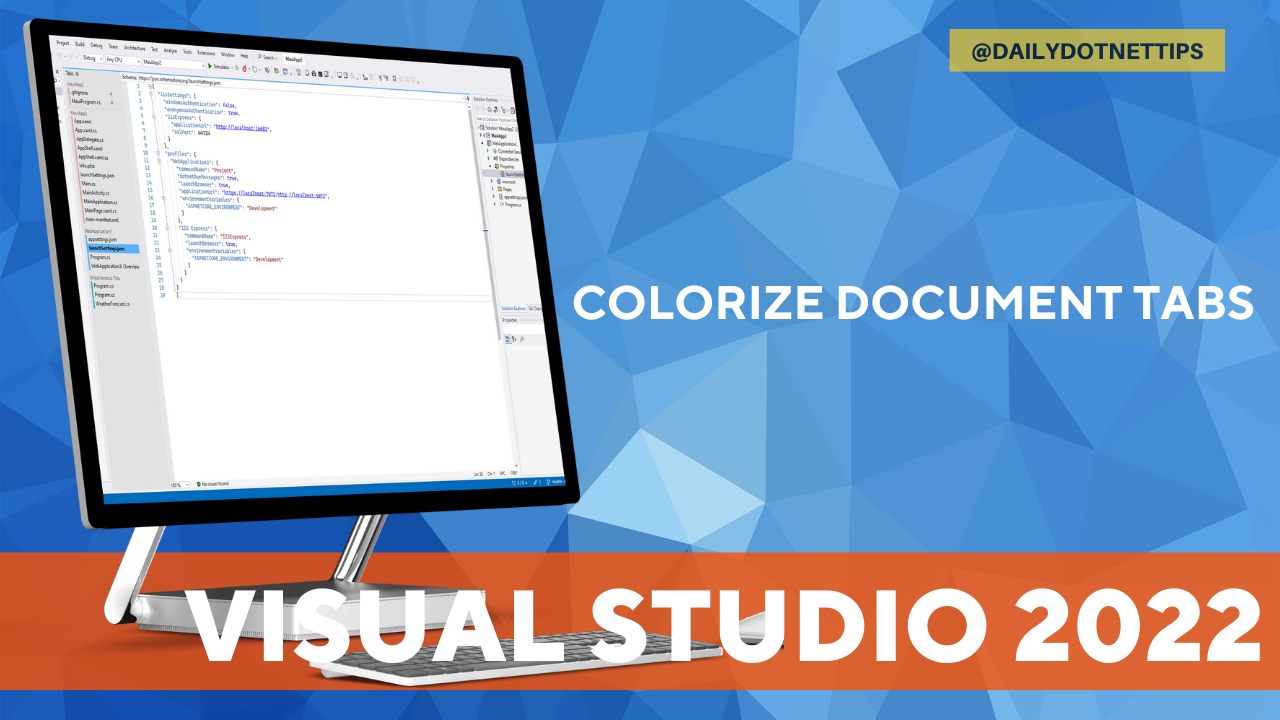
Colorize Document Tabs In Visual Studio 2022 Daily NET Tips

How To Stop Files From Opening Multiple Tabs In Visual Studio 2017
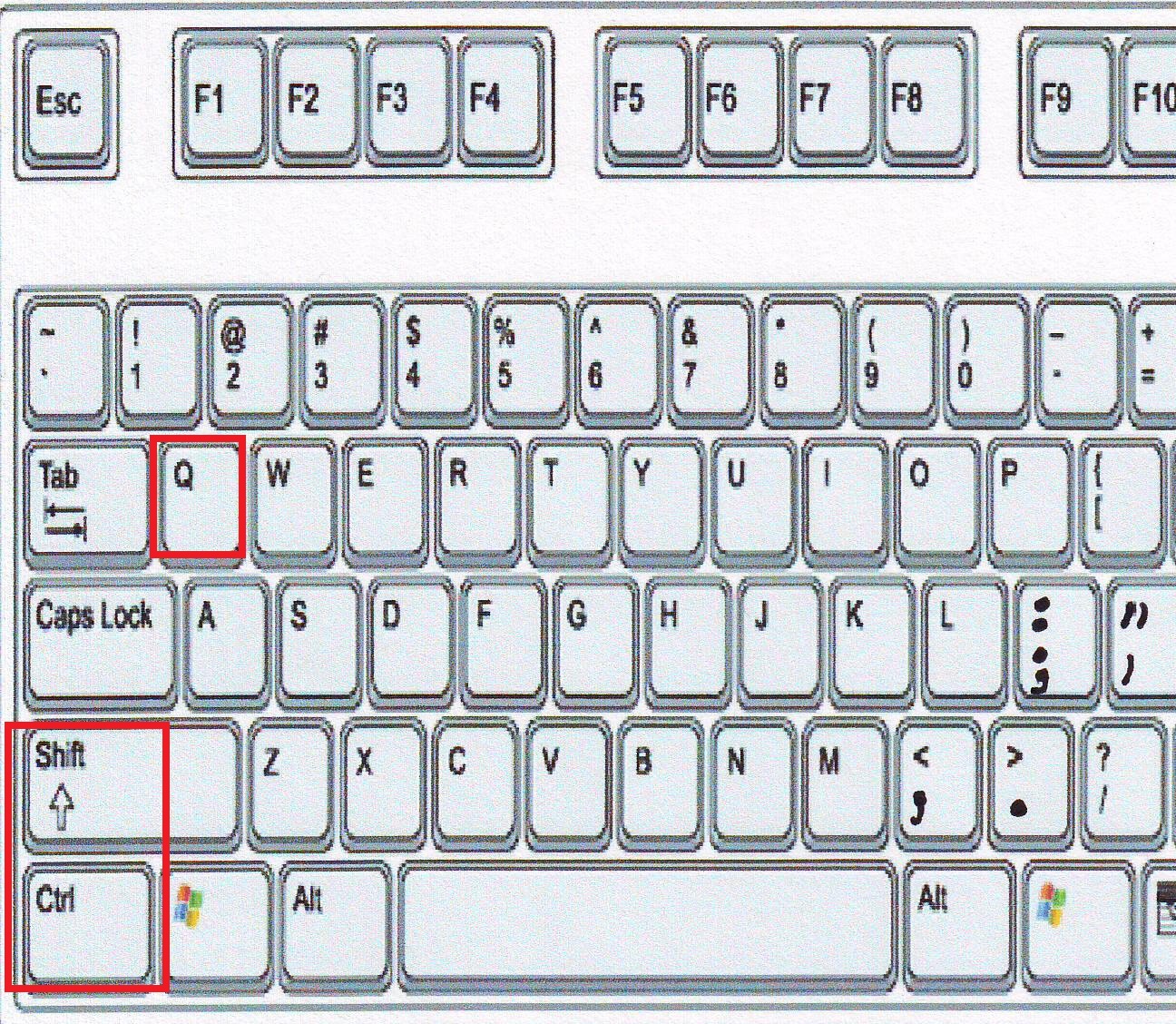
Learn New Things Windows Shortcut Keys How To Close Applications My

Multiple Rows For Tabs In Visual Studio 2022 Daily NET Tips

How To Close One Or All Tabs In A Browser Mobile Desktop

How To Close Tabs On Desktop YouTube

Web To close all tabs in Visual Studio you can use the keyboard shortcut Ctrl Shift W the

Web For example if you only want to close the tabs to the right of the current one right click on the given tab and select Close to the Right Similarly if you only want to close the saved tabs select the Close Saved

Web Mar 20 2010 nbsp 0183 32 1 Window gt Close All Documents Under the Window menu is a handy command Close All Documents Clicking this will prompt you to save your work and will then close all documents that are currently
Web Oct 23 2019 nbsp 0183 32 Here is the way to do it Select Tools gt Options from the menu In the
Web Aug 30 2023 nbsp 0183 32 When you customize a window layout the Visual Studio integrated development environment IDE remembers it For example if you change the docking location of Solution Explorer and then close
Web Close all open tabs without changes from the git working tree Close all Diff Editors Web Aug 20 2013 nbsp 0183 32 Window Close All Documents Right click on one of the tabs select
Web close all but this Adds a new command to the command palette which closes all tabs