Clone In Vs Code Not Working QR Solved EditorConfig For VS Code Not Working 9to5Answer Getting Started VS Code Playwright Git VS Code Not Showing Changes And Staged Files Showing As Blank Clone This Repo In VS Code And Allow It To Reopen In A Dev Container WEB You probably only installed Visual Studio Code or another editor but you are missing another application To manage a Git you need Git As you can see in the below
WEB If you see this error when cloning a repository it means that the repository does not exist or you do not have permission to access it There are a few solutions to this error WEB Clone a repo in Visual Studio by using the Git Clone Repository option or browse to and then clone an Azure DevOps repo
Clone This Repo In VS Code And Allow It To Reopen In A Dev Container Python Indentation Issue In Vs Code Vscode Riset NEW FEATURE 2 Factor Authentication PIMD Forum How To Clone A Github Repository Sincere Dude VS Code Profiles Manage Configurations Easily For Workflows Solved VS Code Not Showing Changes And Staged Files Showing As Blank How Do I Tell VS Code To Run My Python File In The Correct Terminal Nlineaxis IT Solutions Private Limited In USA Pieces For VS Code 0 1 20 OCR Just Got An Upgrade Preview Edit Code
Clone In Vs Code Not Working
 Clone In Vs Code Not Working
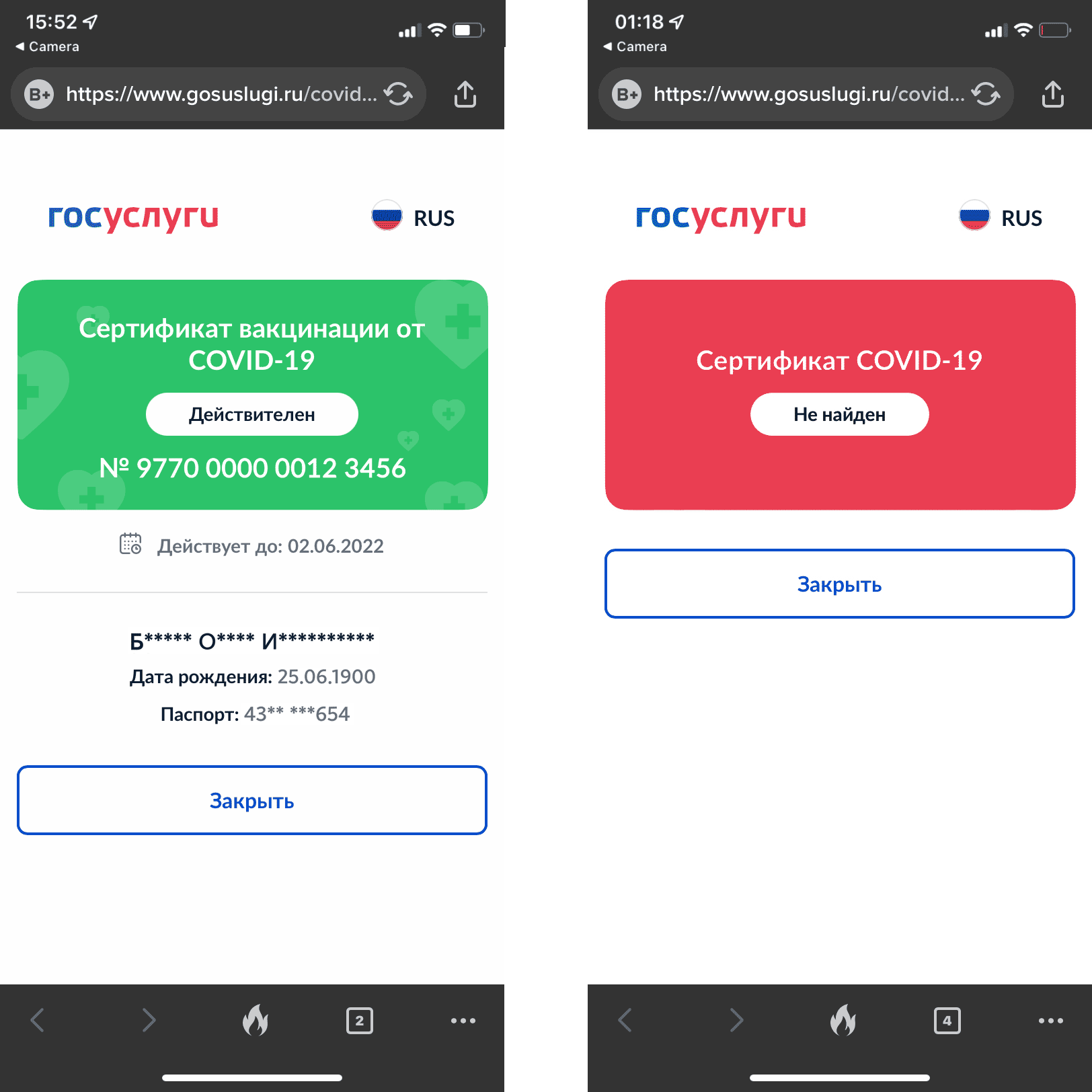
https://media.kasperskydaily.com/wp-content/uploads/sites/90/2022/01/26161732/vaccination-qr-code-not-working-fail.png
WEB The VS Code error quot Git not found Install it or configure it using the git path setting quot occurs when VS Code can t find where git is installed on your machine You can resolve the
Templates are pre-designed files or files that can be utilized for different functions. They can save effort and time by providing a ready-made format and design for creating various kinds of material. Templates can be used for individual or professional projects, such as resumes, invitations, flyers, newsletters, reports, presentations, and more.
Clone In Vs Code Not Working

VS Code Python Linter Formatter Code And Me

Python Indentation Issue In Vs Code Vscode Riset
NEW FEATURE 2 Factor Authentication PIMD Forum

How To Clone A Github Repository Sincere Dude

Solved VS Code Not Showing Changes And Staged Files Showing As Blank

How Do I Tell VS Code To Run My Python File In The Correct Terminal
WEB Oct 15 2019 nbsp 0183 32 If you have a ton of VSCode extensions relating to Git uninstall them restart VSCode and try to clone a repo again Did the trick for me

WEB To clone a repository run the Git Clone command in the Command Palette P Windows Linux Ctrl Shift P or select the Clone Repository button in the Source

WEB To clone your repository you need to copy the web URL linked to your repository on Github and clone the repo Go to your Github Repository Click on the lt gt Code button and

WEB VSCode Version 1 33 1 OS Version Windows 10 Steps to Reproduce Go to command palette Ctrl Shift P Type Git Clone
WEB The vscode git extension only activates in a trusted workspace so that could be a reason why you are not seeing it Are you looking for the command in an empty window no
WEB With this you can quickly browse search edit and commit to any remote GitHub repository and soon Azure Repos directly from within VS Code no clone necessary You can WEB On windows if VS Code isn t already open clicking this button will open VS Code but will not successfully clone the repo If VS Code is open then clicking this button works
WEB 1 Trying to clone a git repository in Windows vscode from a private Linux host SSH client RSA key What is OK In a command prompt git clone ssh gituser passphrase