Clear Memory Ubuntu Terminal How To Update NodeJS To Latest Version In Ubuntu All Things How Ubuntu Cleanup The 3 Best Cleaning Tools How To Clear Terminal In Ubuntu Linux Via Command Line Or Terminal Step How To Free Up Memory On Your Ubuntu Droplet Kili Thinvent Neo S Thin Client 2GB Ram 8GB SATA Flash Linux OS Desktop Sudo apt get clean The apt clean command removes ALL packages kept in the apt cache regardless of age or need If you re on a slow capped or intermittent connection you may want to consider skipping this step 2 Remove Old Kernels If No Longer Required This step is one you should approach with caution
If you want to free up memory Linux without rebooting you can do this by clearing cache and swap memory in Linux Ubuntu using terminal You must understand that a buffer is an area of memory used to temporarily store data while being moved from one place to another To clear PageCache only use this command sudo sysctl vm drop caches 1 To clear dentries and inodes use this command sudo sysctl vm drop caches 2 To clear PageCache plus dentries and inodes use this command sudo sysctl vm drop caches 3 You can now use the free command or top to check your system s RAM usage and verify that the
Thinvent Neo S Thin Client 2GB Ram 8GB SATA Flash Linux OS Desktop Xubuntu 16 04 2 Terminal Clear Command Ask Ubuntu How Do I Configure Swappiness Managing Swap Memory In Ubuntu ubunutu swap Qiita Ram Ubuntu Process High Memory Usage almost 99 Ask Ubuntu How To Clear RAM Memory Cache Swap Space And Buffer On Ubuntu 16 04 DELL P132G PPWH7 Portatil Vostro Official Ubuntu Logo Transparent Ubuntu Logo HD Png Download DELL P132G PPWH7 Portatil Vostro
Clear Memory Ubuntu Terminal
 Clear Memory Ubuntu Terminal
https://cdn.allthings.how/wp-content/uploads/2020/02/allthings.how-how-to-clear-terminal-in-ubuntu-and-other-linux-clear-terminal.png
Here are the commands to clear cache in Linux Ubuntu or clear memory in Linux On Linux clear cache without root using the following commands or clear swap memory in Linux You must understand that a buffer is an area of memory used to temporarily store data while being moved from one place to another
Templates are pre-designed files or files that can be used for different purposes. They can save effort and time by providing a ready-made format and layout for developing different kinds of content. Templates can be utilized for individual or professional tasks, such as resumes, invitations, flyers, newsletters, reports, discussions, and more.
Clear Memory Ubuntu Terminal

Dell Inspiron 15 3501 Laptop Intel Core I5 1135G7 4GB 1TB NVIDIA

Xubuntu 16 04 2 Terminal Clear Command Ask Ubuntu

How Do I Configure Swappiness Managing Swap Memory In Ubuntu
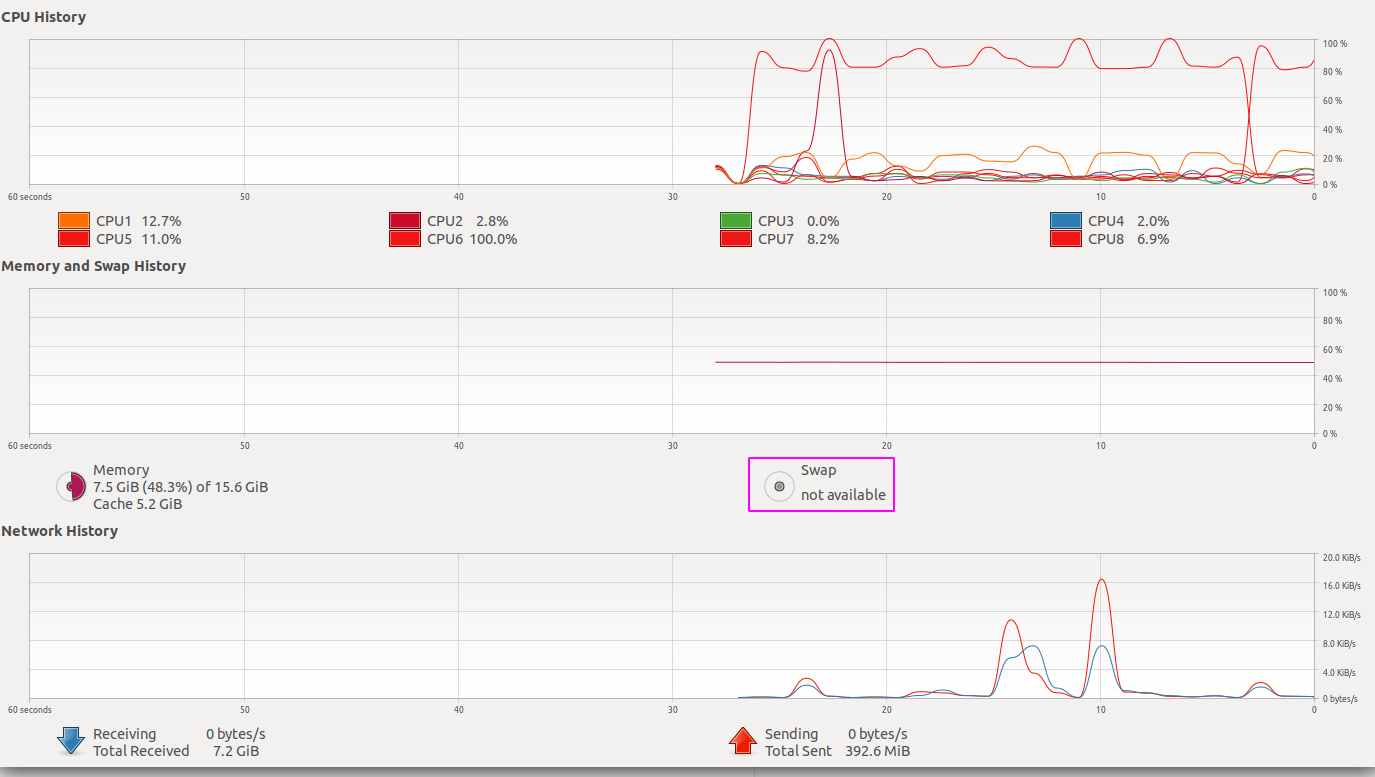
ubunutu swap Qiita
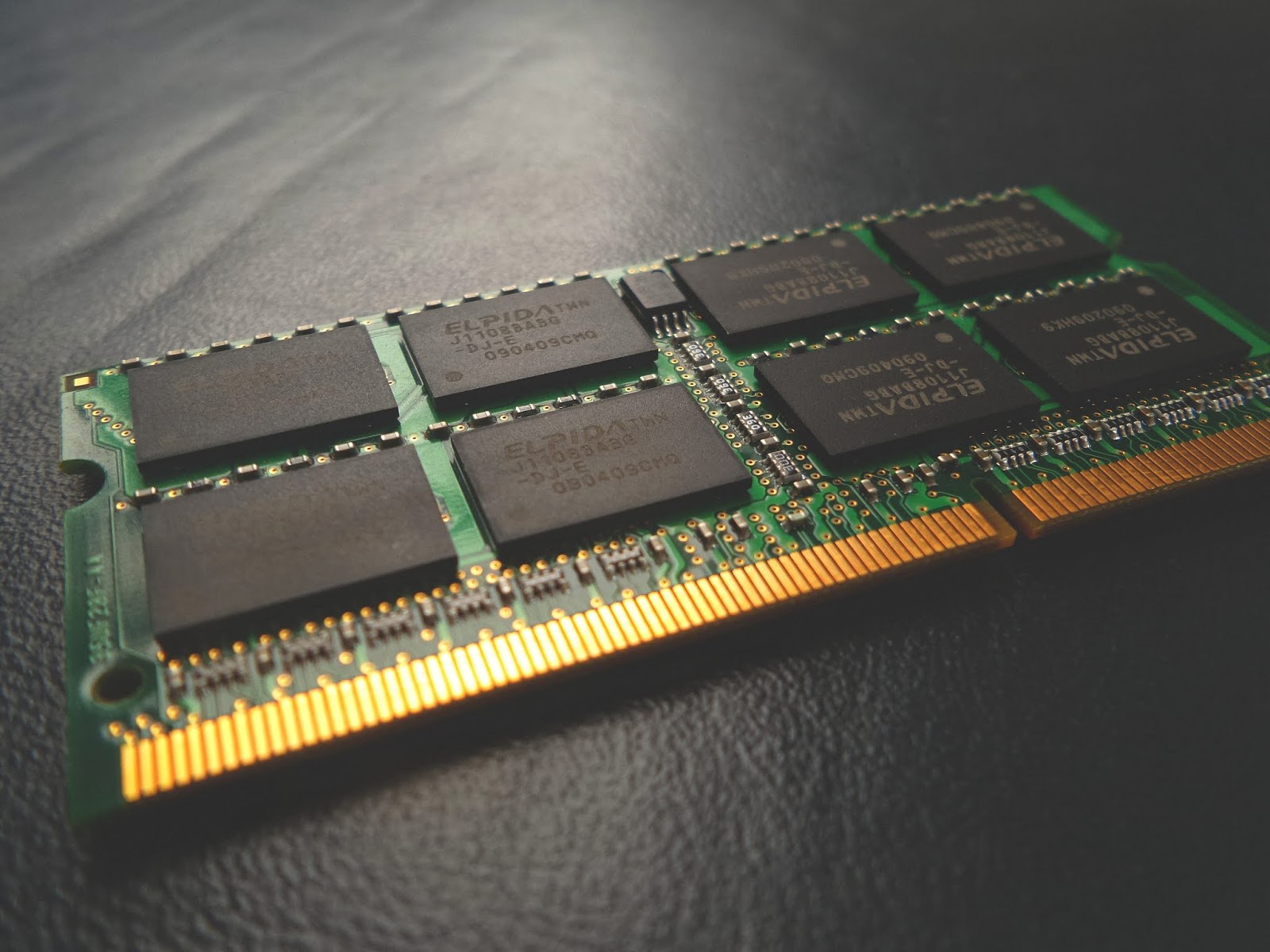
How To Clear RAM Memory Cache Swap Space And Buffer On Ubuntu 16 04

DELL P132G PPWH7 Portatil Vostro

Quick Answer To clear memory cache in Ubuntu 20 04 you can use the terminal to execute a command that flushes the file system buffers and drops clean caches dentries and inodes from memory

How to Clear RAM Memory Cache in Linux Every Linux system has three options to clear the cache without interrupting any processes or services Clearing PageCache 1 To clear the PageCache only you can use the following command which will specifically clear the PageCache helping to free up memory resources

Open a terminal by pressing Ctrl Alt T Enter the following commands to empty the memory buffers Enter the following command to login as root and enter the password if prompted sudo su To empty the page cache enter the following command echo 1 proc sys vm drop caches To empty entries and inodes enter the following command

Example 1 To Clear PageCache only Syntax sudo sh c echo 1 proc sys vm drop caches The command free h will give us the status of the memory drop caches is used a clean cache without killing any application you can run the free h command to see the difference between used and free memory before and after clearing the cache Example 2

You can use Ctrl L keyboard shortcut in Linux to clear the screen It works in most terminal emulators Ctrl L If you use Ctrl L and clear command in GNOME terminal default in Ubuntu you ll notice the difference between their impact
In this section you will know how to clear swap memory in Linux In order to clear or flush Swap space you can simply enter the following command swapoff a swapon a Copy Moreover you can also append this command to a cron script once you get aware of all the related risks 02 Jun 2023 7 min read Over time any operating system can become cluttered as programs are added and removed If you have like a TB of storage capacity you might not bother to clean up Ubuntu to make some disk space But if your hard disk has limited space like I have a 128 GB SSD laptop freeing up disk space becomes a necessity
STEP 1 To get started launch terminal and enter the following command to install vim It is a preferred text editor to create sh files sudo apt get install vim Pay attention to the terminal and enter the root password and Y when requested STEP 2 Now let s create a sh file named clearram sh where we will be adding the script Also Read