Clear Cache Cricut Design Space How to Clear Your Cache for Cricut Design Space | Craft Room Time How to delete Cricut Design Space cache on a Mac - YouTube How to Clear Your Cache for Cricut Design Space | Craft Room Time Design Space for Desktop: Clearing Application Cache – Help Center How to offload the Cricut Design Space iOS app – Help Center GET AMAZINGLY vibrant engravings when you use Cricut Infusible Ink on Cricut Aluminum This post demos the infusion process how to create a template for
If Design Space for Desktop isn t loading or has a blank screen this can easily be resolved by clearing the application cache Windows More like this Now it s time to clear the application cache Click Start Menu and type File Explorer Open File Explorer and click This Pc from the left pane
How to offload the Cricut Design Space iOS app – Help Center How to Clear Your Cache for Cricut Design Space - YouTube How to offload the Cricut Design Space iOS app – Help Center How to offload the Cricut Design Space iOS app – Help Center Design Space Won't Open? How to clear Cricut cache | MAC/WIN - Snip to It! Cricut Design Space Quick Fixes - YouTube Design Space for Desktop Update Troubleshooting • Lydia Watts Desktop Cricut Design Space Updates: October 2022 - Hey, Let's Make Stuff Cricut Space Design 101: The Ultimate Design Space Guide - Clarks Condensed
Clear Cache Cricut Design Space
 Clear Cache Cricut Design Space
https://craftroomtime.com/wp-content/uploads/2021/03/Pinterest.jpg
Now that Design Space is downloaded to our computer the Cricut directory can get bogged down with unneeded files Clearing the DS cache
Templates are pre-designed files or files that can be utilized for numerous functions. They can save time and effort by offering a ready-made format and design for creating different type of content. Templates can be utilized for individual or professional jobs, such as resumes, invites, flyers, newsletters, reports, presentations, and more.
Clear Cache Cricut Design Space

How to Clear Cache on Cricut Design Space [Guide] - ViralTalky

How to Clear Your Cache for Cricut Design Space - YouTube
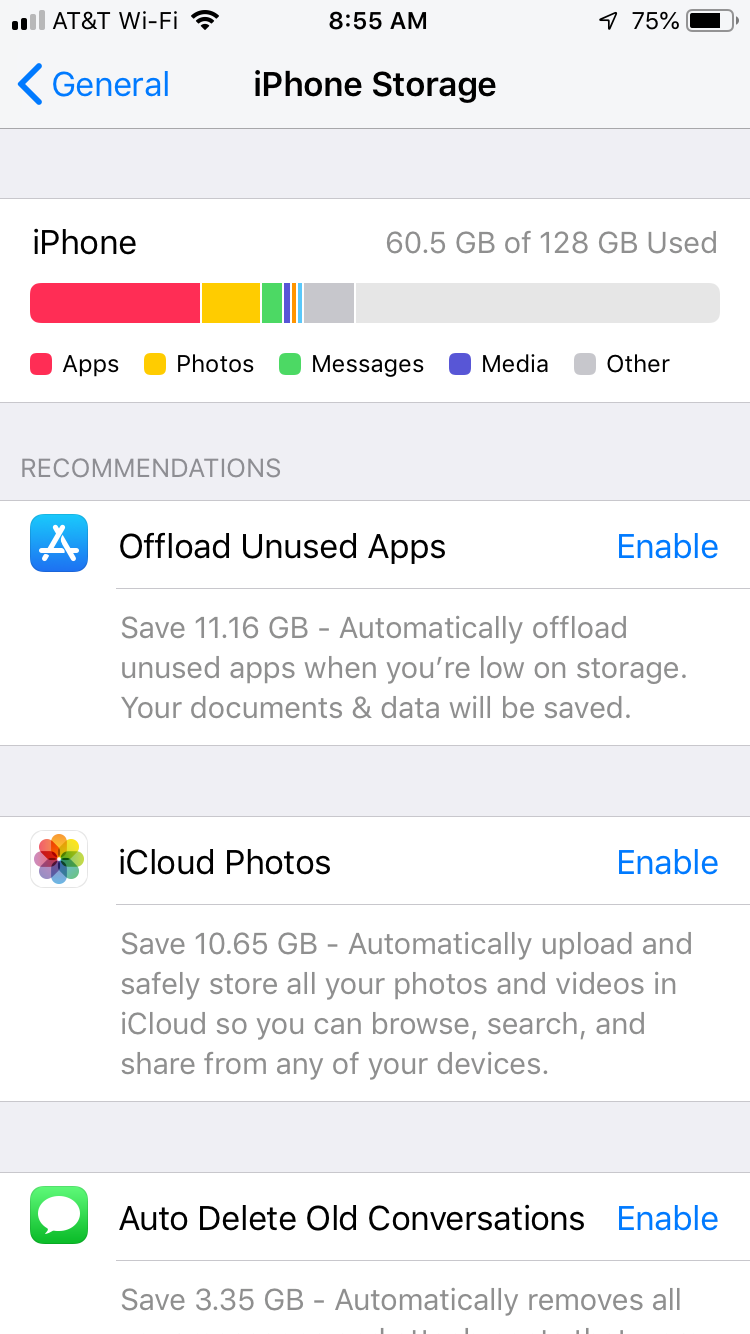
How to offload the Cricut Design Space iOS app – Help Center

How to offload the Cricut Design Space iOS app – Help Center

Cricut Design Space Quick Fixes - YouTube

Design Space for Desktop Update Troubleshooting • Lydia Watts
Clearing the cache cookies and history of your internet browser is a good initial troubleshooting step for any issues with web based programs like Design
How to Clear Your Cache for Cricut Design SpaceWhen it seems like Design Space has gone

Scroll down until you find Cricut Design Space Select it and then press the Offload App option This will delete the app and stored data off
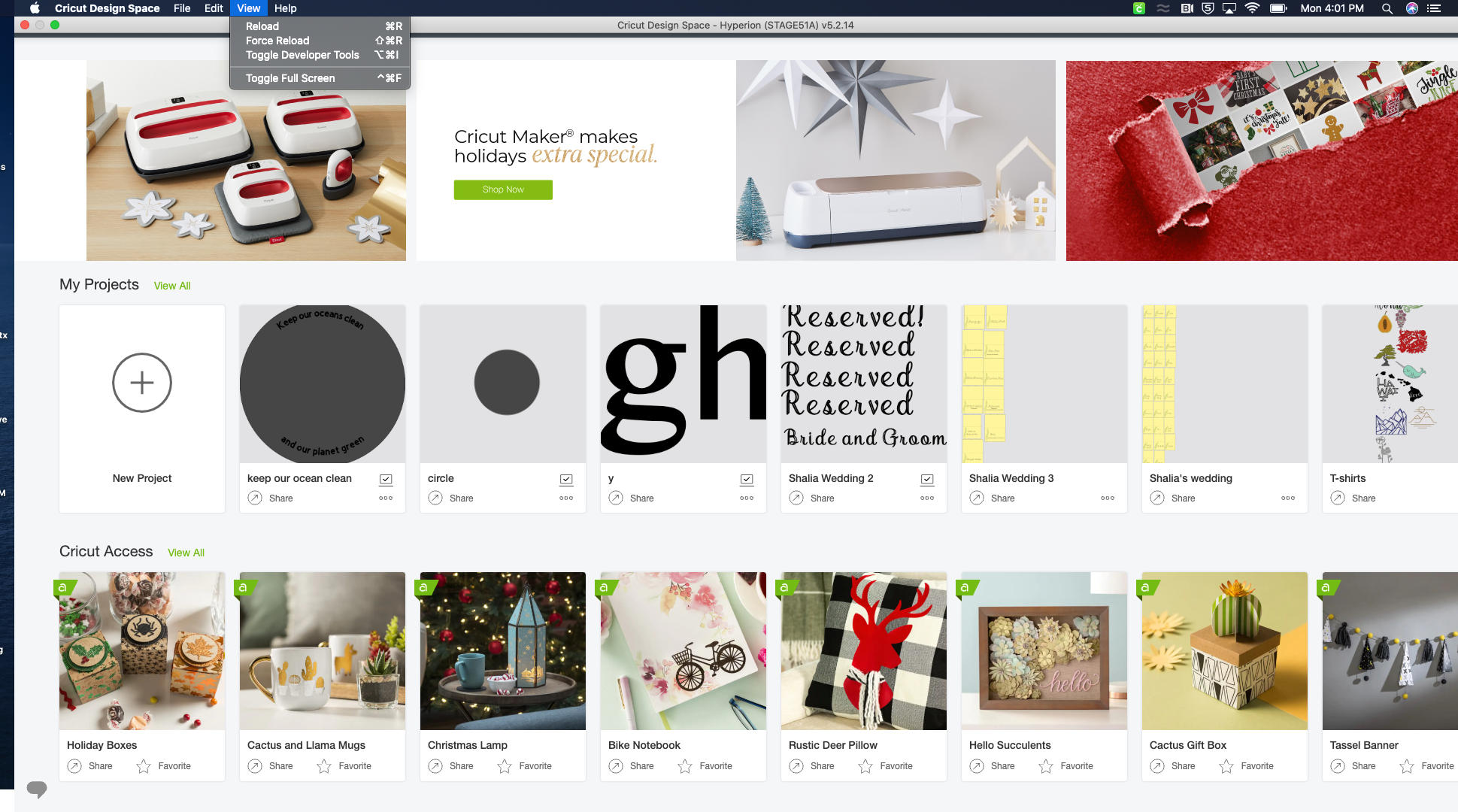
How to Clear your Cache for Cricut Design Space on a Mac Open Finder Select Applications Go to utilities and click on Terminal Write

You can clear your design space cache by following these steps Open cricut design space folder LocalData select all files in LocalData
Here are the steps you need to follow to clear the application cache on a Mac computer 1 Close the Cricut Design Space app on your Mac Fix 3 Close the Program and Clear the Browser Cache Click on the Cricut Design Space icon in your system tray and select Exit Right click on
After clicking to launch design space I just get a small white square on the screen and nothing else Tried completely reinstalling