Clean Word Document History Word Document Word Document The History Of Microsoft Word The History Of Microsoft Word Microsoft Free Images Label Brand Text Document 3249x2437 214379 Free Word Document Right click a document from the center pane and select Clear unpinned Documents Confirm removal If you have Word opening to the splash
Go to Review Track Changes When Track Changes is on the section is highlighted Deletions are marked with a strikethrough and additions are marked with an underline Different authors In Microsoft Word 2007 follow these steps to remove your recently opened document history Click on the Office button shown above and then
Word Document Version History Word Document QuickBooks POS Understanding Inventory Item History BlackRock POS Word Document Microsoft Office Word Documents Danlinda How To Convert Word Document To Fillable PDF Online Document
Clean Word Document History
 Clean Word Document History
https://s3.studylib.net/store/data/007291631_1-89c7184b218db1c0301eab27e1d5d55f-768x994.png
Windows 10 How to use version history for documents in Office How to By Mauro Huculak last updated 24 January 2019 You can go back in
Pre-crafted templates offer a time-saving solution for producing a diverse variety of documents and files. These pre-designed formats and designs can be made use of for numerous personal and expert tasks, including resumes, invitations, leaflets, newsletters, reports, presentations, and more, enhancing the material production procedure.
Clean Word Document History

Wellness Not The Clean Word You Think It Is Valueblog
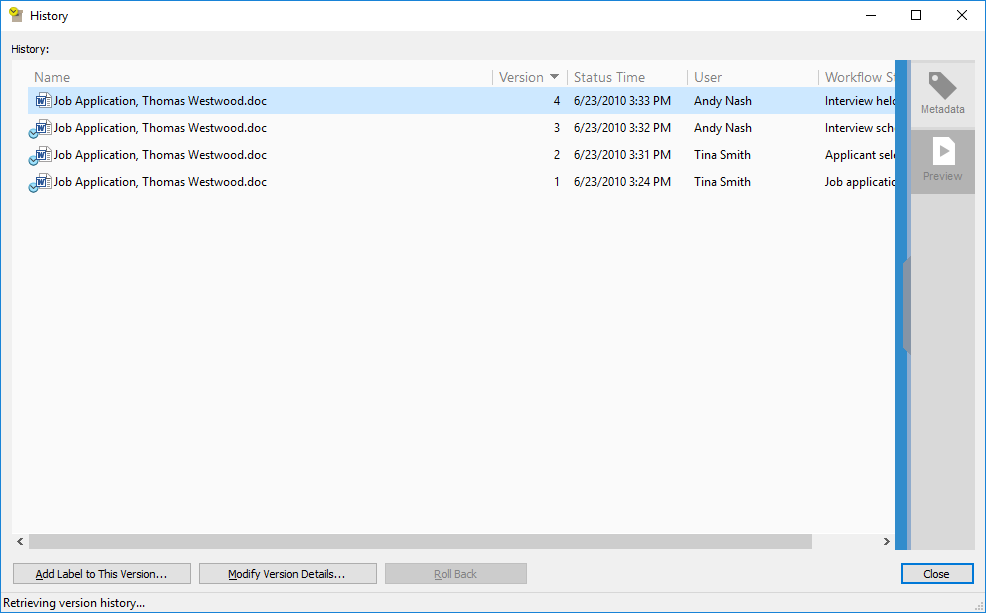
Version History

Word Document


Word Document
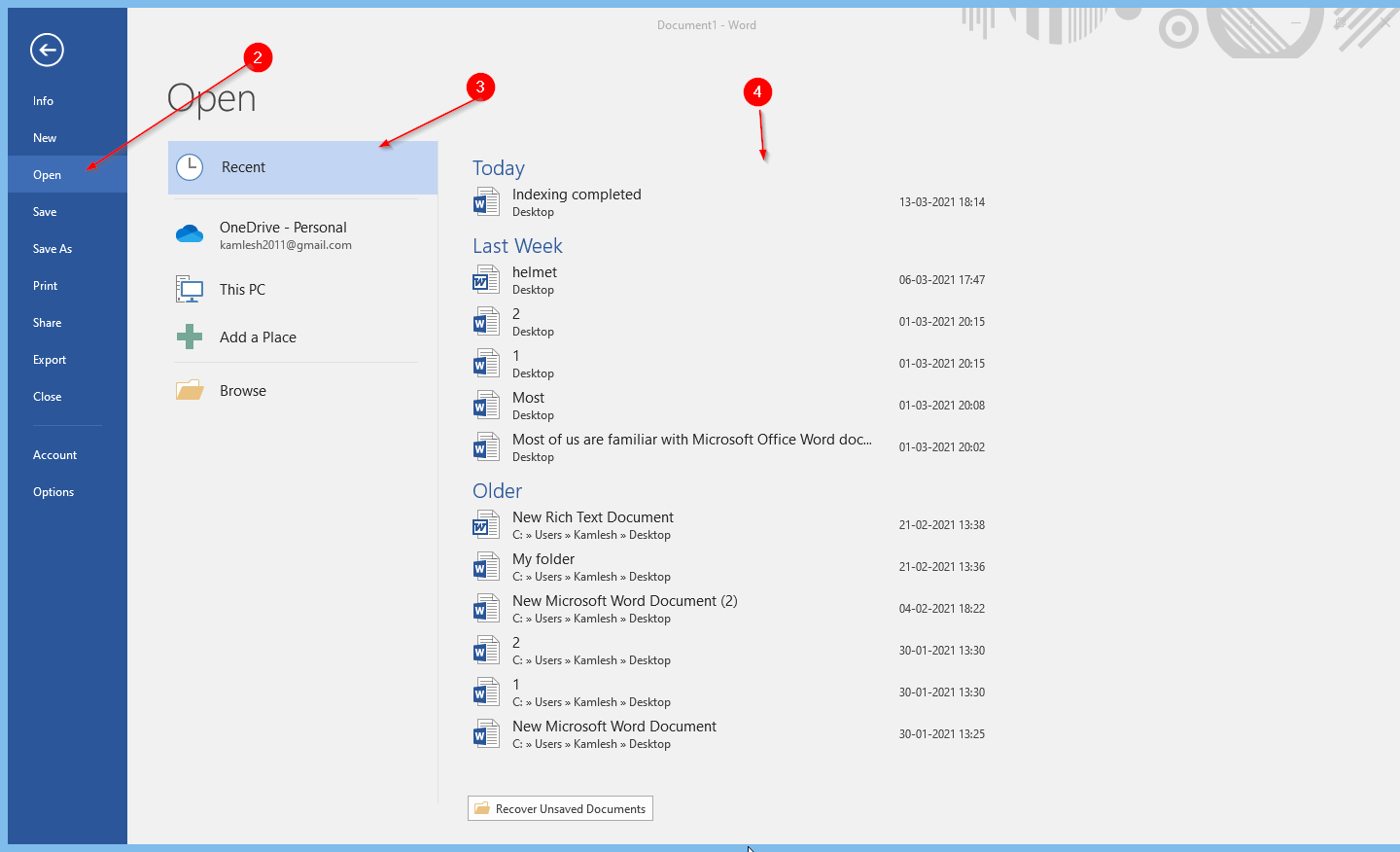
Microsoft Office Word Documents Danlinda

1 Answer Sorted by 4 From the track changes menu accept all changes or alternatively disable track changes and the final version will also be

Click the Version History button This will open up the Version History pane on the right The most recent version of your document will be
To remove a file from the list right click on the file and select Remove from list The file will instantly be removed without any prompts The next file in the list will take up the

Here s how to do it Clear the Recent Documents List Clearing the recent documents list is simple Whether you re on Word s opening splash screen or on the Open page when

Go to File Info Manage Document Recover Unsaved Documents Select the file and then select Open In the bar at the top of the file select Save As to save the file See Also View
Click Quick Access Toolbar All Commands Scroll down and select Reset Ribbon Check all boxes under Reset to reset all options Click Reset Click This International Women s Day 8 March 2024 join the United Nations in celebrating under the theme Invest in women Accelerate progress
The short answer is no unless you make arrangements ahead of time As Bytepusher said you can use Track changes to track all the changes