Clean Up Word Document Formatting Reveal Text Formatting In Word Pagcopper Word Mla Template Spring Clean Up Day Wakefield Township Gogebic County MI How To Clean Up Word Documents Dresner Designs How To Create Edit And Format Images In Excel Pcworld Riset Method 1 Ctrl Spacebar Perhaps the most reliable method to clear almost all direct formatting is to use Ctrl Spacebar Again we ll start by pressing Ctrl a to select the entire document
With your text selected click the Clear All Formatting button located in the Home tab of the ribbon bar Pressing this will remove all of the formatting from your selected text Word will If you change the formatting of text or images and then decide you don t like it you can undo it Undo formatting Select Undo to undo the last formatting change Clear All Formatting Select the text with the formatting you want to clear Select Home Clear All Formatting or press Ctrl Spacebar
How To Create Edit And Format Images In Excel Pcworld Riset Clean Up Drive Clipart Clip Art Library Instructions For Rodent Clean Up Word Document How To Set Microsoft Word To Apa Format Resume Template In Word How To Clear Formatting In Word Formatt Omegabetta Remove And Clean Up Formatting In Microsoft Word OXEN Technology How To Clear Text Formatting In Word 2010 Sincpolre How To Clear Formatting In Word 2016 Mac DaserregMy Site
Clean Up Word Document Formatting
 Clean Up Word Document Formatting
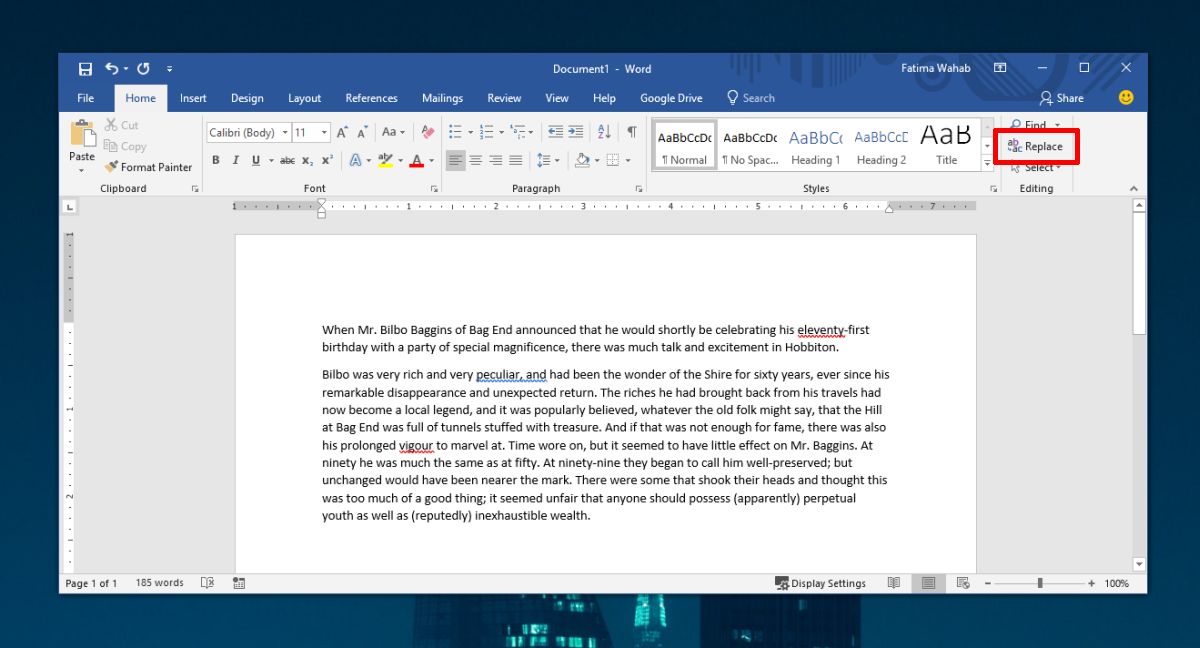
https://www.addictivetips.com/app/uploads/2018/04/word-replace.jpg
To clear formatting of the selected text see how quickly select words sentences paragraphs etc in Word do one of the following Using the keyboard Use the following keyboard shortcuts in the following order Ctrl Q to remove the paragraph formatting Ctrl spacebar to remove the character formatting Ctrl Shift n to demote the selected
Pre-crafted templates offer a time-saving option for creating a varied series of files and files. These pre-designed formats and designs can be made use of for different personal and professional jobs, consisting of resumes, invitations, leaflets, newsletters, reports, presentations, and more, streamlining the content production procedure.
Clean Up Word Document Formatting

The Outstanding The Fast Free Way To Clean Up Text In Ms Word Cnet

Clean Up Drive Clipart Clip Art Library

Instructions For Rodent Clean Up Word Document

How To Set Microsoft Word To Apa Format
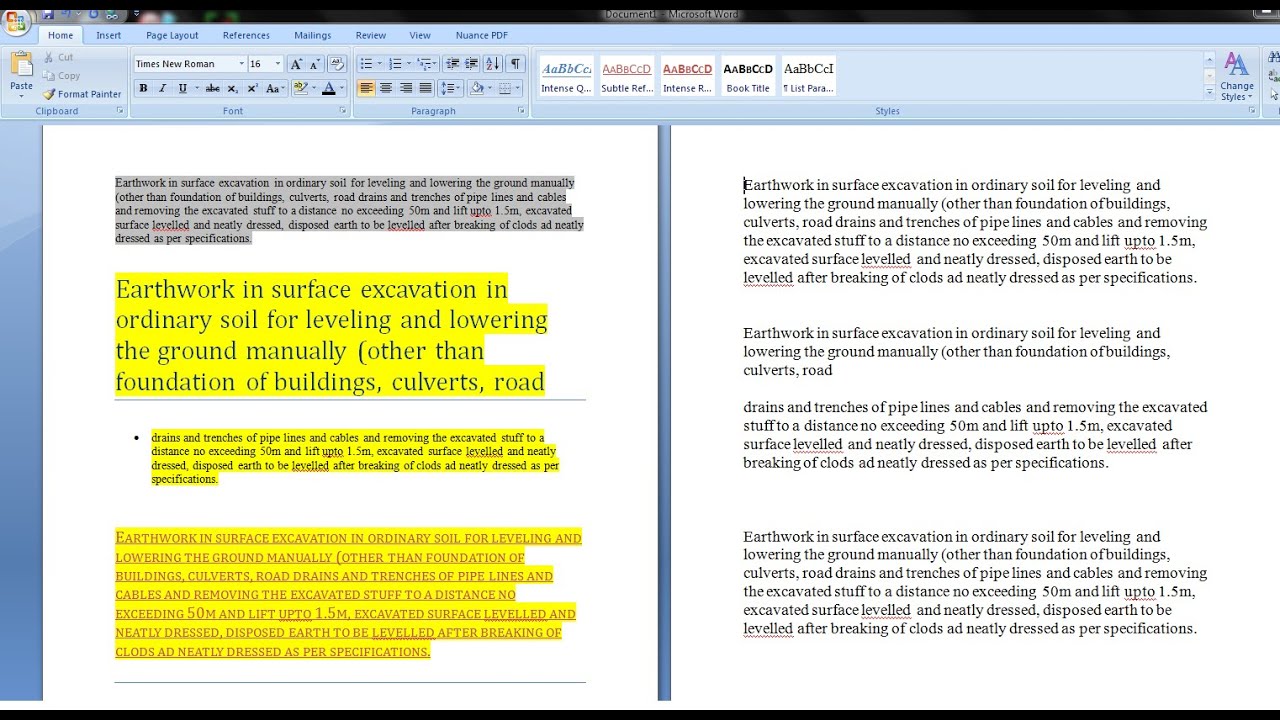
How To Clear Formatting In Word Formatt Omegabetta
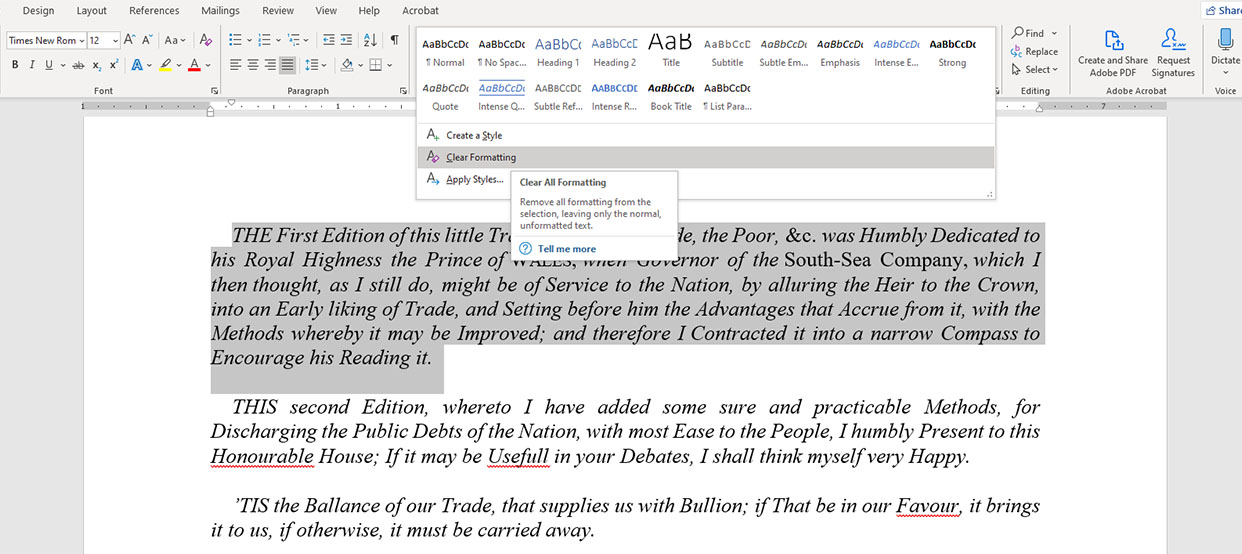
Remove And Clean Up Formatting In Microsoft Word OXEN Technology
In Outlook On the Message tab in the Basic Text group click Clear All Formatting OneNote On the Home tab in the Basic Text group click Clear All Formatting See also Add or remove borders for text boxes pictures and shapes Need more help Want more options Discover Community

Word tutorial Clean up a messy document s formats and styles using macros Macros let you fix widespread formatting problems with one click Max Productivity By JD Sartain PCWorld

Here s how it works Step 1 Click the Start button on the taskbar to open the Start menu and type word to search for the app Step 2 From the results click on the Microsoft Word app or

Clear or Remove Text Formatting in a Word Document by Avantix Learning Team Updated August 24 2023 Applies to Microsoft Word 2013 2016 2019 2021 and 365 Windows You can use keyboard shortcuts or the Ribbon to clear formatting in a Word document
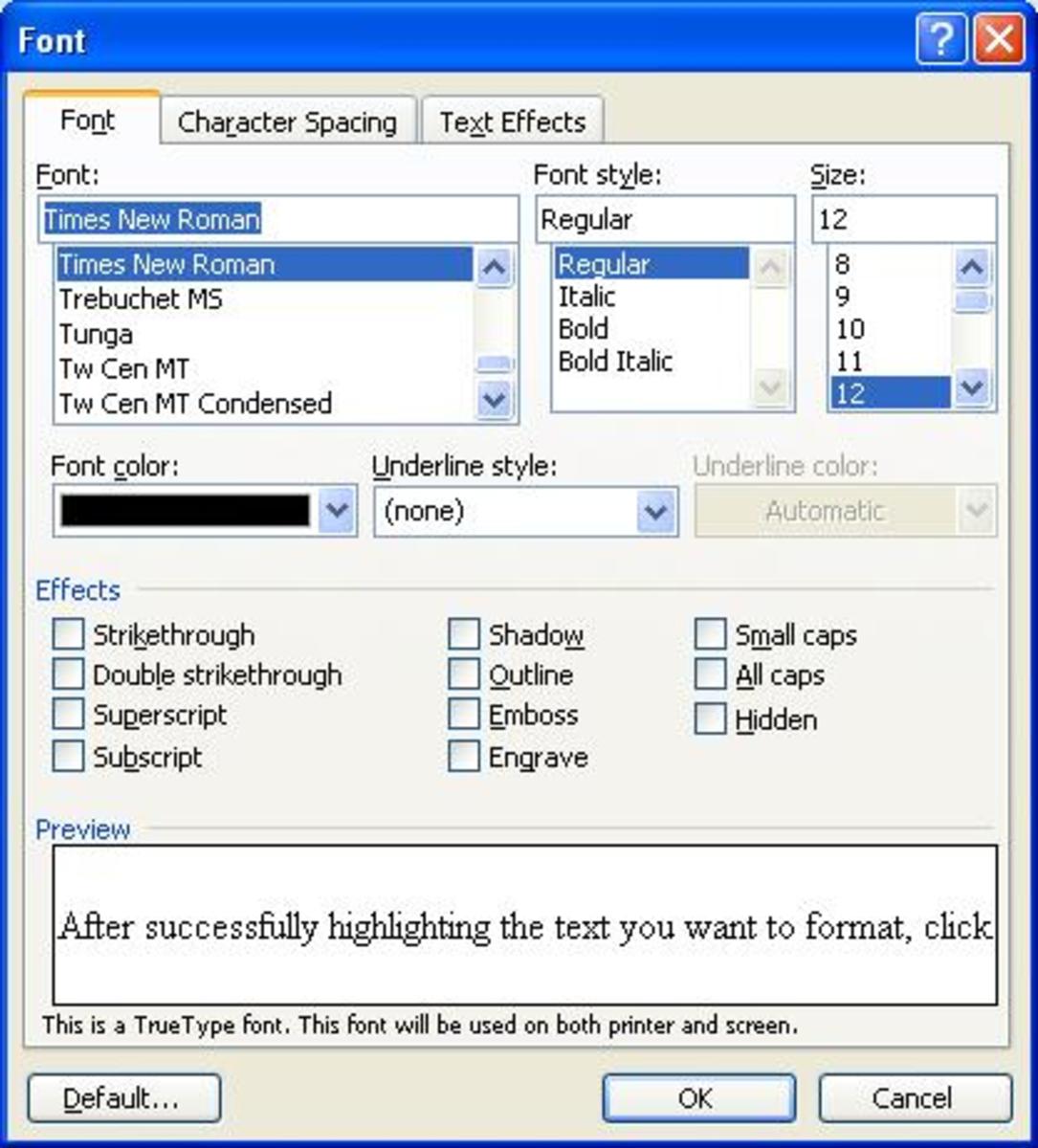
There are several ways to clear formatting in Word using its built in tools or a plain text editor Use the Clear Formatting option in the Styles group to clear the formatting of a section of text or the entire Word document Select the text from which you want to remove formatting in Word
Step 1 Open your Word document and select the text from which you want to remove the formatting Step 2 Make sure the selected text includes the formatting you want to clear such as font size and color select words Step 3 Once the text is selected press and hold the Ctrl key on your keyboard The technique The technique we re going to use is very simple Paste the text into your text editor and it will automatically remove all of the formatting and turn it into plain text Then you can copy the plain text and paste it wherever you want Below are the steps that you ll need to take
We often need to paste text into a Word document from a website or from a text document or from emails and when we do it often turns into a formatting mes