Clean Install Macos Usb Clean Install Macos From Usb Choicever How To Clean Install MacOS Monterey On Your Mac How To Install MacOS Without USB Drive Restore Install MacOS YouTube Clean Install MacOS Ventura A Comprehensive Tutorial In 2022 MacOS Sierra Nola Instalatu Sinatu Gabeko Aplikazioak How to Clean Install macOS the Easy Way Home Mac How to Clean Install macOS the Easy Way By Tim Brookes Published Nov 4 2021 Remove personal information and reset your Mac in a few clicks with this feature arriving in macOS Monterey Readers like you help support How To Geek
Make a macOS installer with createinstallmedia and install Sonoma the latest beta or any macOS on multiple Macs or do a clean install By Karen Haslam Editor Macworld SEP 29 2023 Select your USB drive from the list of internal drives in the lefthand column Click the text field next to Name then type Untitled as the new drive name Click the popup menu next to Format and set the drive format to Mac OS Extended Click Erase to wipe the drive clean using the above parameters
MacOS Sierra Nola Instalatu Sinatu Gabeko Aplikazioak How To Install MacOS 14 2 Sonoma Beta Without Beta Profile Latest Update How To Clean Install MacOS Ventura EaseUS Here s How To Install MacOS Via USB In Simple Steps Cashify Blog How To Create MacOS Big Sur Beta Bootable USB Install Drive 9 Best Ways To Fix Cant Install Macos Ventura In 2023 Easeus CLOUD Clean Install Macos From Usb Secdax MacOS Big Sur VirtualBox Windows How To Create Bootable USB Installer For MacOS X On Windows 10 3 Easy
Clean Install Macos Usb
 Clean Install Macos Usb
https://1.bp.blogspot.com/-YMXBqIyb2a4/X12R4NnuZ4I/AAAAAAAACn4/uDPy8uqTLiwCJVRzRiqTCaM5A6Gy1GNVgCLcBGAsYHQ/s1600/www.bang2sutara.com.jpg
1 Download macOS The first step to install macOS from a USB on a MacBook or Mac desktop computer is to download the version of macOS that suits your needs The macOS file will download to
Templates are pre-designed files or files that can be used for various purposes. They can conserve effort and time by offering a ready-made format and design for creating different sort of content. Templates can be utilized for personal or expert projects, such as resumes, invitations, flyers, newsletters, reports, discussions, and more.
Clean Install Macos Usb

How To Clean Install MacOS 12 Monterey On Mac Via USB Drive Guide
How To Install MacOS 14 2 Sonoma Beta Without Beta Profile
Latest Update How To Clean Install MacOS Ventura EaseUS

Here s How To Install MacOS Via USB In Simple Steps Cashify Blog
9 Best Ways To Fix Cant Install Macos Ventura In 2023 Easeus CLOUD

Clean Install Macos From Usb Secdax

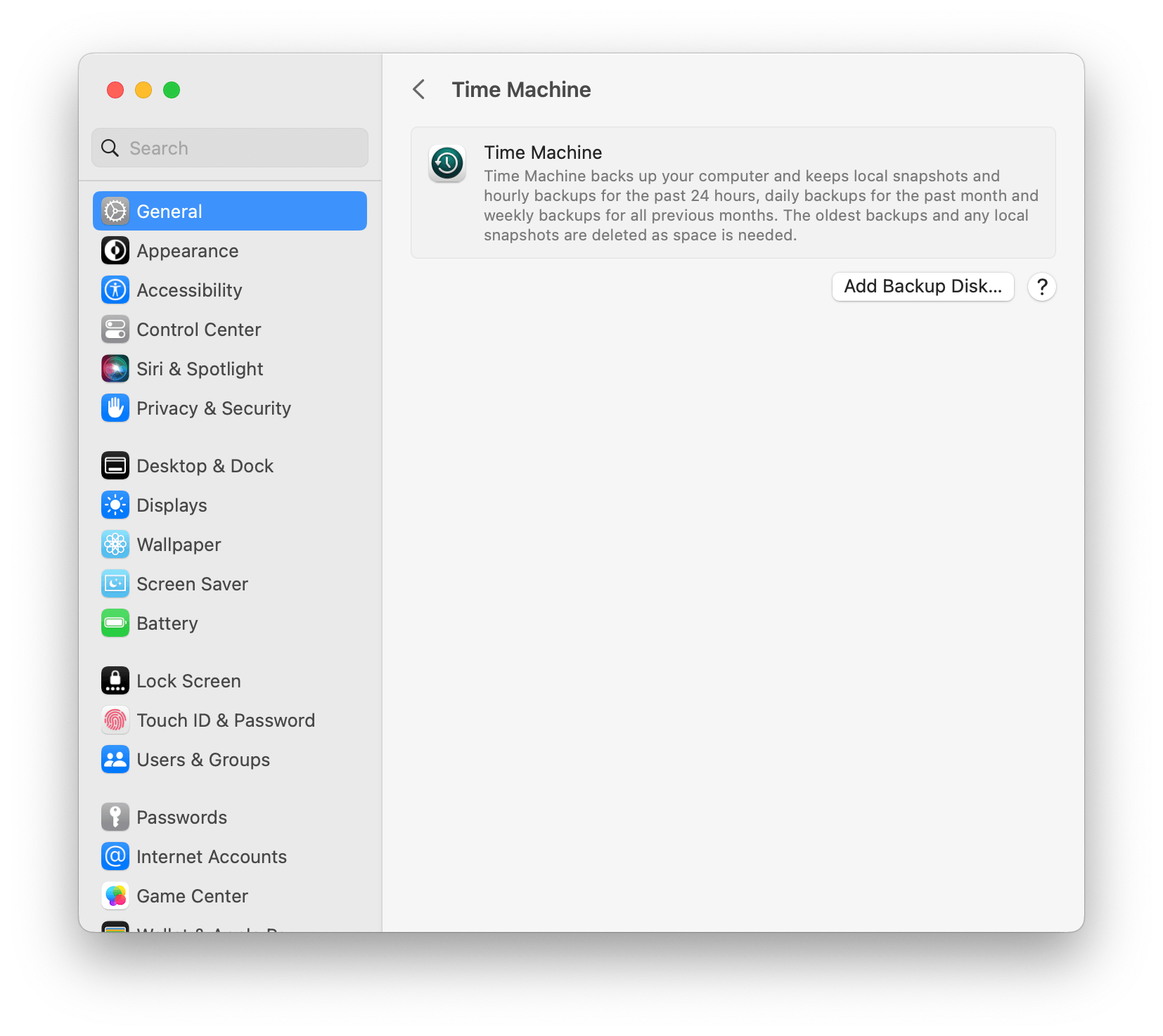
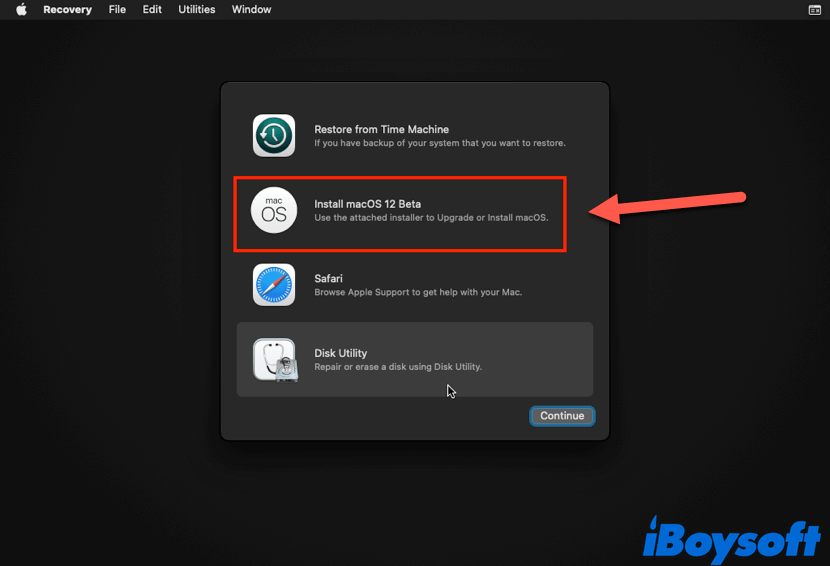
Erase your Mac using Erase Assistant Restart your Mac Choose Apple menu Restart then immediately press and hold one of these key combinations depending on what you want to do Install the latest version of macOS compatible with your computer Option Command R

If you re using any other Mac If you re not using a Mac with Apple silicon you re using an Intel based Mac Press and release the power button to turn on your Mac Immediately after releasing the power button press and hold one of these key combinations If none of them work review the guidelines for using startup key combinations

Clean installing previous versions of macOS usually involves creating a bootable copy of the macOS installer on a flash drive or USB stick and then reformatting your drive before installing
Type or paste one of the commands below into Terminal then press Return to enter the command Each command assumes that the installer is in your Applications folder and MyVolume is the name of the USB flash drive or other volume you re using If the volume has a different name replace MyVolume in the command with the name of your volume

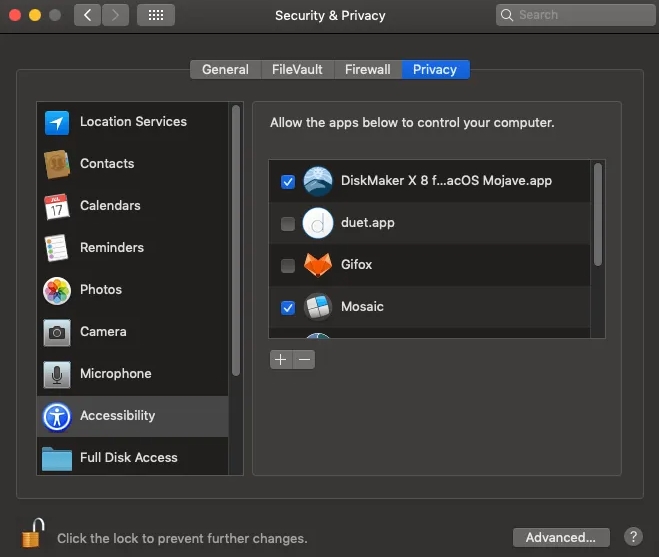
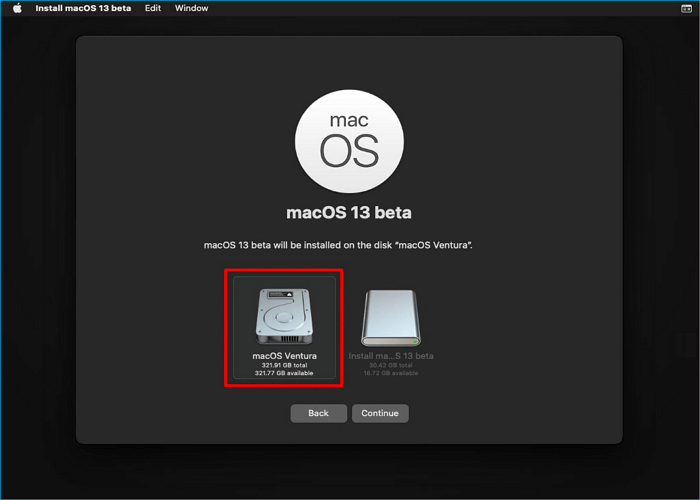
To do so restart your Mac and hold down the Option key as soon as you hear the reboot tone Then follow these steps Use the mouse pointer or the arrow keys on your keyboard to select the disk
Option 1 Factory Reset Your Mac Option 2 Wipe and Reinstall macOS from Scratch Enjoy Your Squeaky Clean Mac Key Takeaways To wipe a modern Mac with Apple Silicon or T2 Security Chip open System Settings General Transfer or Reset and click Erase All Content and Settings to open the Erase Assistant Igor Degtiarenko Writer and blogger at MacPaw curious just about everything Before we start Your hard drive is the home for the new macOS So you might need a tool that searches for errors and any unwanted items on your disk Here s a tip for you Download a free version of CleanMyMac X
The basic steps System backup and cleanup Download the installer Write the installer onto the USB Erase current macOS Install the macOS from USB The initial system checkup If your Mac is not compatible with Monterey it will tell right away But for simplicity your MacBook should be at least from 2015 and younger