Chromestandalonesetup64 Filehorse chrome 360 chrome 360 Chrome chrome 360 Chrome By default the Google Chrome browser can currently only be downloaded and installed while connected to the Internet The small file you download will start the installer which will then go to the Internet to download the rest of the Google Chrome files
The Browser by Google Features Safety Support Chrome is the official web browser from Google built to be fast secure and customizable Download now and make it yours Good news for Google Chrome users Google Chrome team has released Chrome 120 6099 71 version to Stable channel for Windows Linux and Mac NOTE Early Stable builds are provided to a small percentage of Chrome users Google automatically selects a few Chrome users and provides Early Stable builds to them Remaining Chrome users receive the same stable build one week later
Chrome bat Chrome 2021 93 0 4577 63 chrome 360 V103 0 5060 114 How To Download And Install Google Chrome Using Offline Or Standalone Installer TechInfra
Chromestandalonesetup64 Filehorse
 Chromestandalonesetup64 Filehorse
https://so1.360tres.com/t0160024c5a9ebc85e9.png
Google Chrome standalone installer for a single user account The second installer will install Google Chrome for all user accounts on your PC so everyone who uses your PC along with you will be able to launch the application Note this does not mean that everyone will see your browsing history bookmarks or saved passwords
Templates are pre-designed documents or files that can be used for various purposes. They can conserve time and effort by offering a ready-made format and design for producing various sort of material. Templates can be utilized for individual or professional jobs, such as resumes, invites, flyers, newsletters, reports, presentations, and more.
Chromestandalonesetup64 Filehorse

Google Chrome V94 0 4606 54


bat
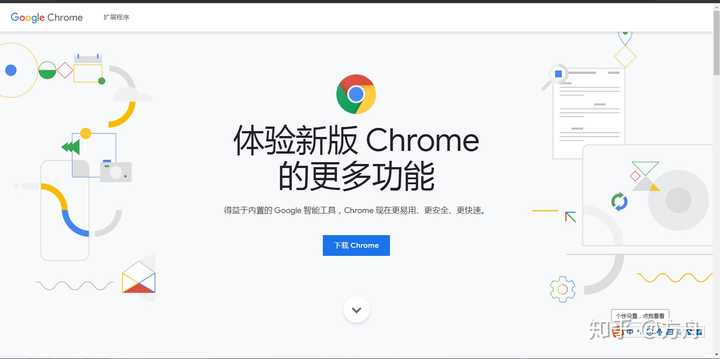

2021 93 0 4577 63

chrome 360
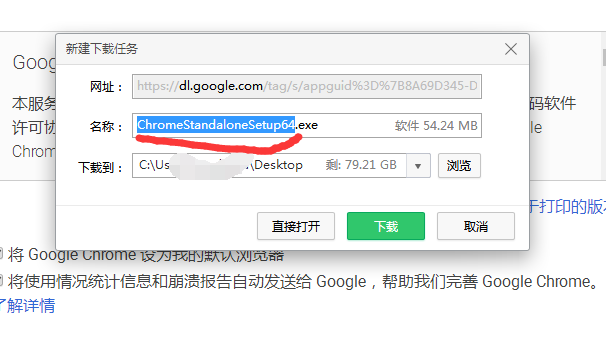
To download 32 bit version do as following 1 Copy the download link of offline installer s EXE file 2 It contains ChromeStandaloneSetup64 exe at the end of the URL Remove the 64 number from the end of the URL so that the new URL contains ChromeStandaloneSetup exe at the end 3
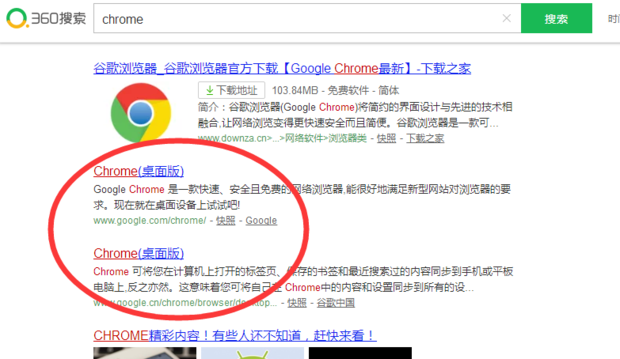
Download install Google Chrome Make Chrome your default browser Google Chrome is a fast web browser available at no charge Before you download you can check if Chrome supports your operating system and you have all the other system requirements How to ins
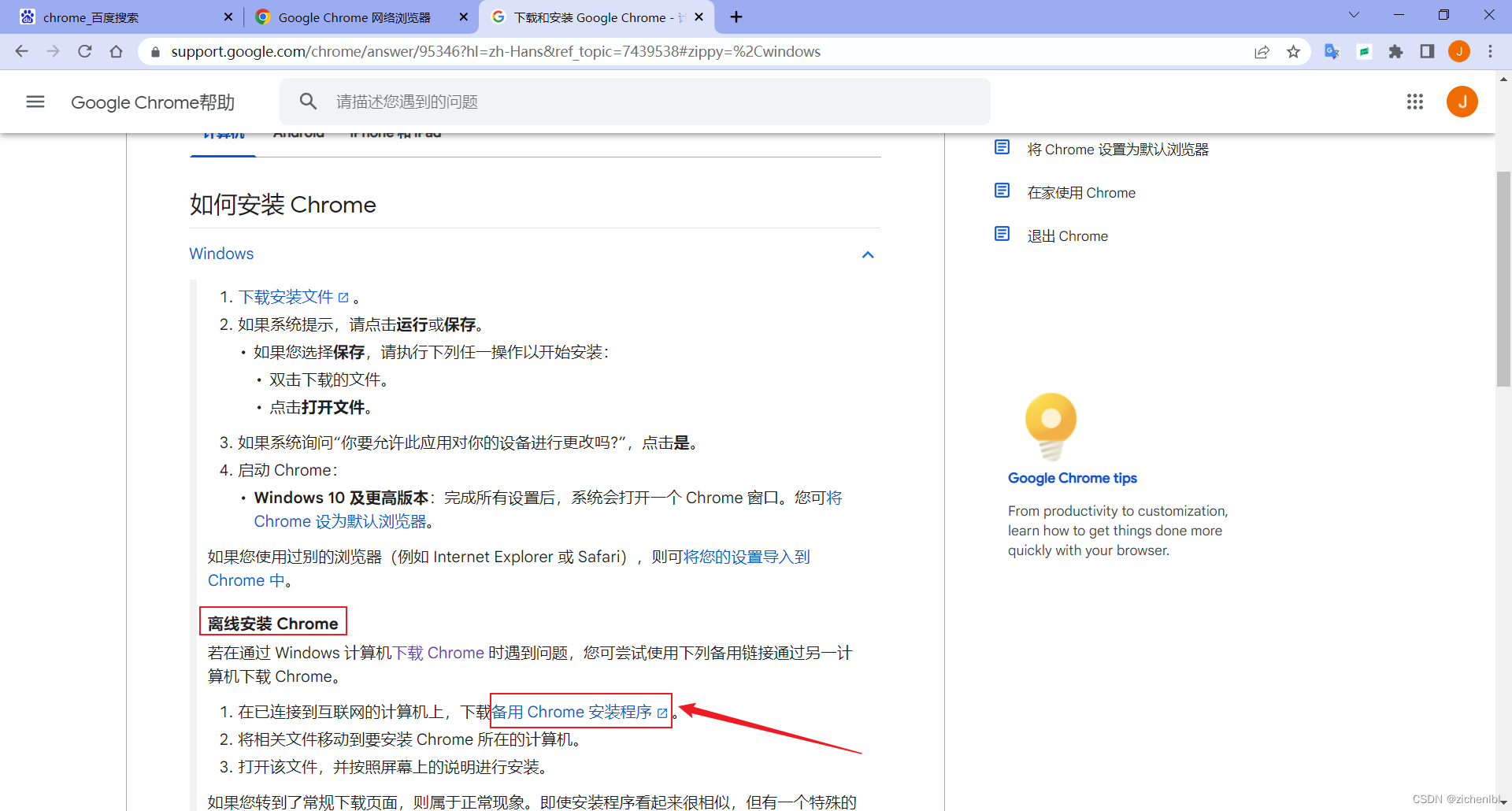
Chrome Offline Installer Double click on the ChromeStandaloneSetup64 exe executable to install the browser Once Chrome is installed and connected to the Internet you should then click on the
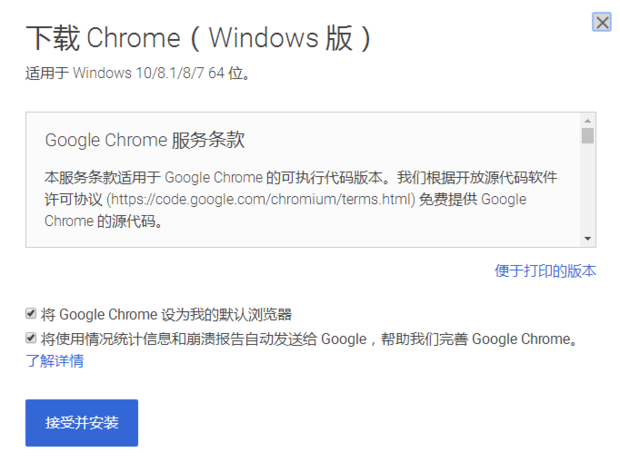
Download Google Chrome Offline Installers 64 bit 32 bit Stable Beta Canary To install Google Chrome on your computer you will need to download an initial 2 MB installer file This file will facilitate the download of the main Chrome setup when executed on your computer The process can vary slightly depending on your system s
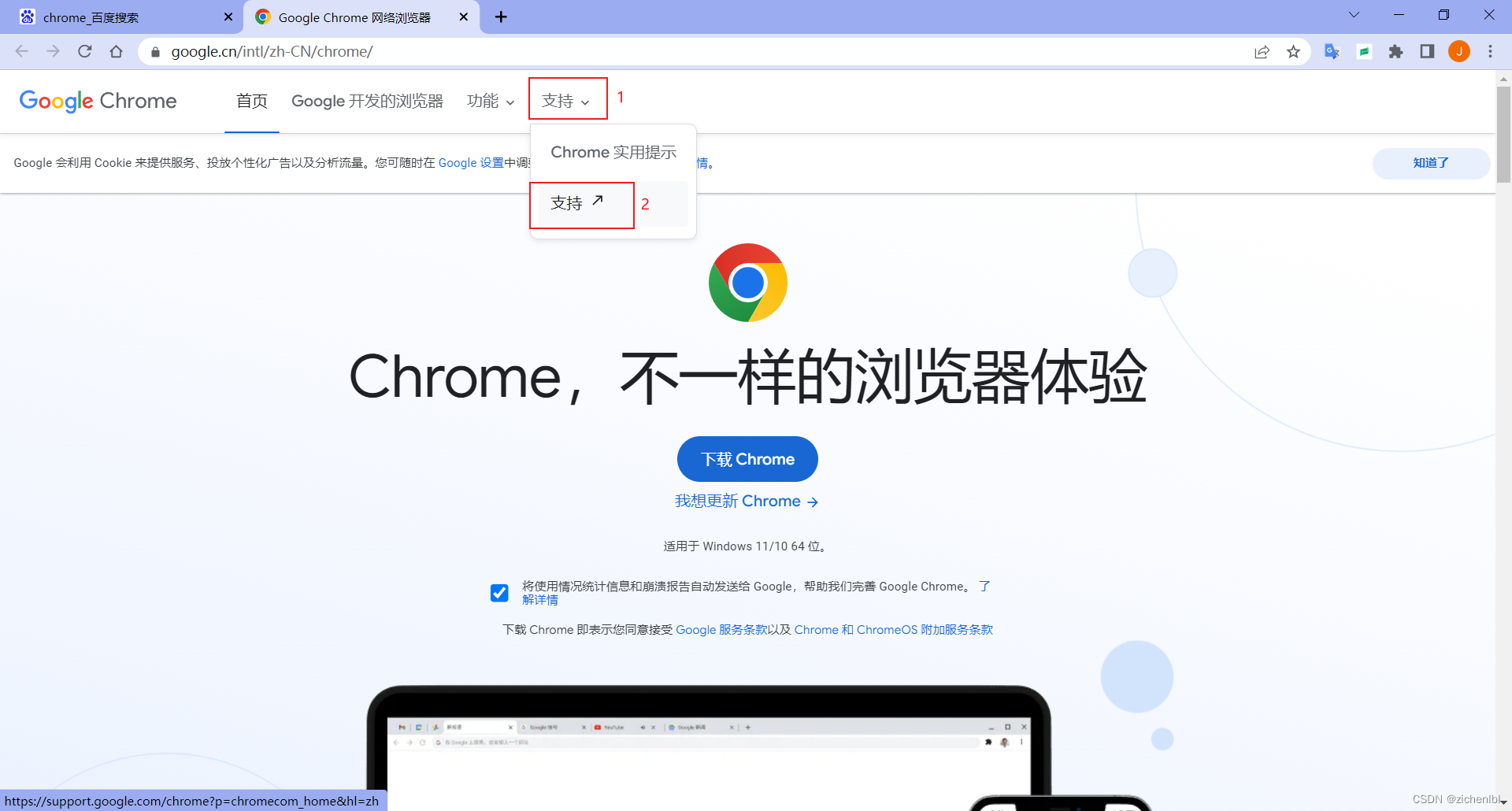
Get more done with the new Google Chrome A more simple secure and faster web browser than ever with Google s smarts built in Download now
This help content information General Help Center experience Search Clear search Click on Save to save the Installer File and then click on Open Folder This will take you to the Downloads folder where the file is saved ChromeStandaloneSetup64 exe file downloaded Now double click the file to start the Installation process of Google Chrome After the Installation is completed Google Chrome will be launched automatically
Even though ChromeStandaloneSetup64 valid Copy latest version exe valid exe came with a Zone Identifier Alternate Data Stream ADS unlike the broken exe the resulting exe coming out the broken exe lacking ADS it ran perfectly fine in the VM Regarding ADS I downloaded the same valid Chrome exe twice 87 4280 66 64 bits and I noticed