Chrome Won T Open Pdf How To Fix Microsoft Edge Won t Open PDF Files YouTube How To Fix Google Chrome Won t Open Problem YouTube How To Fix Google Chrome Won t Open Load Problem Tutorial YouTube Fix Google Chrome Not Opening On Windows 10 11 8 1 7 How To Fix Google Chrome Won t Open Load Problem Really Quickly YouTube Web Jun 28 2018 nbsp 0183 32 Step 1 Open the Chrome menu and then click Settings Step 2 Scroll down and then click Advanced Step 3 Under the Privacy and Security section click Content Settings Step 4 Scroll down
Web May 16 2022 nbsp 0183 32 Choose Settings gt Advanced gt Privacy and security Select Site Settings gt PDF documents Use the toggle switch next to Download PDF files instead of automatically opening them in Chrome to turn the feature on and off This article explains how to enable or disable the Chrome PDF viewer Web If you have trouble opening a PDF file online with Chrome you may need to adjust some settings or update your browser Find out how to solve this common issue and access PDF documents easily from this support thread
How To Fix Google Chrome Won t Open Load Problem Really Quickly YouTube Google Chrome Won t Open In Windows 10 11 How To Fix Google Chrome Won t Open In Windows 10 Computer Topic Fix Chrome Not Opening On Windows 11 Fix Google Chrome Wont Open How To Fix Google Chrome Won t Open On Windows 10 Internet Resources Chrome Won t Open How To Fix Valibyte Chrome Won t Open Try These Fixes 2023 Updated Chrome Won t Open In Windows 11 FIX YouTube Google Chrome Won t Open Fix Chrome Not Opening With 7 Tips
Chrome Won T Open Pdf
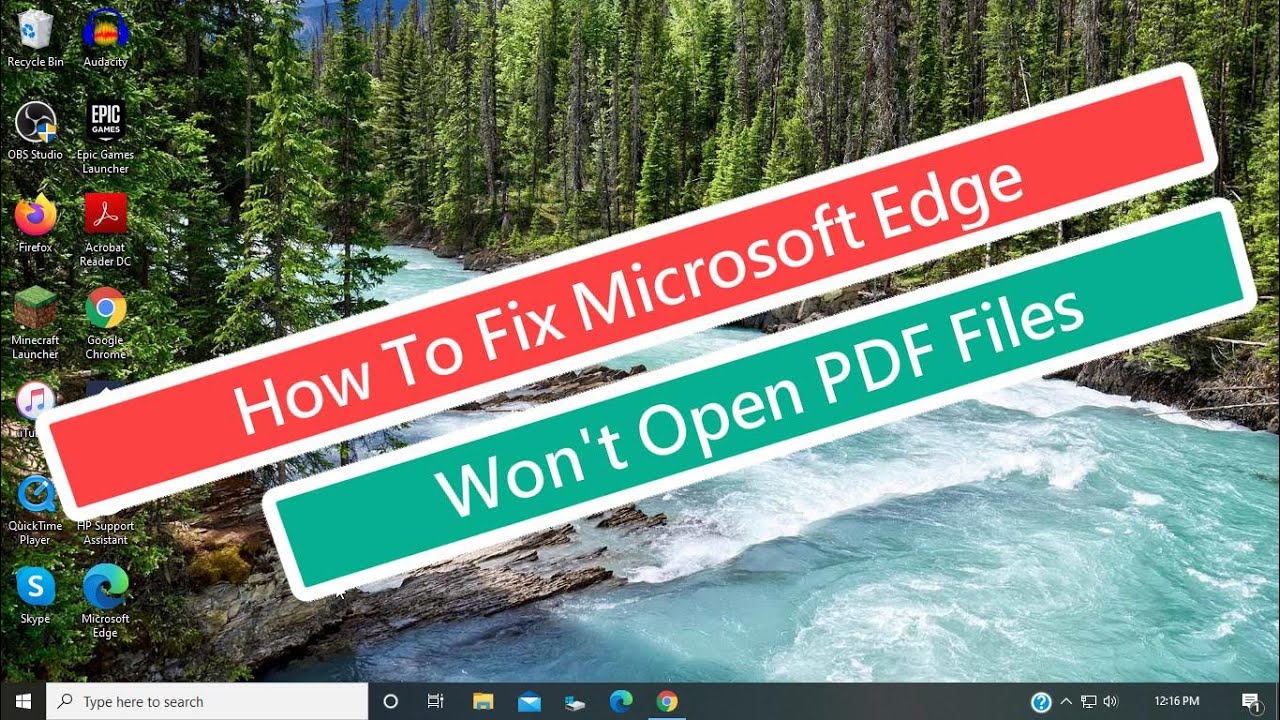 Chrome Won T Open Pdf
https://i.ytimg.com/vi/vsbKToP9Pnc/maxresdefault.jpg
Web This help content amp information General Help Center experience Search Clear search
Templates are pre-designed documents or files that can be utilized for various purposes. They can conserve effort and time by offering a ready-made format and design for developing various kinds of material. Templates can be used for personal or expert tasks, such as resumes, invitations, flyers, newsletters, reports, presentations, and more.
Chrome Won T Open Pdf

Google Chrome Won t Open 3 Ways To Fix YouTube
Google Chrome Won t Open In Windows 10 11

How To Fix Google Chrome Won t Open In Windows 10 Computer Topic

Fix Chrome Not Opening On Windows 11 Fix Google Chrome Wont Open
Chrome Won t Open How To Fix Valibyte
Chrome Won t Open Try These Fixes 2023 Updated

Web Jun 20 2023 nbsp 0183 32 Fix PDF Not Opening In Chrome Error Methods To Fix Pdf Won t Open In Chrome Error 1 PDFs Not Opening In Chrome Try Relaunching 2 Try To View In Incognito Mode 3 Reset Chrome Browser 4 Update Your Chrome Browser 5 Clear Cookies In Chrome 6 Hardware Acceleration In Chrome 7 Clean Up Computer From

Web Aug 31 2023 nbsp 0183 32 Click on Settings Click on Privacy and Security Click Site Settings Click on Additional Content Settings Click PDF Documents Make sure to click the button for Open PDFs in Chrome Try
Web May 29 2022 nbsp 0183 32 Method 1 How to Fix PDF Document Not Opening or Crashing in Chrome Browser Using Settings Method 2 Turn Off Make searches and browsing better option Method 3 Disable Ask where to save each file before downloading Method 4 Disable hardware acceleration in Chrome

Web Sep 14 2023 nbsp 0183 32 Why Won t PDF Open in Chrome How to Fix PDF Not Opening in Chrome Fix 1 Turn off Download PDFs Fix 2 Check Internet Connection Fix 3 Try Incognito Mode Fix 4 Update Google Chrome Fix 5 Clean Caches and Cookies Fix 6 Reset Settings Fix 7 Try Clean up computer Function Fix 8 Turn off Hardware Acceleration

Web Jun 1 2023 nbsp 0183 32 1 Click the three dot menu in Chrome 2 Go to Settings gt Privacy and security gt Site settings 3 Scroll down to the Content section and then click Additional content settings
Web Jan 18 2023 nbsp 0183 32 PDFs Won t Open in Chrome If you ve tried opening PDFs with Chrome using the previous method to no avail the problem may lie with your Chrome There are a couple of fixes that can remedy Web Restart your computer Next Troubleshoot Chrome crash problems Check for malware Open the page in another browser Fix network issues and report website problems Fix problem apps Windows
Web Apr 27 2023 nbsp 0183 32 It is very likely that the PDF not opening in Chrome issue occurs because there are some glitches or bugs with the PDF file You just need to exit Google Chrome and then launch the browser again to get these glitches resolved